Retro
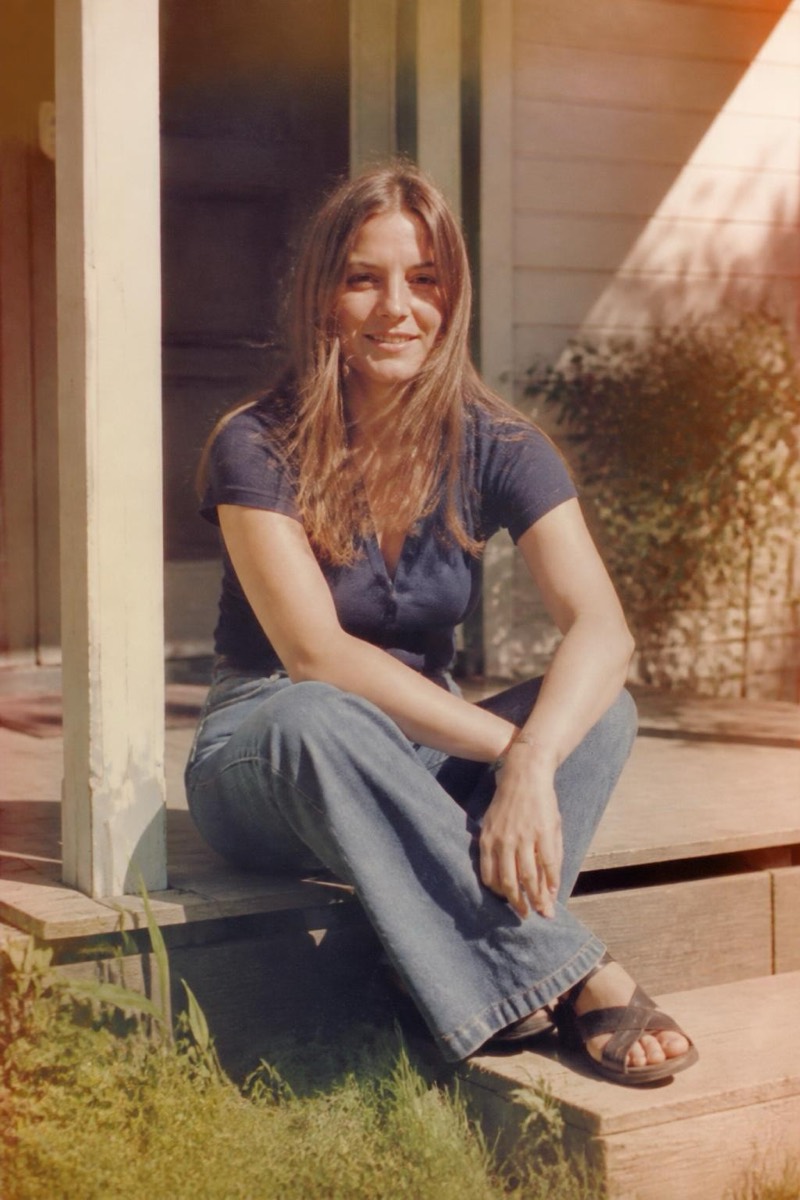
Faded Snapshot — AI Retro filter
Old faded family snapshot.
The faded family snapshot: colors sun-bleached toward amber, corners soft, the specific decay of a print that lived on a refrigerator for twenty years. This filter ages your photo into that loved-object condition — not damaged, just thoroughly kept. It's the retro look with the strongest emotional pull; new photos of your own family in this treatment produce a strange, sweet time-loop.
How to use it
- 1.
Get Editable
Download Editable (free) from the App Store and open the Explore tab.
- 2.
Pick the Faded Snapshot filter
Find Faded Snapshot under Retro and tap Try.
- 3.
Choose a photo
Pick a photo from your library — the edit runs automatically and is ready in seconds.
Tip: Domestic scenes — kitchens, gardens, couches — complete the family-album fiction.