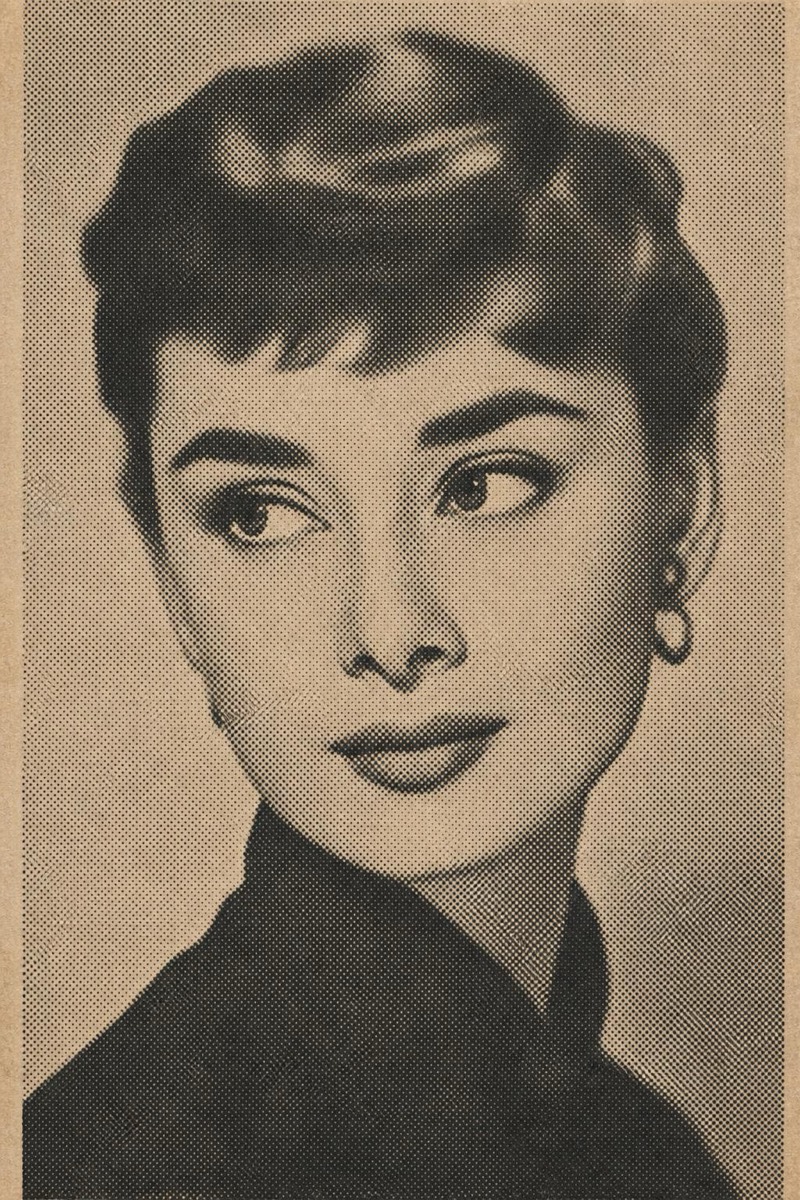
Retro
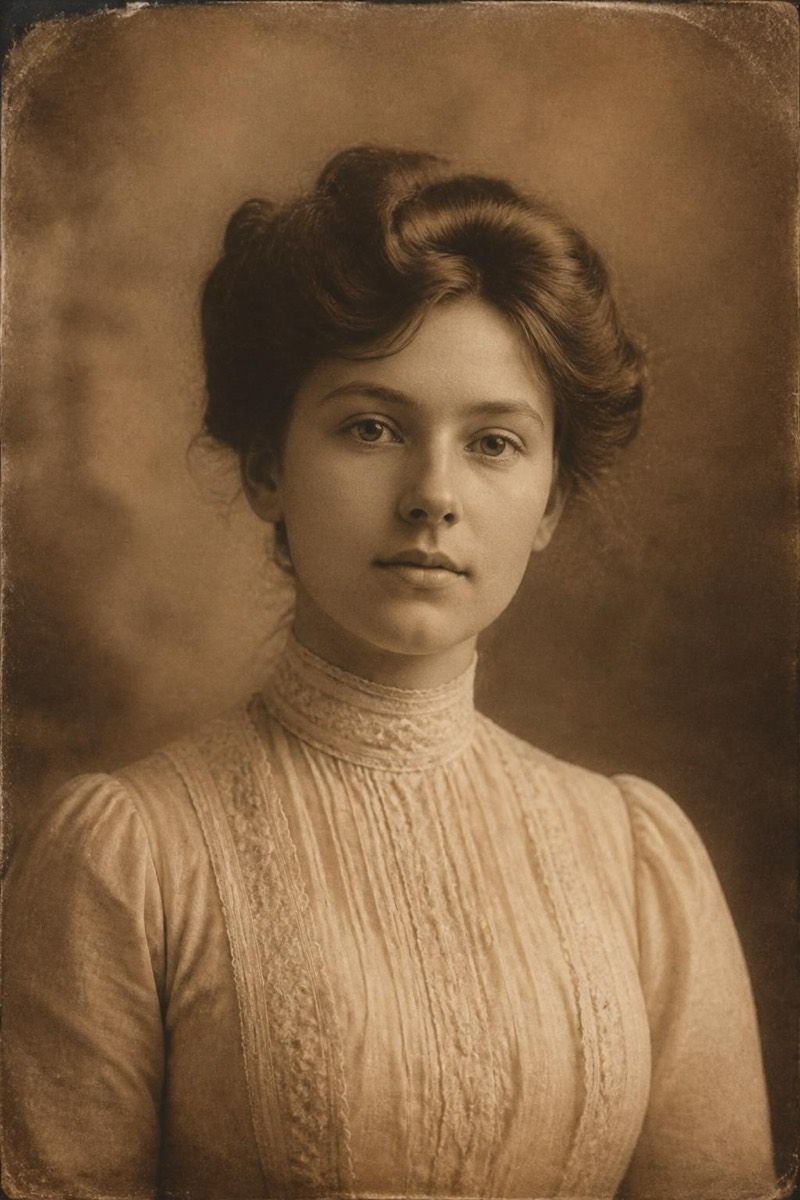
Sepia — AI Retro filter
Antique sepia photograph.
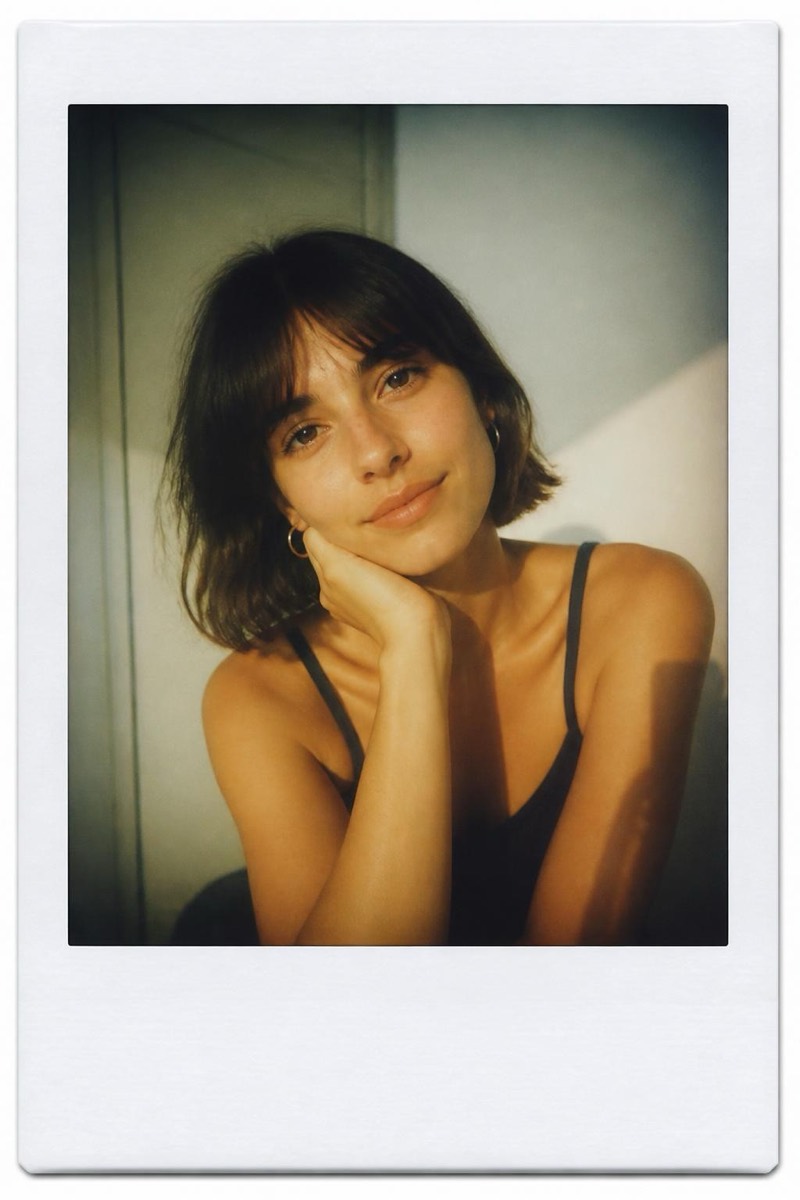
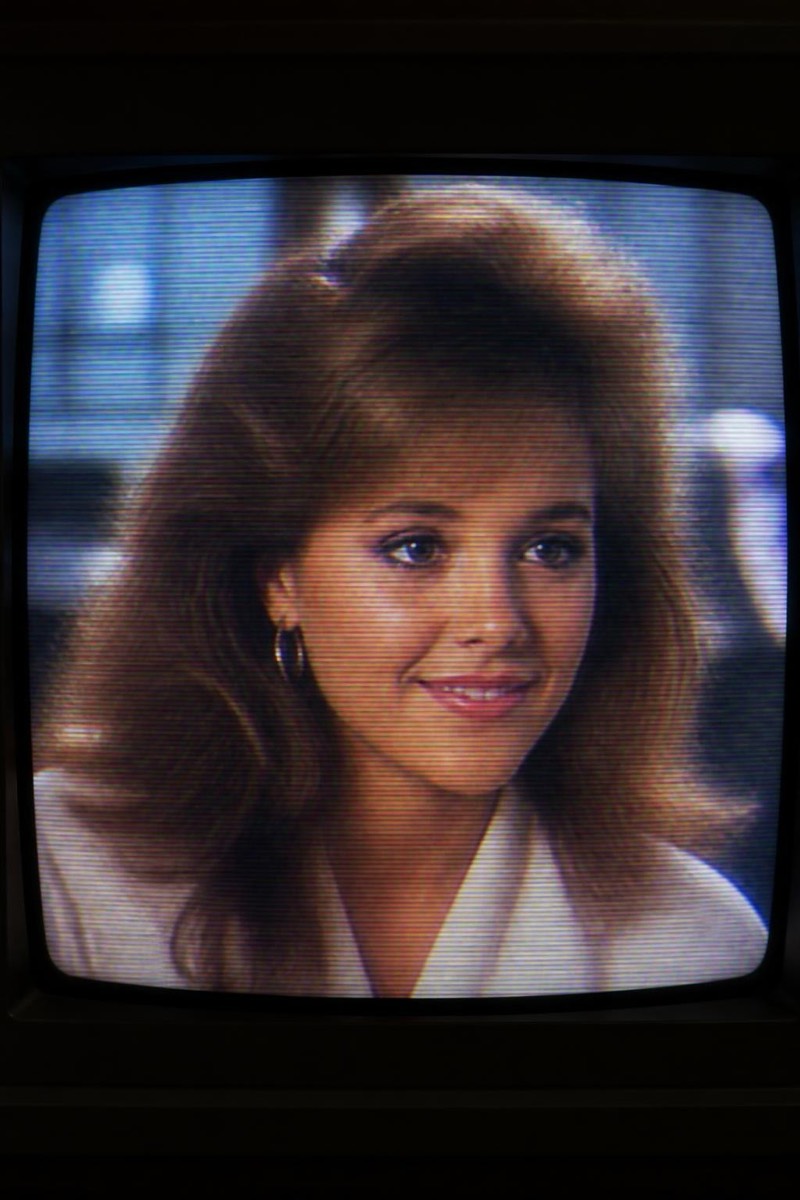
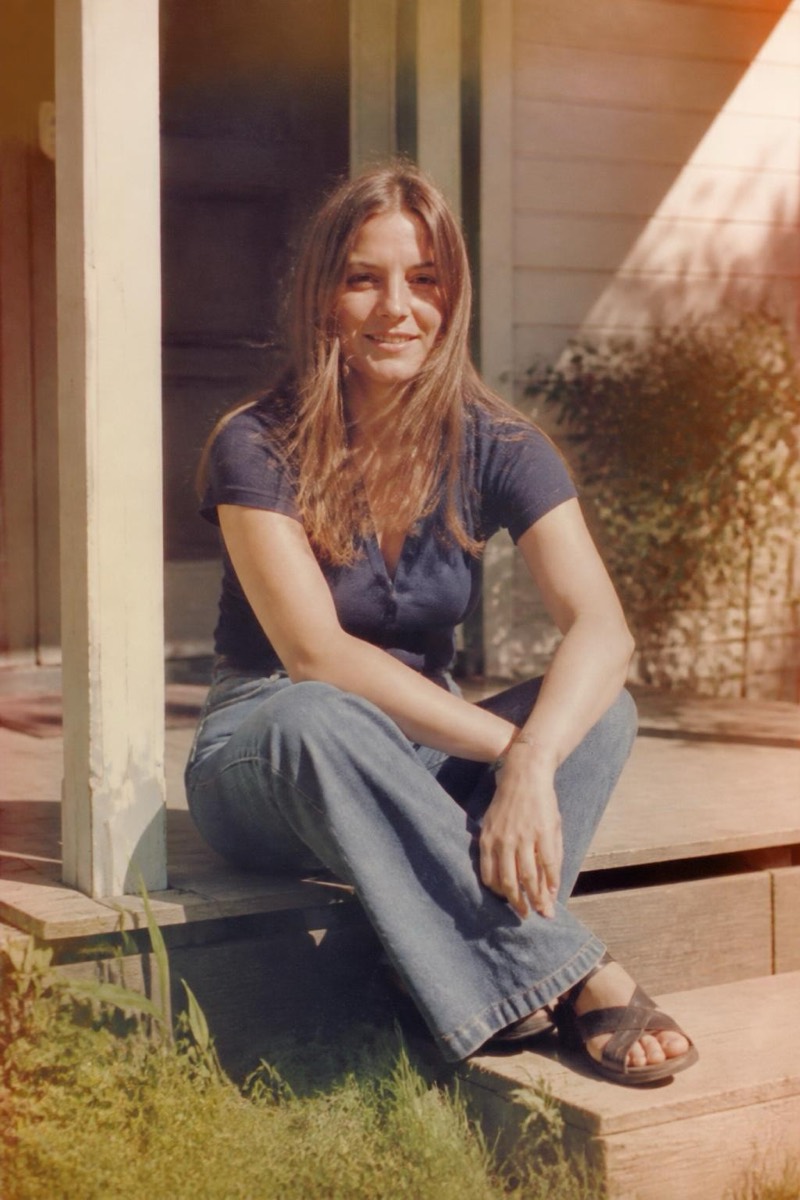
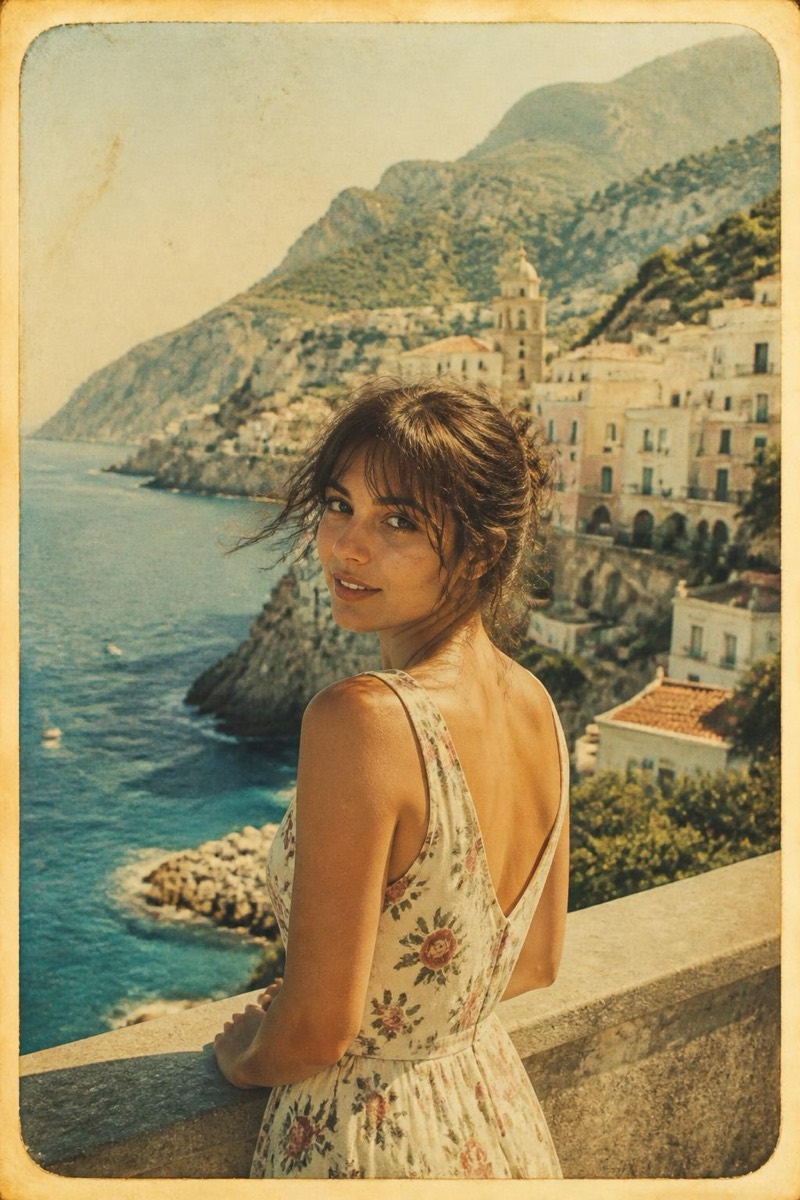
Antique sepia: the warm brown chemistry of photography's first century, when portraits were events and copies didn't exist. This filter converts your photo into that aged register — ivory highlights, tobacco shadows, a softness that implies glass plates and long exposures. It's the deepest time-shift in the retro set; results look less like filtered photos and more like inherited ones.
How to use it
- 1.
Get Editable
Download Editable (free) from the App Store and open the Explore tab.
- 2.
Pick the Sepia filter
Find Sepia under Retro and tap Try.
- 3.
Choose a photo
Pick a photo from your library — the edit runs automatically and is ready in seconds.
Tip: Formal poses lean into the era — nobody smiled in 1890, but you're allowed.
More Retro filters