Retro
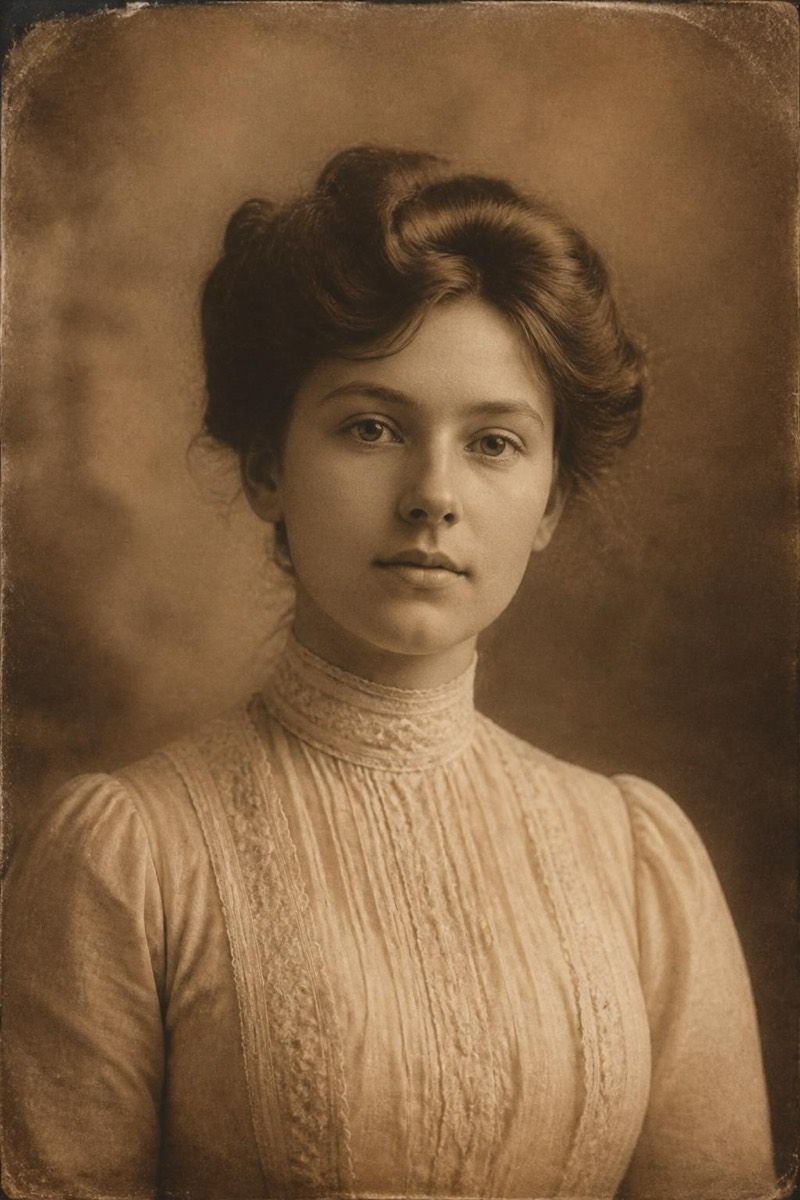
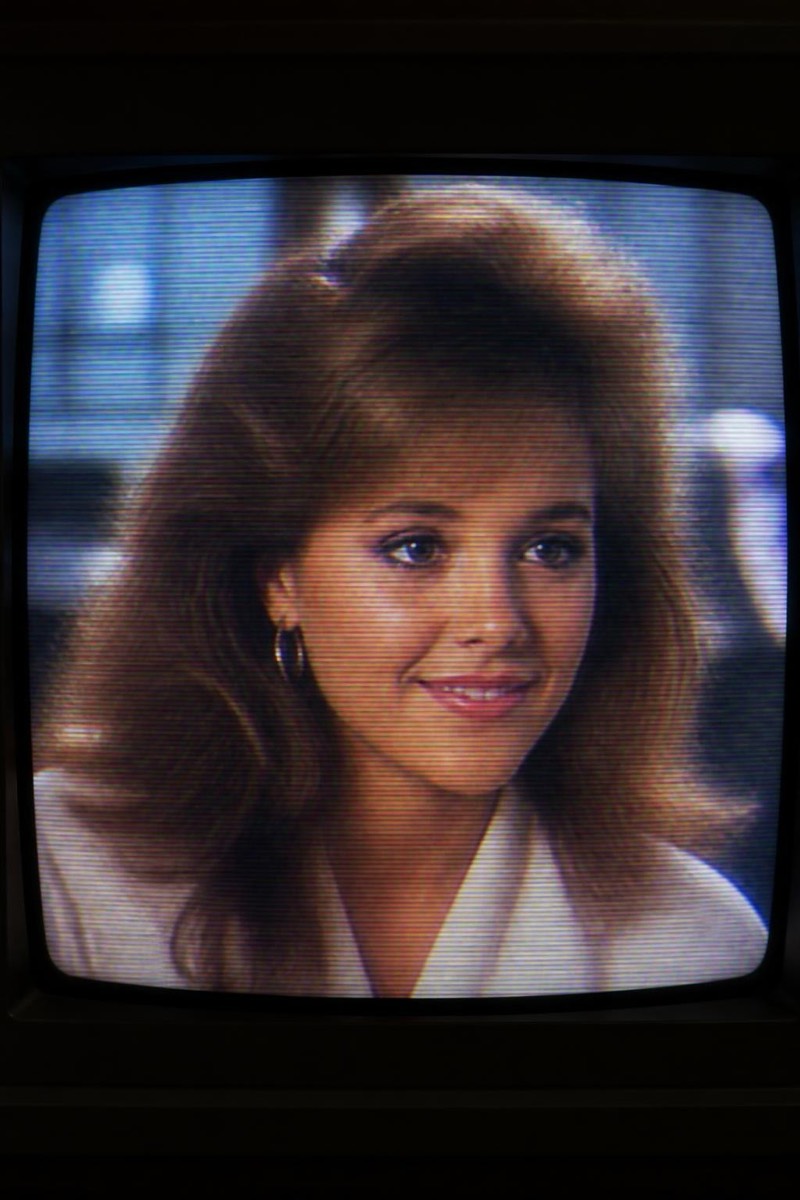
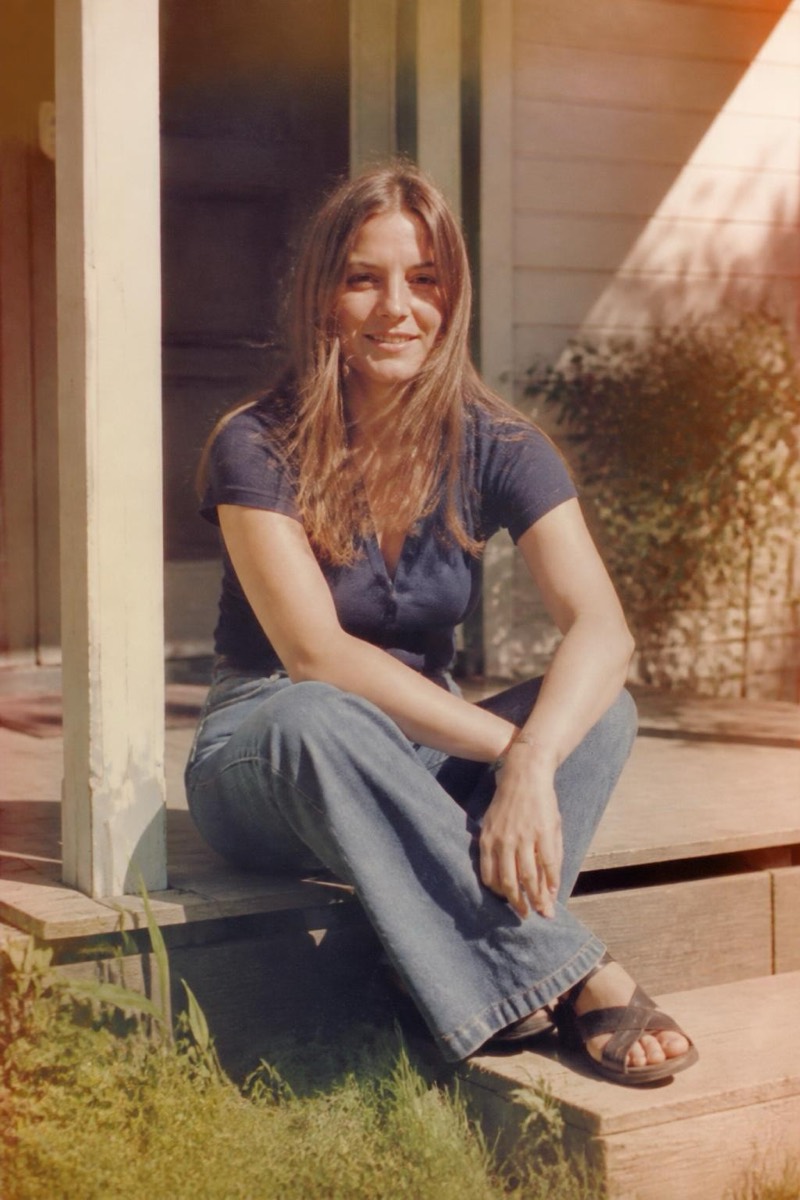
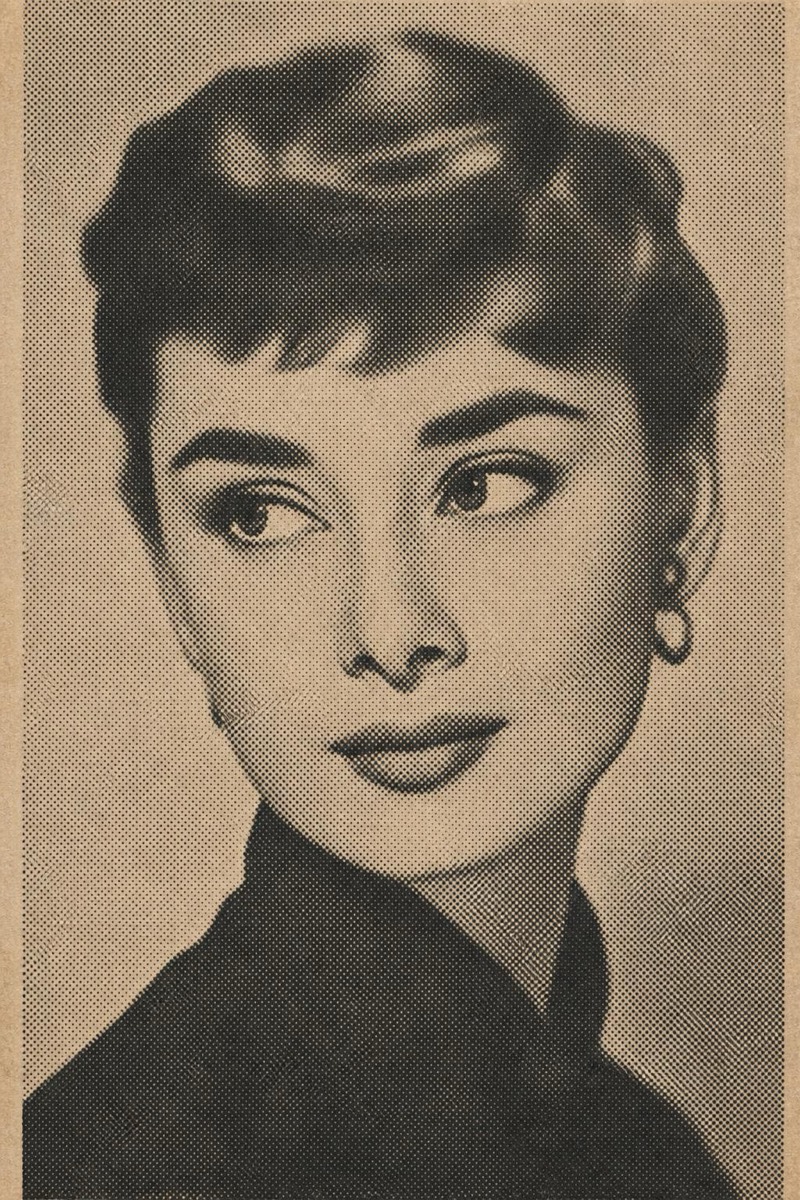
Instant Frame — AI Retro filter
White-frame instant photo.
The white-framed instant photo: small image, big border, room for a caption at the bottom — the most recognizable photographic object of the analog era. This filter wraps your photo in that instant-print body with the details that sell it: slightly faded chemistry, soft focus falloff, borders imperfect in the way real prints are. Digital photos gain physicality; they stop looking like files and start looking like keepsakes.

How to use it
- 1.
Get Editable
Download Editable (free) from the App Store and open the Explore tab.
- 2.
Pick the Instant Frame filter
Find Instant Frame under Retro and tap Try.
- 3.
Choose a photo
Pick a photo from your library — the edit runs automatically and is ready in seconds.
Tip: Casual, spontaneous photos suit the format — instant film never met a tripod.