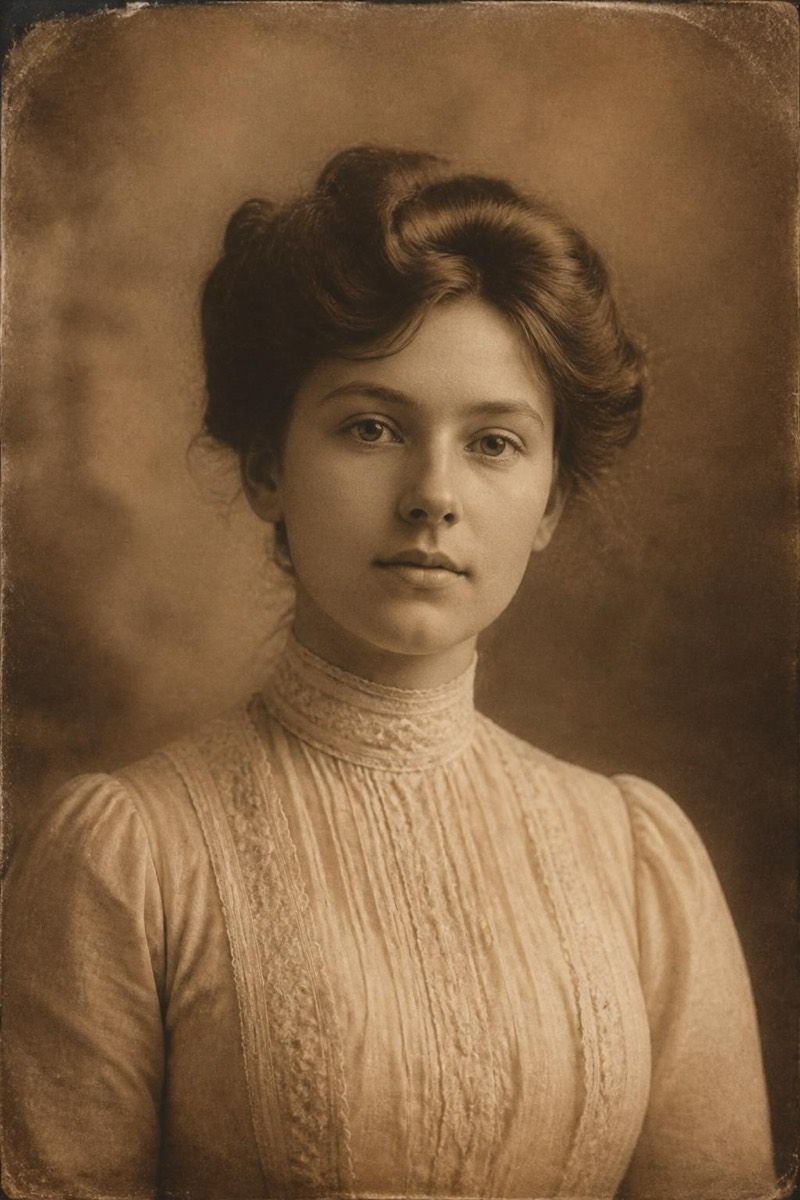
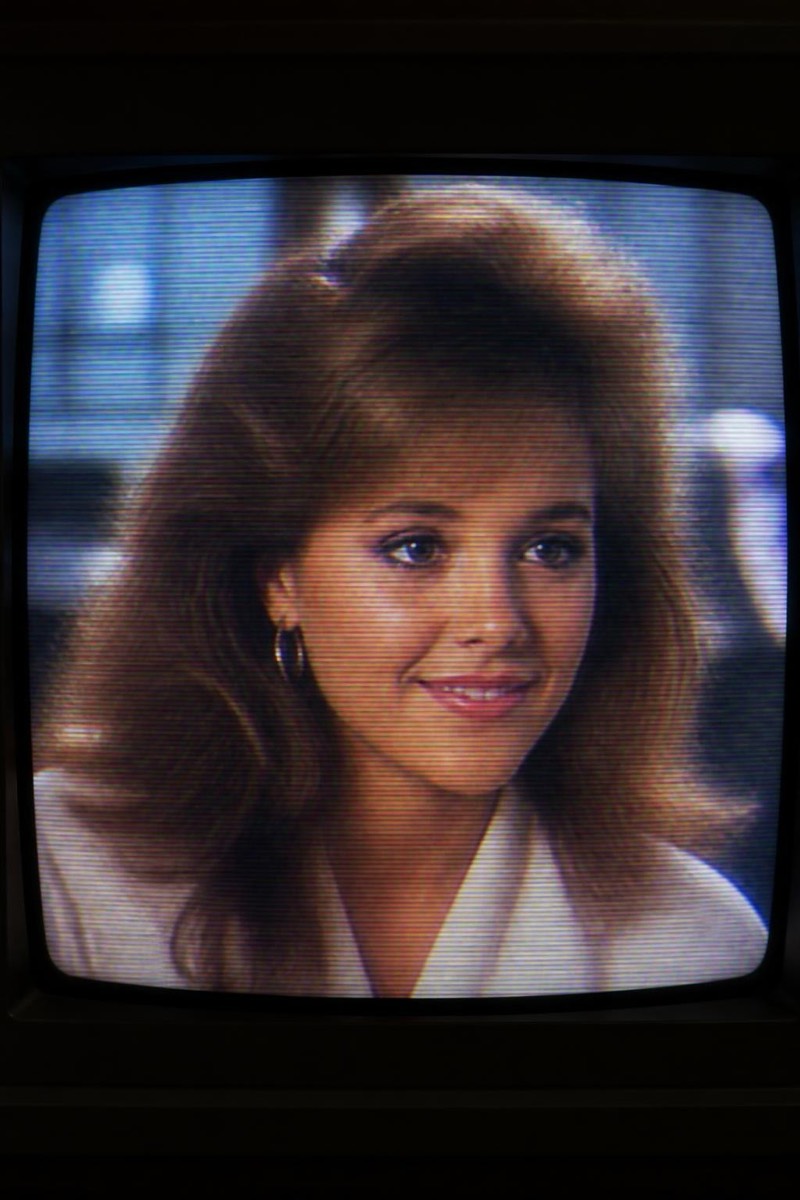
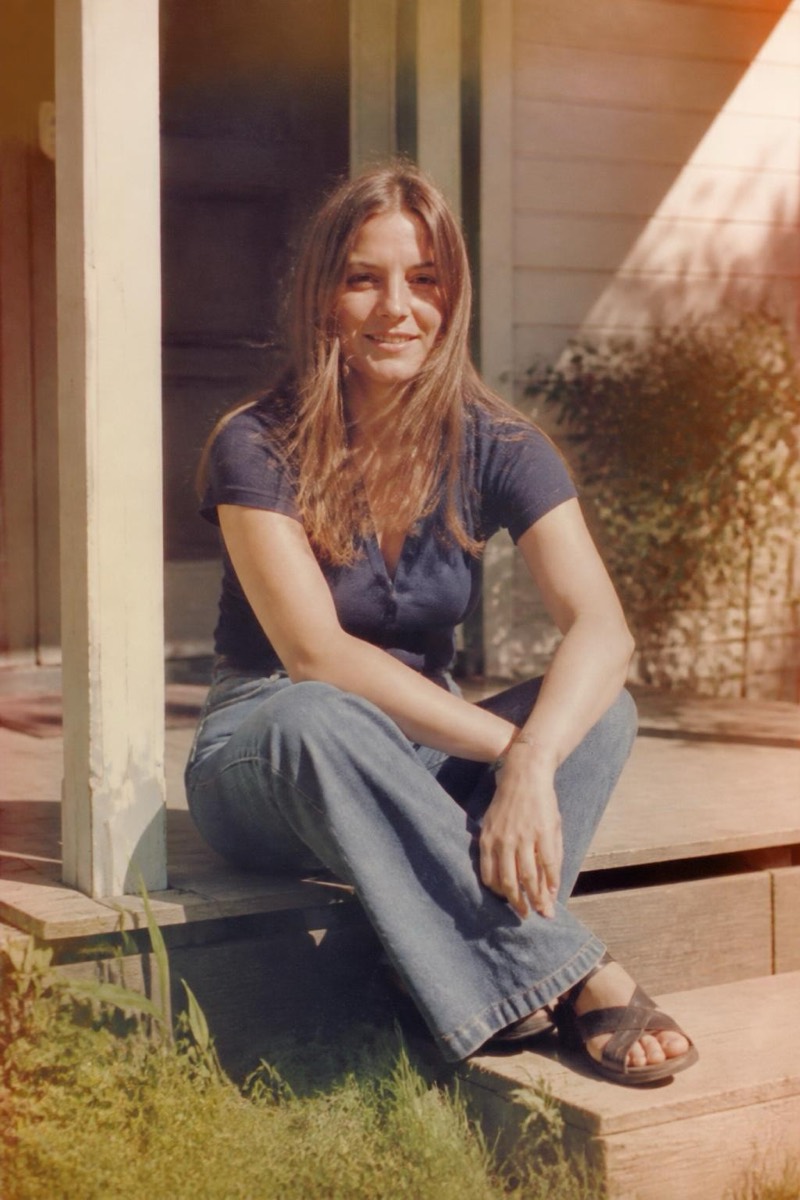
Retro
Newsprint — AI Retro filter
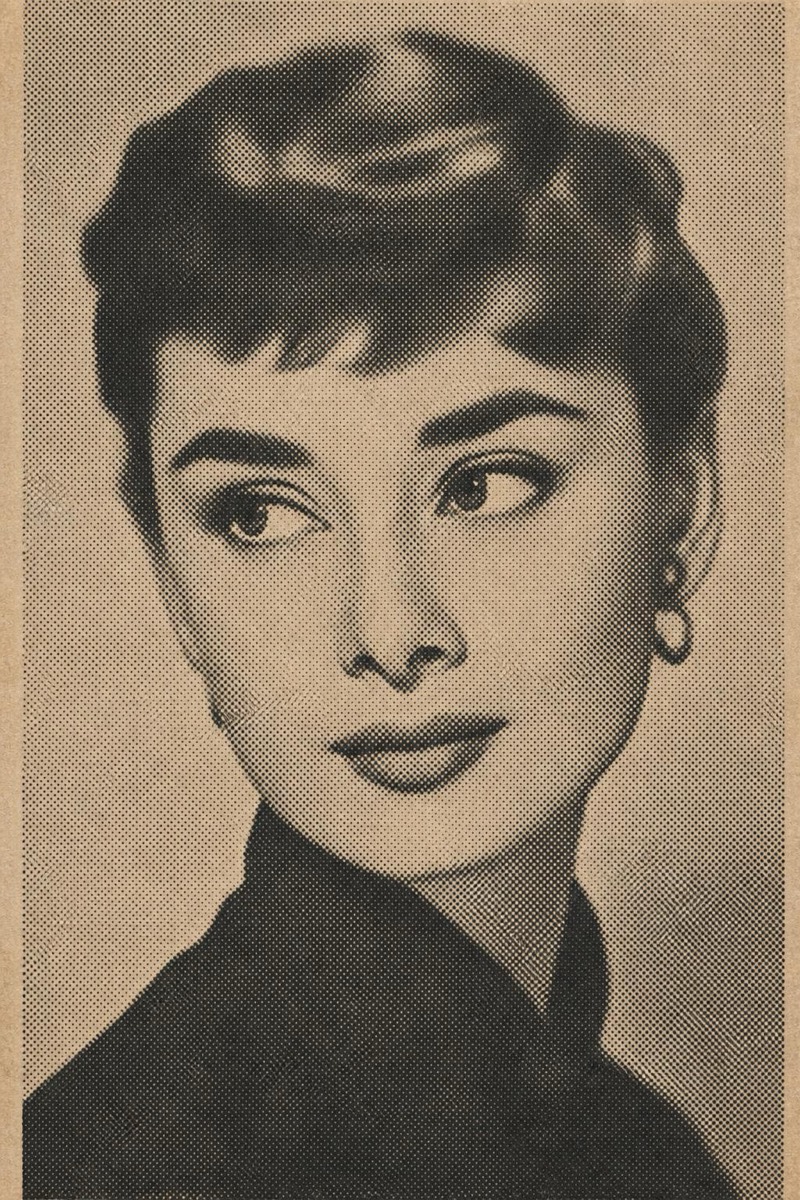
Vintage halftone newspaper.
Vintage halftone newsprint: your photo reproduced in the dot matrix of an old newspaper, ink slightly heavy, contrast set by a press operator with a deadline. This filter renders the full print-process texture — visible halftone dots, paper gray, edges gone soft with ink spread. Portraits come out looking like coverage: of what, the caption is yours to invent.
How to use it
- 1.
Get Editable
Download Editable (free) from the App Store and open the Explore tab.
- 2.
Pick the Newsprint filter
Find Newsprint under Retro and tap Try.
- 3.
Choose a photo
Pick a photo from your library — the edit runs automatically and is ready in seconds.
Tip: High-contrast source photos survive the halftone screen with the most detail.
More Retro filters