The Dating App Photo Guide: What Works, What Doesn't, How to Fix Yours
Your photos are 90% of your profile. Here's what actually performs on dating apps — backed by what the apps themselves publish — and how to upgrade the photos you already have.
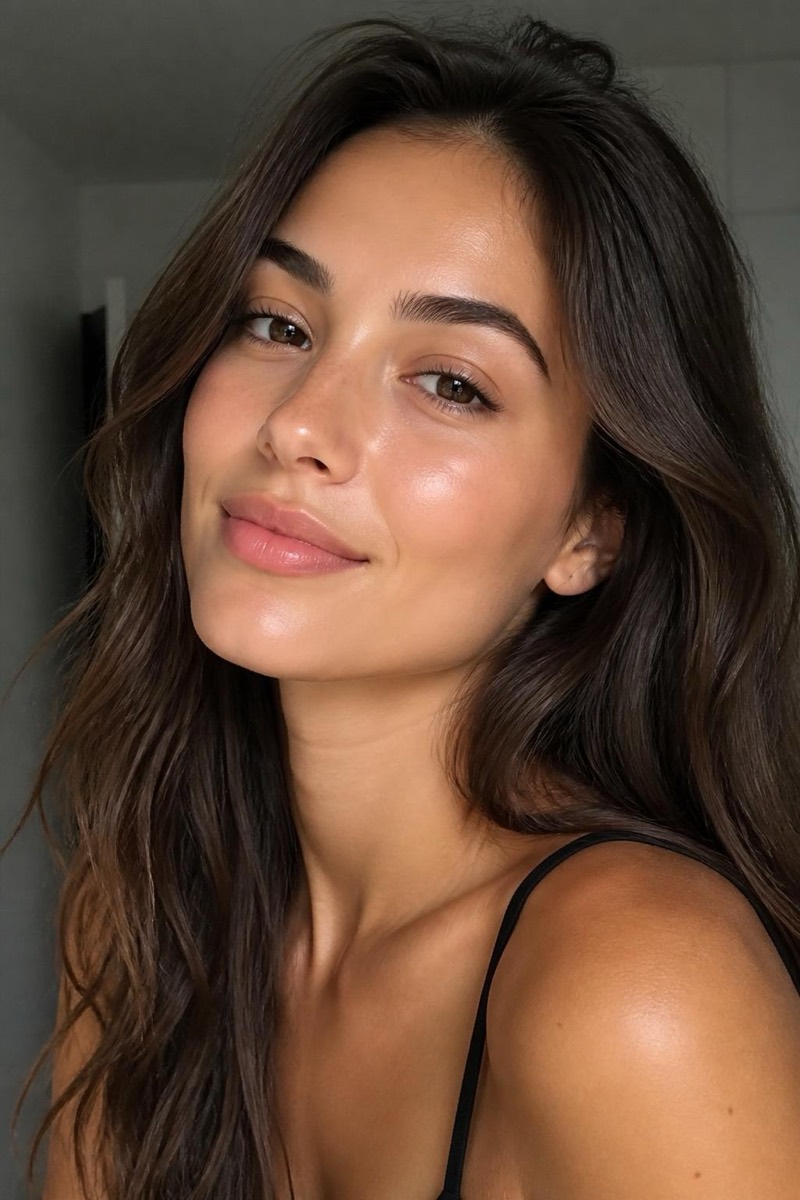
Dating apps are a photography contest that everyone enters with whatever happens to be in their camera roll. Your bio matters, your prompts matter — but every study the apps themselves publish says the same thing: photos decide overwhelmingly, and the first photo decides most of all.
The uncomfortable corollary: most people’s profiles underperform their actual faces. Not because they’re unphotogenic — because their photos are dark, blurry, cluttered, or five years old. All fixable.
The lead photo: one job, done well
Your first photo needs to answer one question instantly: what does this person clearly look like? That means:
- Face forward, well-lit, just you. No sunglasses, no group ambiguity, no fifty meters of distance.
- Sharp. App compression punishes softness — run a slightly soft favorite through Sharpen and unblur before it goes up.
- Warm light. Photos in golden, natural light consistently outperform overhead-indoor shots. If your best photo was taken under a kitchen bulb, golden hour lighting relights it into the version taken twenty minutes before sunset.
- A background that isn’t fighting you. A cluttered room steals the frame; background blur puts the attention where it belongs.
If your best-lit photo has you at a stiff angle, a three-quarter reframe is the classic fix — it’s the angle portrait photographers pose people into on purpose.
The supporting cast
After the lead, each photo should add information:
- Full body, casual — expected, and its absence gets noticed. If every full-body shot has a photobomber, remove them.
- Doing the thing you talk about — the hike, the instrument, the kitchen. Candids outperform poses here.
- One social proof photo — you, clearly identifiable, with humans. (Never as the lead.)
- Optional wildcard — the pet, the travel shot, the royal portrait of the pet if your personality leans that way. Conversation starters earn their slot.
The edits that help — and the one that backfires
Do: fix lighting, sharpen, declutter backgrounds, and even out skin with restraint — Glow Up or natural retouching keep texture and character while removing the tired-under-fluorescents effect. These edits present the real you at your real best.
Don’t: reshape features, resurface skin to plastic, or de-age. Beyond ethics, it’s strategically self-defeating — the entire point of the profile is a meeting where you show up as the photos.
The refresh cycle
Profiles decay: haircuts change, seasons change, and apps favor fresh content. Every few months, retire the weakest photo and add a new one. The maintenance takes ten minutes now that fixing light and sharpness does too — which removes the last excuse for the 2019 photo everyone can tell is from 2019.
Frequently asked
- Is it dishonest to edit dating profile photos?
- The line most people (and most matches) draw: fixing light, sharpness and backgrounds is presentation — the same as choosing your best photos. Changing your face, body or apparent age is misrepresentation, and it guarantees the worst possible reveal: in person. Edit the photo, not yourself.
- How many photos should a profile have?
- Four to six. One clear face-forward lead, one full-body, one doing something you love, one social or candid. Fewer than three reads as hiding; more than six dilutes.
- Do professional photos help or hurt?
- Polished-but-natural wins. An obvious studio shoot can read as trying too hard; a well-lit, sharp casual photo reads as 'this person has their life together'. The sweet spot is exactly what good editing gets you: your real life, presented well.
- Why do my photos look worse on the app than in my library?
- Apps compress aggressively. Slightly soft photos become visibly soft; sharpen and enhance before uploading so the compression has quality to spend.
Try it on your own photo
Editable is free to start — edits take seconds, no editing skills needed.
Get Editable on the App Store