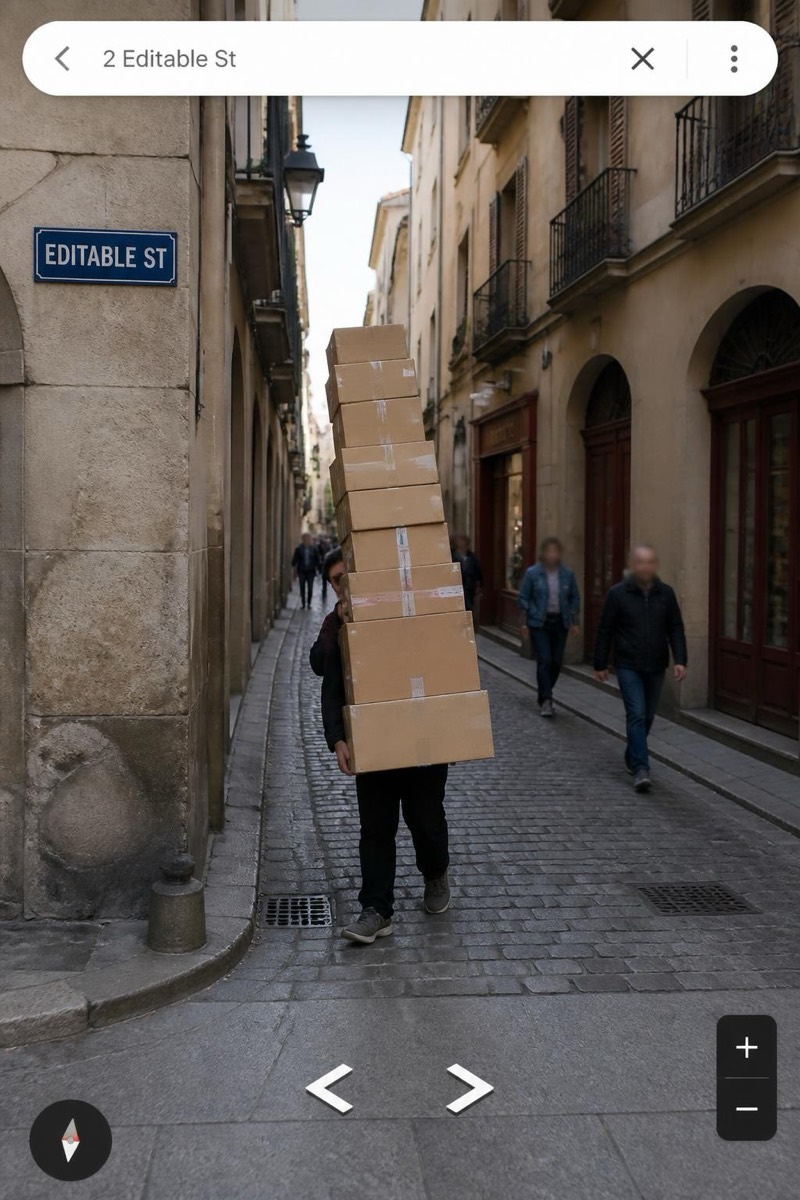
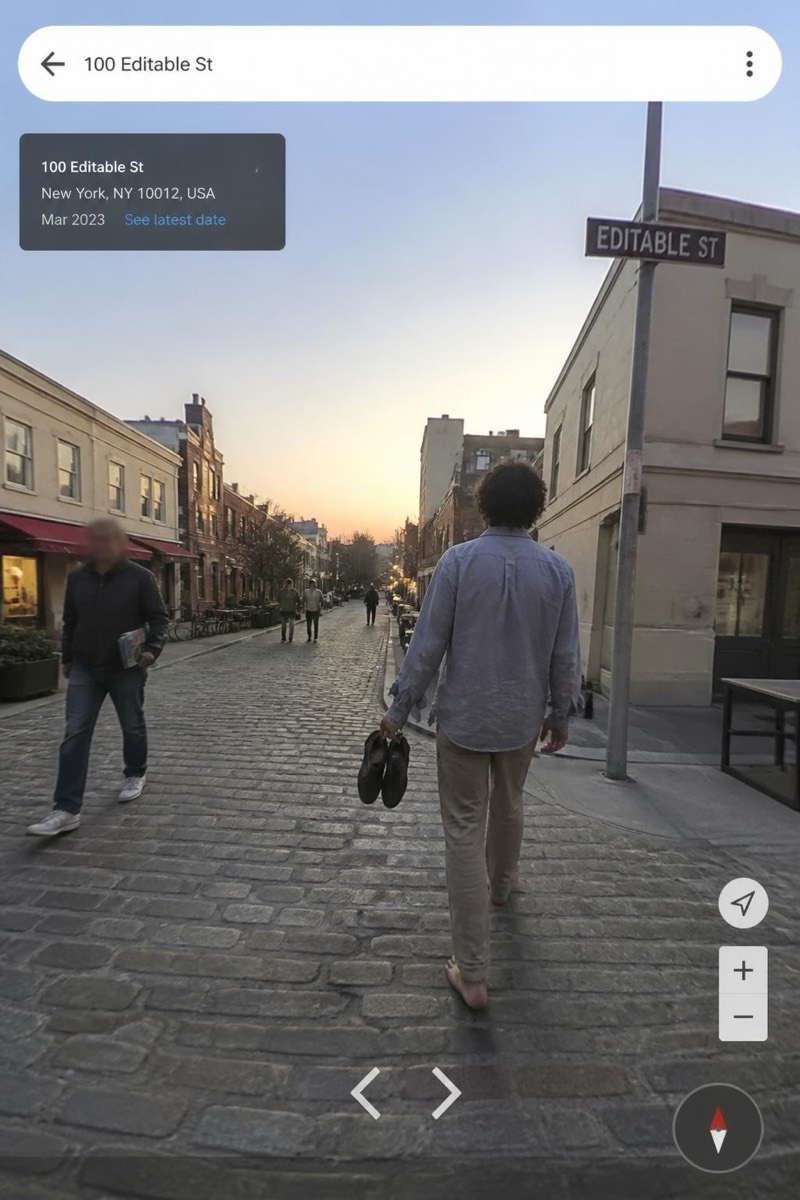
Street Cam
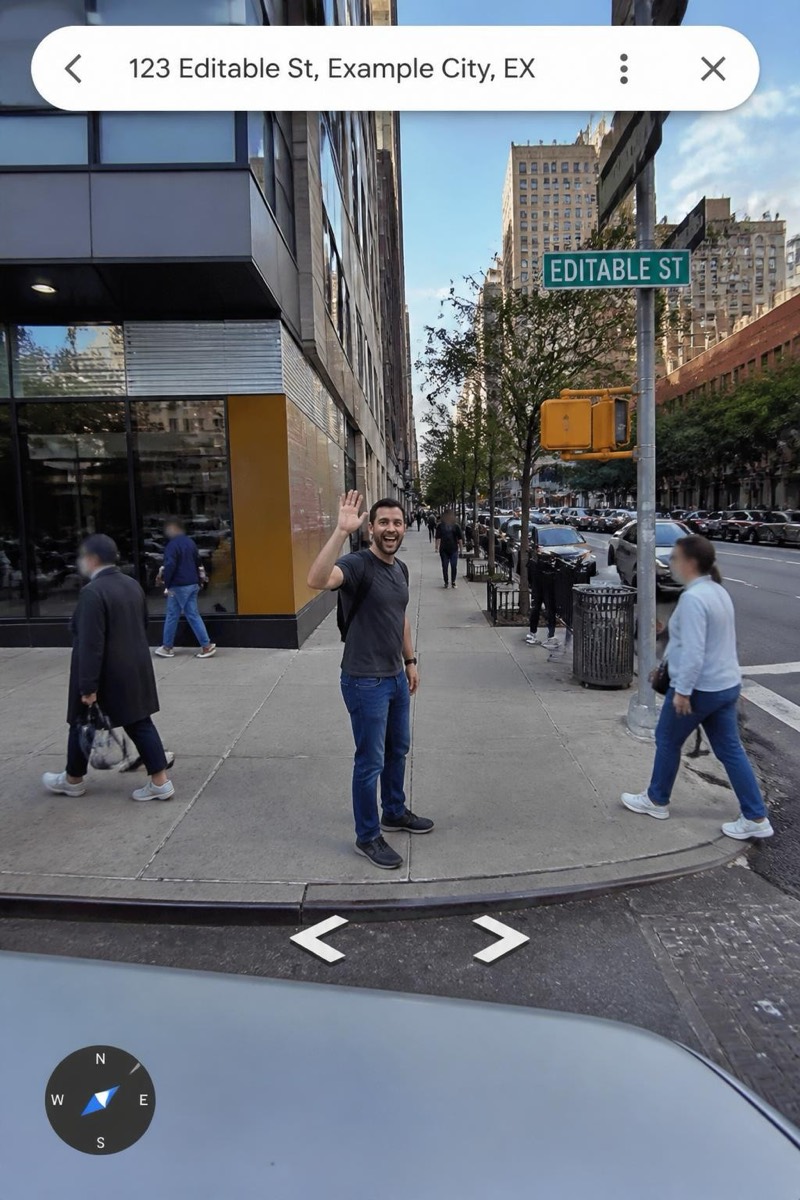
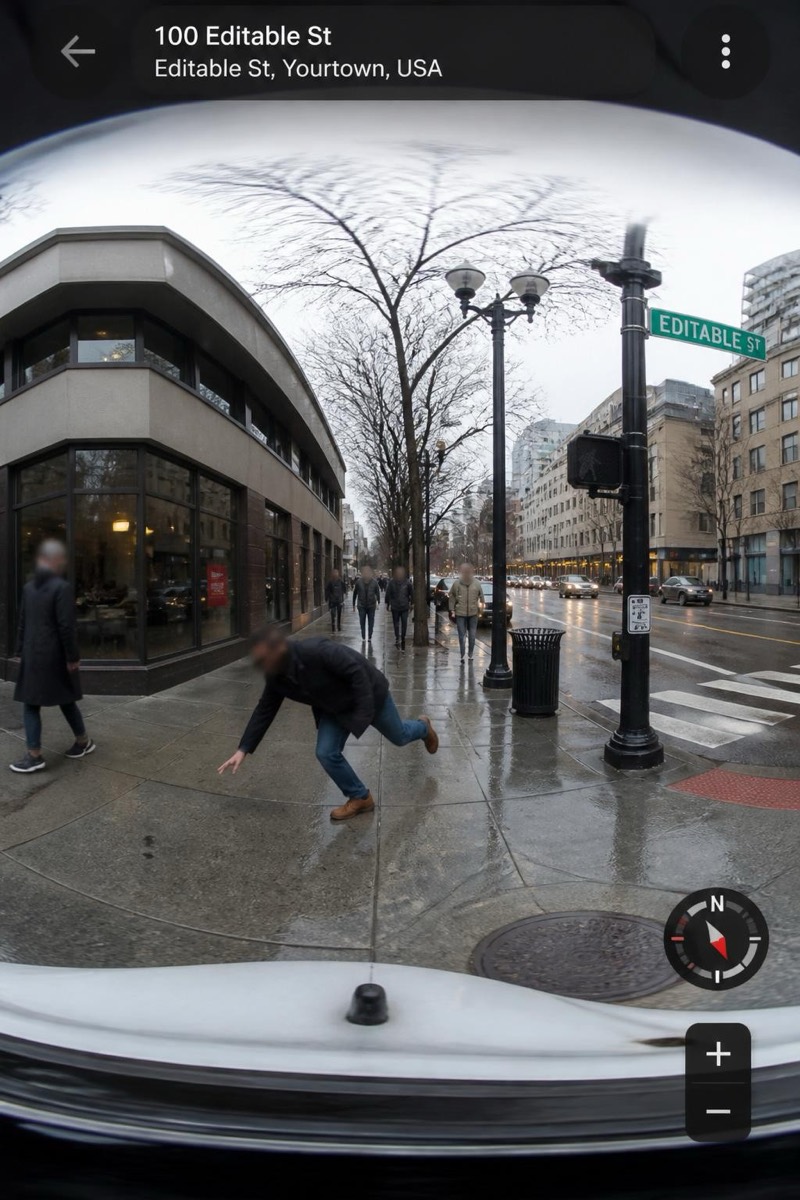
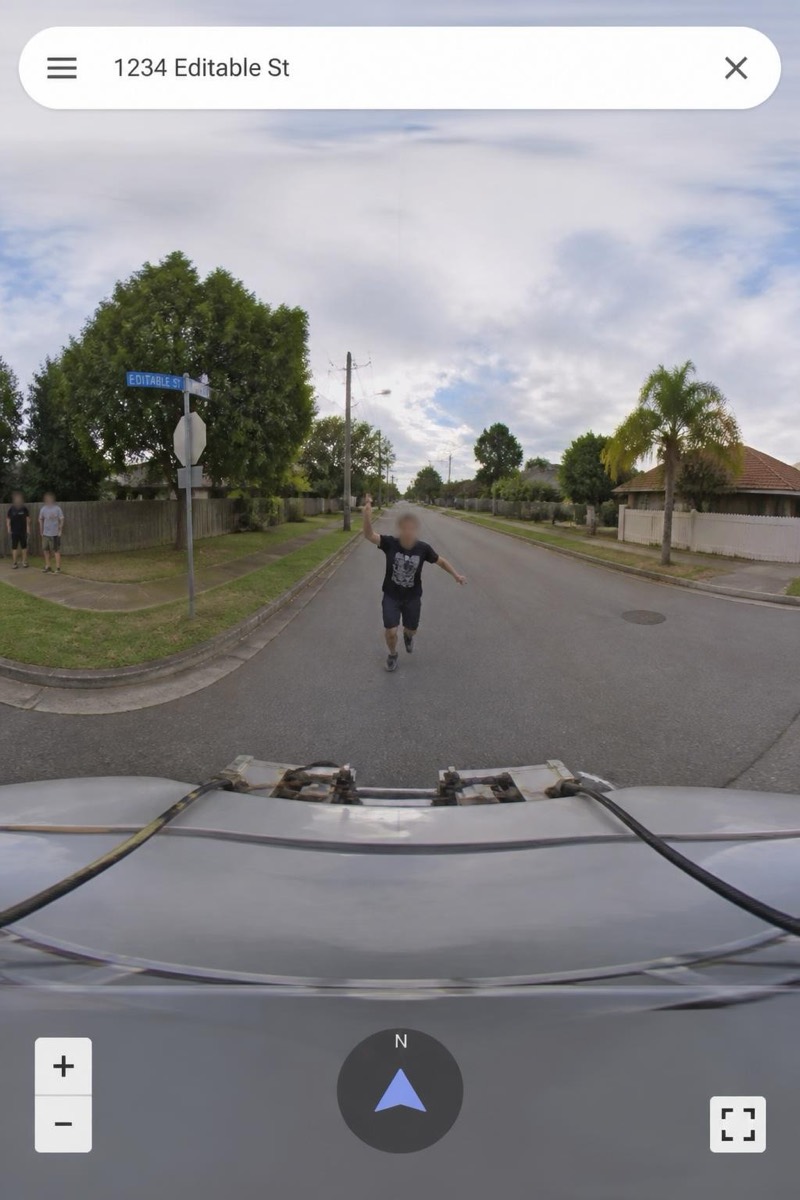
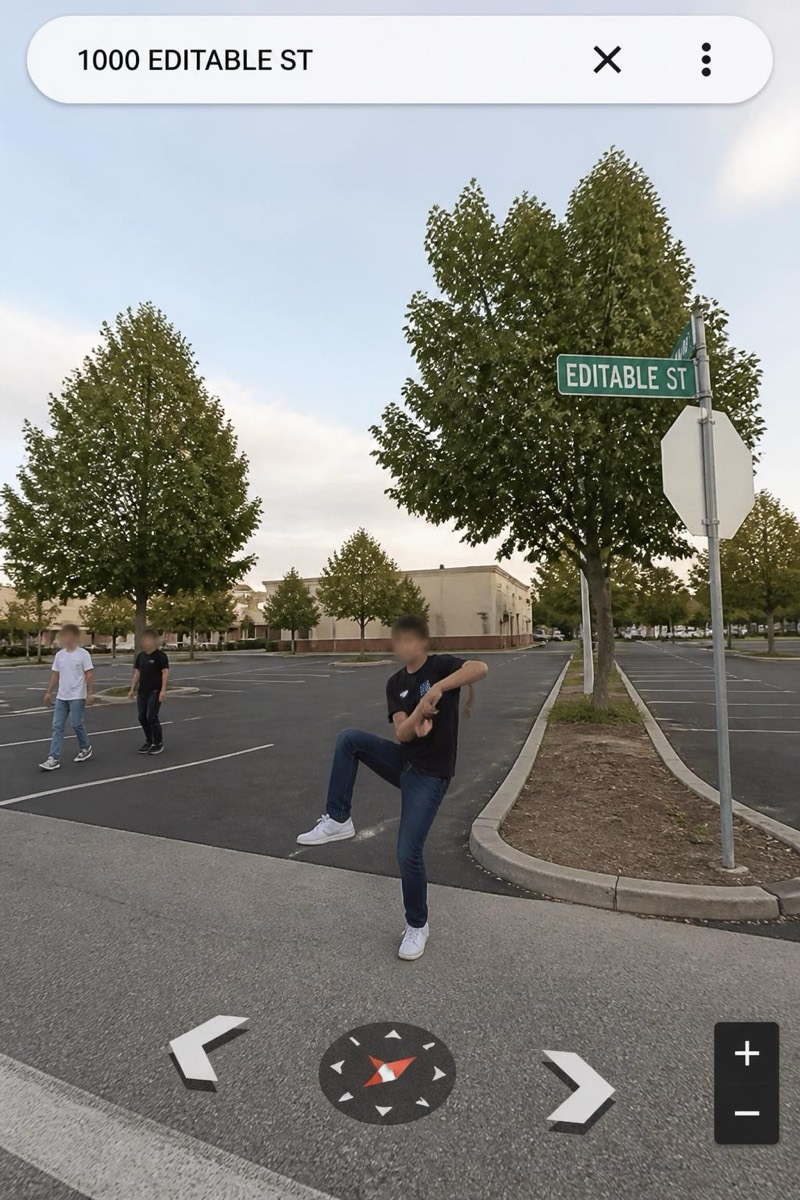
Shocked Point — AI Street Cam filter
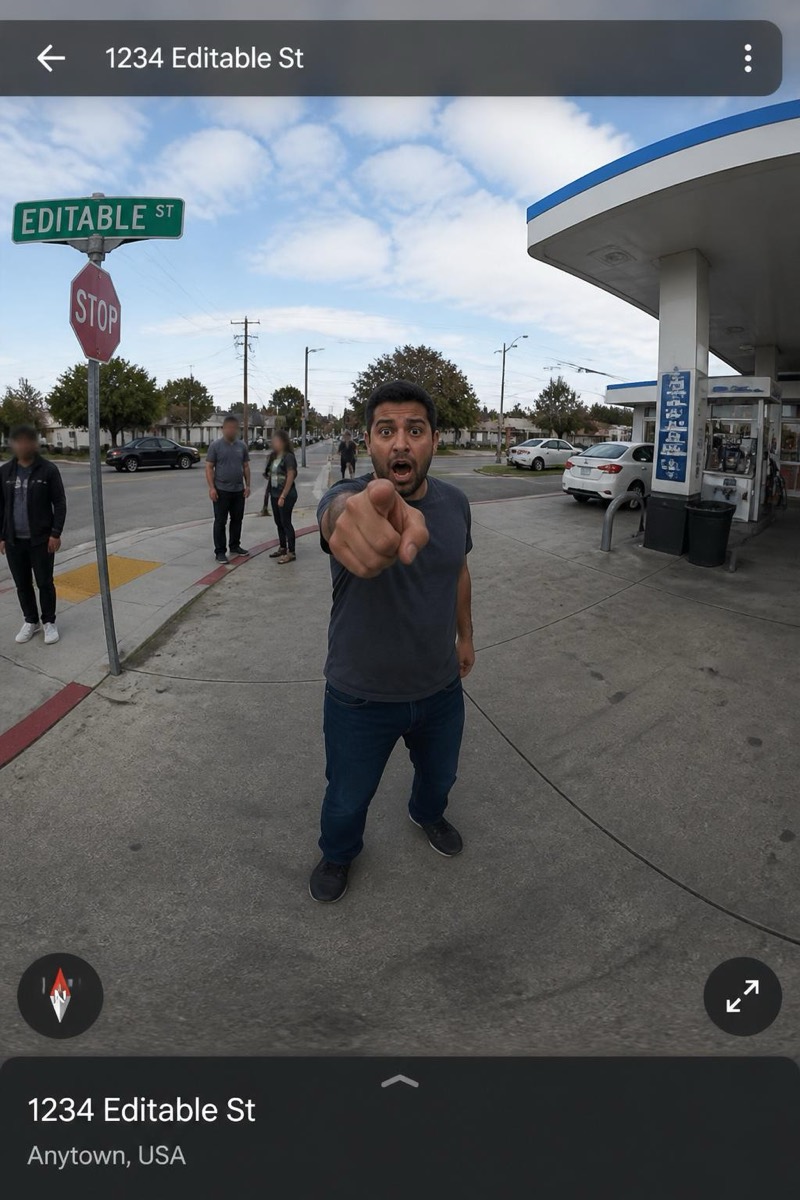
Pointing in shock.
Pointing at something off-frame in visible shock — the mapping-imagery cliffhanger. This filter stages the internet's favorite unresolved narrative: you, mid-gasp, pointing at an event the camera car's panorama just barely missed. The missing subject is the engine; every viewer fills in their own catastrophe. As a group-chat image it functions as a fill-in-the-blank joke with photographic evidence.
How to use it
- 1.
Get Editable
Download Editable (free) from the App Store and open the Explore tab.
- 2.
Pick the Shocked Point filter
Find Shocked Point under Street Cam and tap Try.
- 3.
Choose a photo
Pick a photo from your library — the edit runs automatically and is ready in seconds.
Tip: Point emphatically at nothing and look horrified — the blank space does the storytelling.
More Street Cam filters