Street Cam
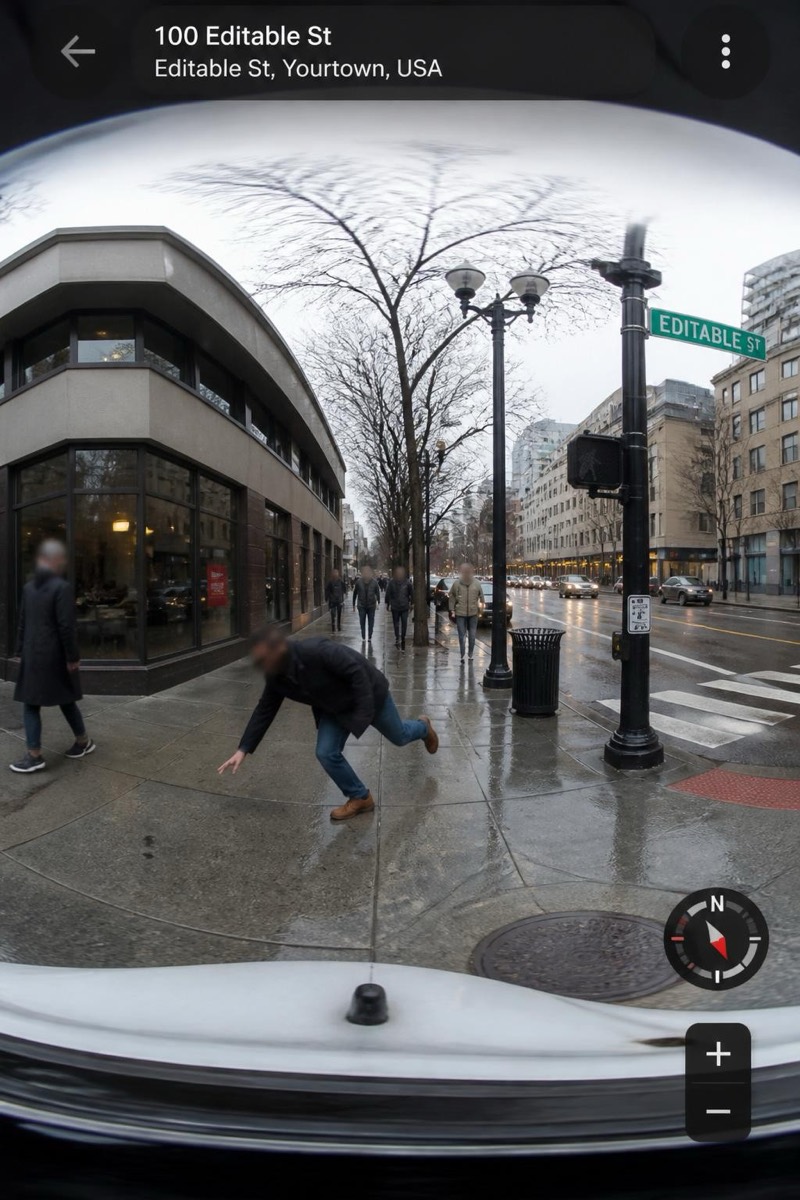
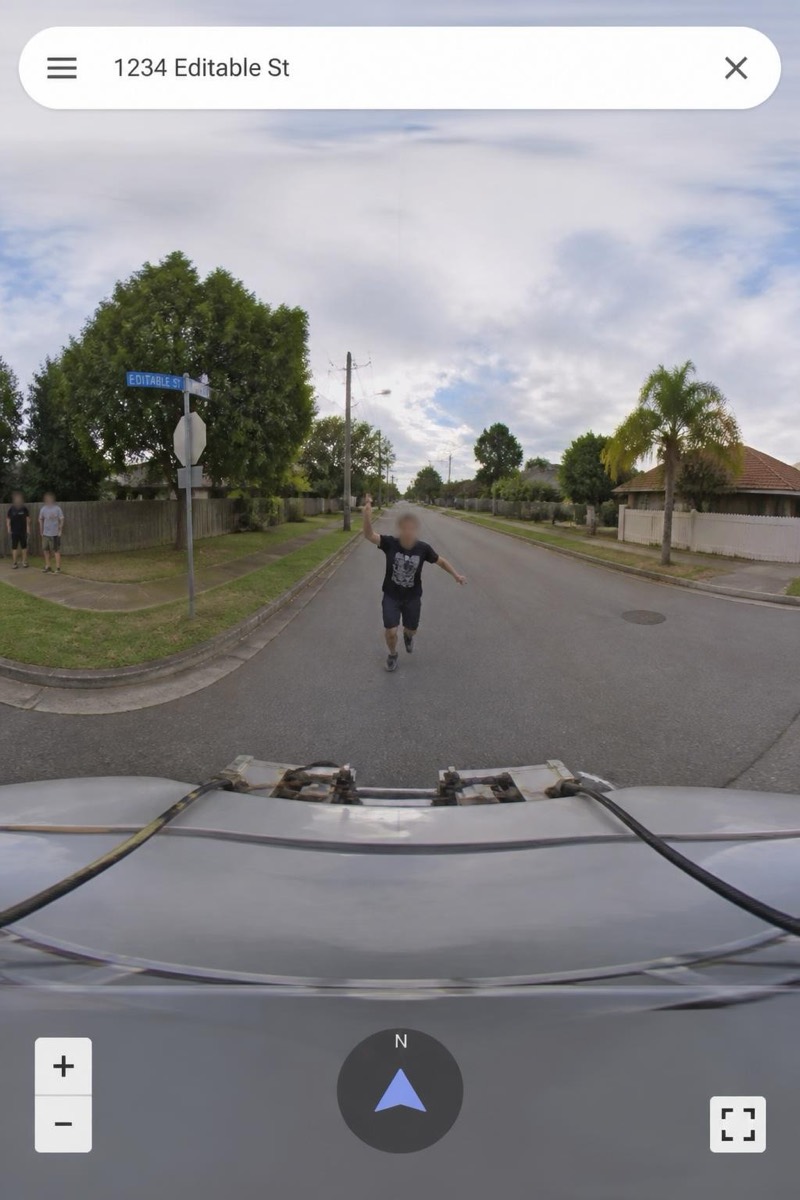
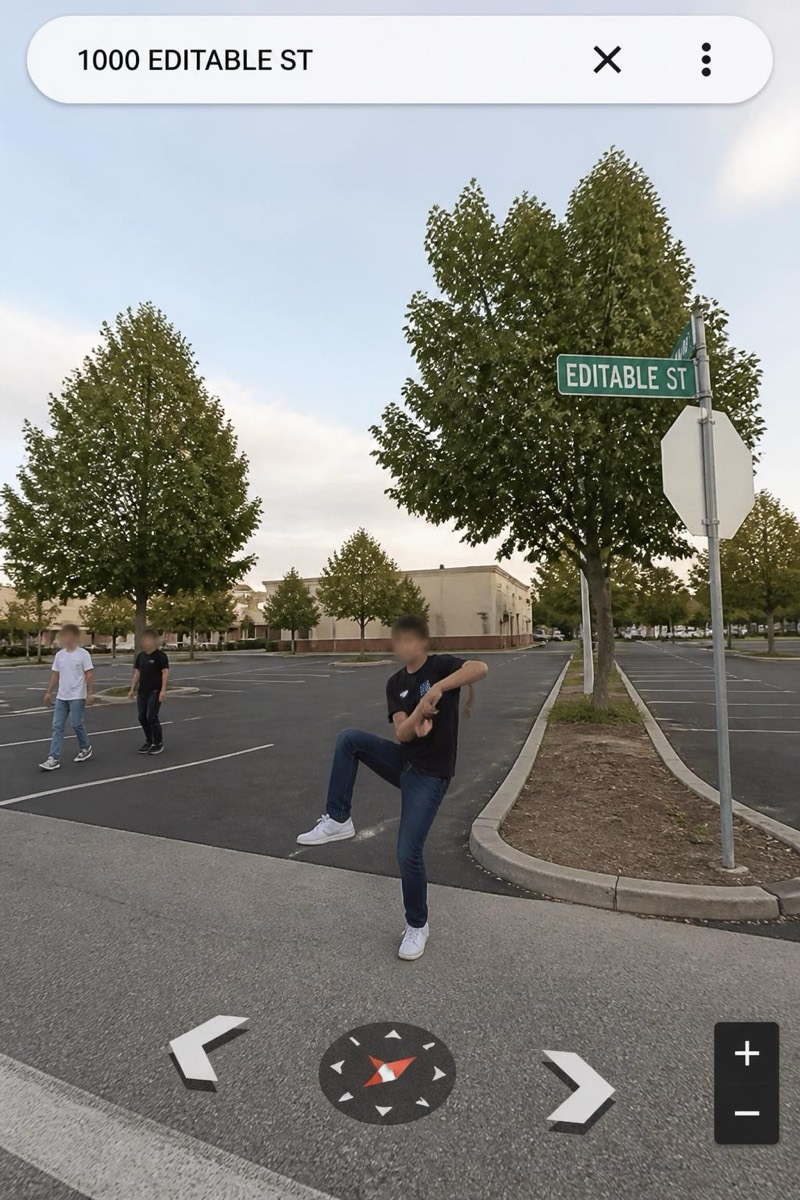
The Wave — AI Street Cam filter
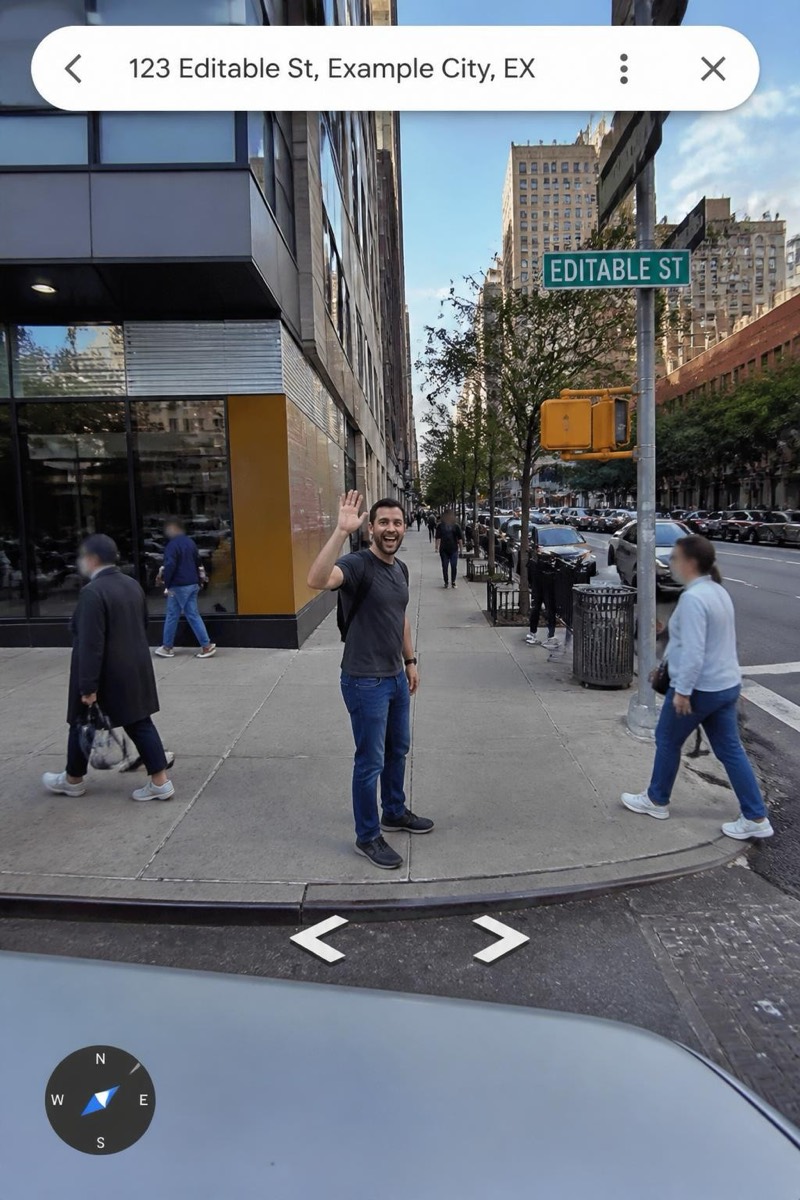
Waving at the survey camera car.
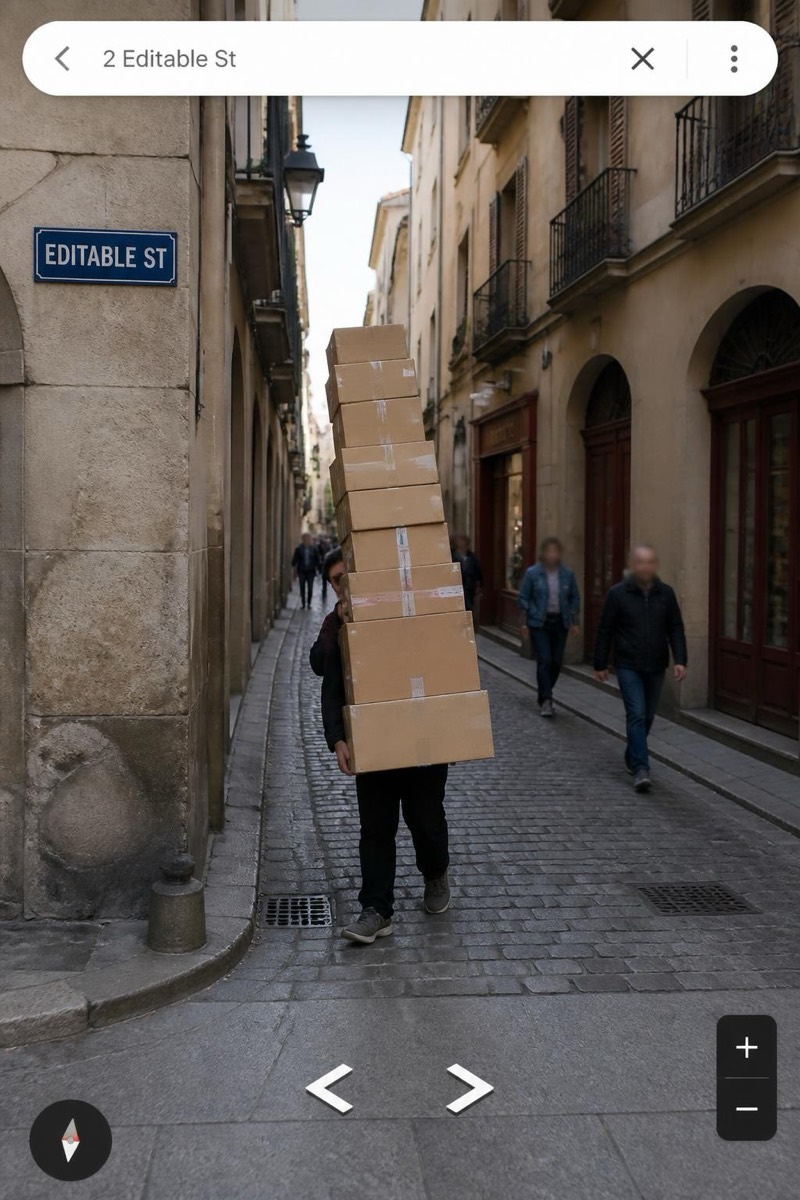
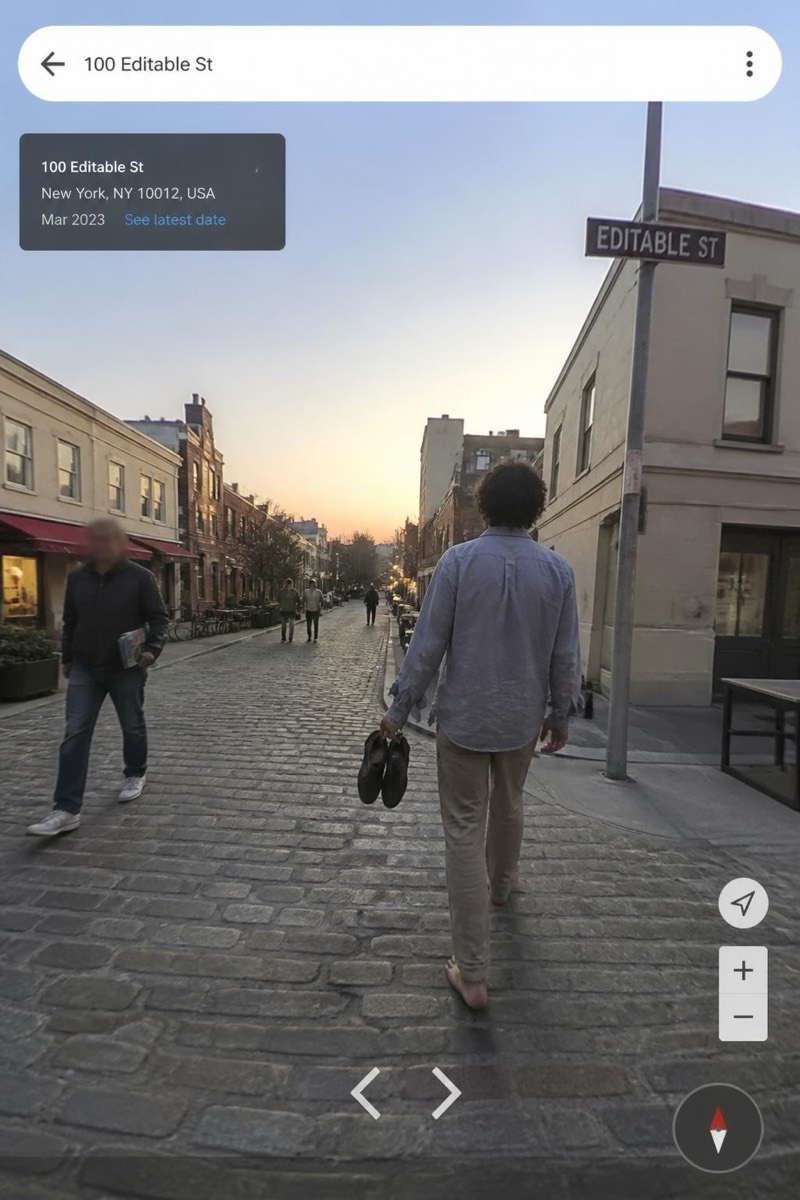
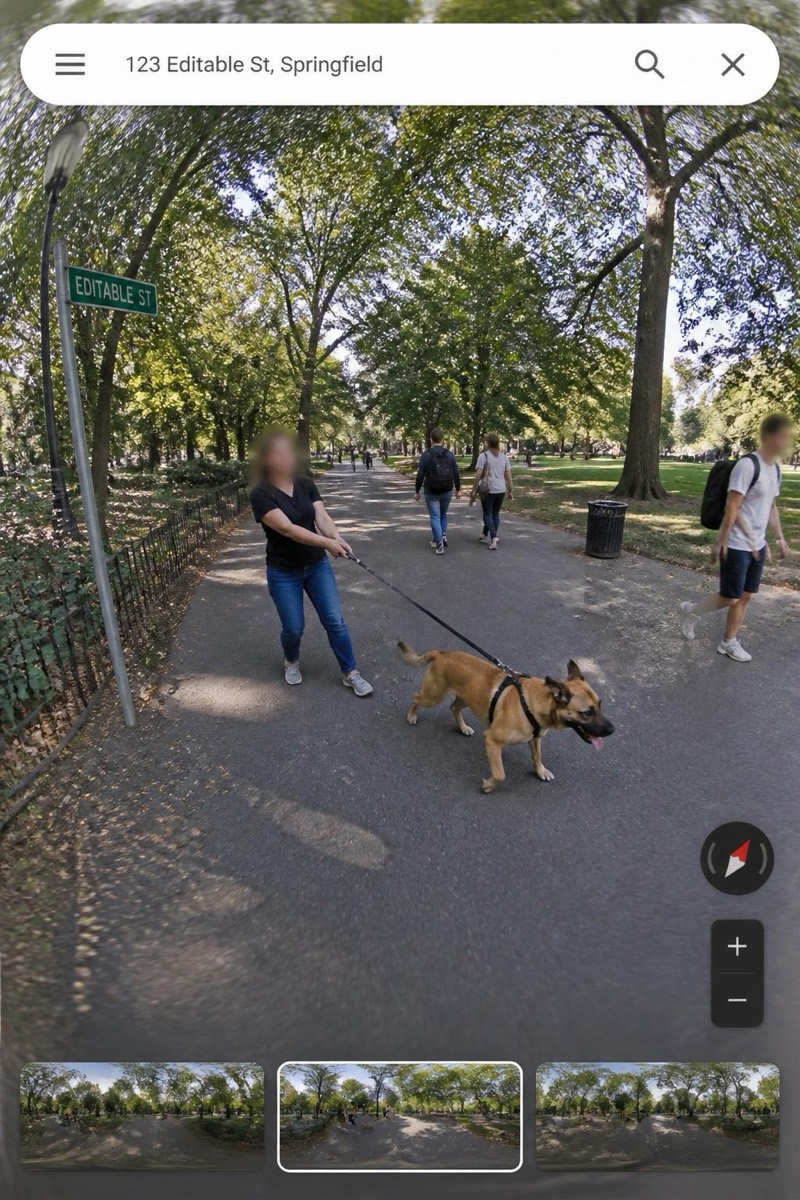
Waving at the mapping car like it's a parade float — the most wholesome thing a person can be caught doing by panoramic survey imagery. This filter stages you on a real-looking street in the unmistakable navigation-imagery style: slightly warped panorama seams, directional arrows, compression artifacts of a photo taken by a car that didn't stop. Being immortalized mid-wave on a map is a folk achievement, and now it's manufacturable.
How to use it
- 1.
Get Editable
Download Editable (free) from the App Store and open the Explore tab.
- 2.
Pick the The Wave filter
Find The Wave under Street Cam and tap Try.
- 3.
Choose a photo
Pick a photo from your library — the edit runs automatically and is ready in seconds.
Tip: A big, unashamed wave in your source photo is the whole performance — small waves read as hailing a taxi.
More Street Cam filters