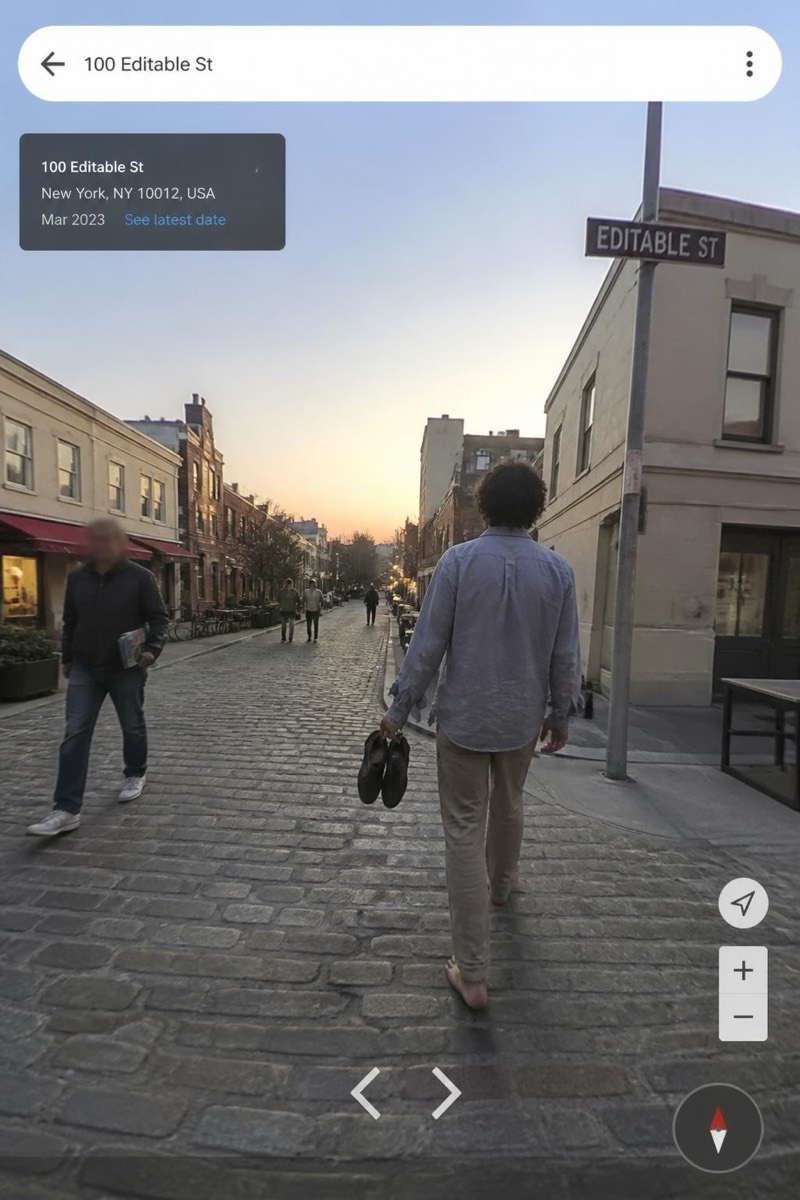
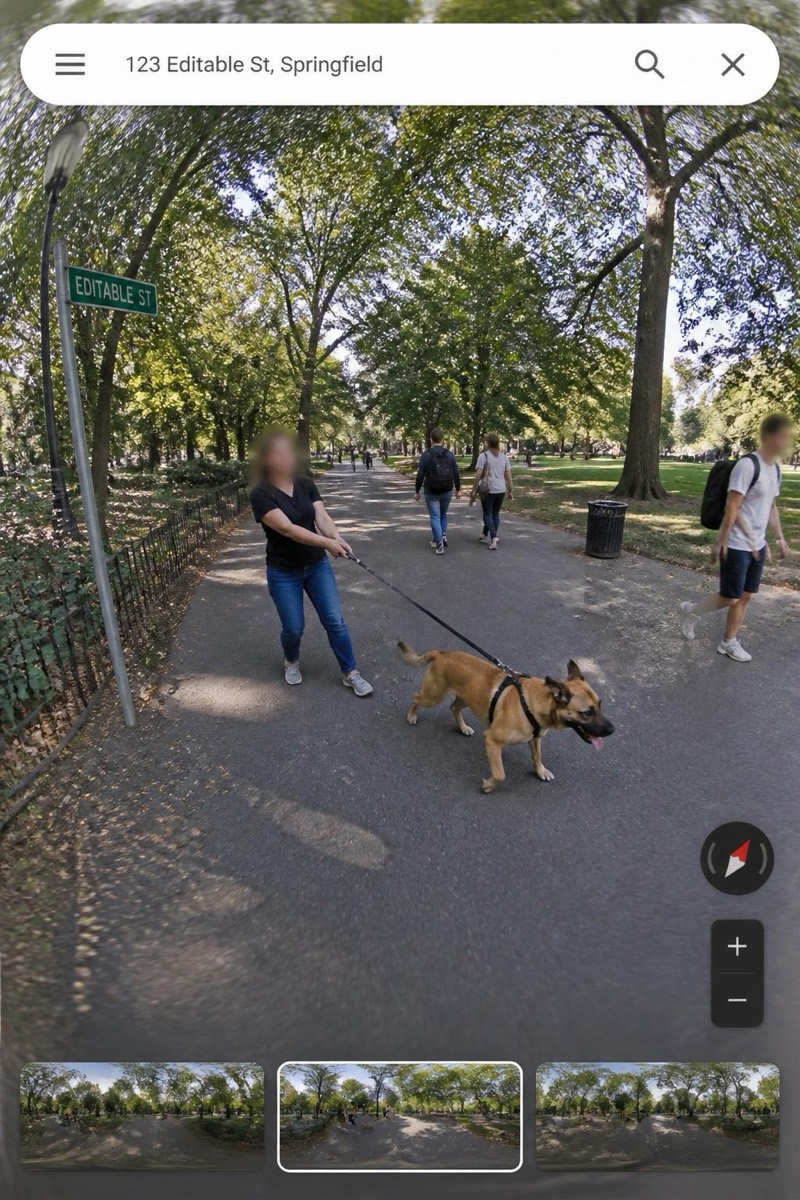
Street Cam
The Chase — AI Street Cam filter
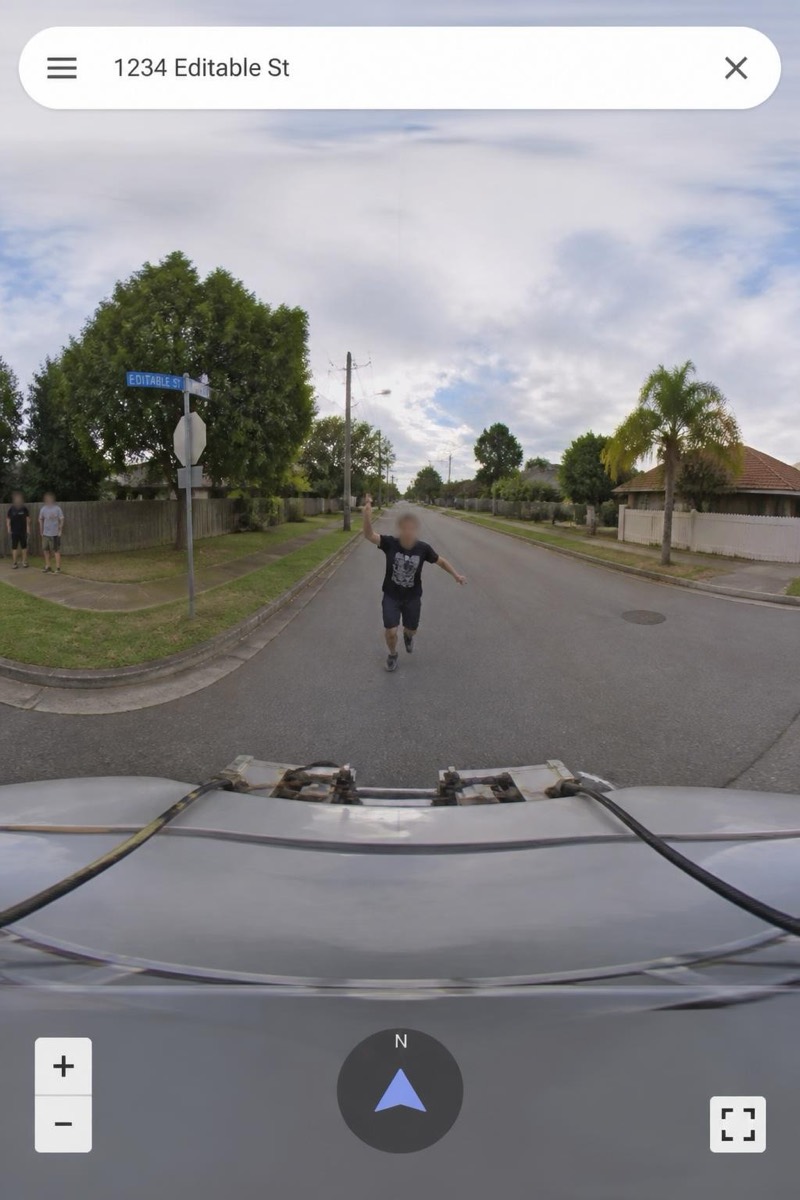
Chasing the camera car.
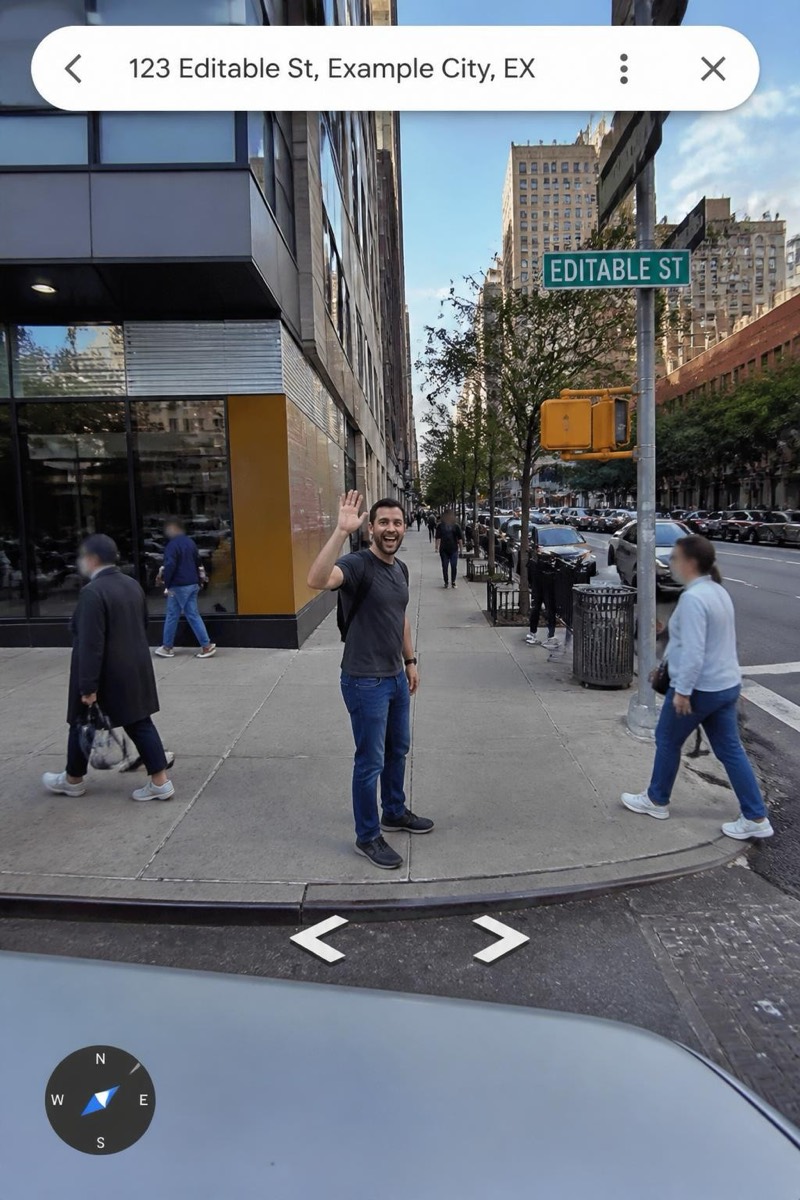
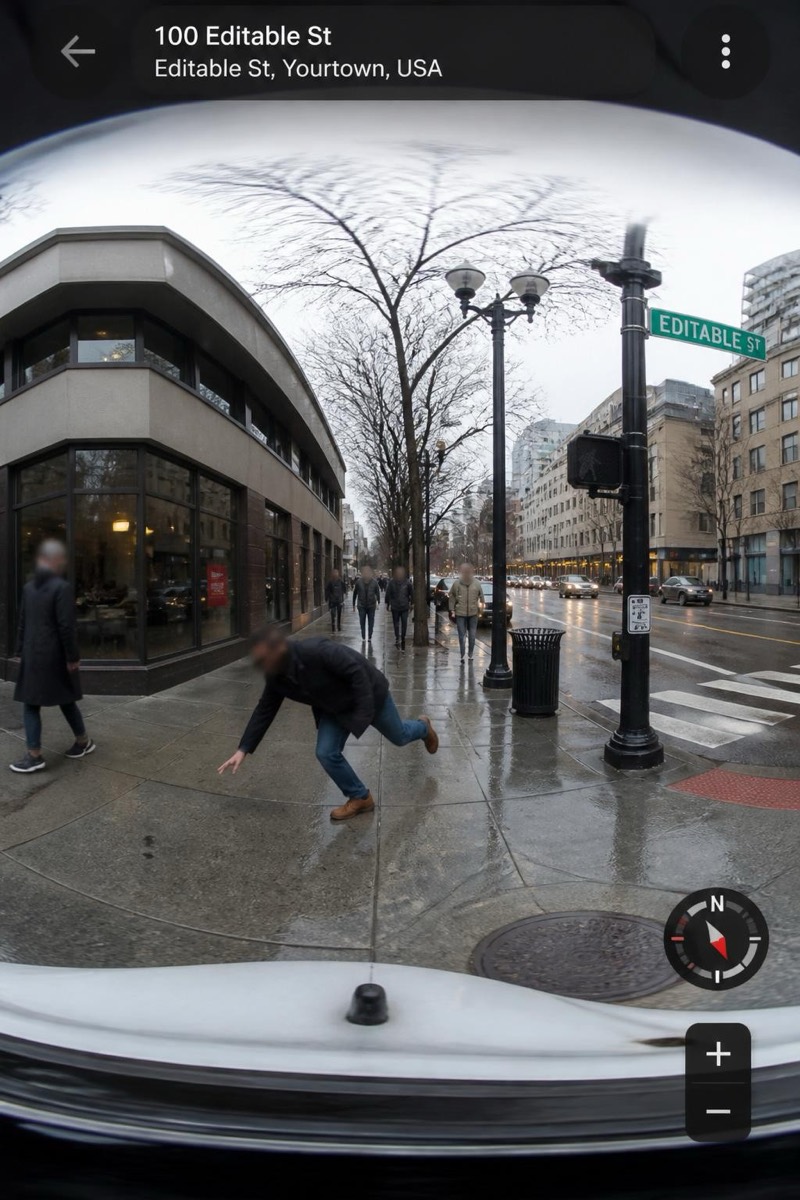
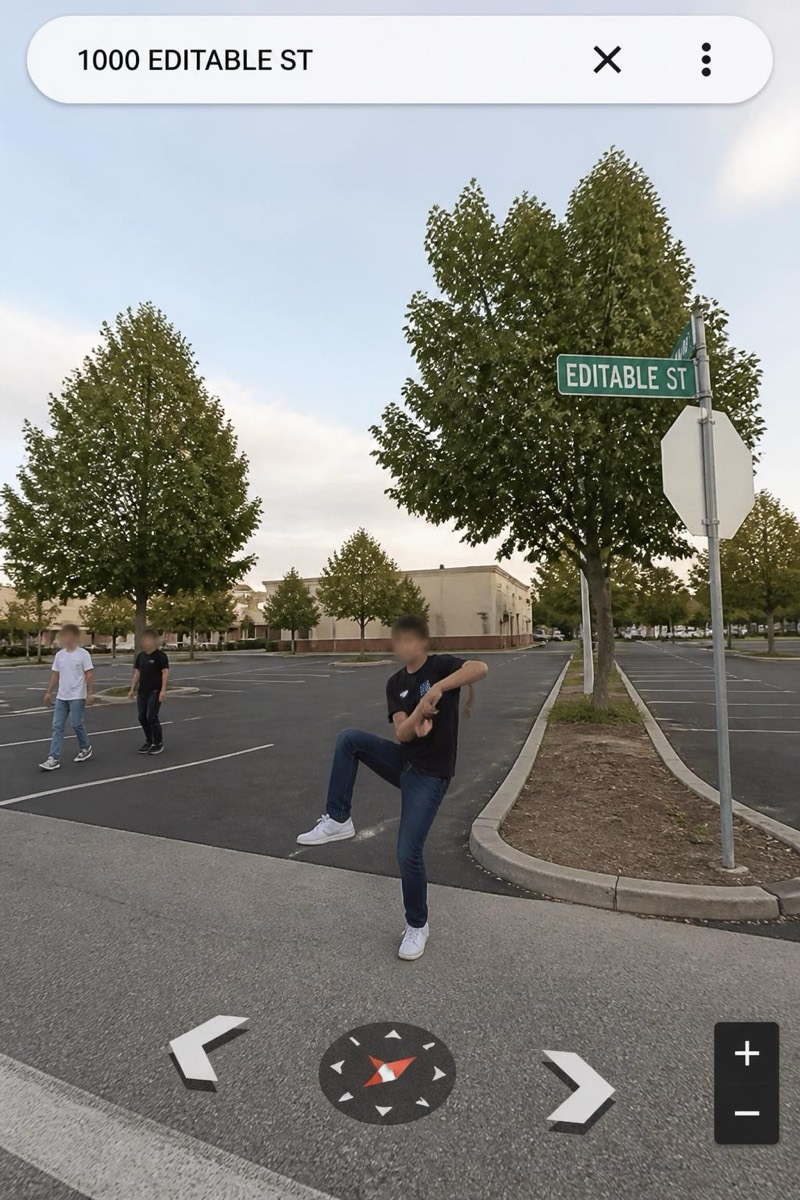
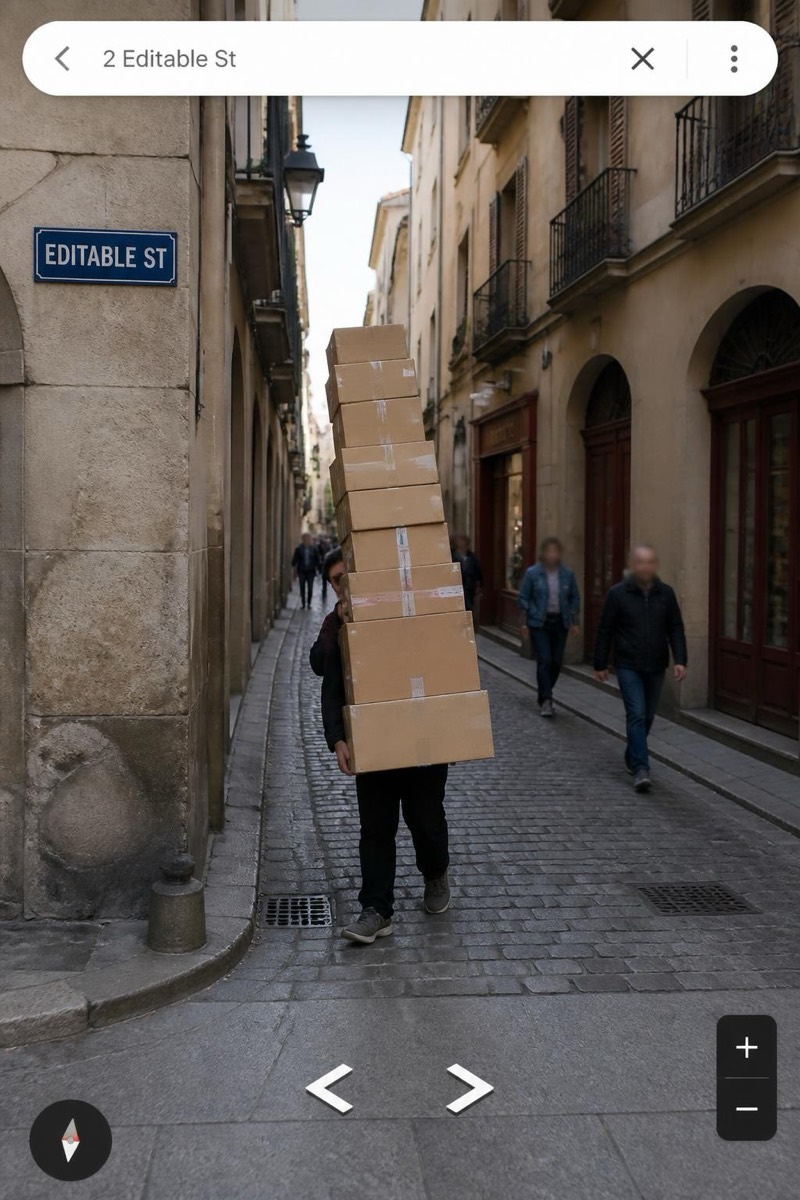
Chasing the camera car down the street — the mapping-imagery equivalent of running after the ice cream truck. This filter catches you in full sprint behind the vehicle, motion-blurred and utterly committed, forever pursuing a car whose job is specifically to leave. Nobody in the history of survey imagery has caught the car. The photo suggests you came closest.
How to use it
- 1.
Get Editable
Download Editable (free) from the App Store and open the Explore tab.
- 2.
Pick the The Chase filter
Find The Chase under Street Cam and tap Try.
- 3.
Choose a photo
Pick a photo from your library — the edit runs automatically and is ready in seconds.
Tip: A genuine running pose, mid-stride, arms pumping — jog poses read as exercise, not pursuit.
More Street Cam filters