Street Cam
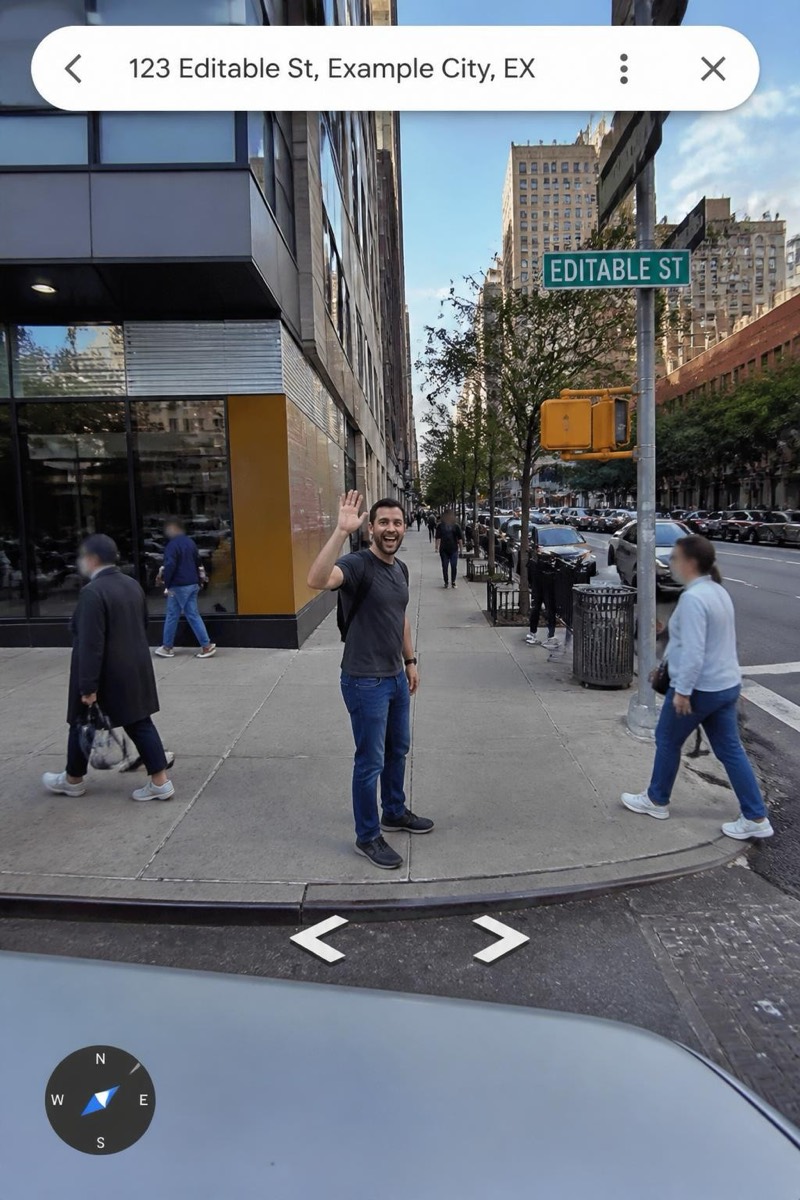
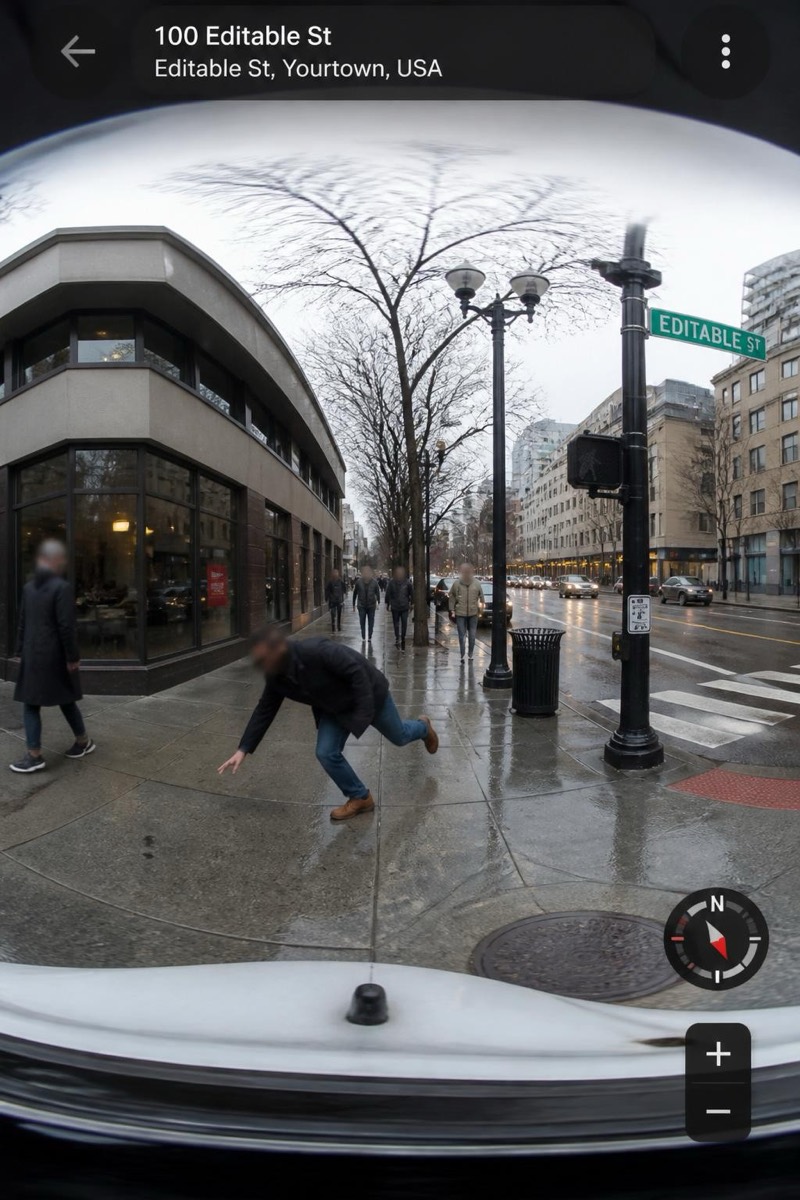
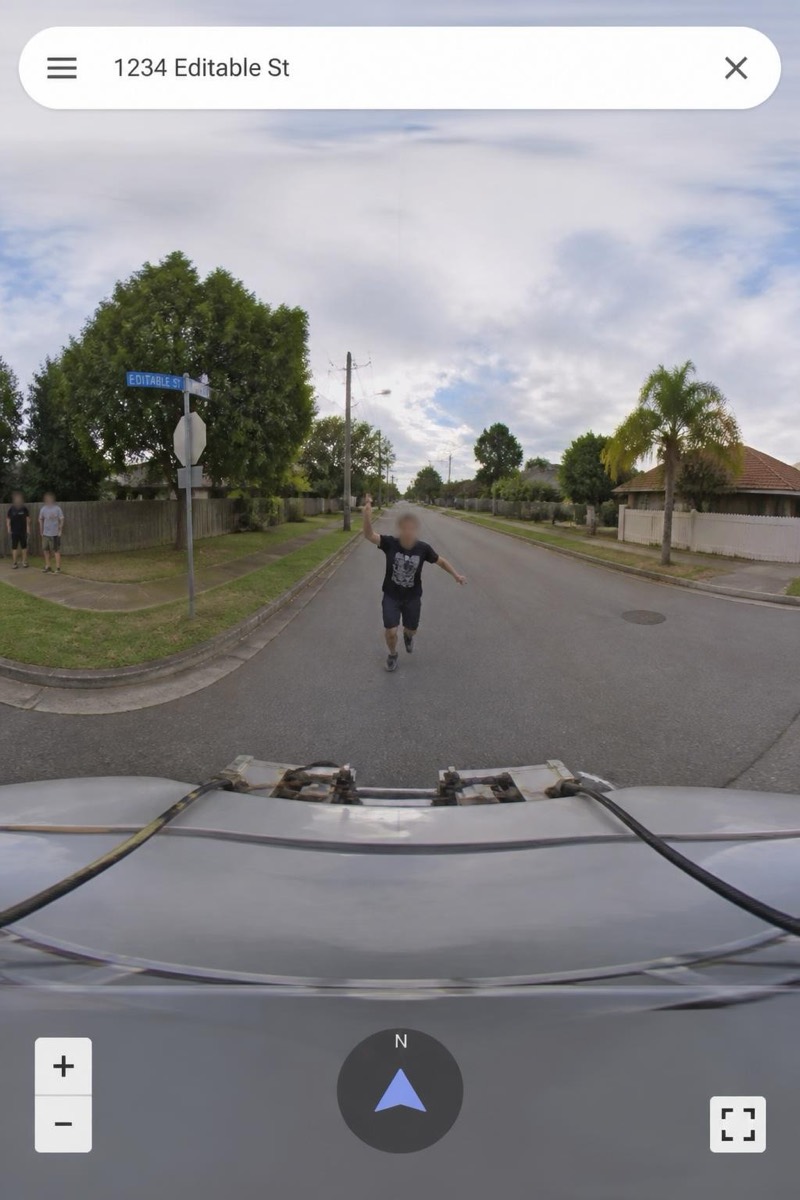
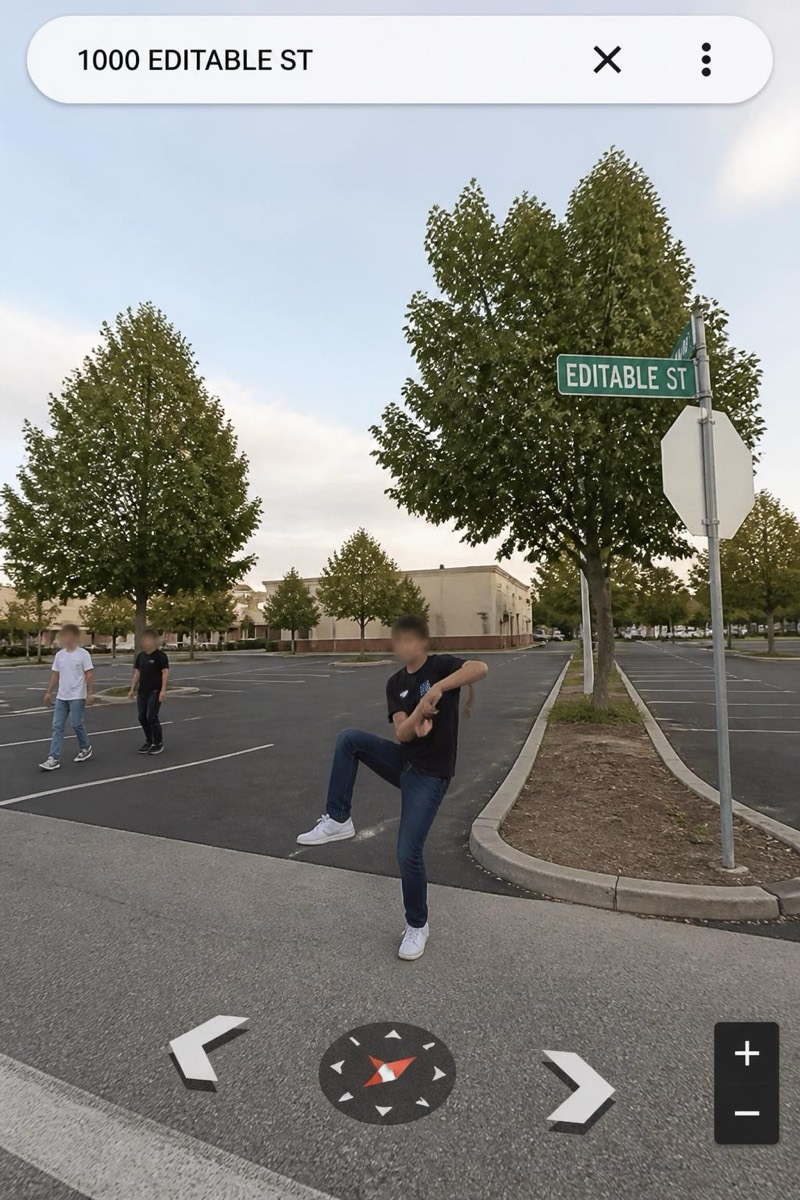
The Haul — AI Street Cam filter
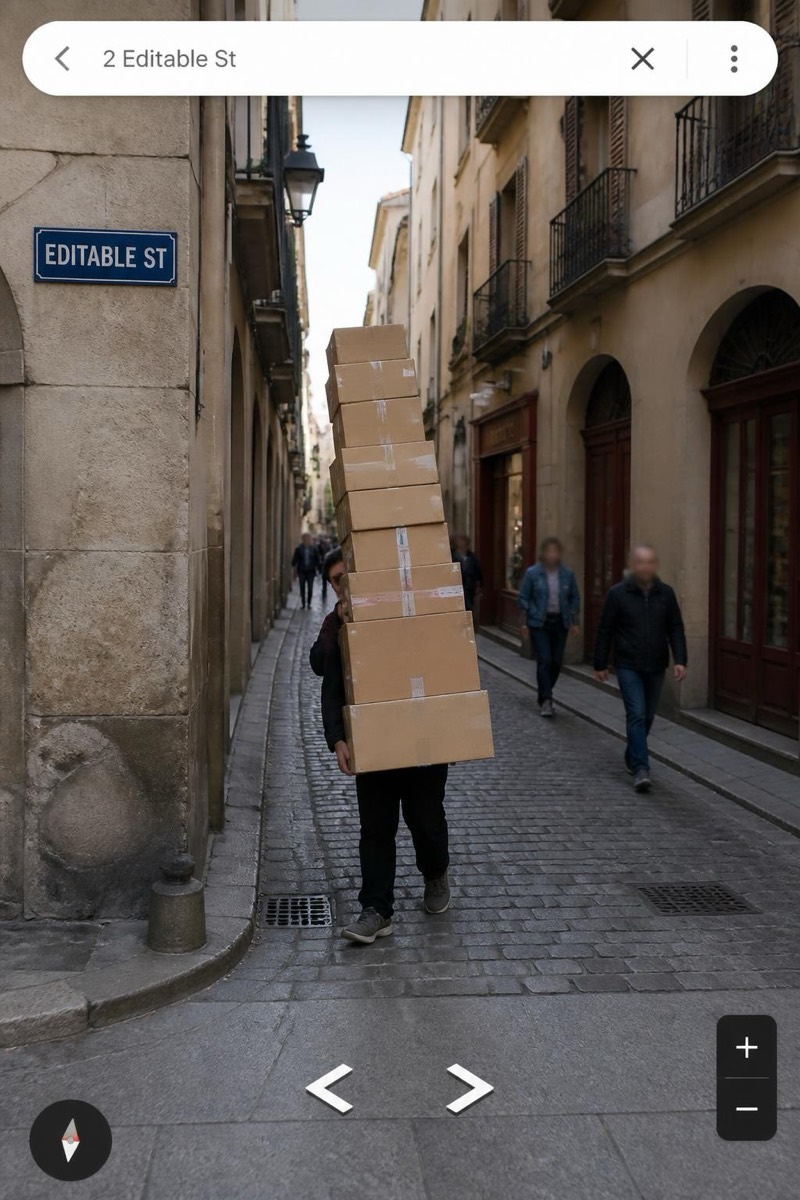
Hidden behind a box stack.
Hidden behind a tower of boxes crossing the street — visible legs, obscured everything else, an unexplained cargo event captured by the mapping car. This filter builds the mystery-hauler frame: who is moving, what is in the boxes, why here. The navigation UI treats it with the same indifference as a parked van, which is what makes the image so quietly absurd. The rare filter where being unrecognizable IS the joke.
How to use it
- 1.
Get Editable
Download Editable (free) from the App Store and open the Explore tab.
- 2.
Pick the The Haul filter
Find The Haul under Street Cam and tap Try.
- 3.
Choose a photo
Pick a photo from your library — the edit runs automatically and is ready in seconds.
Tip: A carrying pose — arms out, slight lean back — lets the filter stack the boxes convincingly.
More Street Cam filters