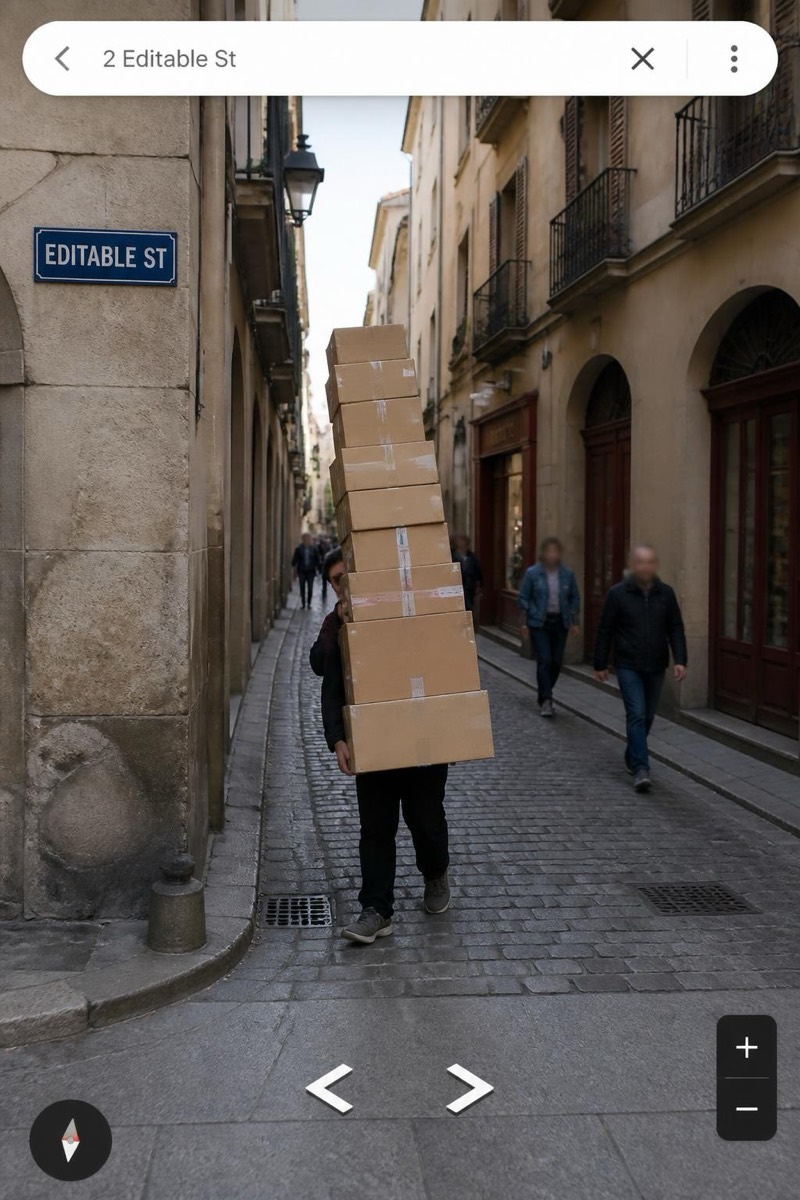
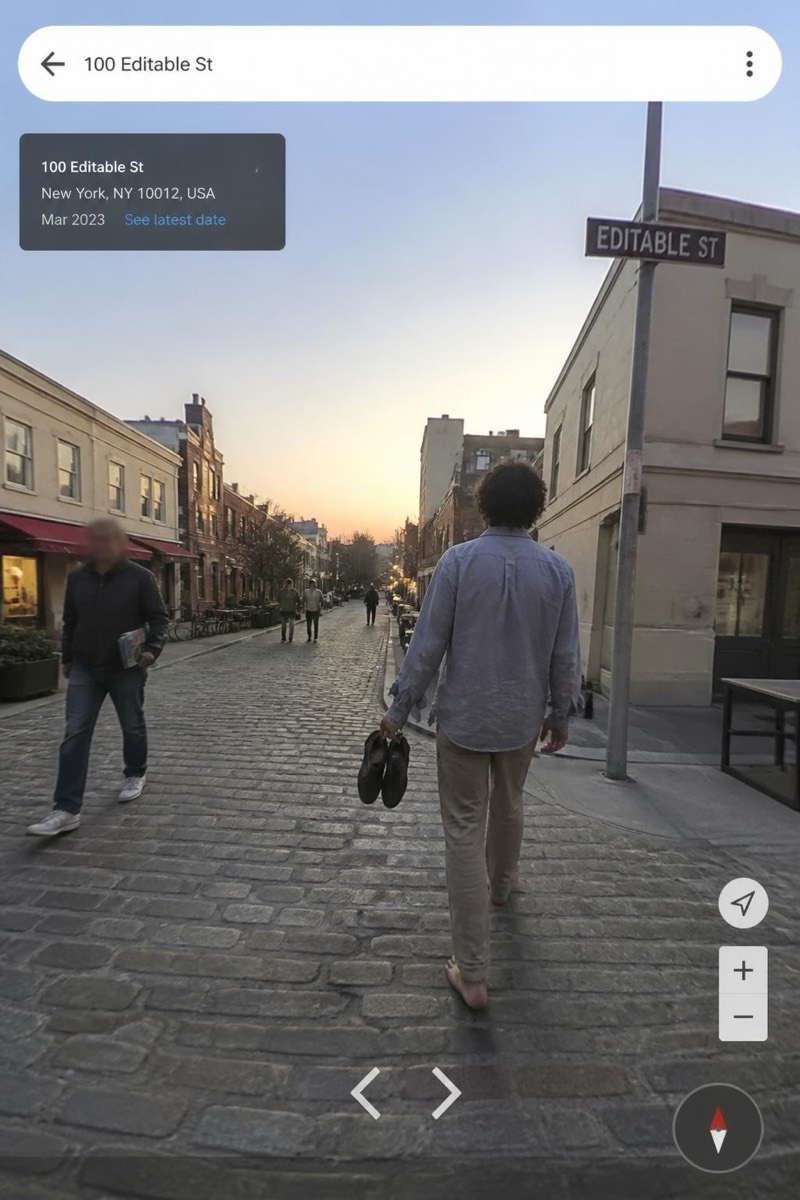
Street Cam
Lonely Road — AI Street Cam filter
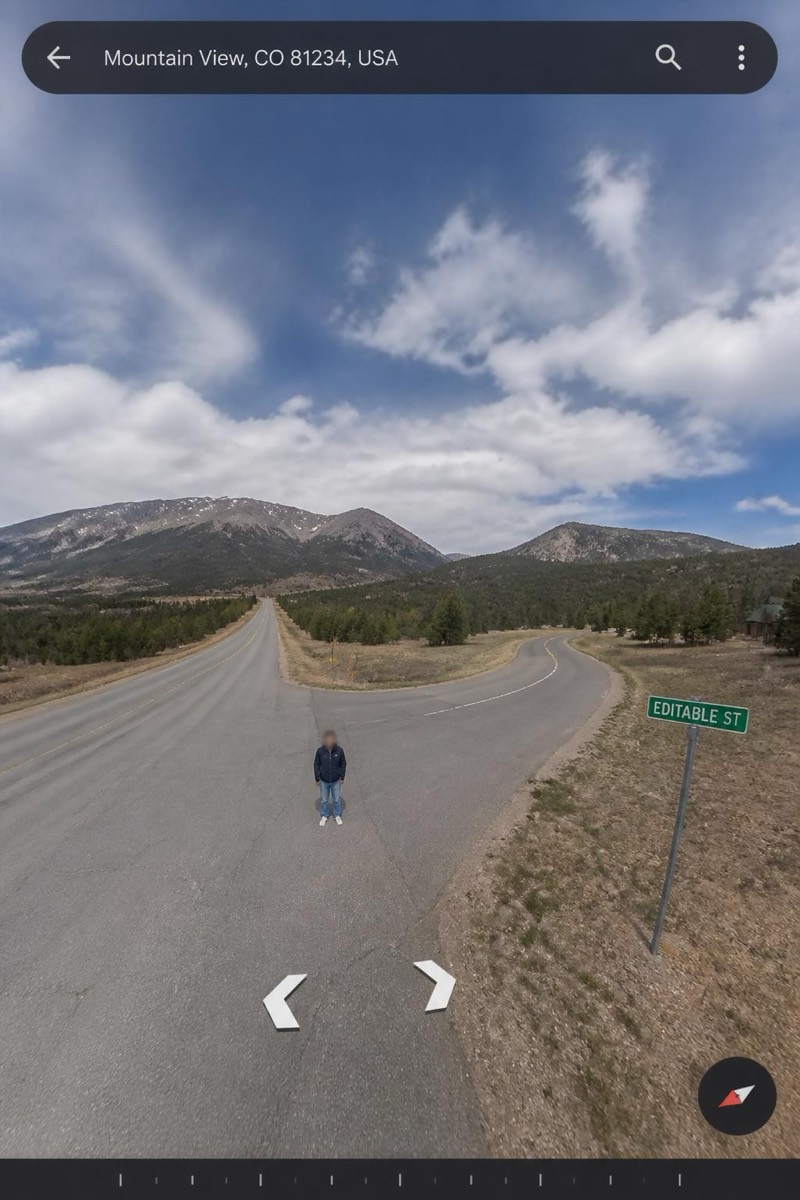
Tiny on an empty road.
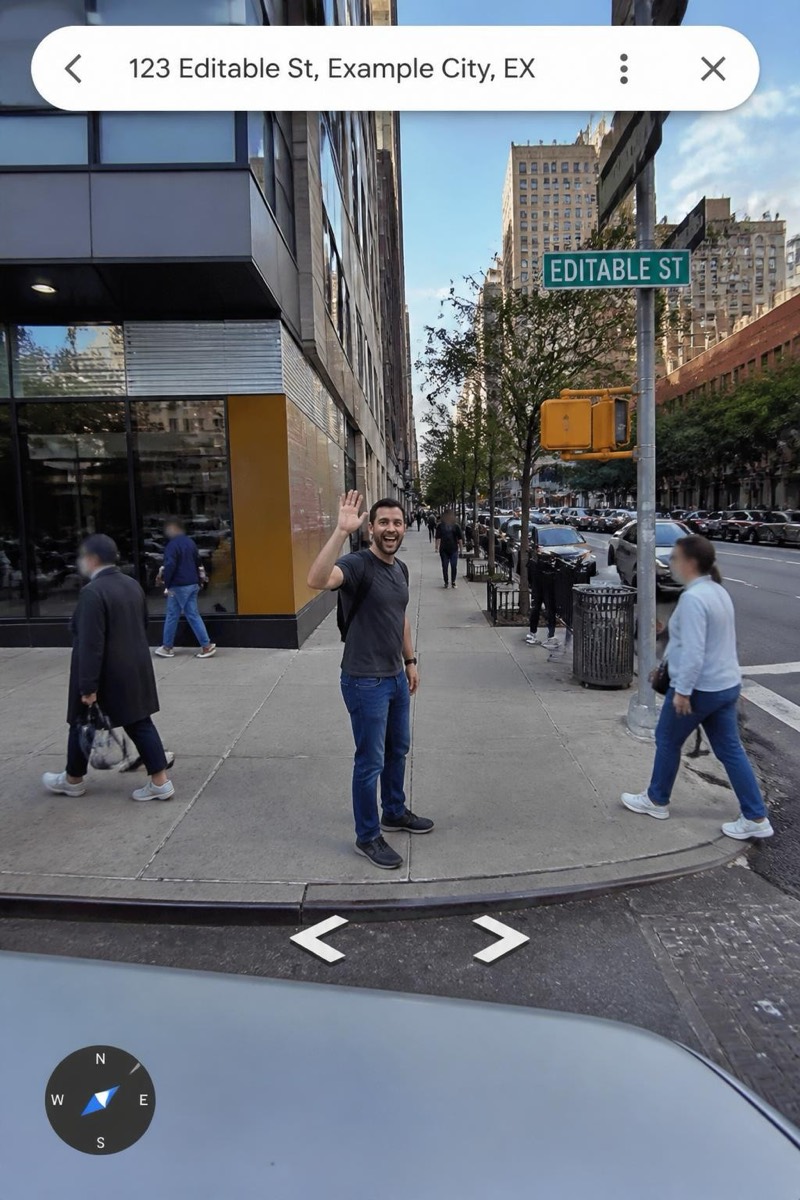
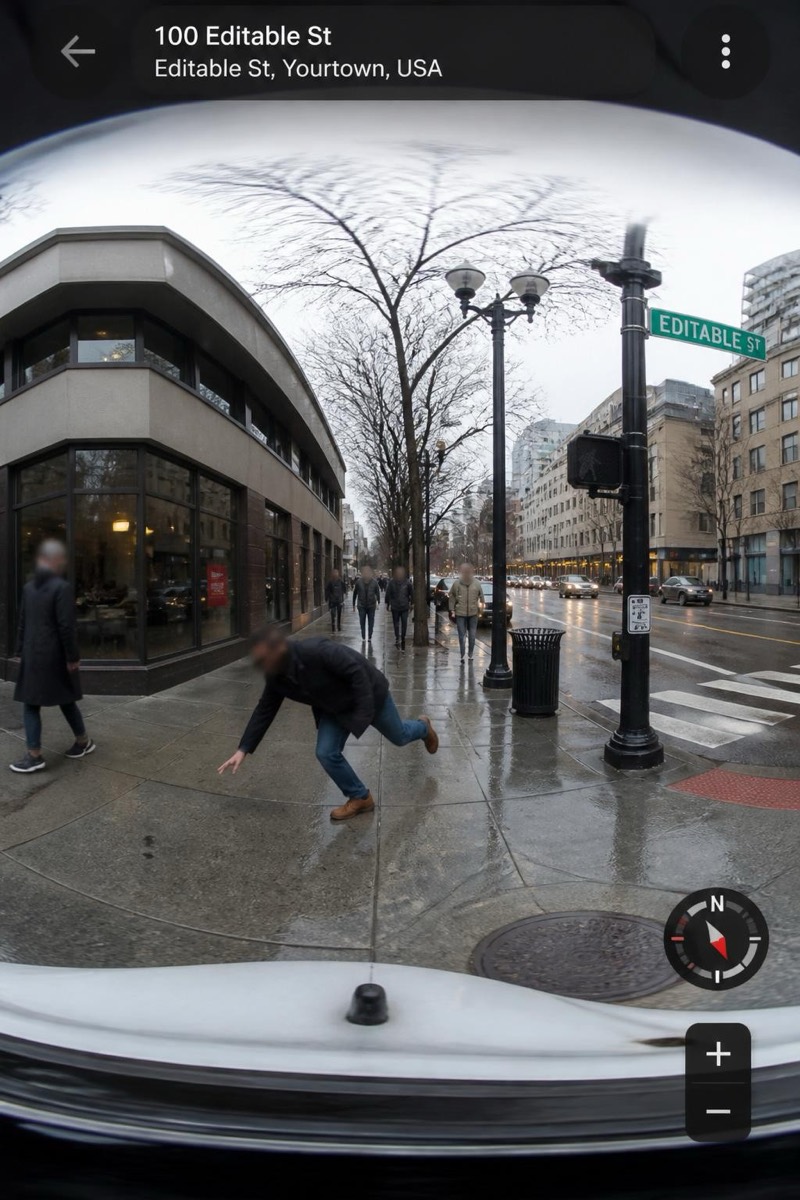
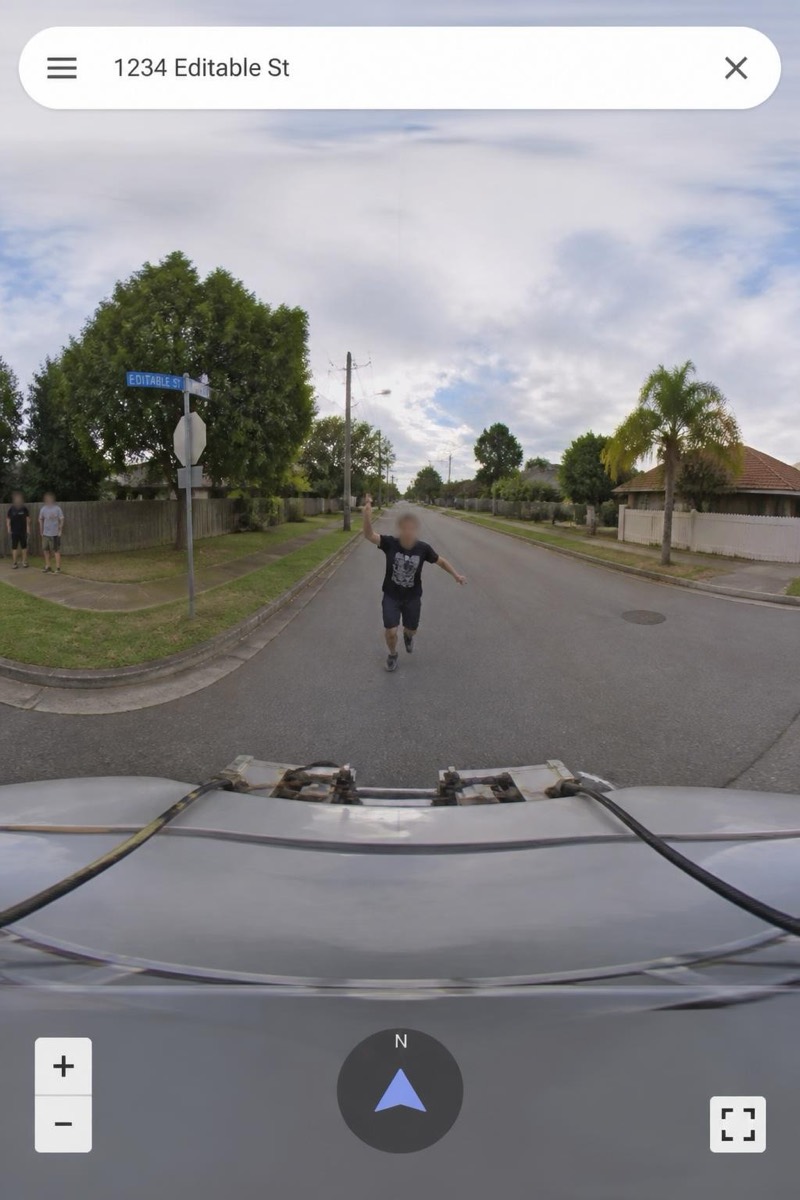
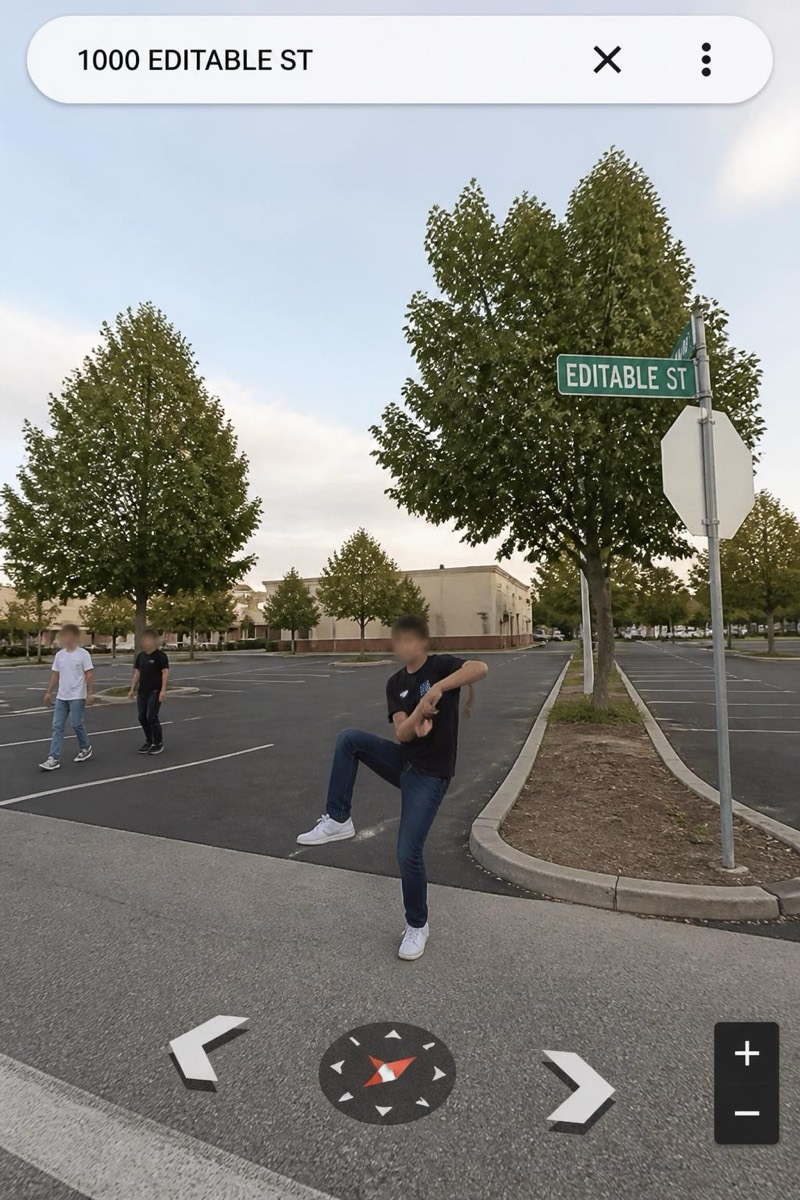
A tiny figure on an endless empty road, captured by a survey car with nothing else to photograph for miles. This filter is the contemplative outlier of the street-view set: no joke, just scale — you, small against asphalt and horizon, in the compressed melancholy of navigation imagery that usually documents intersections. It reads like an accidental art photo the algorithm took, which is precisely its charm.
How to use it
- 1.
Get Editable
Download Editable (free) from the App Store and open the Explore tab.
- 2.
Pick the Lonely Road filter
Find Lonely Road under Street Cam and tap Try.
- 3.
Choose a photo
Pick a photo from your library — the edit runs automatically and is ready in seconds.
Tip: A simple standing or walking pose suits the mood — this frame is about smallness, not performance.
More Street Cam filters