Street Cam
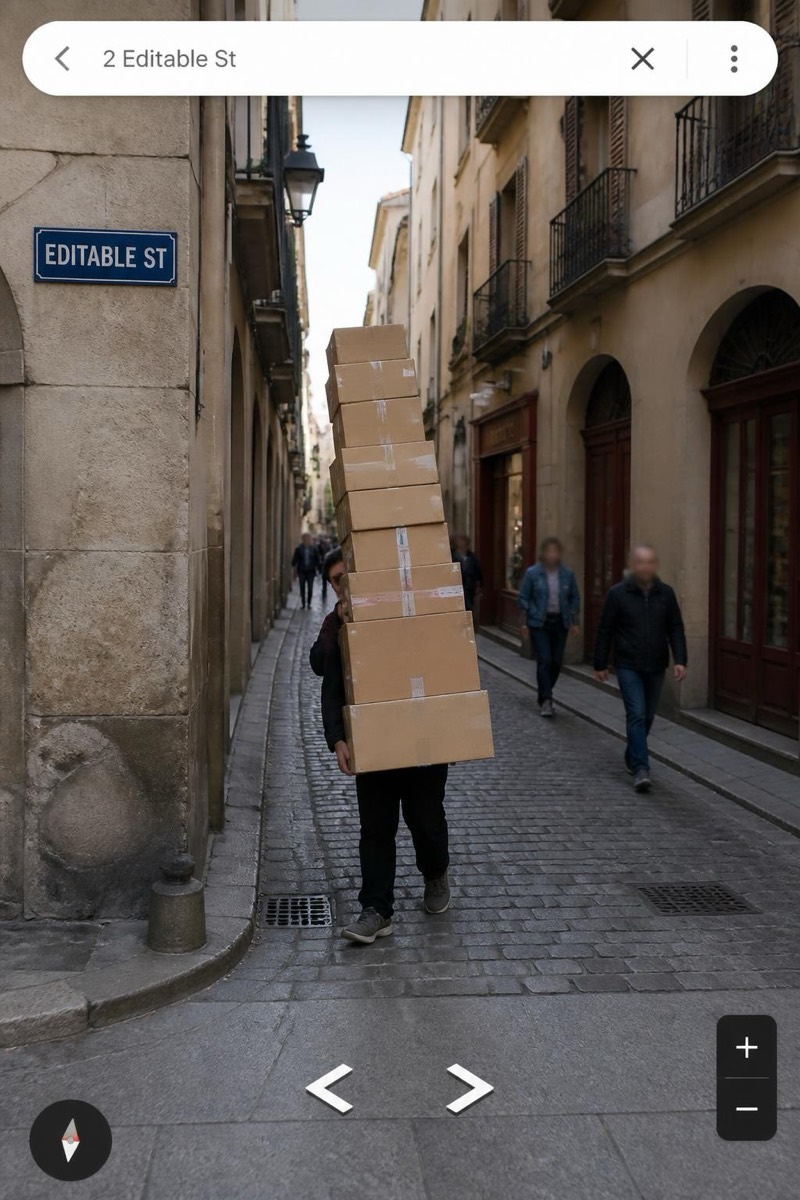
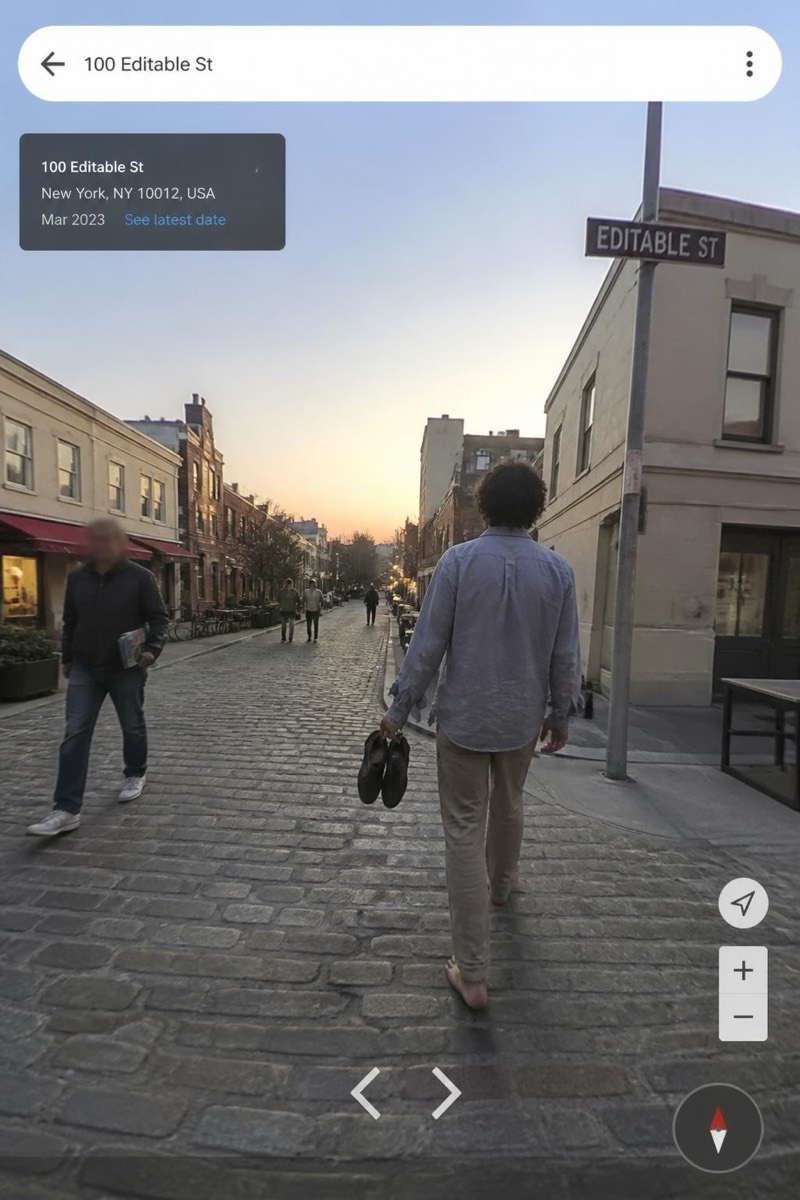
The Jump — AI Street Cam filter
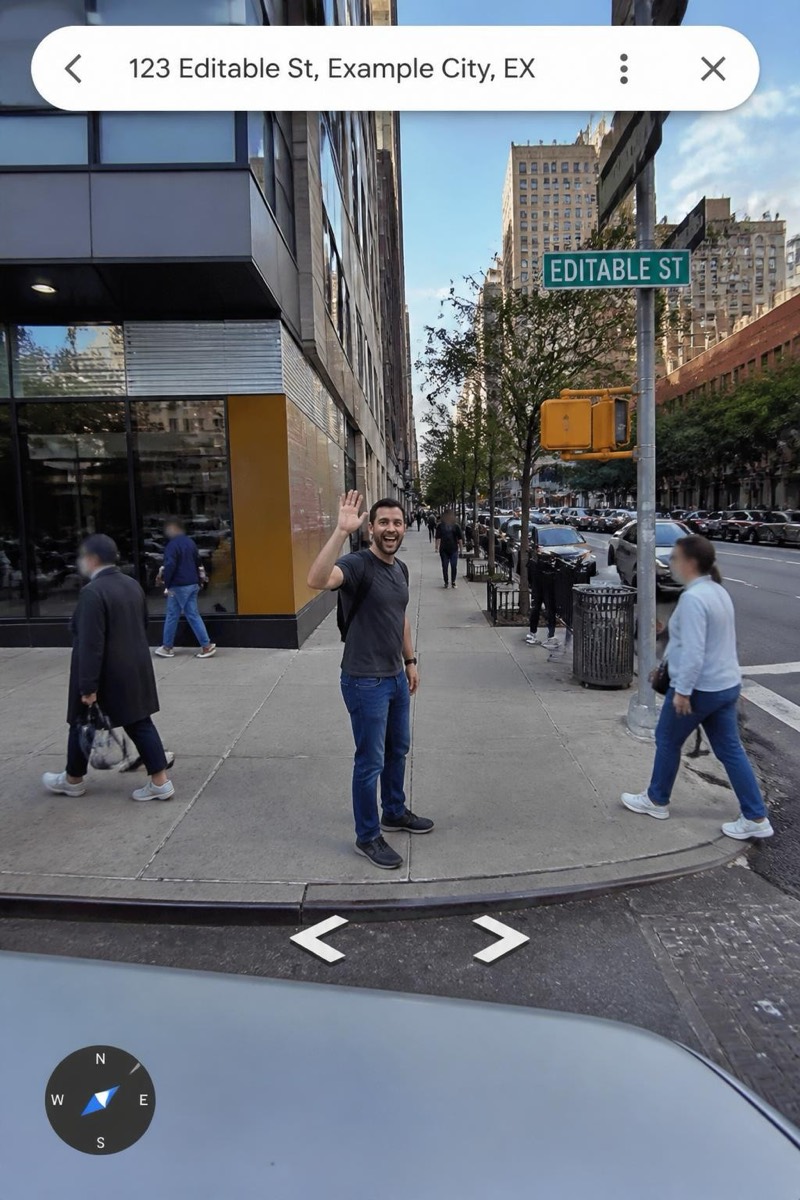
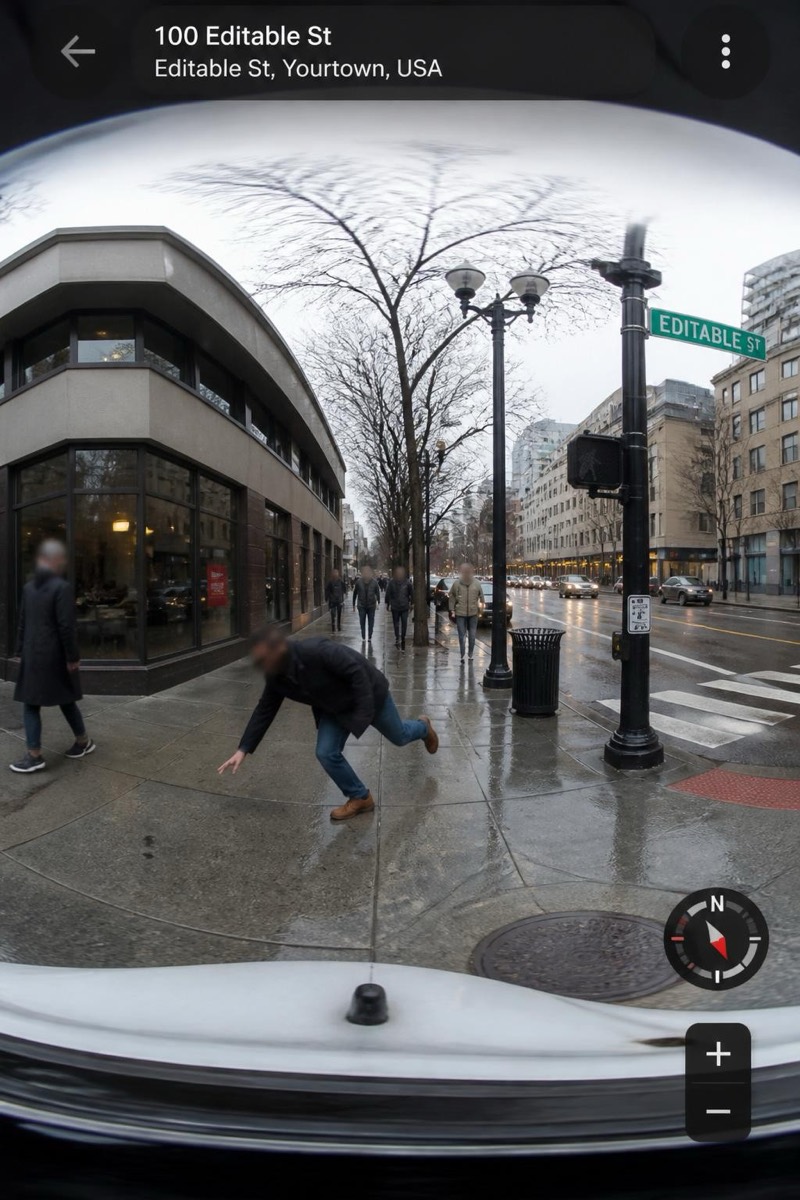
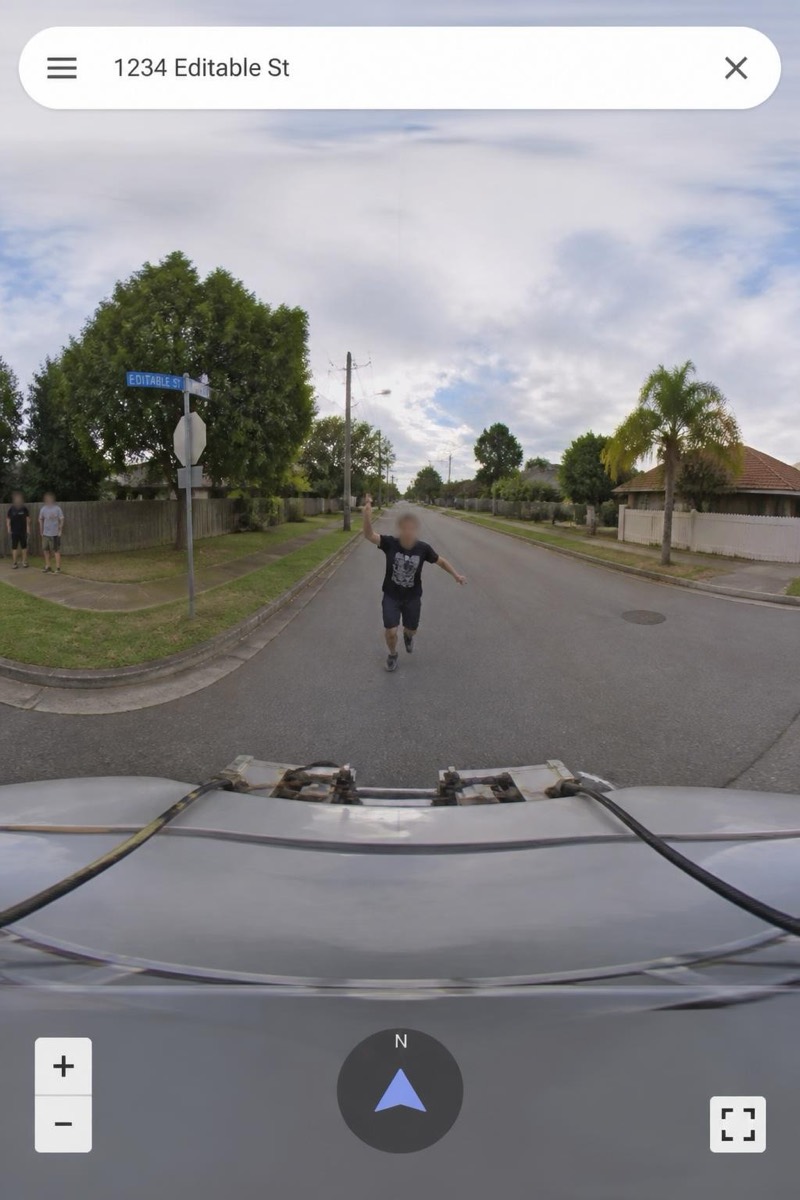
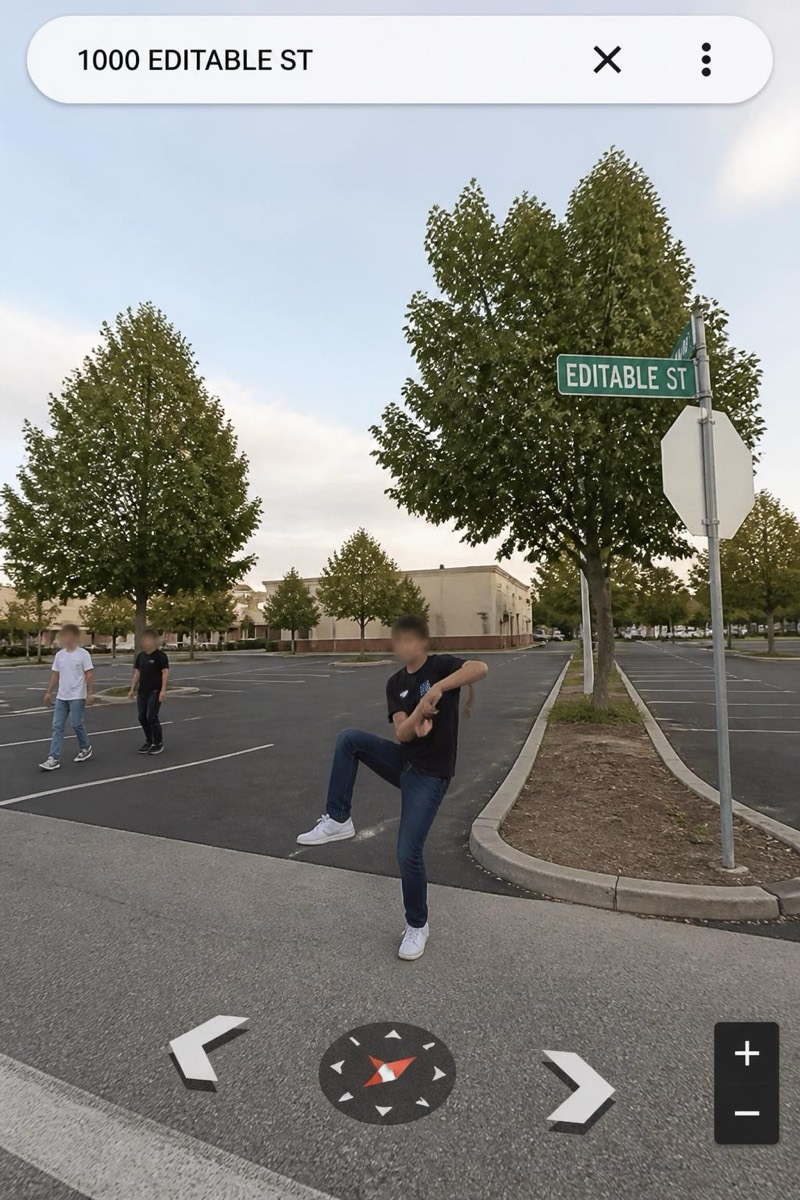
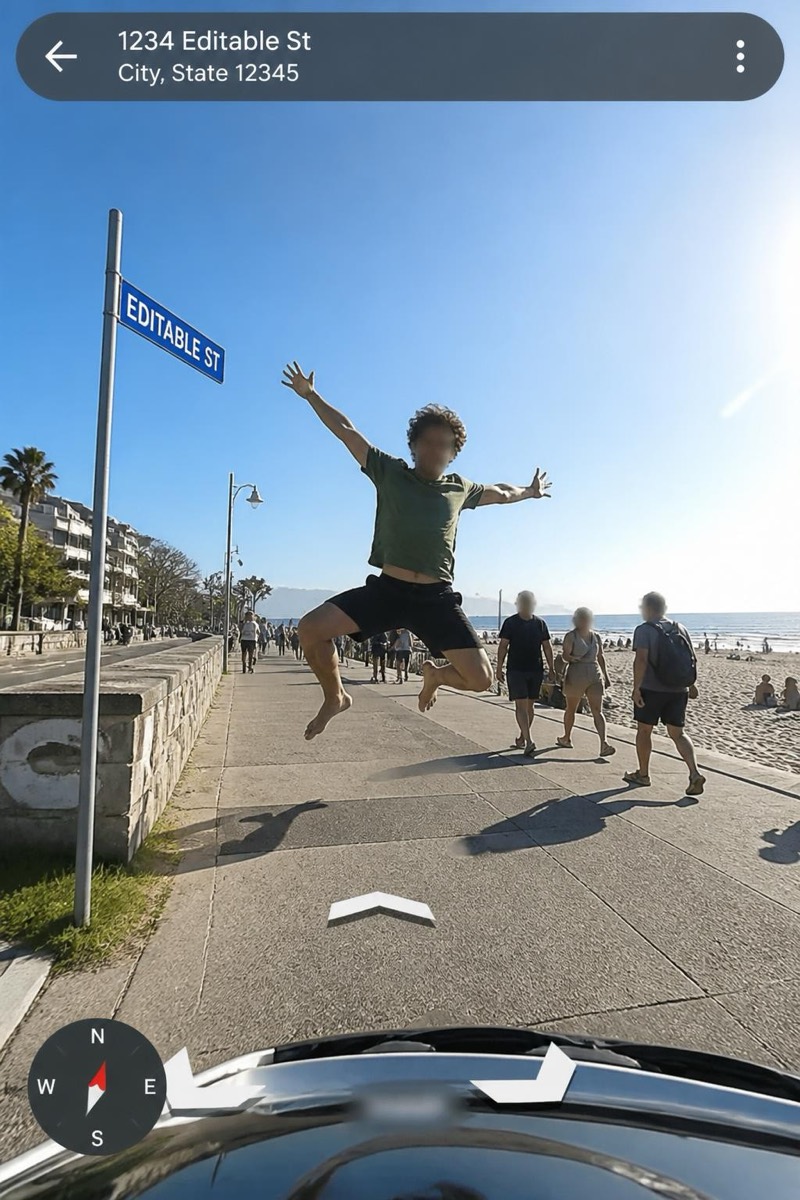
Mid-air photobomb.
Mid-air, limbs starfished, perfectly timed with the passing camera car: the premeditated map photobomb. This filter renders the jump at its apex, motion-frozen against an ordinary street, wrapped in the panoramic seams that prove (fictionally) it's on the map forever. It's the most effort-looking zero-effort photo in the set — the appearance of athletic timing, generated from a photo taken standing still.
How to use it
- 1.
Get Editable
Download Editable (free) from the App Store and open the Explore tab.
- 2.
Pick the The Jump filter
Find The Jump under Street Cam and tap Try.
- 3.
Choose a photo
Pick a photo from your library — the edit runs automatically and is ready in seconds.
Tip: An actual jump photo makes it perfect, but even a tiptoe pose gets convincingly launched.
More Street Cam filters