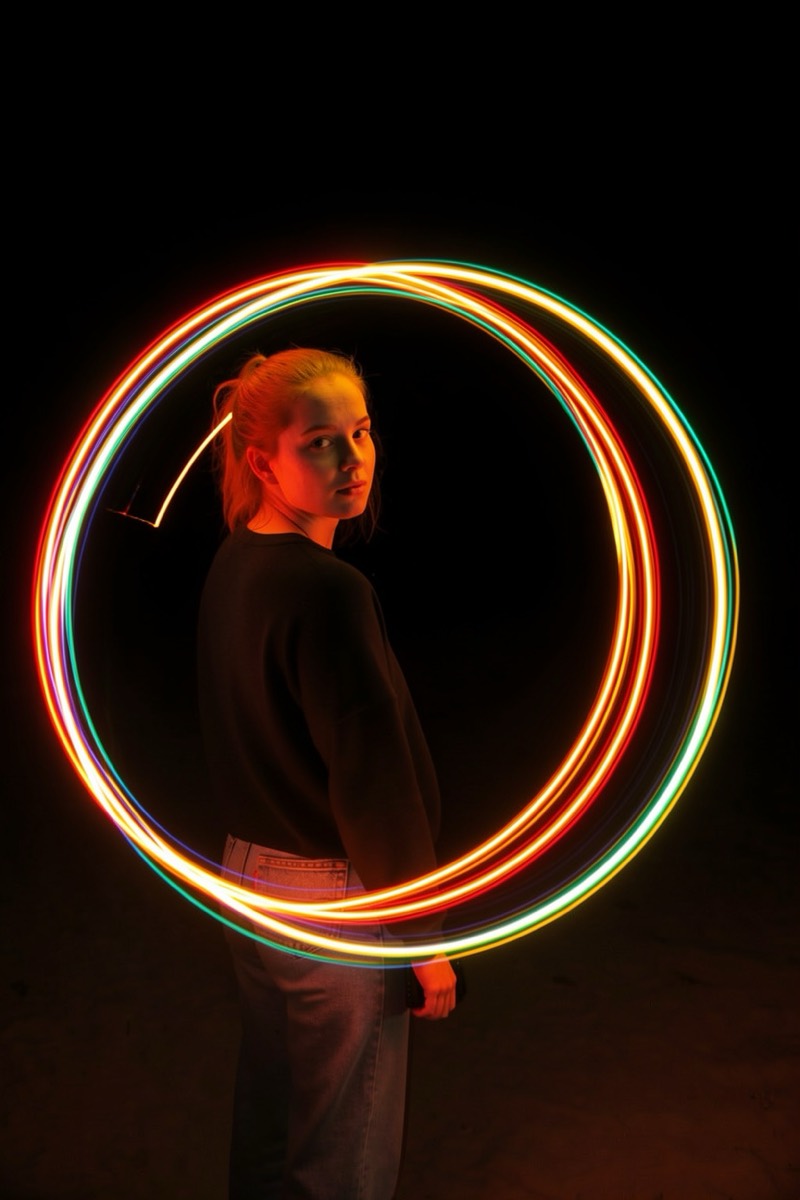
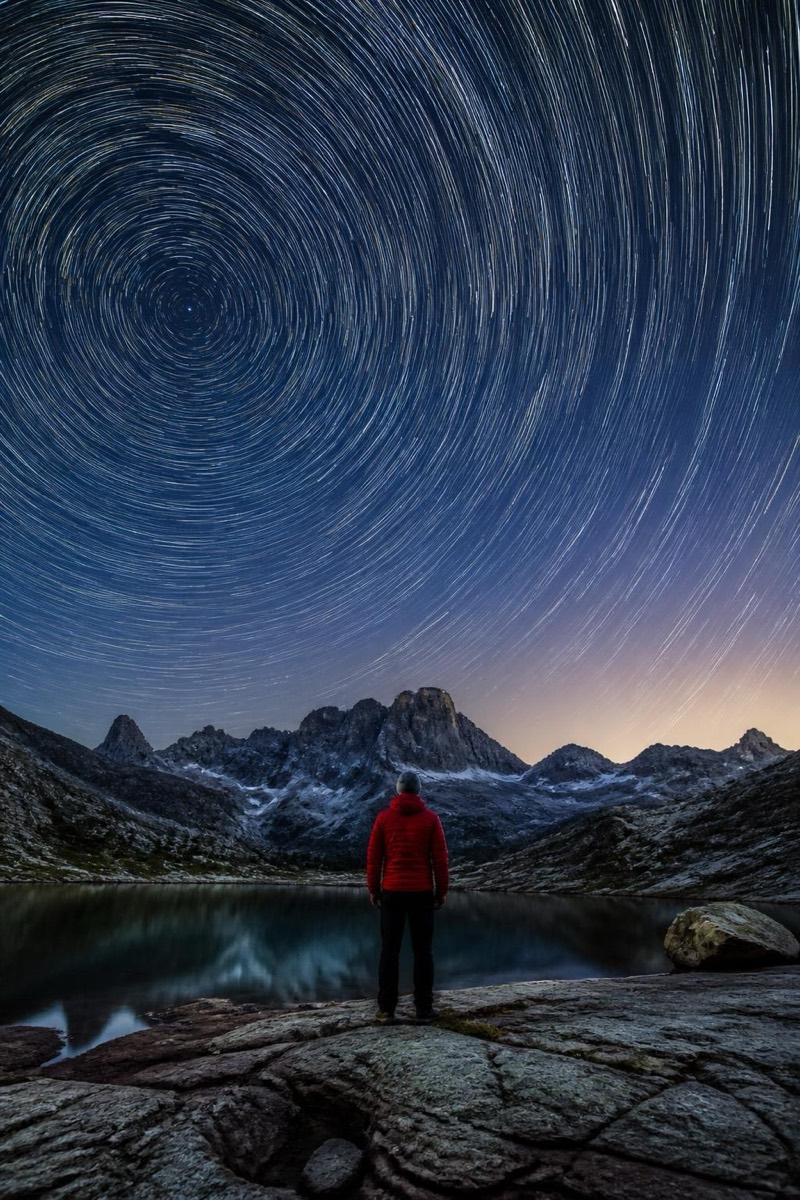
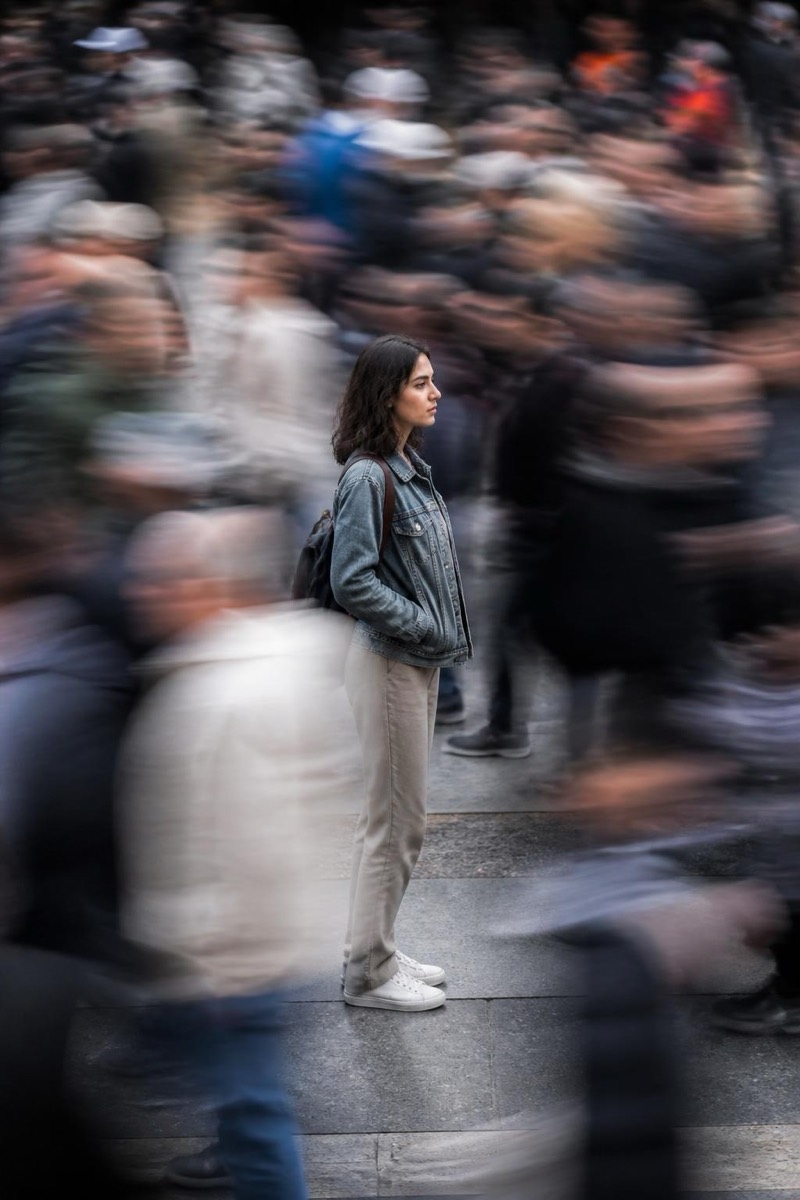
Long Exposure
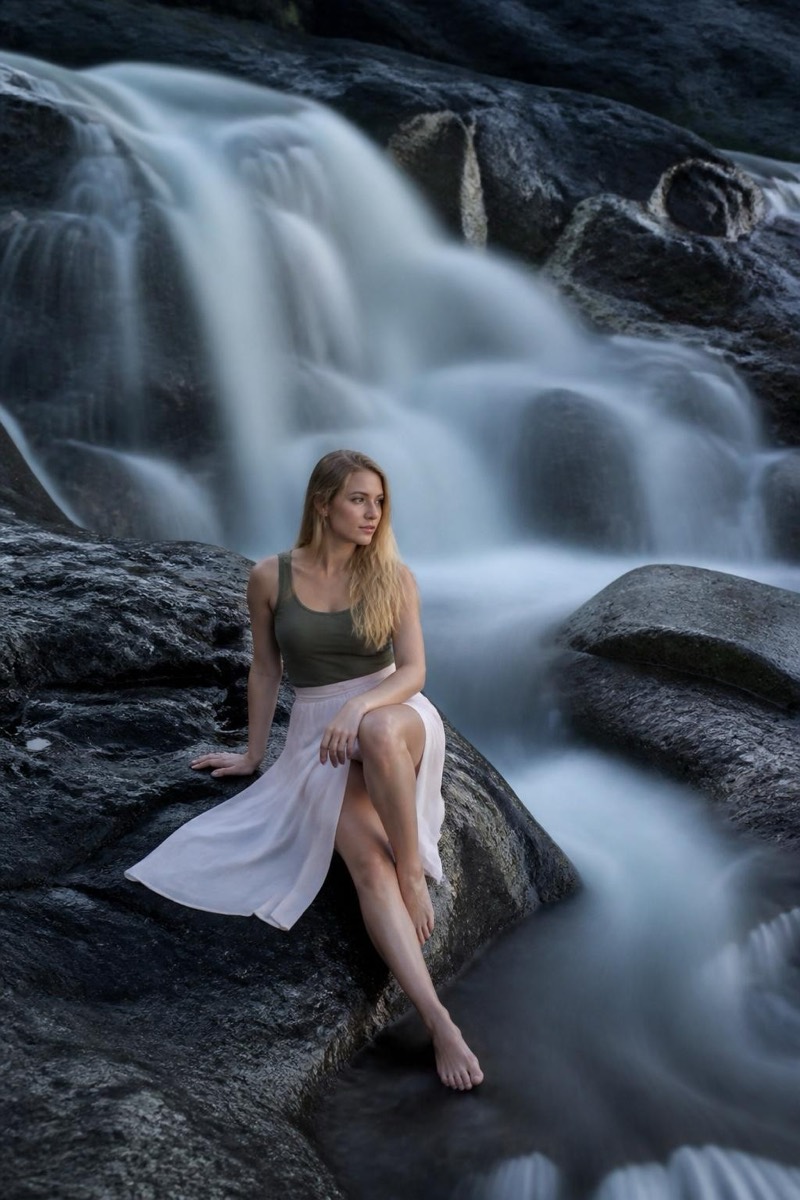
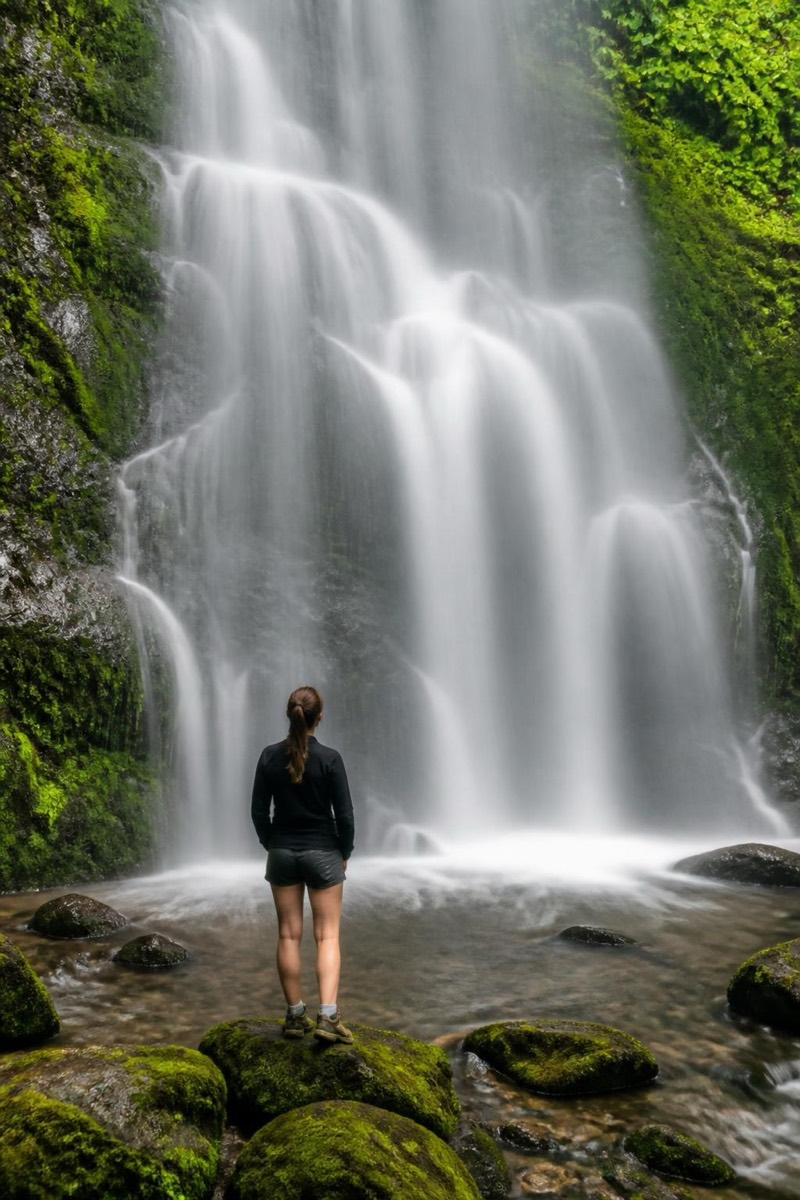
Misty Falls — AI Long Exposure filter
Silky waterfall veil.
The misty falls: a waterfall veiled into soft white silk by seconds of exposure — the photograph every hiker attempts at arm's length and every tripod owner lords over them. This filter performs the transformation on any waterfall (or adds the veil to falling water generally): flow becomes fog, roar becomes hush, and the surrounding rock and green hold sharp. Nature photos ascend a full tier.
How to use it
- 1.
Get Editable
Download Editable (free) from the App Store and open the Explore tab.
- 2.
Pick the Misty Falls filter
Find Misty Falls under Long Exposure and tap Try.
- 3.
Choose a photo
Pick a photo from your library — the edit runs automatically and is ready in seconds.
Tip: Waterfall photos obviously — but fountains and even shower-adjacent humor work.
More Long Exposure filters