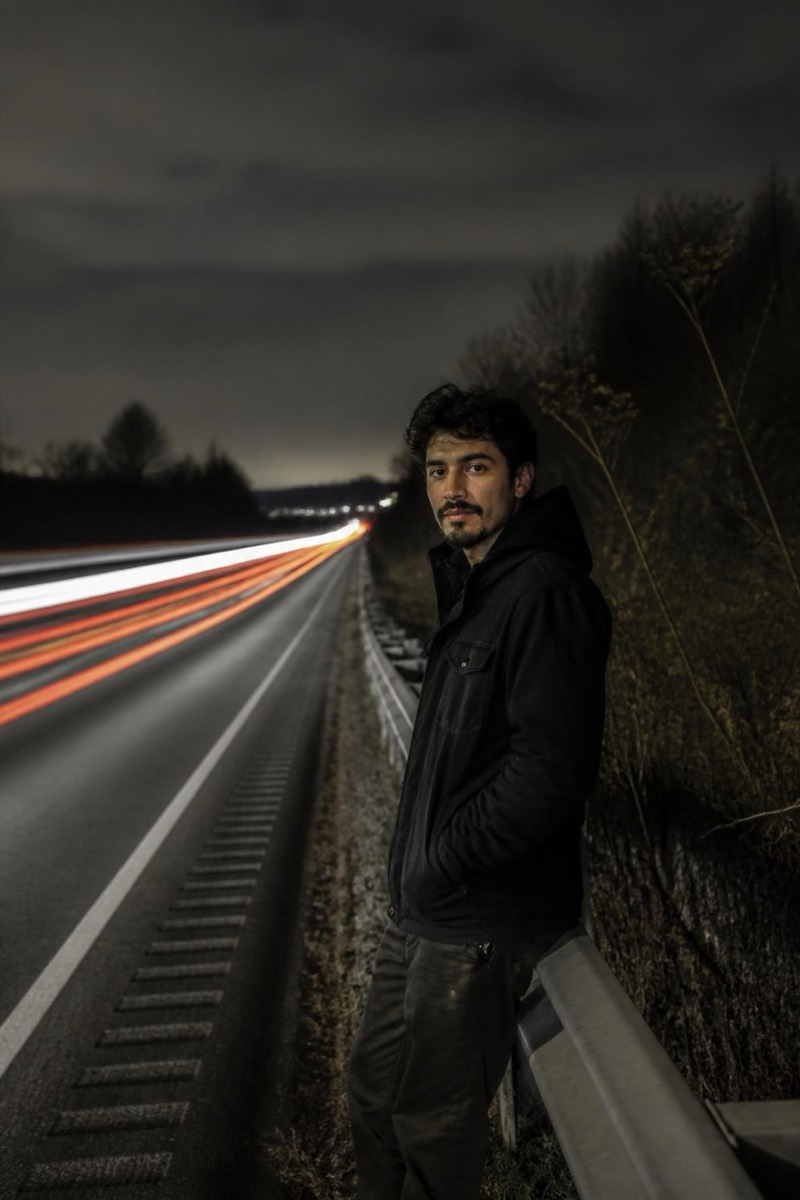
Long Exposure
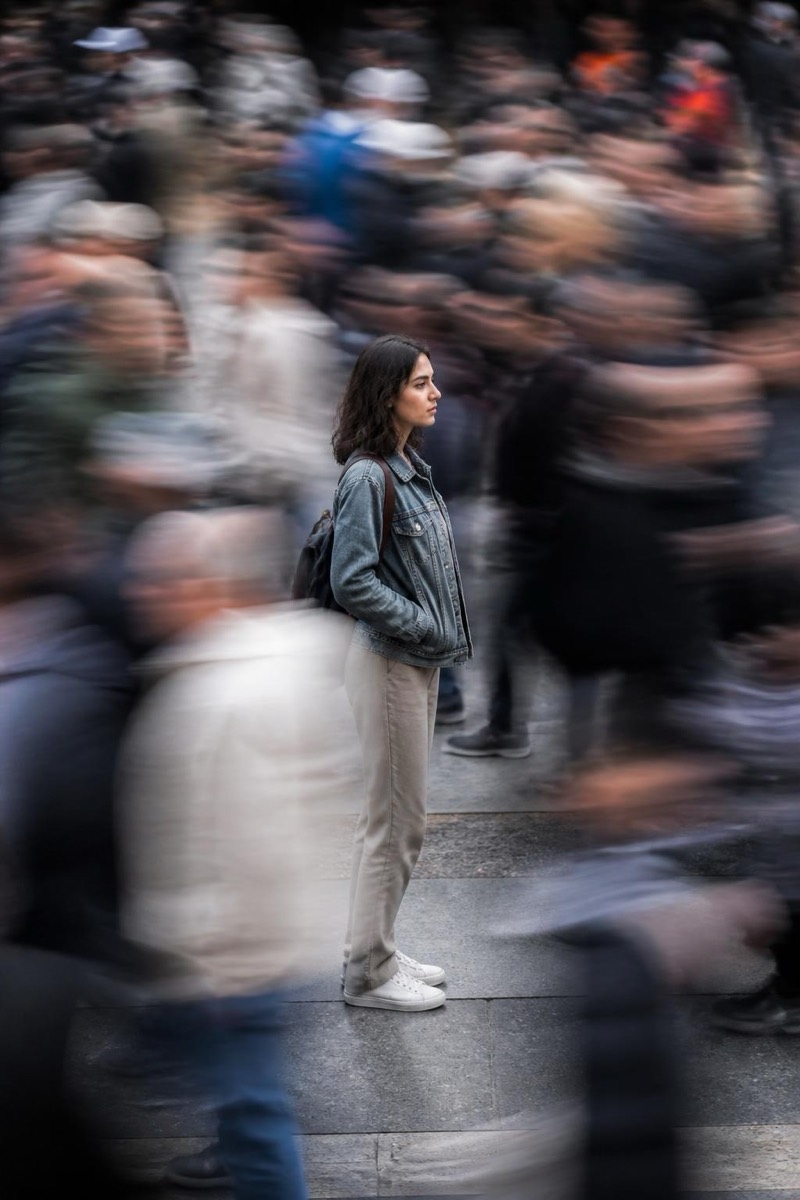
Ghost Crowd — AI Long Exposure filter
Motion-blurred crowd.
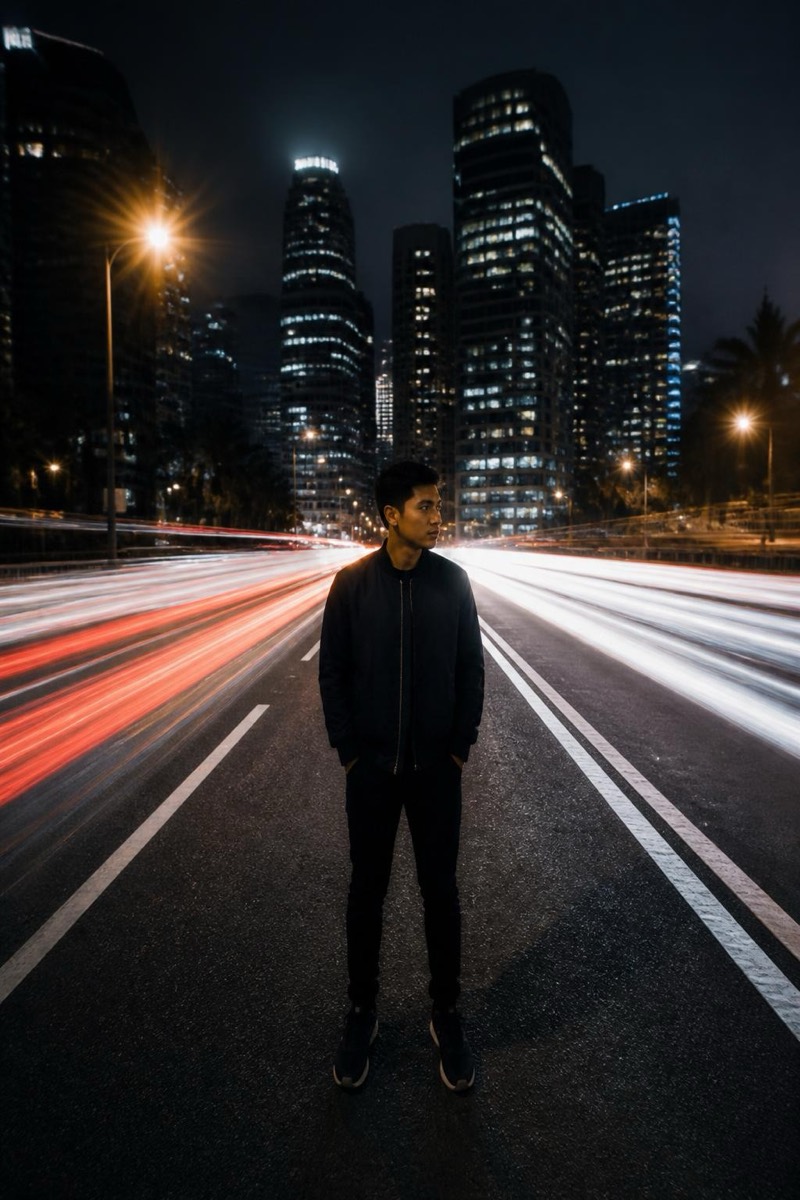
The ghost crowd: everyone around you blurred into translucent motion while you stand solid and still — the long-exposure trick that makes one person permanent in a temporary world. This filter renders passersby as flowing smears of movement with you sharp at the center. It's the most philosophical effect in the catalog and the best possible photo for train stations, plazas and anyone feeling like the calm in a rush.
How to use it
- 1.
Get Editable
Download Editable (free) from the App Store and open the Explore tab.
- 2.
Pick the Ghost Crowd filter
Find Ghost Crowd under Long Exposure and tap Try.
- 3.
Choose a photo
Pick a photo from your library — the edit runs automatically and is ready in seconds.
Tip: Busy locations in the source photo supply the ghosts — empty rooms have no one to blur.
More Long Exposure filters