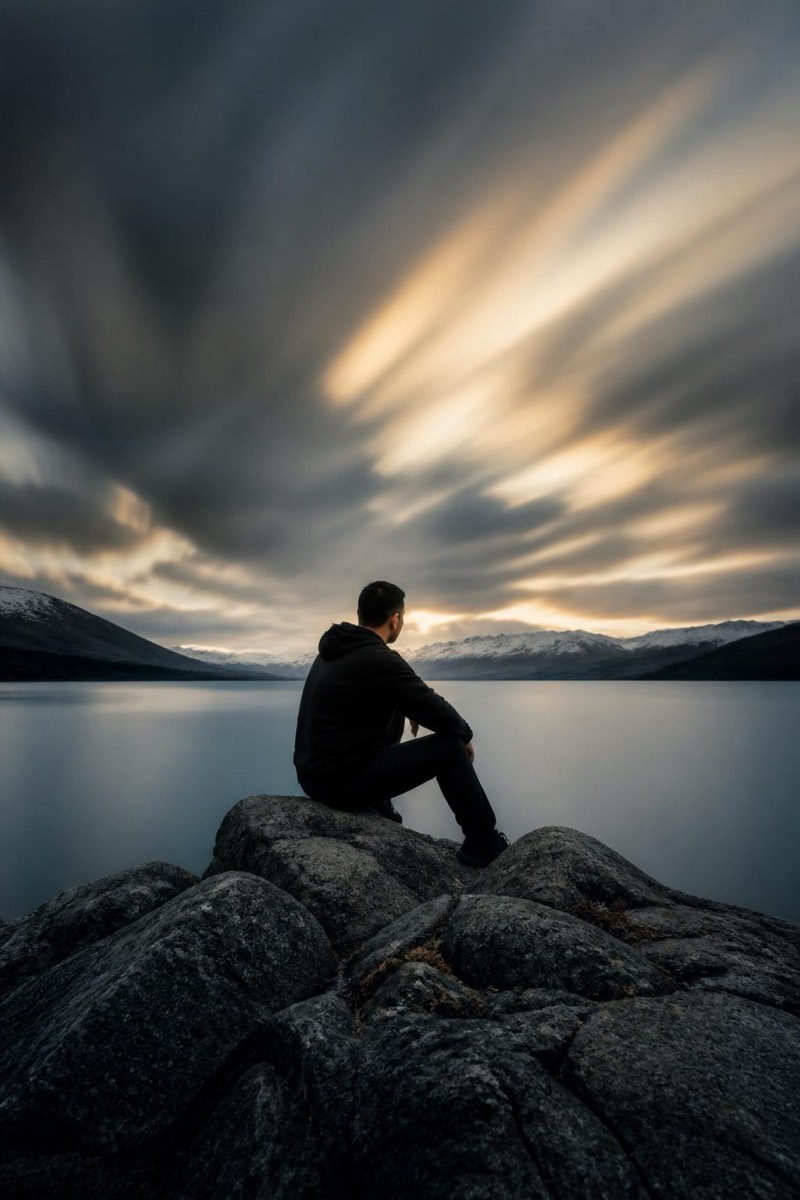
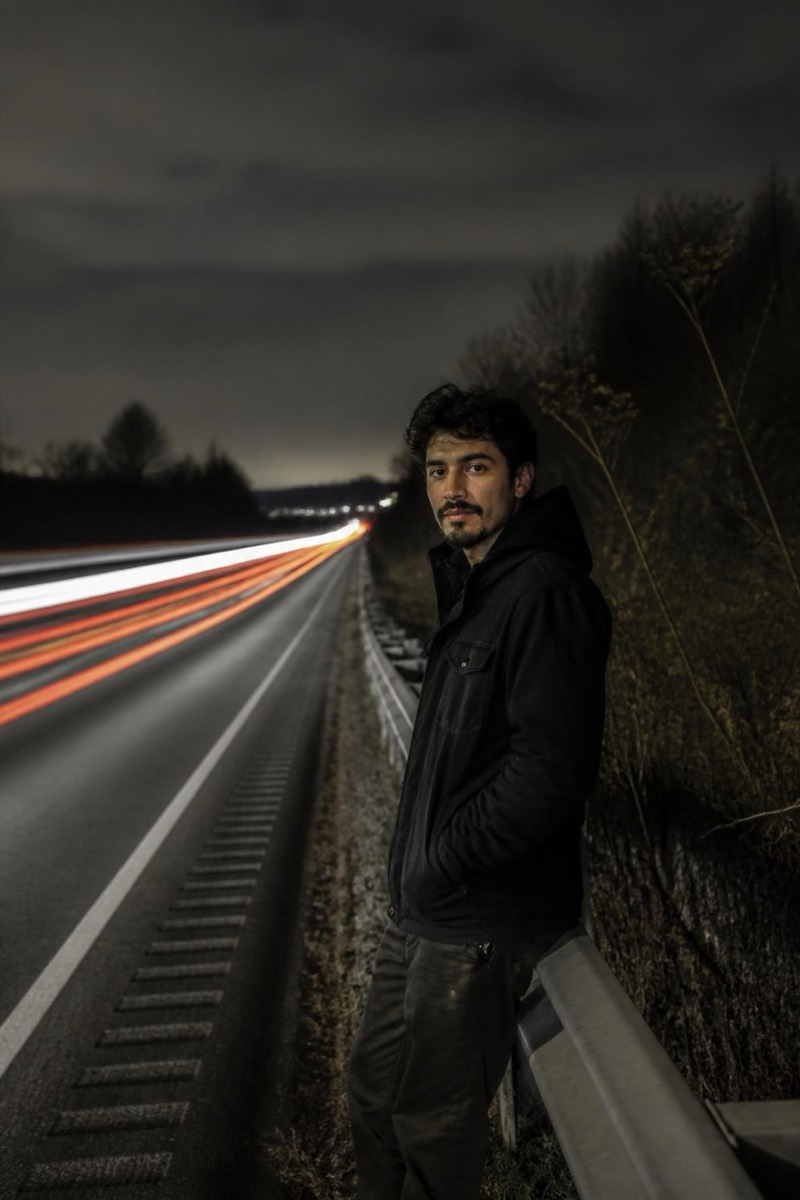
Long Exposure
Light Painting — AI Long Exposure filter
Glowing light streaks painted around you.
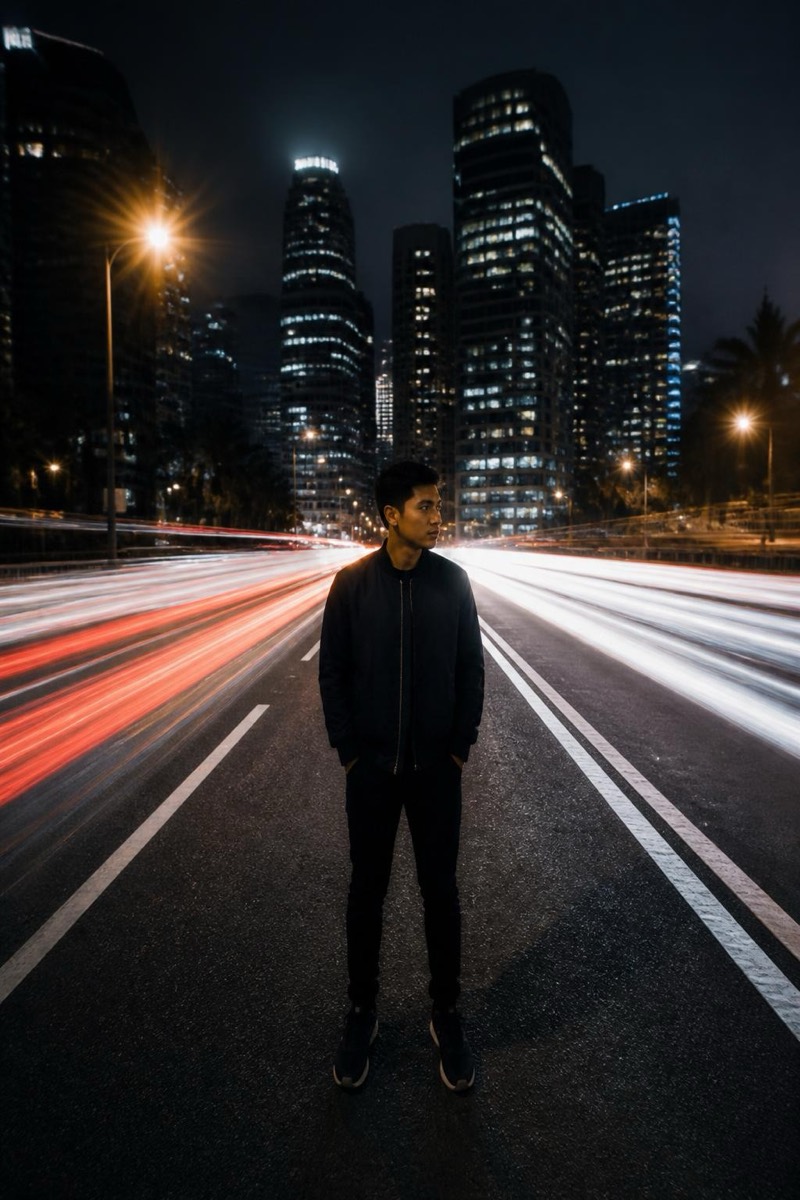
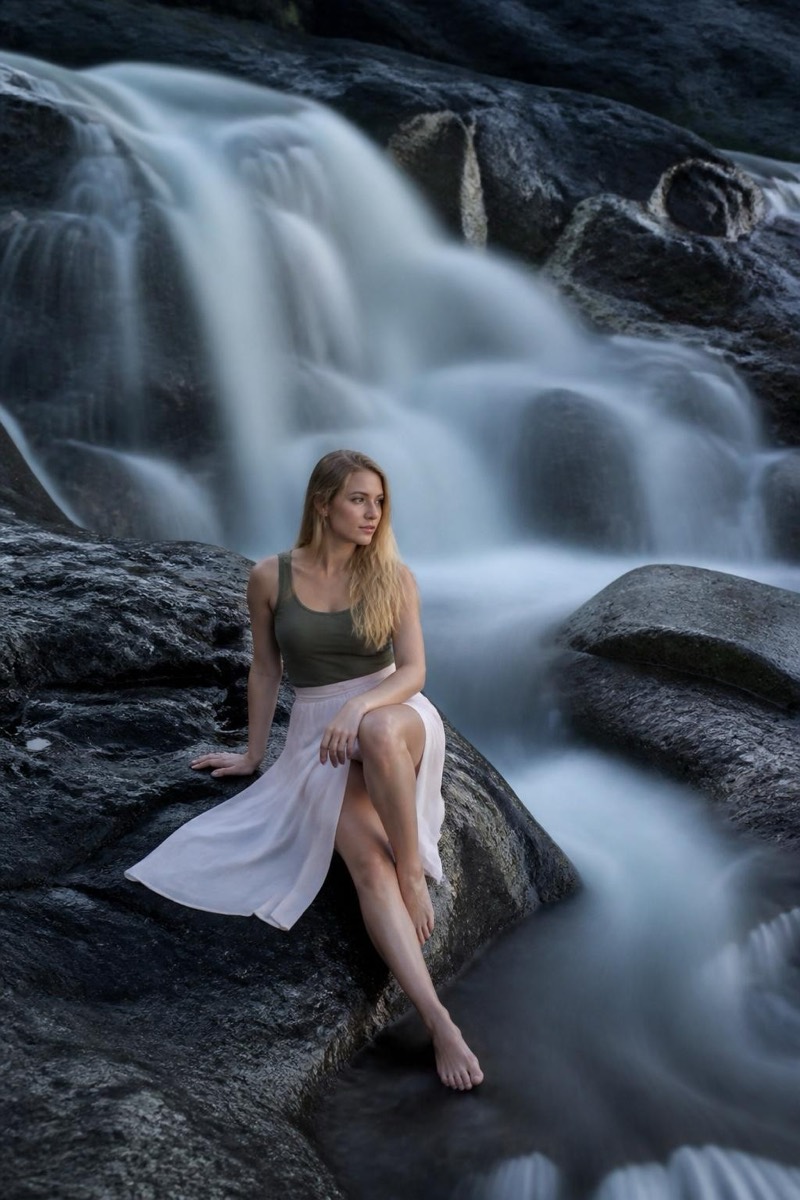
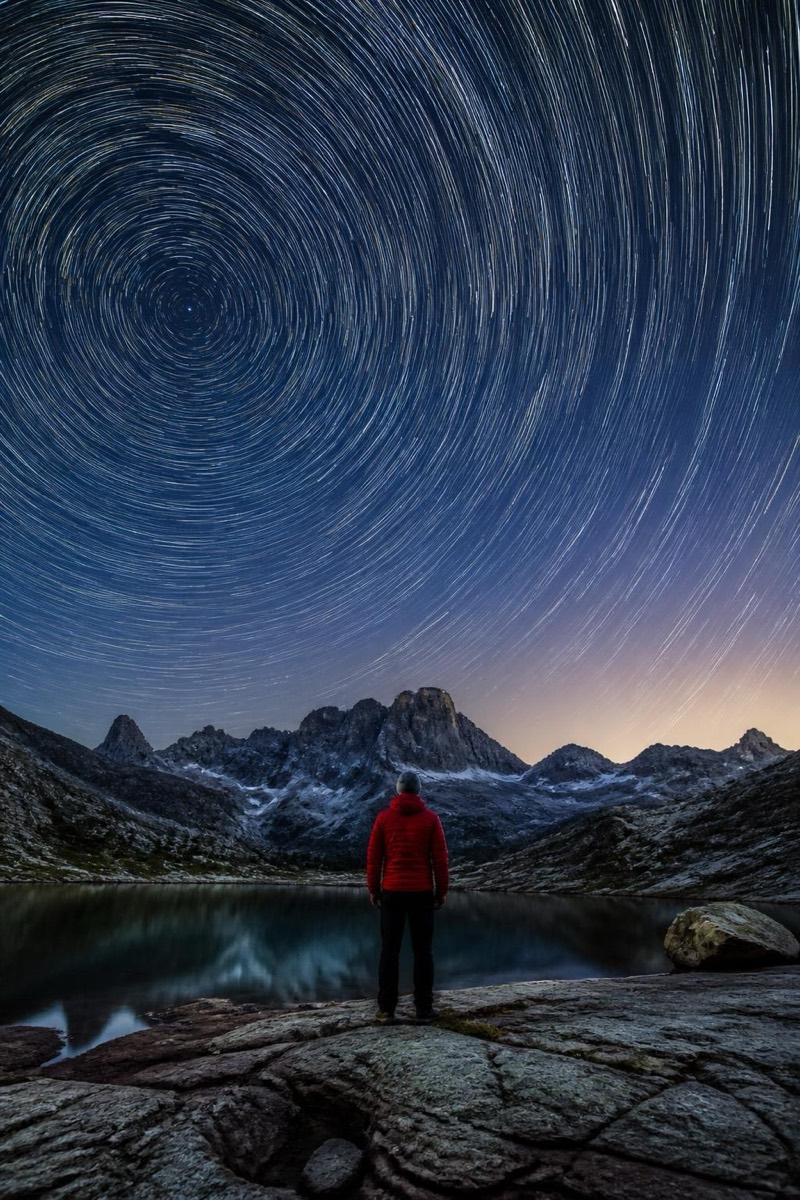
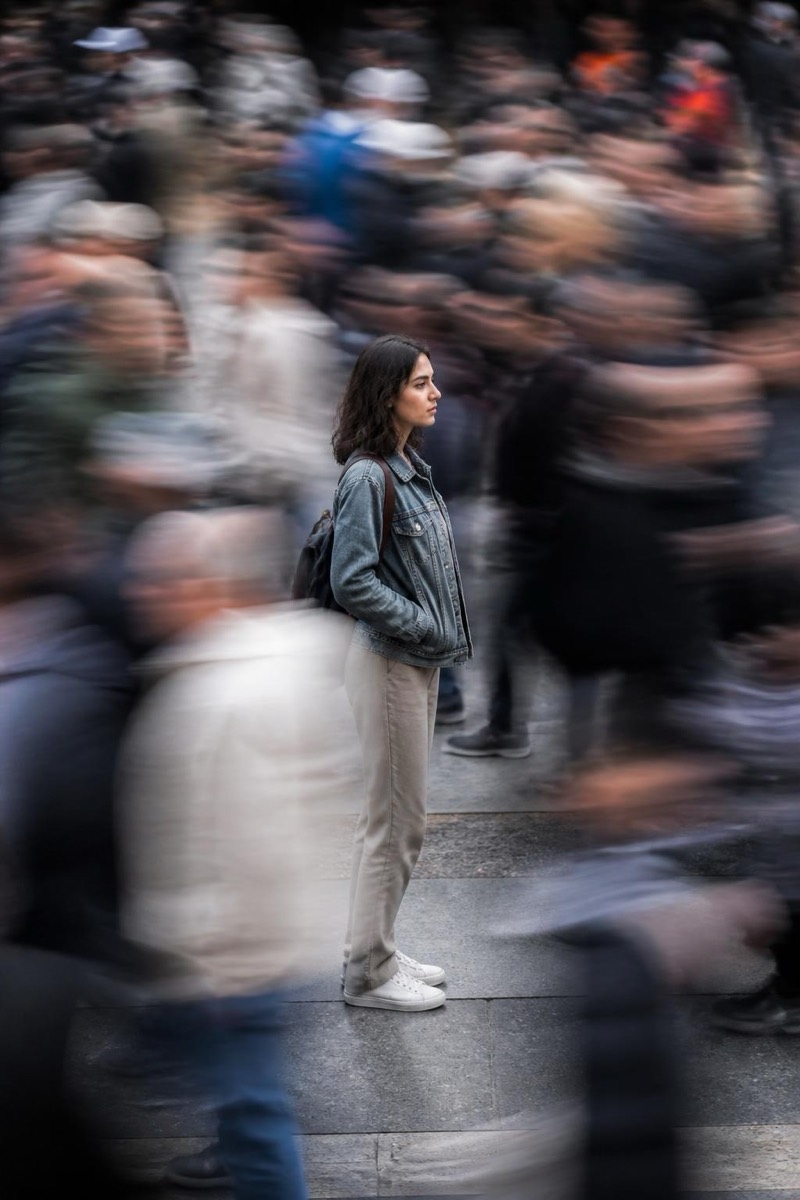
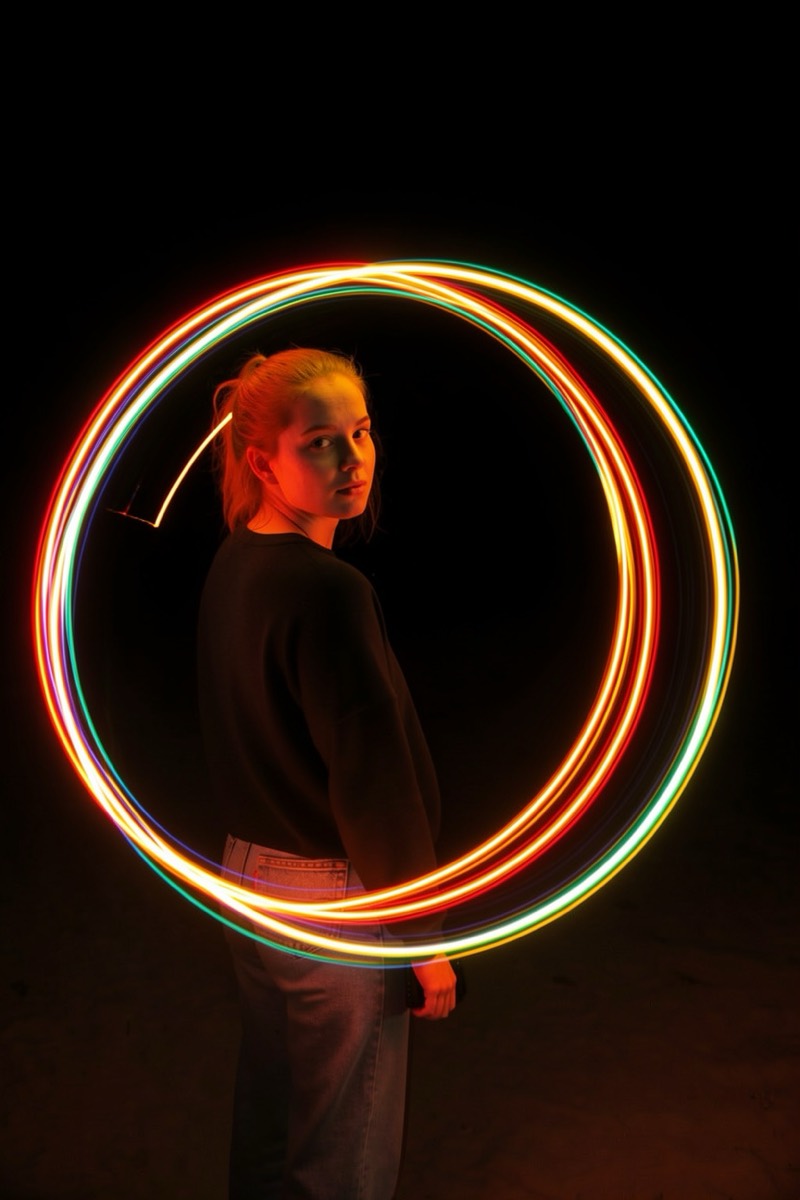
Light painting: glowing streaks drawn through the air around you, as if someone traced the dark with a torch during a long exposure — because in the fiction of this filter, they did. It renders luminous ribbons orbiting your figure with believable long-exposure physics: continuous strokes, bloom where the light lingers, darkness holding everything else. The result is equal parts portrait and performance.
How to use it
- 1.
Get Editable
Download Editable (free) from the App Store and open the Explore tab.
- 2.
Pick the Light Painting filter
Find Light Painting under Long Exposure and tap Try.
- 3.
Choose a photo
Pick a photo from your library — the edit runs automatically and is ready in seconds.
Tip: Dark backgrounds make the painted light glow — night or dim-room photos are ideal canvases.
More Long Exposure filters