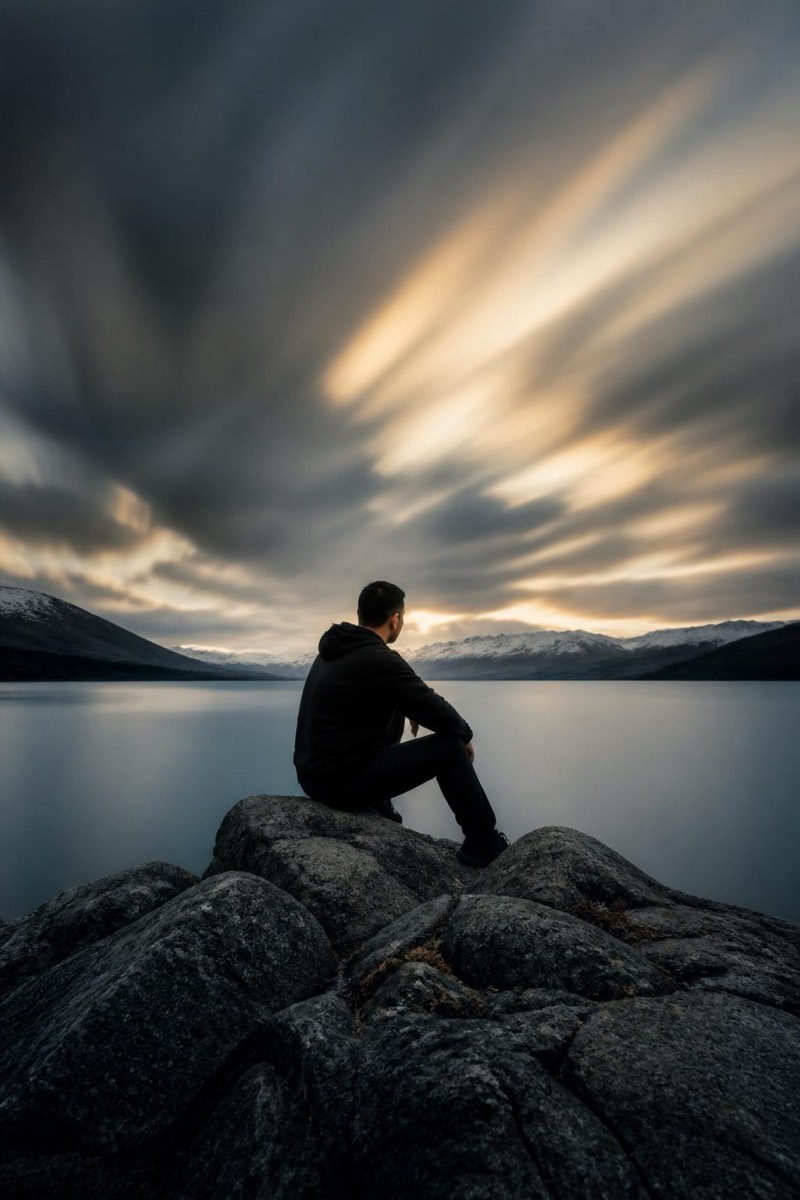
Long Exposure
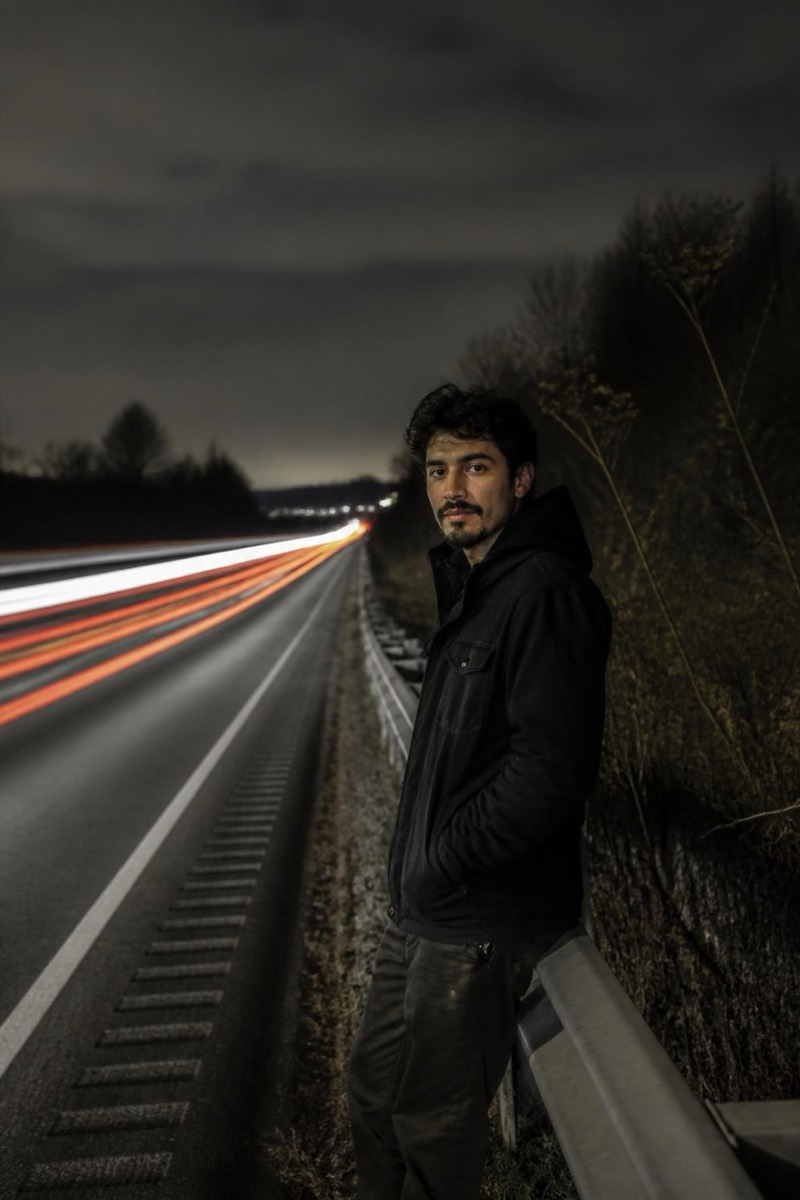
Light Trails — AI Long Exposure filter
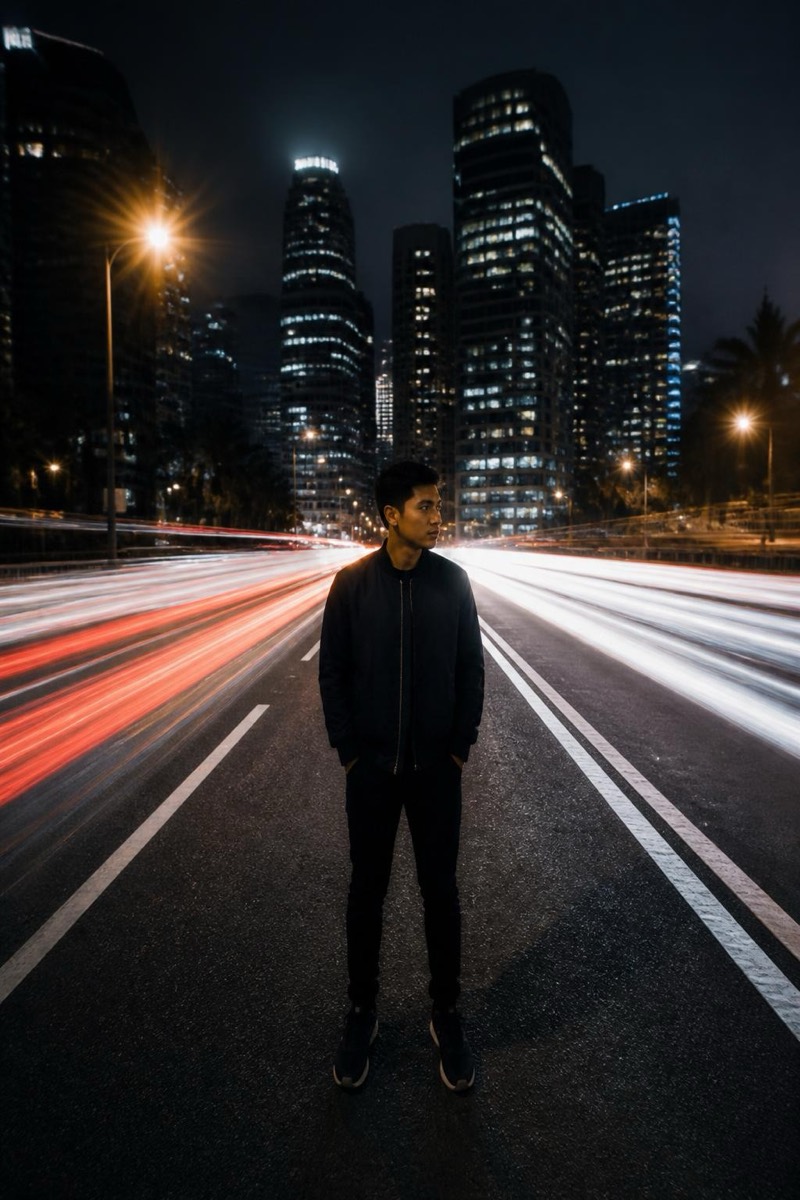
Streaking light trails through a night scene.
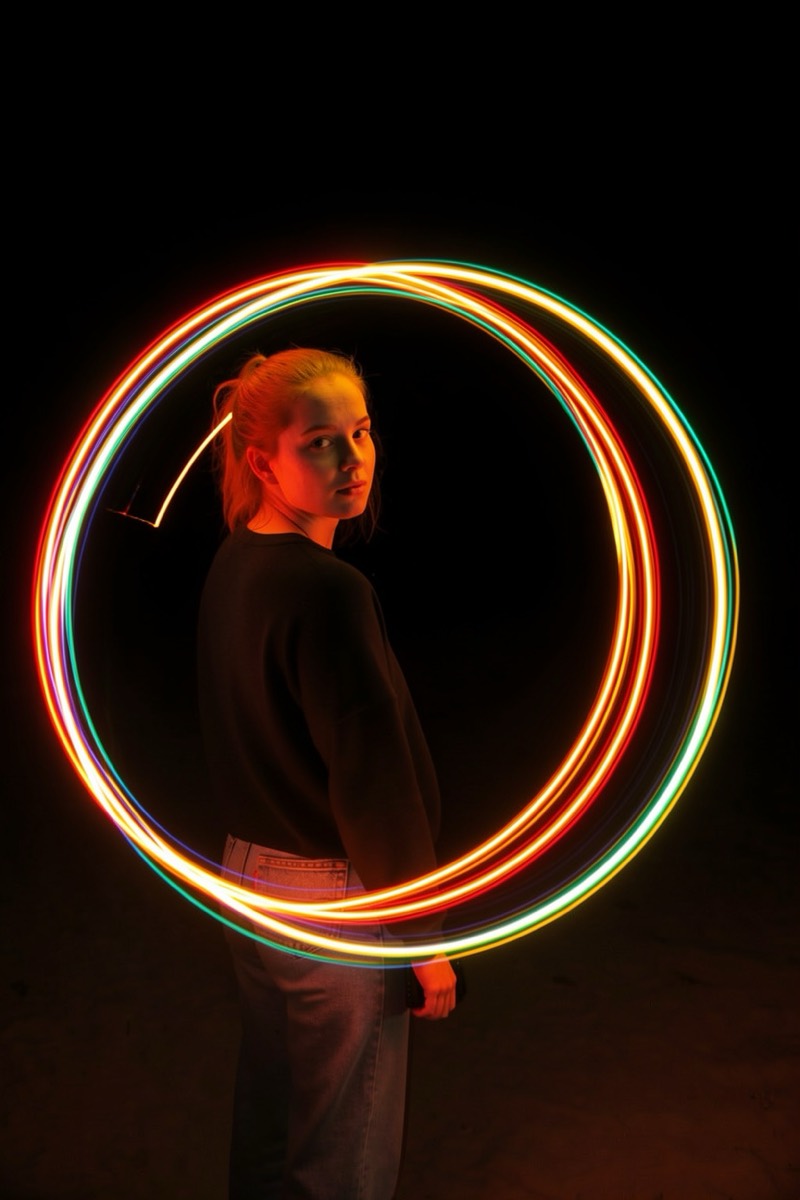
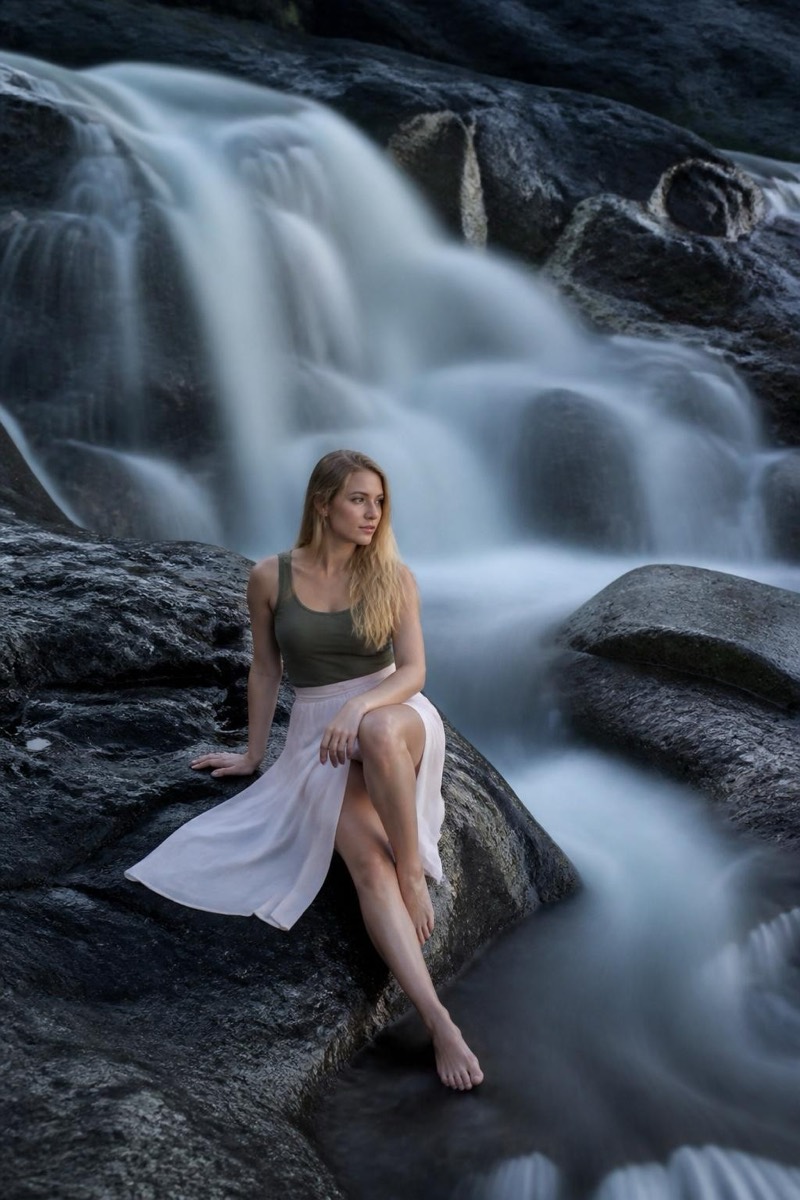
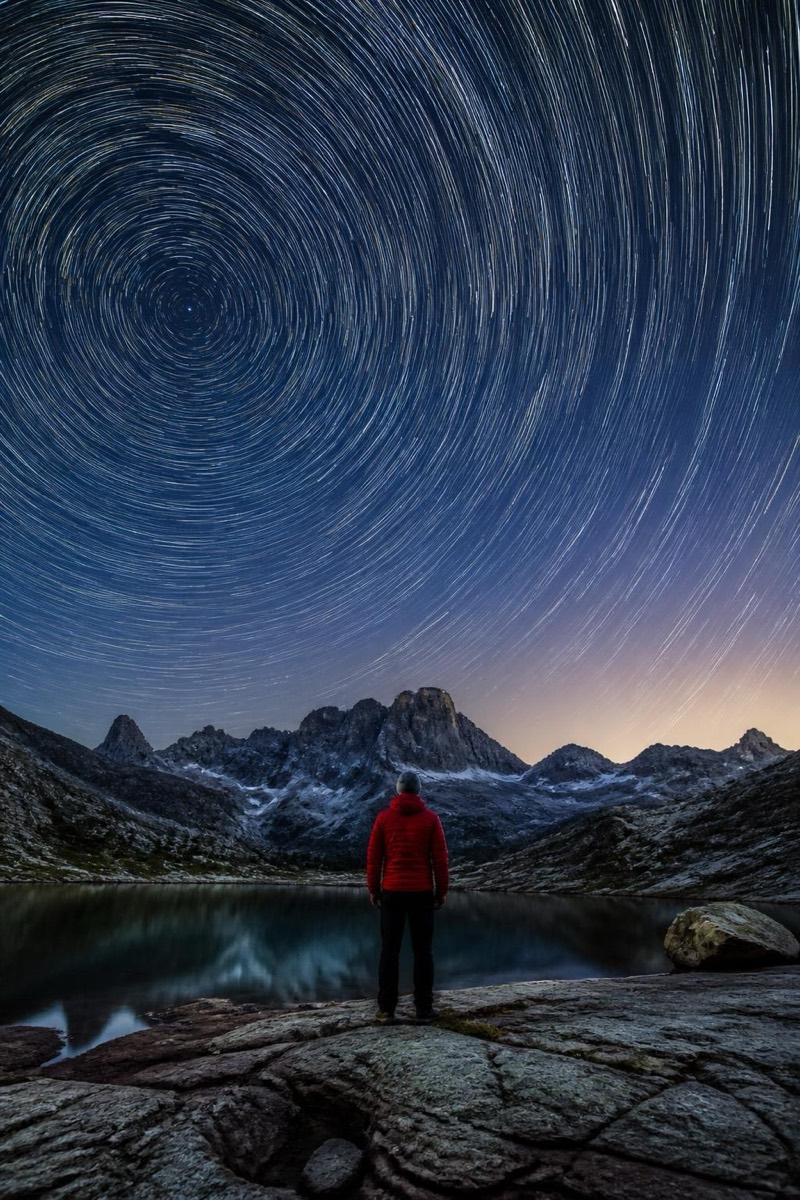
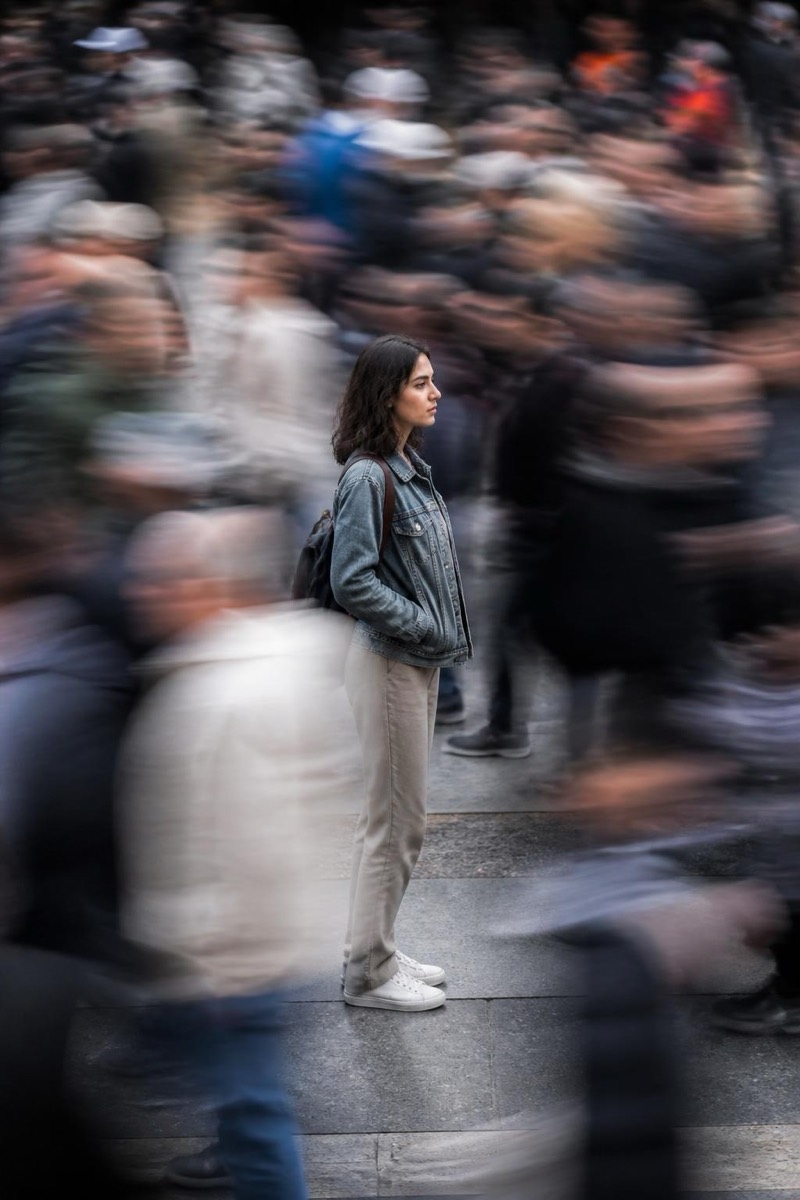
Streaking light trails through a night scene: traffic rendered as ribbons of red and white, you sharp and still at the center of the flow. This filter recreates photography's classic long-exposure spectacle — the thirty-second tripod shot — from one frame. Time appears in the image as motion made visible, with you exempt from it. Night city portraits gain the exact drama that makes people ask how the photo was taken.
How to use it
- 1.
Get Editable
Download Editable (free) from the App Store and open the Explore tab.
- 2.
Pick the Light Trails filter
Find Light Trails under Long Exposure and tap Try.
- 3.
Choose a photo
Pick a photo from your library — the edit runs automatically and is ready in seconds.
Tip: Photos near roads or moving lights give the trails their source — the stiller you pose, the sharper the contrast.
More Long Exposure filters