Lighting
Fix harsh shadows on the face — AI Lighting filter
Even, balanced light
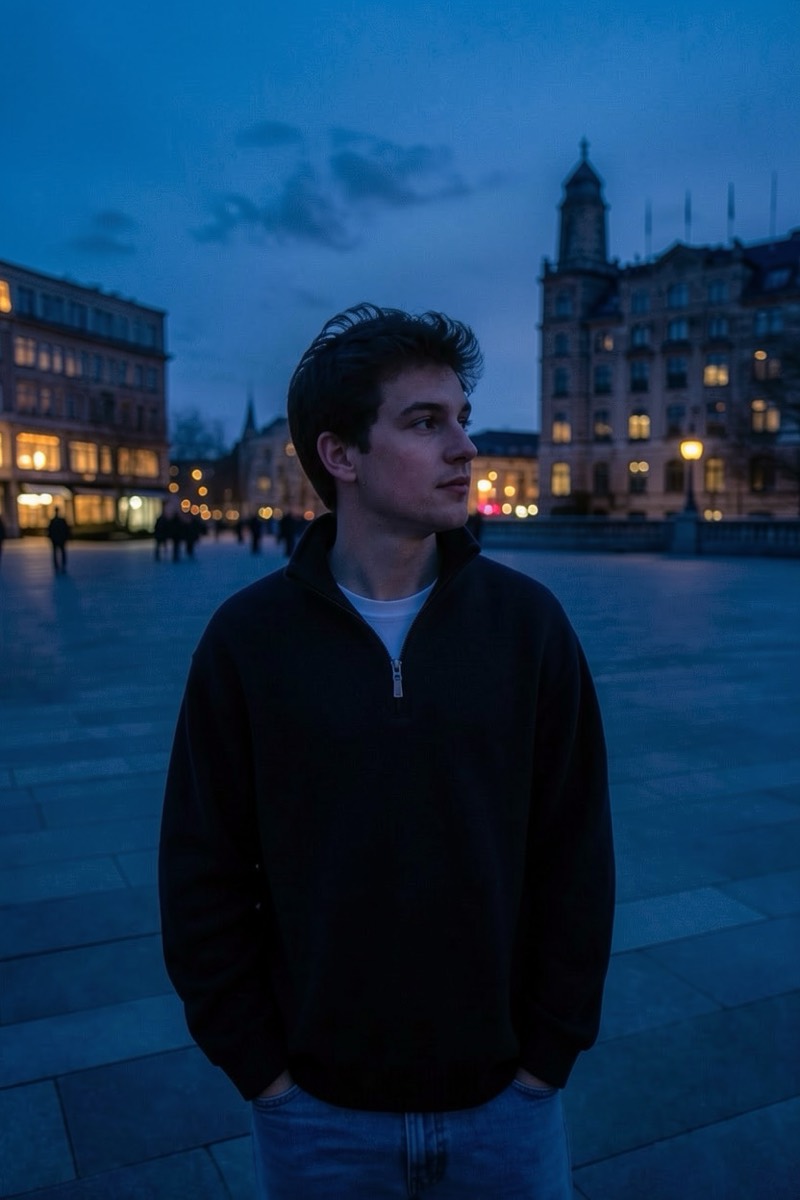
Overhead noon sun and bare flash both commit the same crime: hard shadows under the eyes, nose and chin that make everyone look tired and mildly sinister. This filter repairs exactly that — lifting and softening harsh facial shadows while keeping the photo's overall light direction and mood intact. It's a targeted correction rather than a re-light: the photo stays yours, minus the raccoon eyes. One of the most quietly useful fixes in the catalog.

How to use it
- 1.
Get Editable
Download Editable (free) from the App Store and open the Explore tab.
- 2.
Pick the Fix harsh shadows on the face filter
Find Fix harsh shadows on the face under Lighting and tap Try.
- 3.
Choose a photo
Pick a photo from your library — the edit runs automatically and is ready in seconds.
Tip: Made for outdoor midday photos and flash selfies — the two biggest shadow offenders.
More Lighting filters