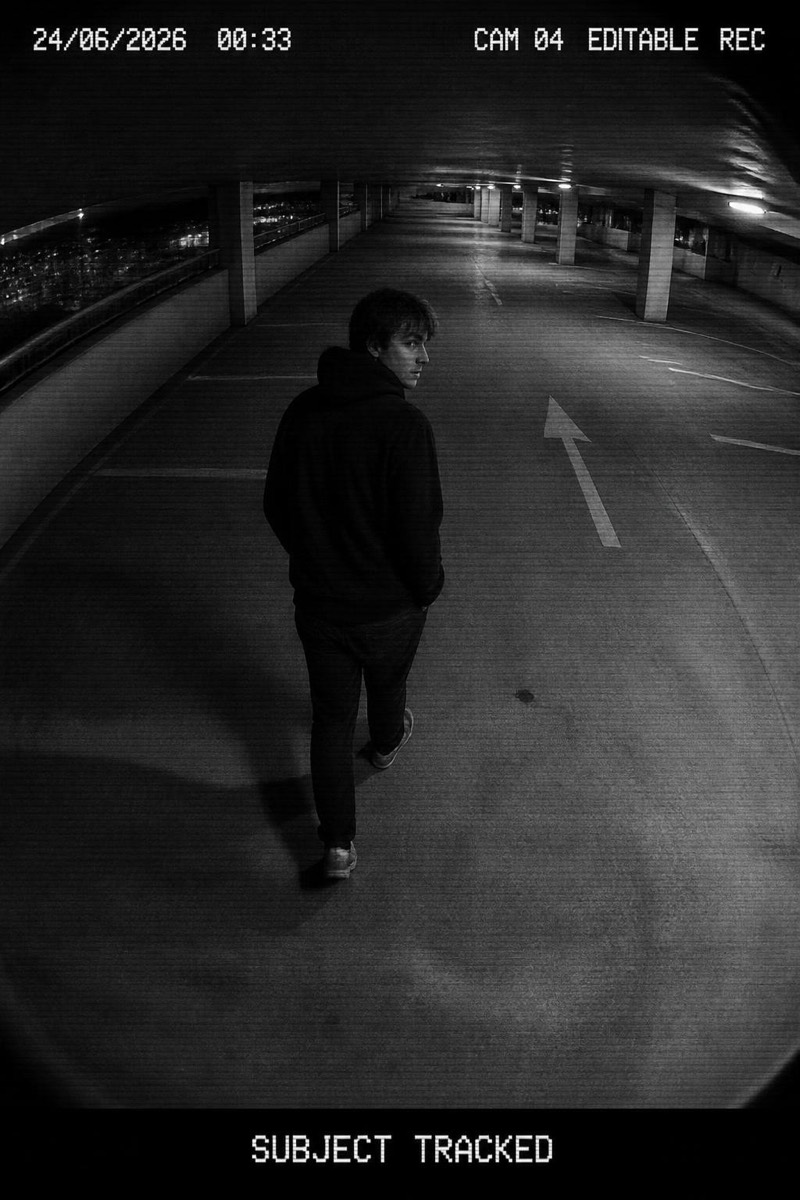
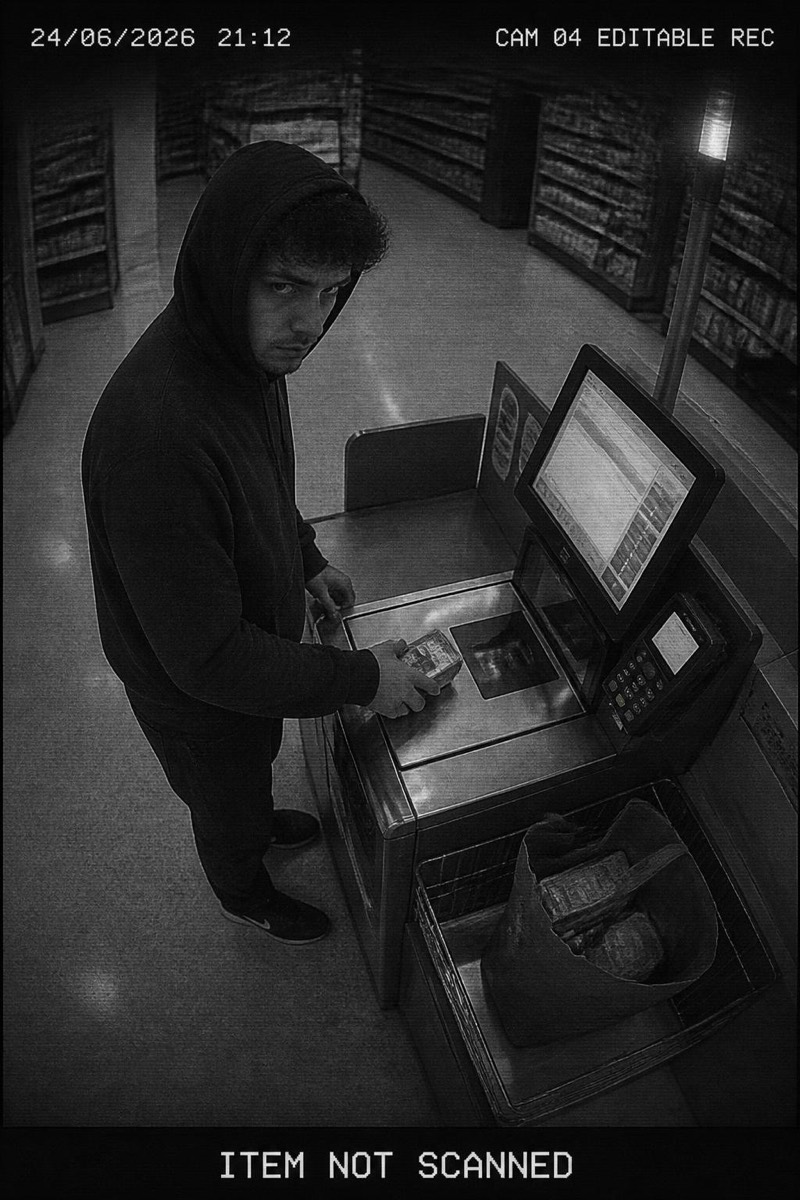
CCTV
Warehouse Lurk — AI CCTV filter
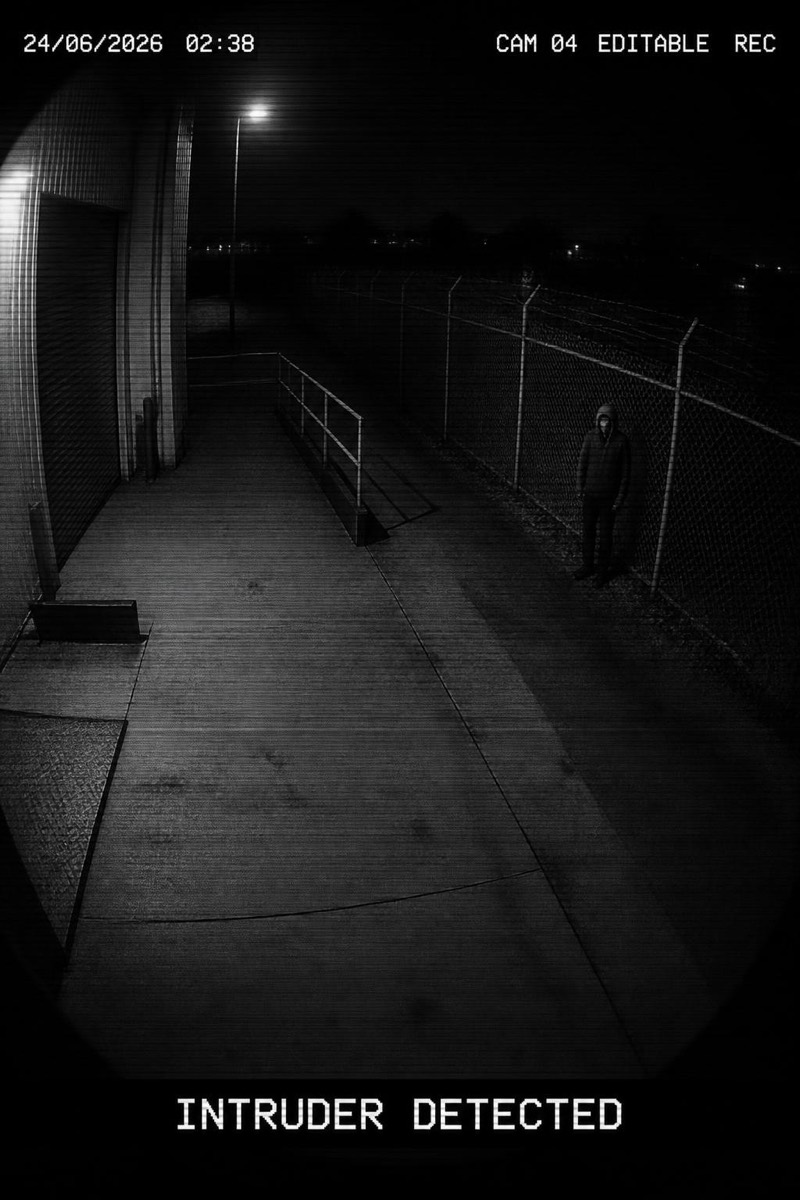
Lurking by the fence.
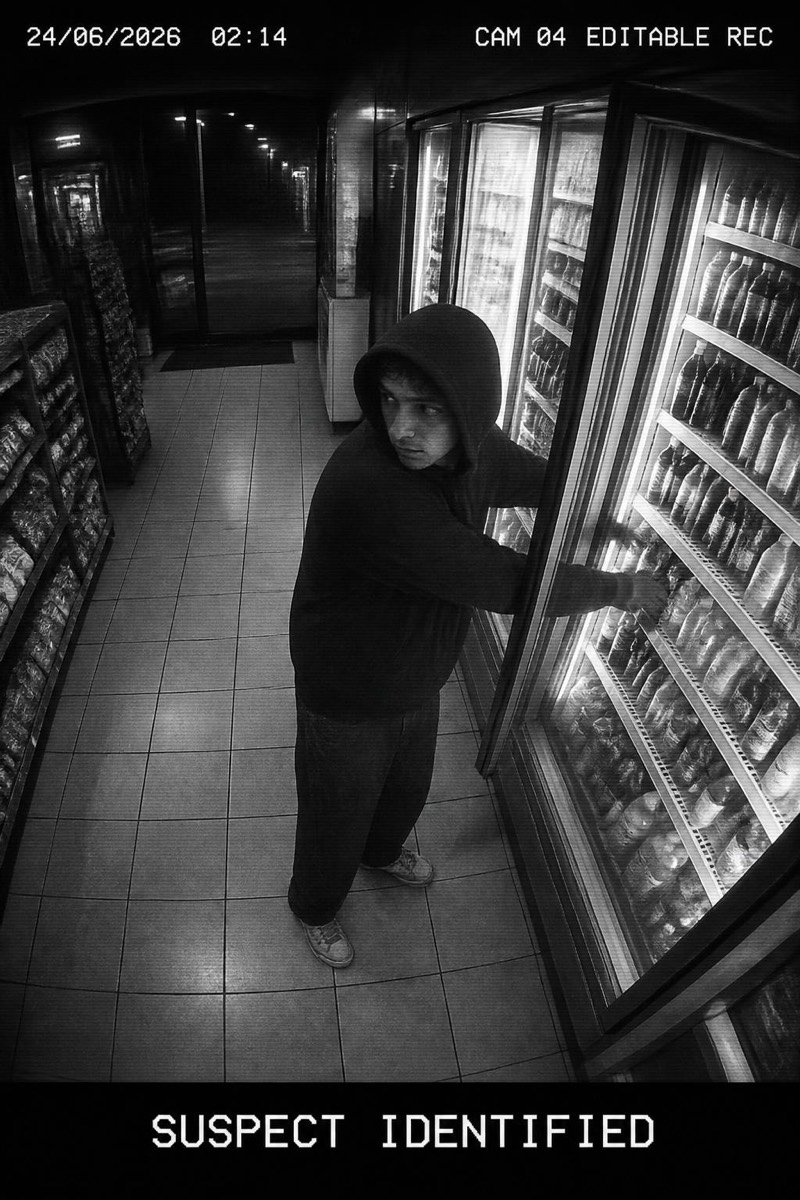
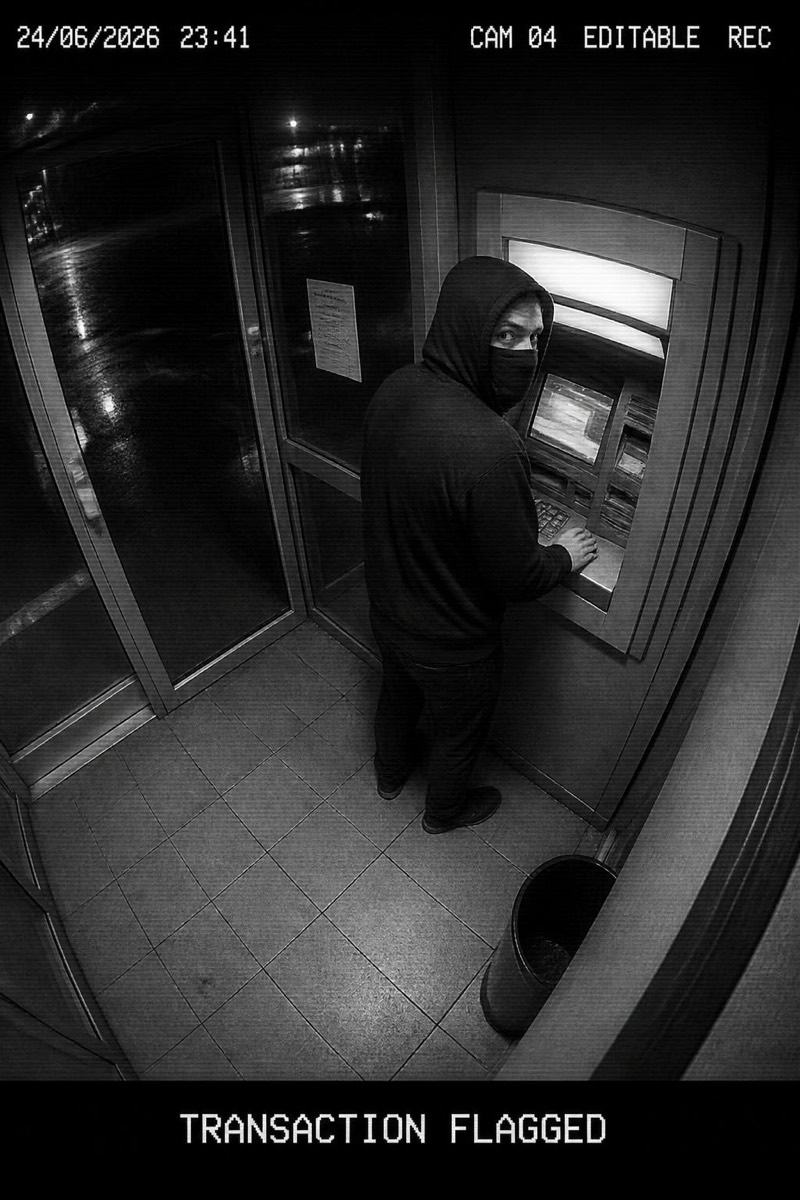
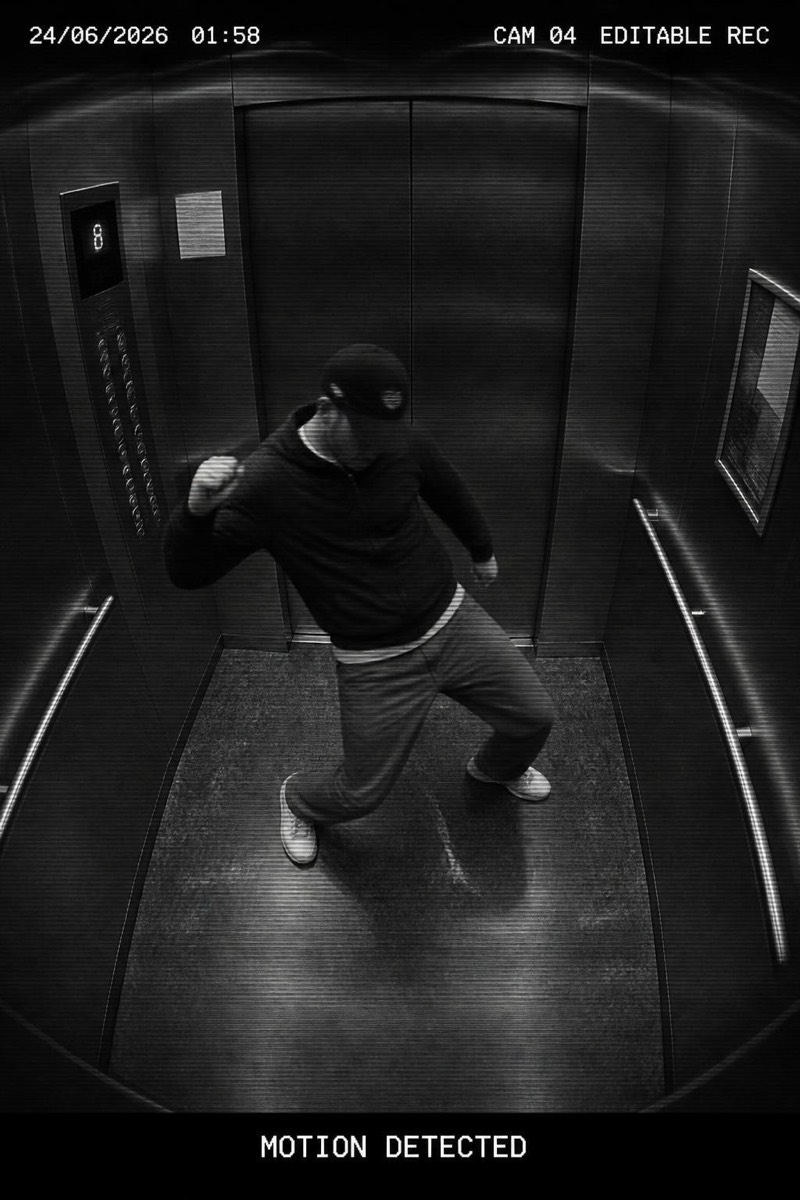
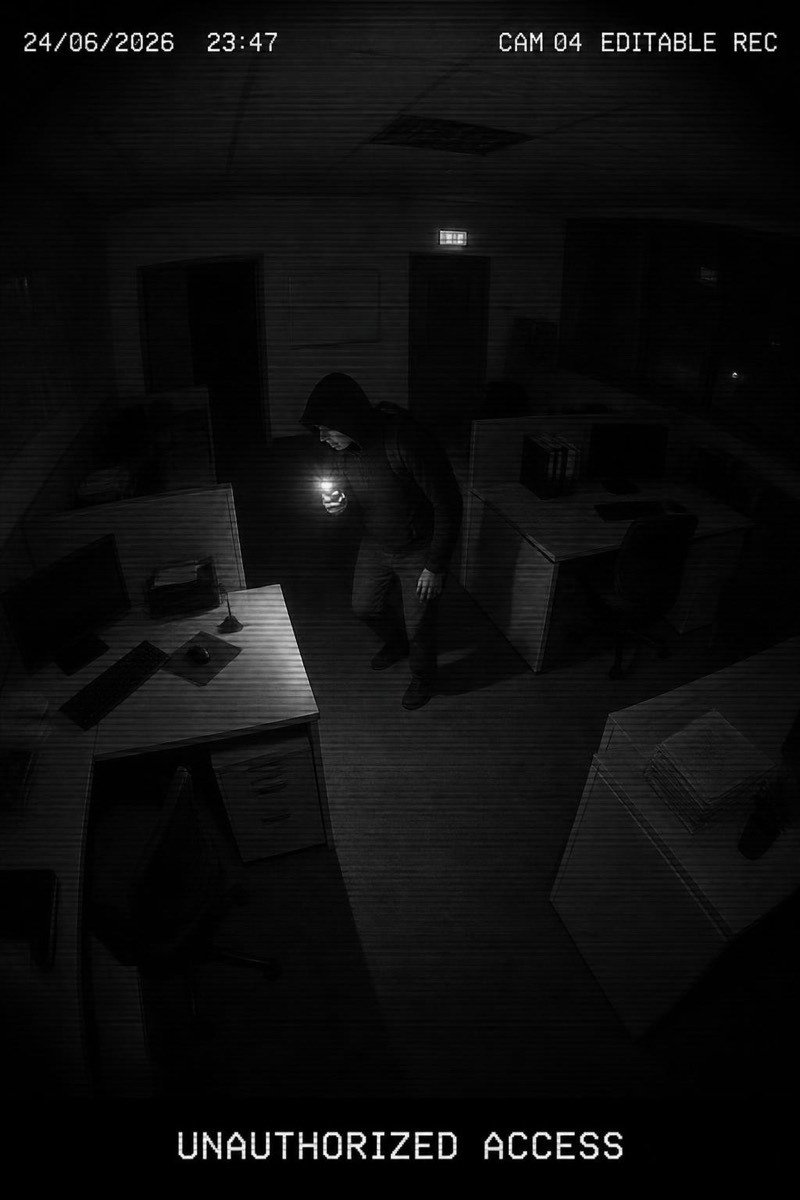
Lurking by the warehouse fence at night, caught in the perimeter camera's IR glow — eyes slightly reflective, posture unmistakably up to something. This filter delivers the full trespass aesthetic: chain-link shadows, floodlight cones, the grain of a camera that costs less than what it protects. It's the CCTV set's most narrative frame; every result implies a backstory and none of them are legal.
How to use it
- 1.
Get Editable
Download Editable (free) from the App Store and open the Explore tab.
- 2.
Pick the Warehouse Lurk filter
Find Warehouse Lurk under CCTV and tap Try.
- 3.
Choose a photo
Pick a photo from your library — the edit runs automatically and is ready in seconds.
Tip: Dark clothing in the source photo completes the perimeter-breach look.
More CCTV filters