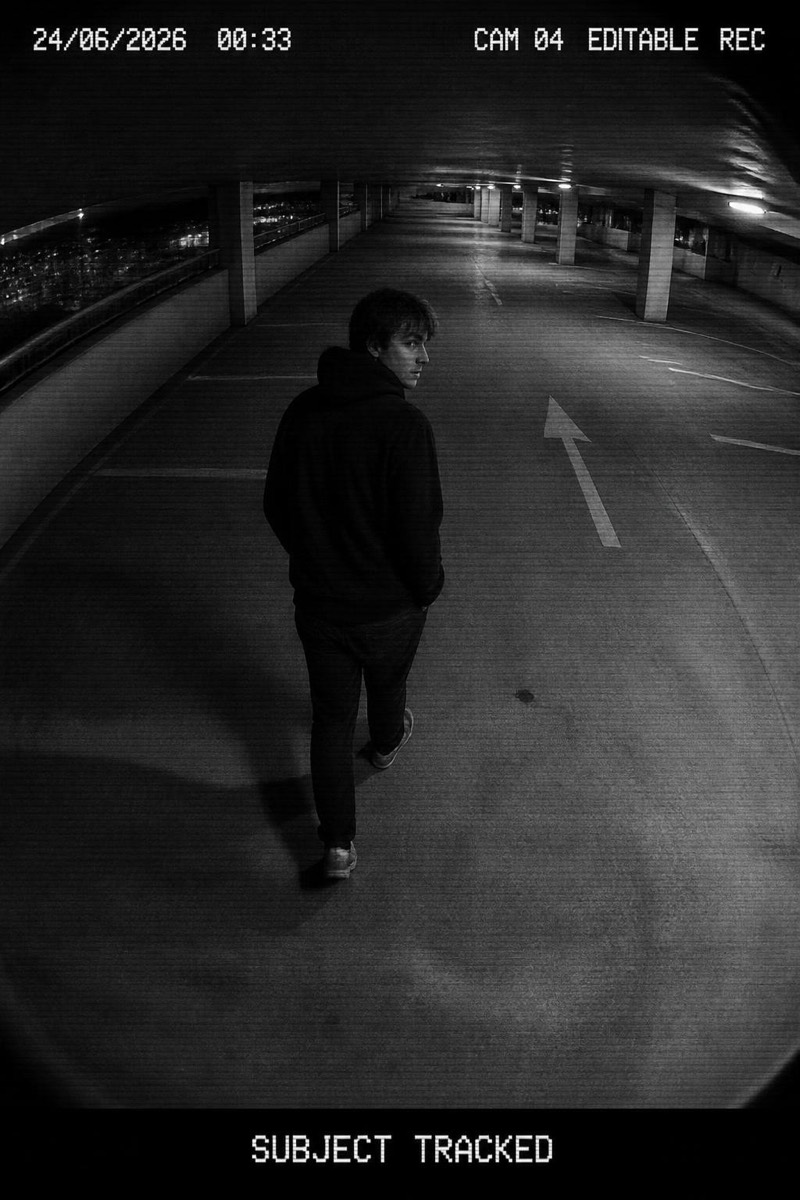
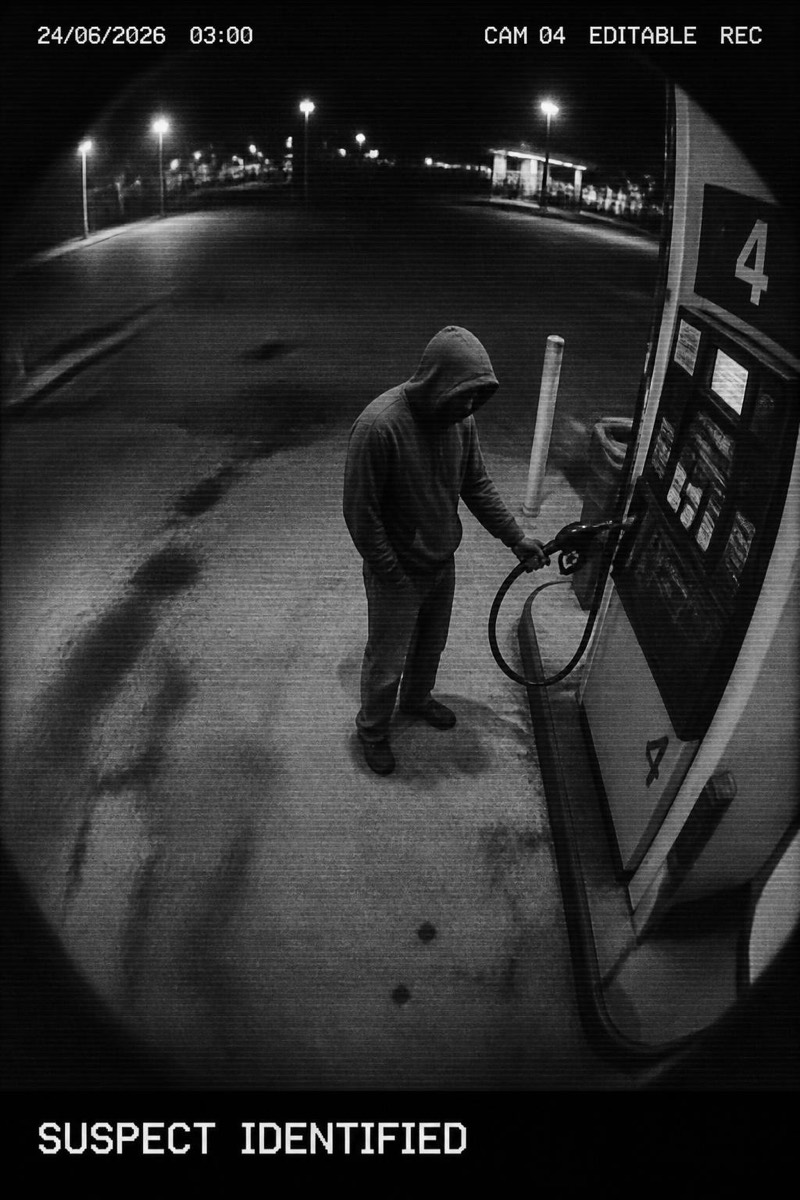
CCTV
Self-Checkout — AI CCTV filter
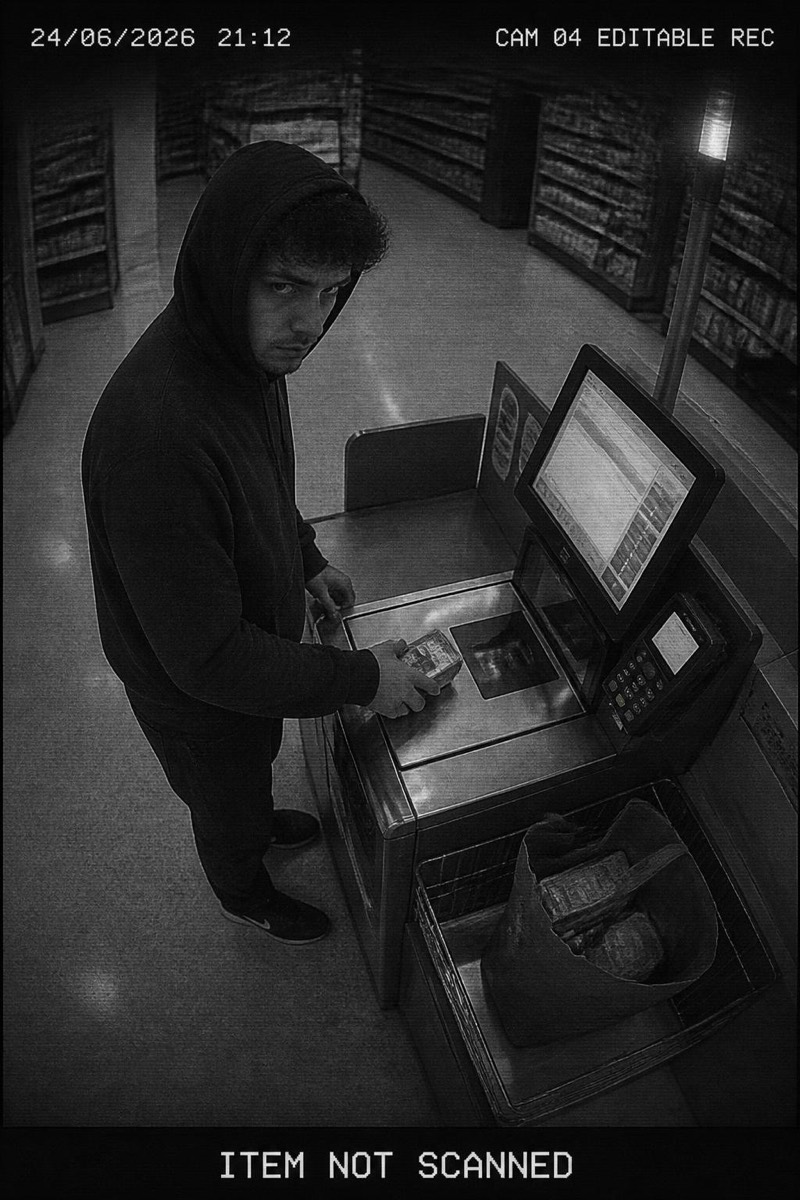
Guilty at the checkout.
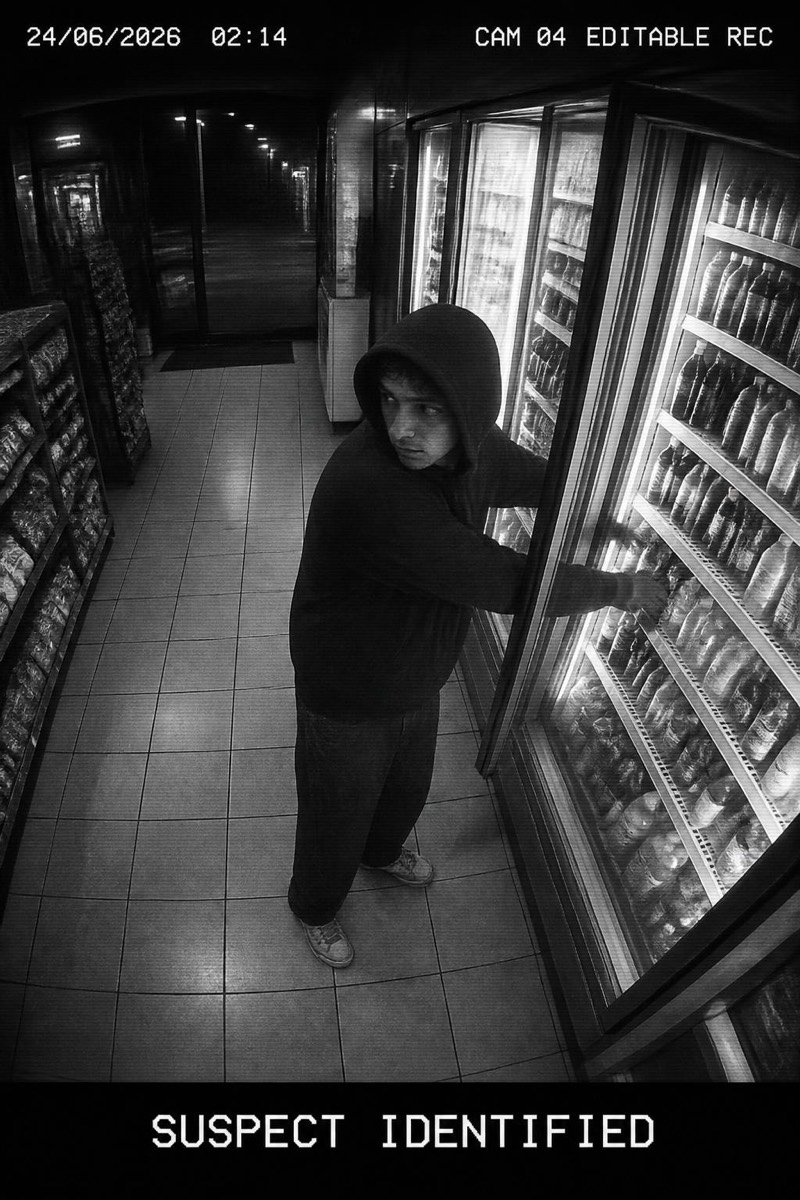
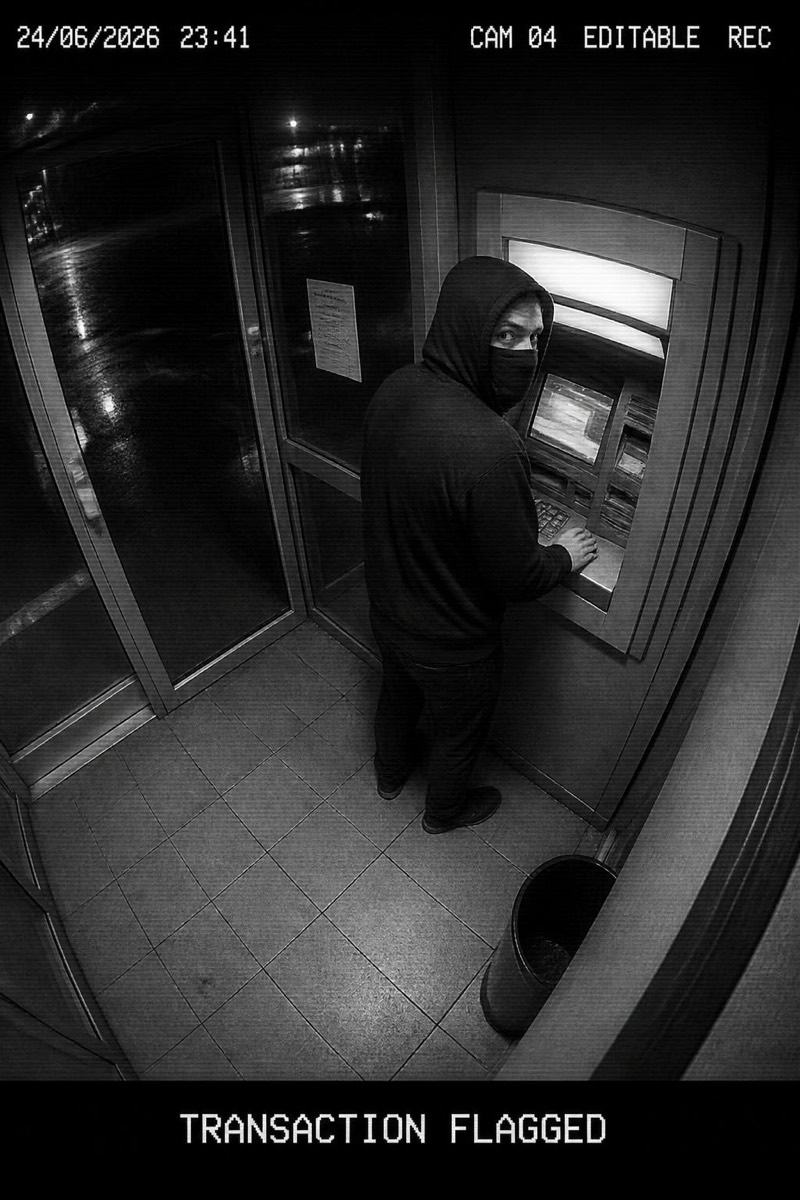
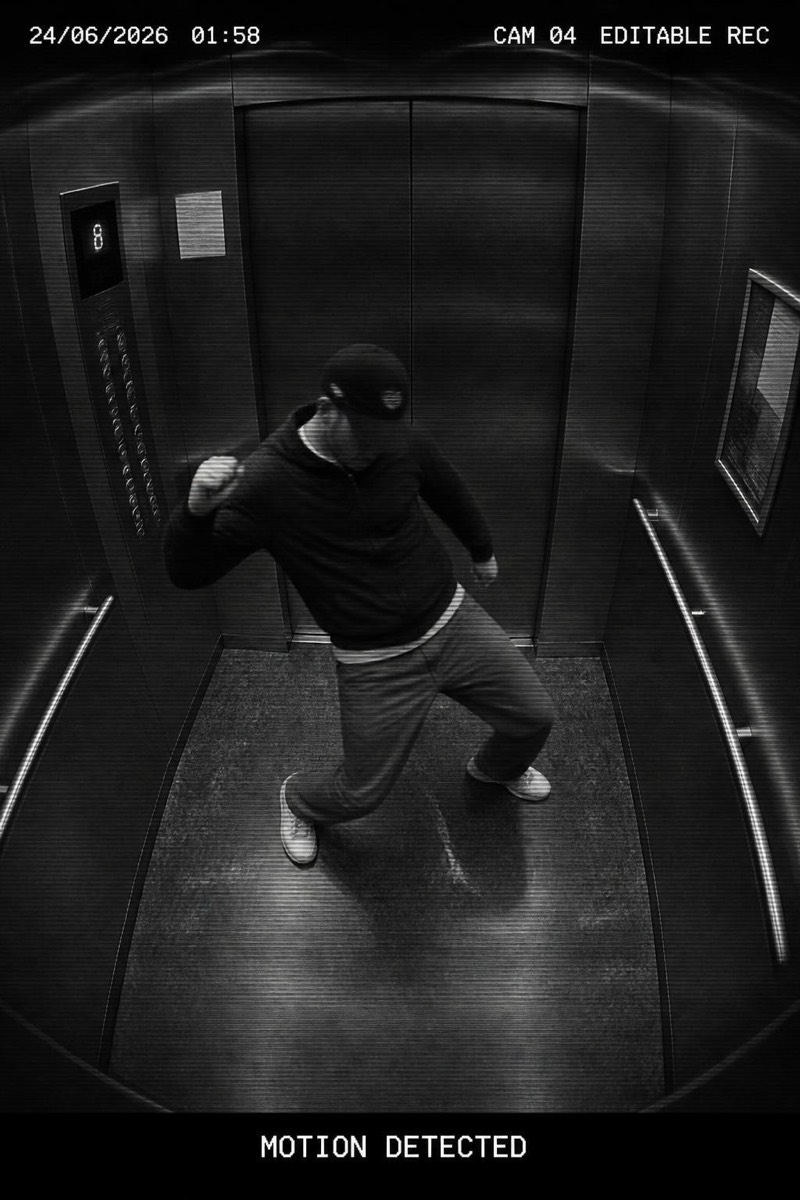
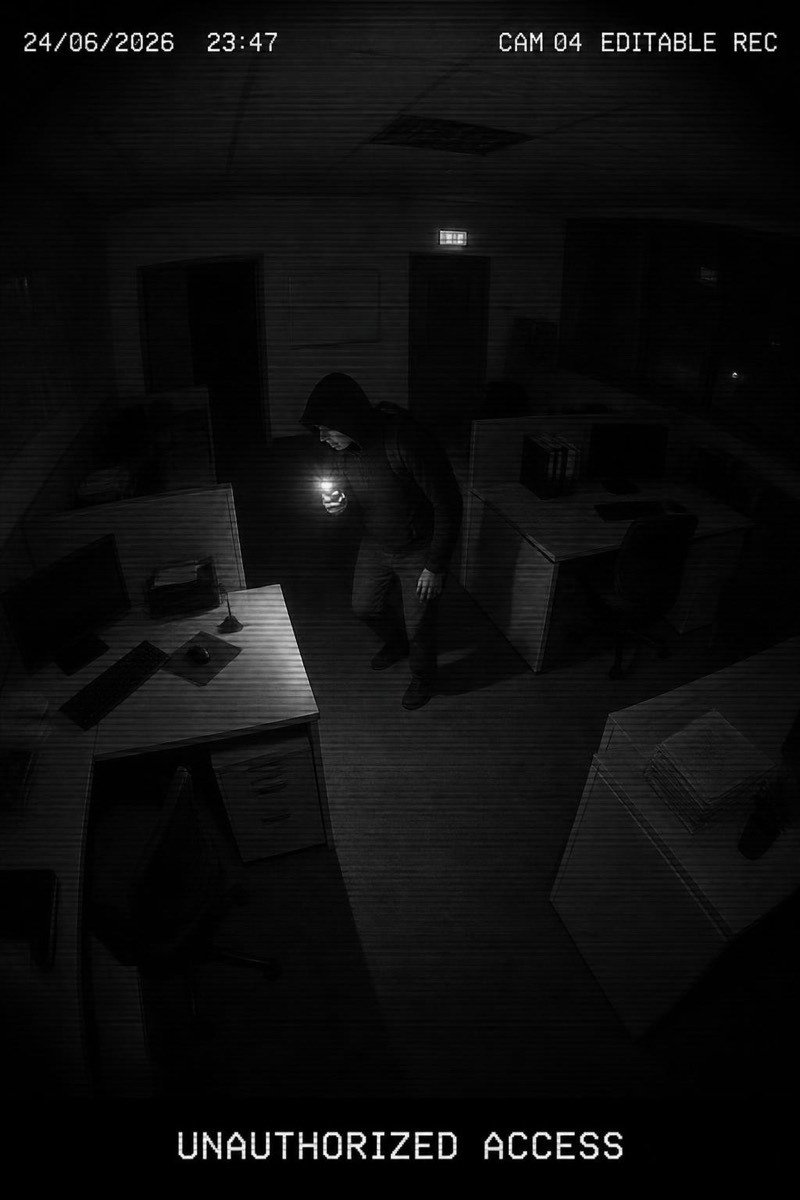
The self-checkout camera: positioned at chin height, wide-angle, and programmed to make everyone look like they're stealing the avocado they are currently scanning. This filter recreates retail's most accusatory camera angle, timestamp and all, with you frozen in the universal expression of someone who scanned everything correctly and still feels guilty. It's the most relatable frame in the surveillance genre — nobody has ever looked innocent at a self-checkout.
How to use it
- 1.
Get Editable
Download Editable (free) from the App Store and open the Explore tab.
- 2.
Pick the Self-Checkout filter
Find Self-Checkout under CCTV and tap Try.
- 3.
Choose a photo
Pick a photo from your library — the edit runs automatically and is ready in seconds.
Tip: Holding literally anything in your source photo becomes 'the item in question' in the result.
More CCTV filters