Black & White
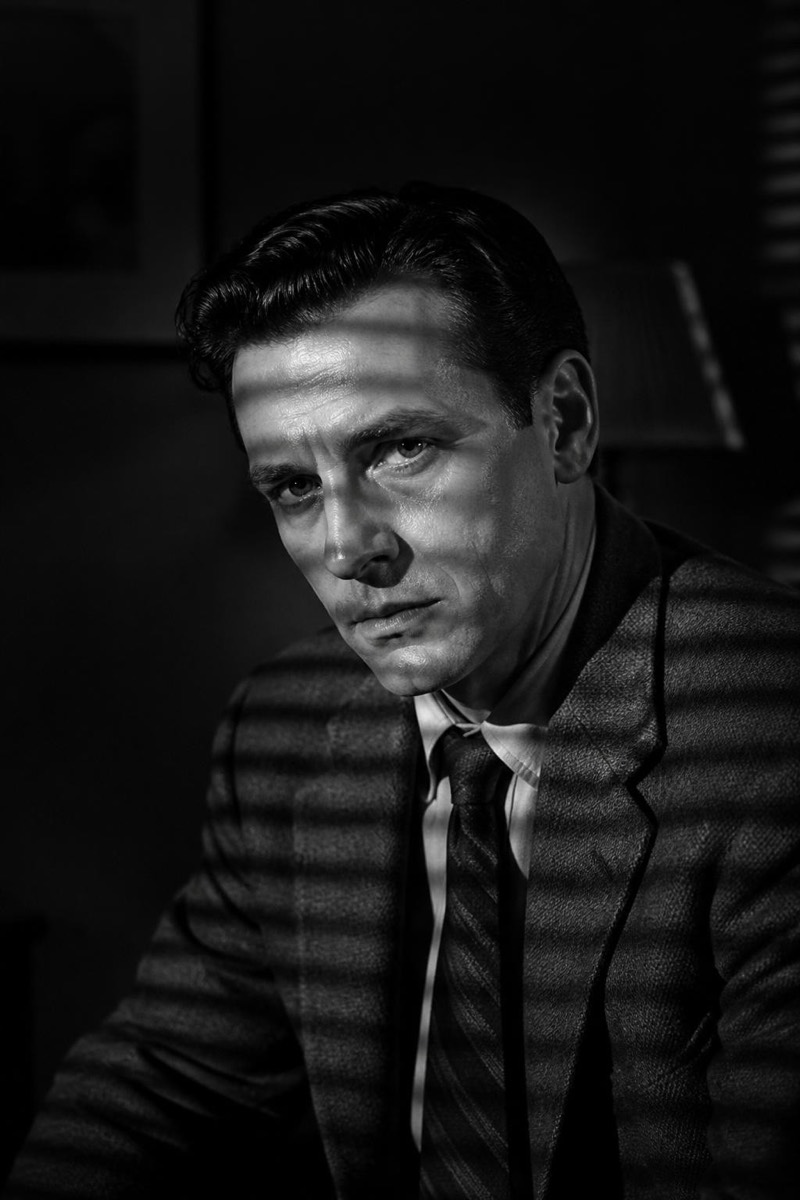
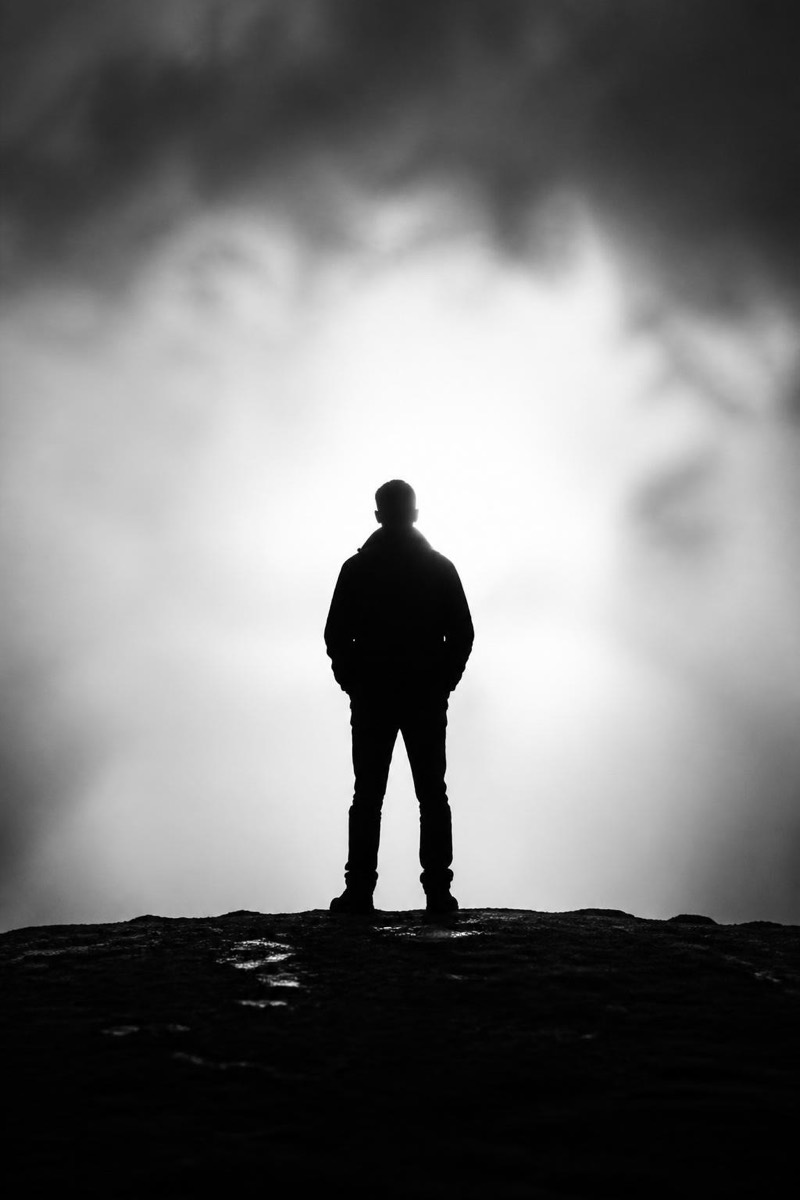
Street Mono — AI Black & White filter
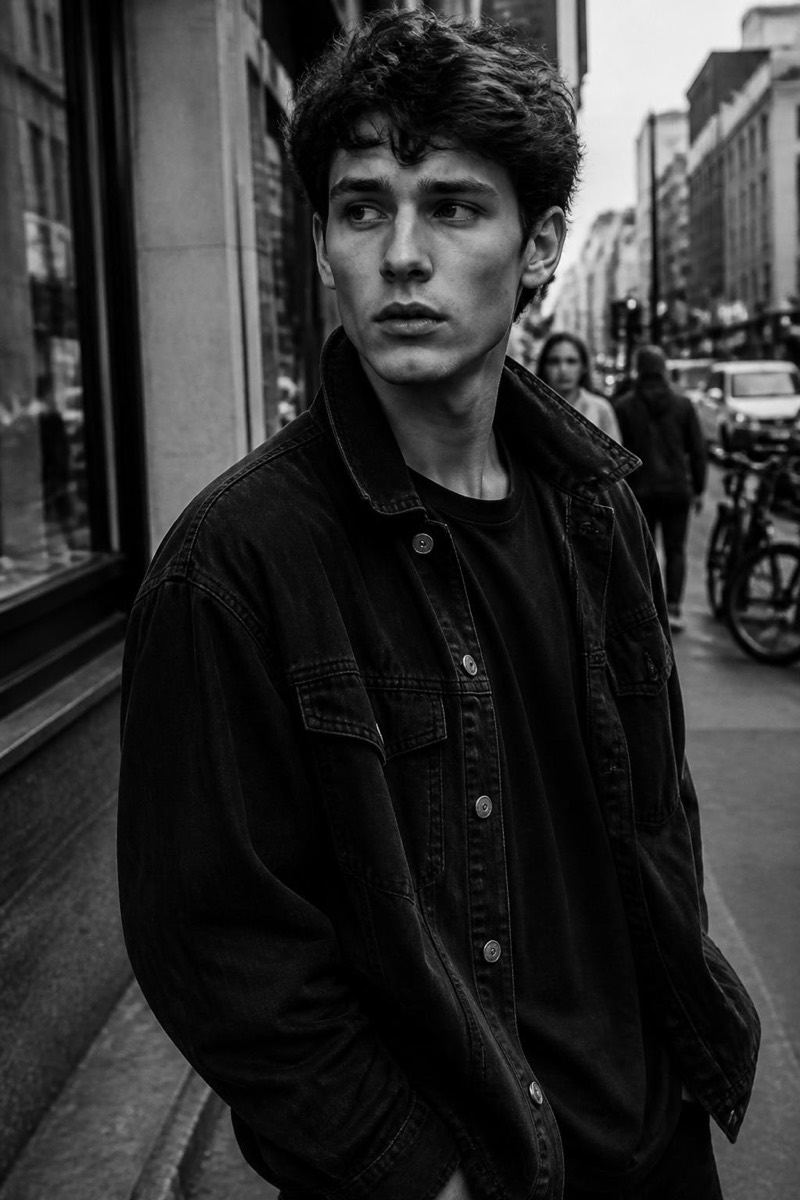
Gritty high-contrast documentary black & white.
Gritty, high-contrast documentary black and white — the look of classic street photography, where grain is texture and shadows are statements. This filter converts your photo with that reportage character: crushed blacks, luminous grays, film grain that feels earned. It's the monochrome for photos with something happening in them; candids, street scenes and unposed portraits gain instant documentary weight, as if shot by someone who's been carrying a camera for forty years.
How to use it
- 1.
Get Editable
Download Editable (free) from the App Store and open the Explore tab.
- 2.
Pick the Street Mono filter
Find Street Mono under Black & White and tap Try.
- 3.
Choose a photo
Pick a photo from your library — the edit runs automatically and is ready in seconds.
Tip: Candid, imperfect photos convert best — this look was invented for real moments, not poses.
More Black & White filters