Black & White
High Contrast — AI Black & White filter
Punchy graphic black & white.
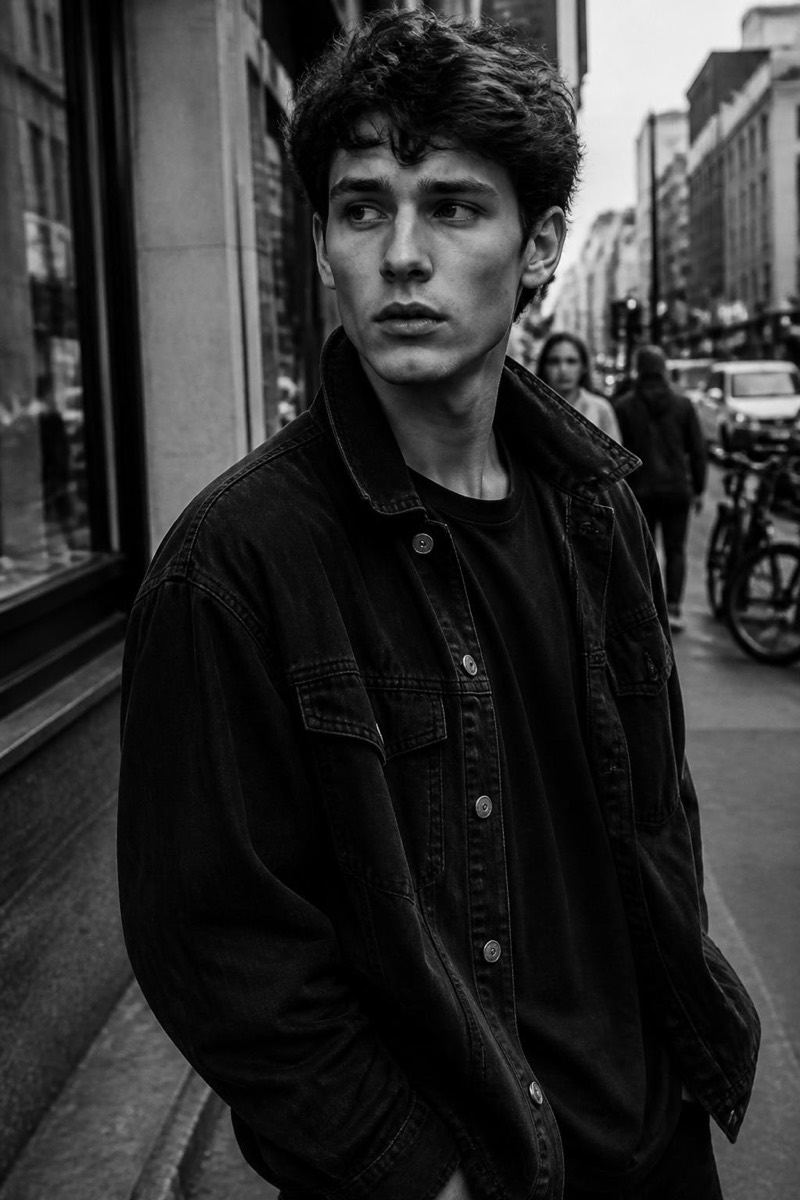
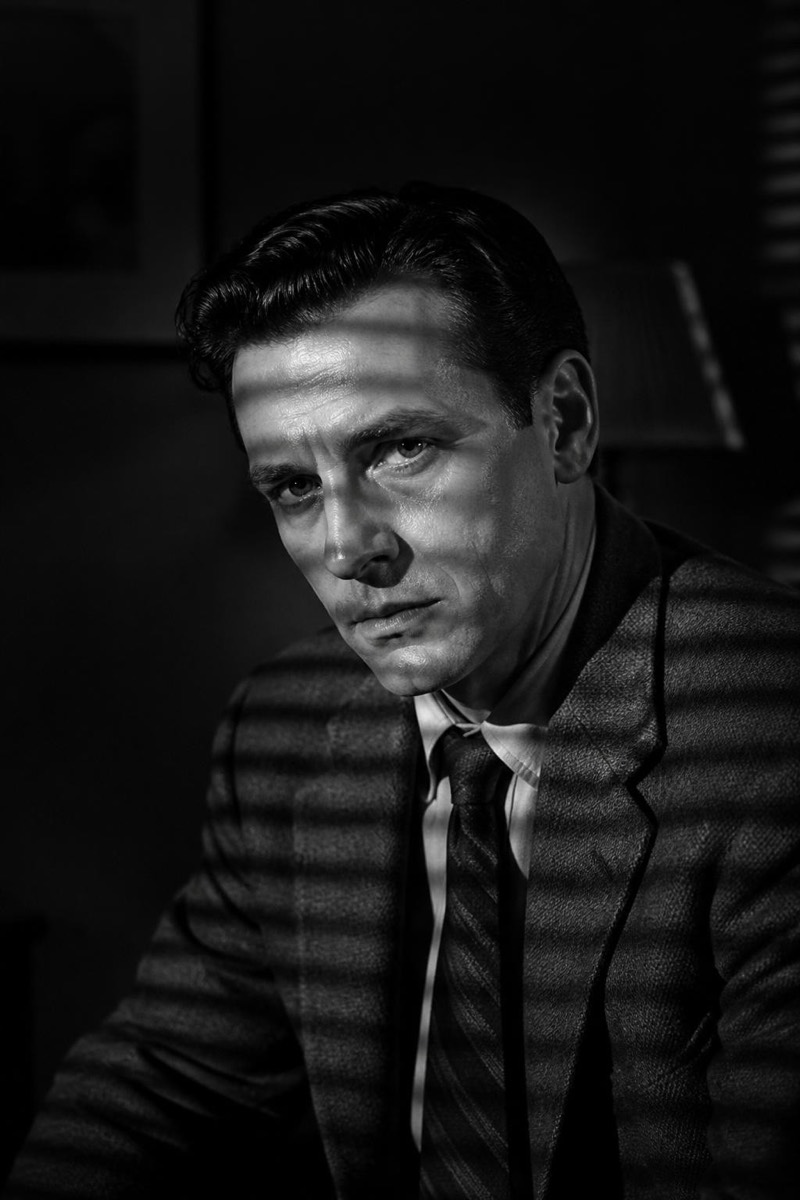
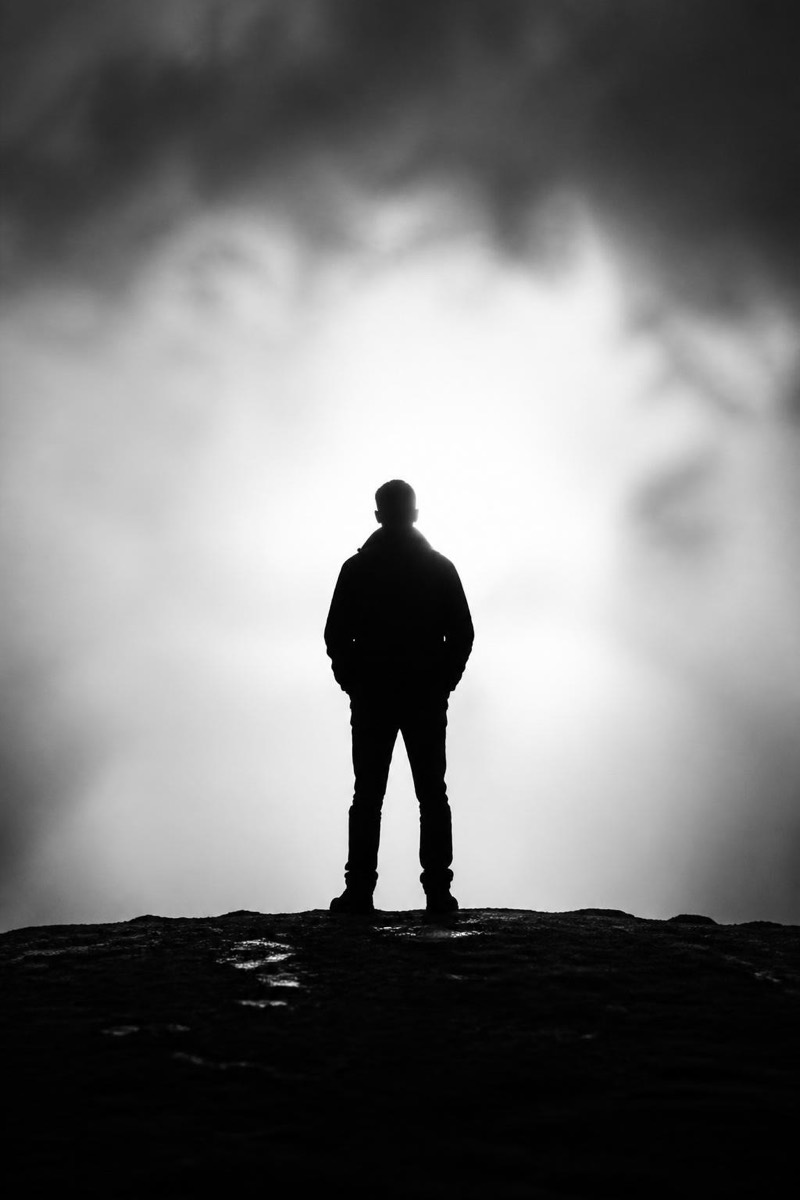
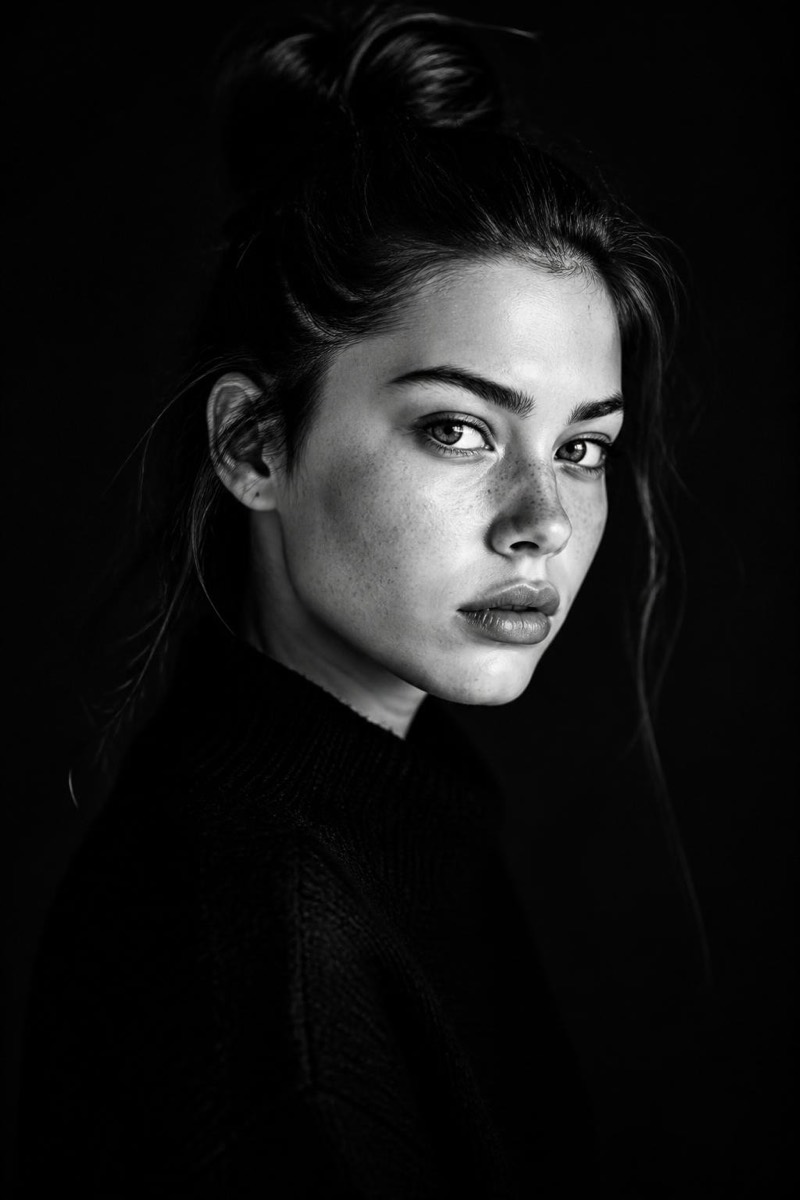
Punchy, graphic black and white: whites that glow, blacks that swallow, almost nothing in between. This filter converts your photo into bold monochrome graphics — the look of fashion editorials and gig posters, where the image reads from across a room. Detail yields to shape; expression yields to silhouette. It's the least forgiving and most striking monochrome in the set.
How to use it
- 1.
Get Editable
Download Editable (free) from the App Store and open the Explore tab.
- 2.
Pick the High Contrast filter
Find High Contrast under Black & White and tap Try.
- 3.
Choose a photo
Pick a photo from your library — the edit runs automatically and is ready in seconds.
Tip: Strong shapes and confident poses survive the contrast — subtle expressions get absorbed.
More Black & White filters