Black & White
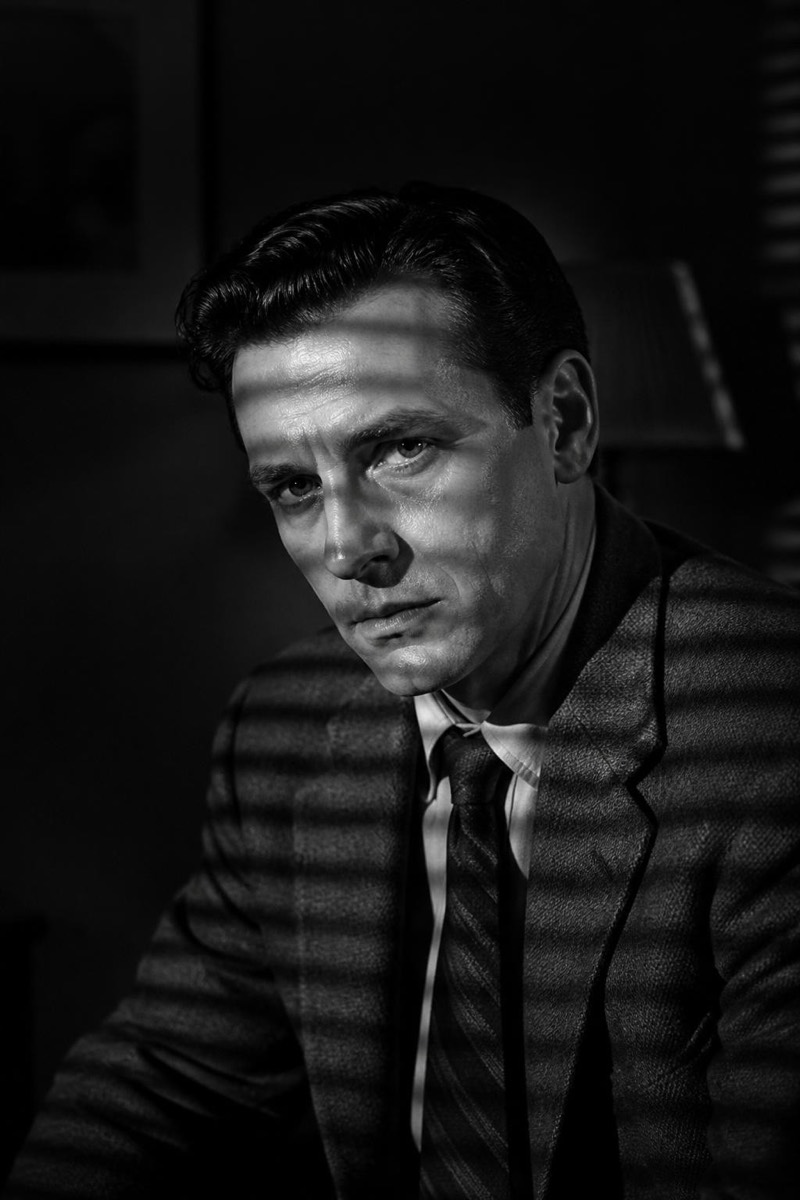
Grainy Film — AI Black & White filter
Heavy analog grain mono.
Heavy analog grain monochrome — pushed film, dim light, the texture of photographs developed in bathroom sinks. This filter converts your photo with aggressive, organic grain structure that reads as chemistry rather than a slider. The imperfection is the point: images come out feeling like artifacts from a documented life, the kind of frame found decades later in a shoebox and immediately framed.

How to use it
- 1.
Get Editable
Download Editable (free) from the App Store and open the Explore tab.
- 2.
Pick the Grainy Film filter
Find Grainy Film under Black & White and tap Try.
- 3.
Choose a photo
Pick a photo from your library — the edit runs automatically and is ready in seconds.
Tip: Low-light and night photos wear the grain most authentically.
More Black & White filters