Black & White
Silhouette — AI Black & White filter
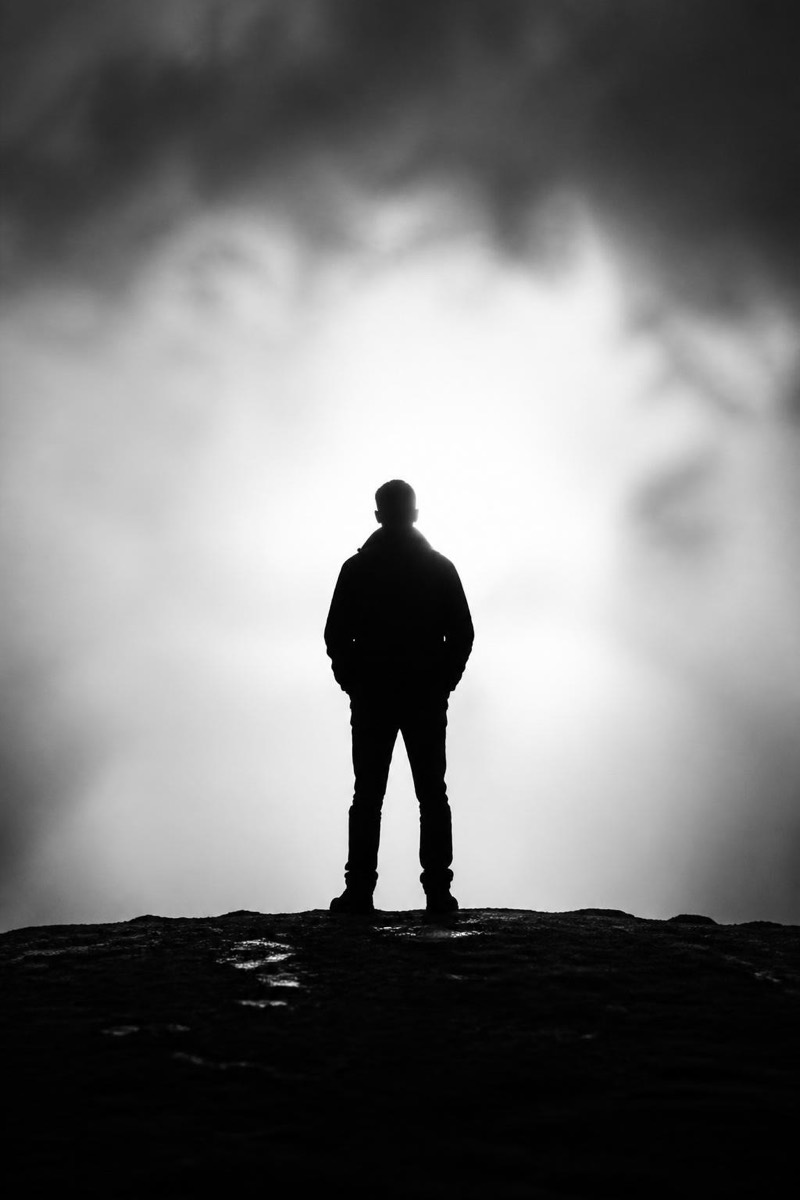
Bold backlit silhouette.
A bold backlit silhouette: you as pure shape against light, every identifying detail surrendered to outline. This filter re-renders your photo in that graphic register — figure black, background luminous, composition reduced to its strongest form. Silhouettes are photography's most anonymous self-portraits, which makes them oddly personal: all posture, no face. Excellent for cover images and any post where mystery outperforms clarity.
How to use it
- 1.
Get Editable
Download Editable (free) from the App Store and open the Explore tab.
- 2.
Pick the Silhouette filter
Find Silhouette under Black & White and tap Try.
- 3.
Choose a photo
Pick a photo from your library — the edit runs automatically and is ready in seconds.
Tip: A distinctive pose or profile is everything — the outline is the entire photograph.
More Black & White filters