Black & White
Infrared — AI Black & White filter
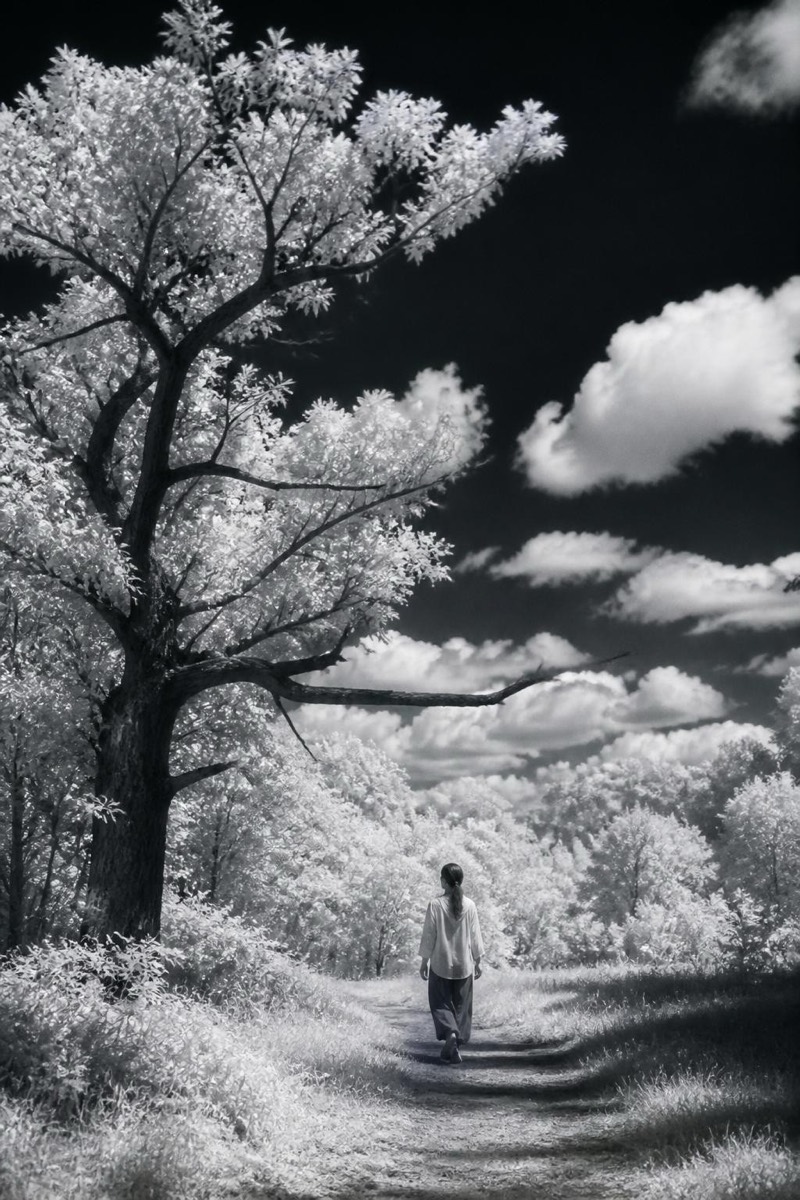
Surreal infrared mono.
Infrared monochrome: foliage glowing white, skies falling black, skin turned porcelain — the surreal tonal inversion of film that sees light humans can't. This filter recreates that otherworldly spectrum response, converting ordinary scenes into dreamlike negatives of themselves. It's the strangest entry in the black-and-white set and the most transformative on outdoor photos, where trees and grass become snowfields under a void sky.
How to use it
- 1.
Get Editable
Download Editable (free) from the App Store and open the Explore tab.
- 2.
Pick the Infrared filter
Find Infrared under Black & White and tap Try.
- 3.
Choose a photo
Pick a photo from your library — the edit runs automatically and is ready in seconds.
Tip: Photos with greenery and sky produce the full infrared drama — indoor shots get only the porcelain skin.
More Black & White filters