Black & White
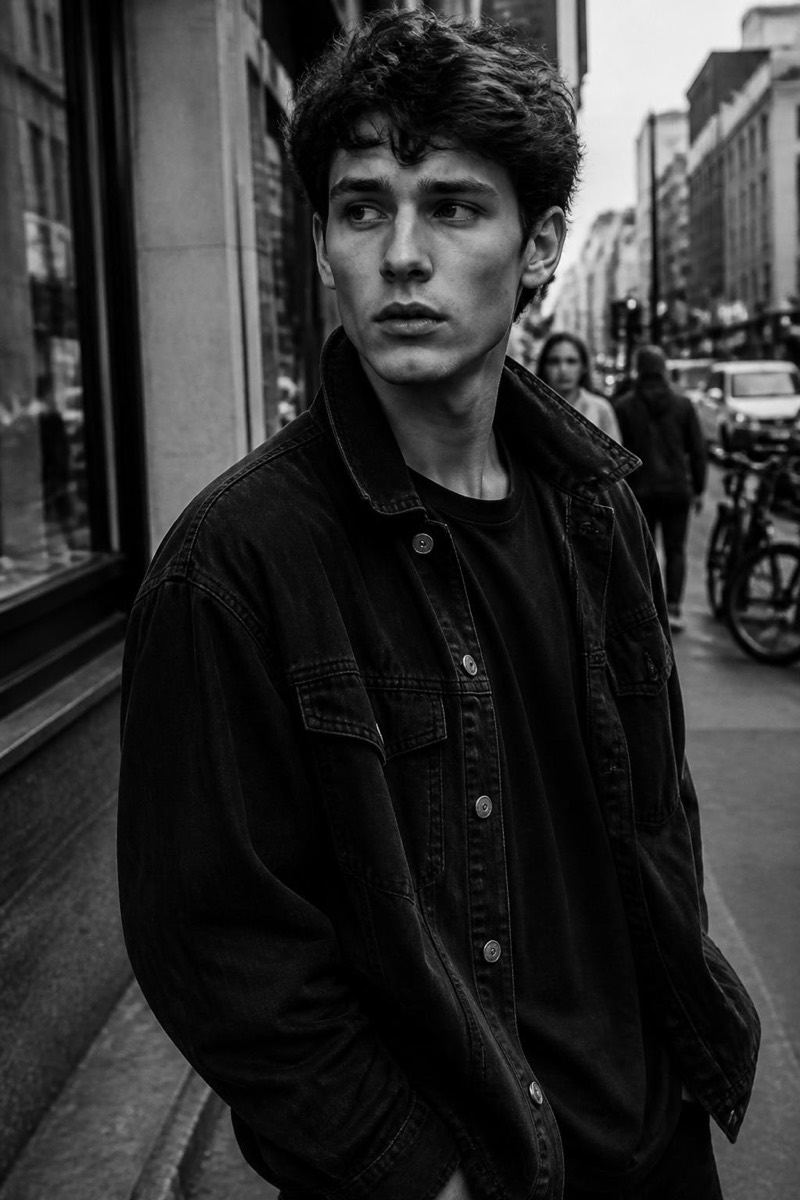
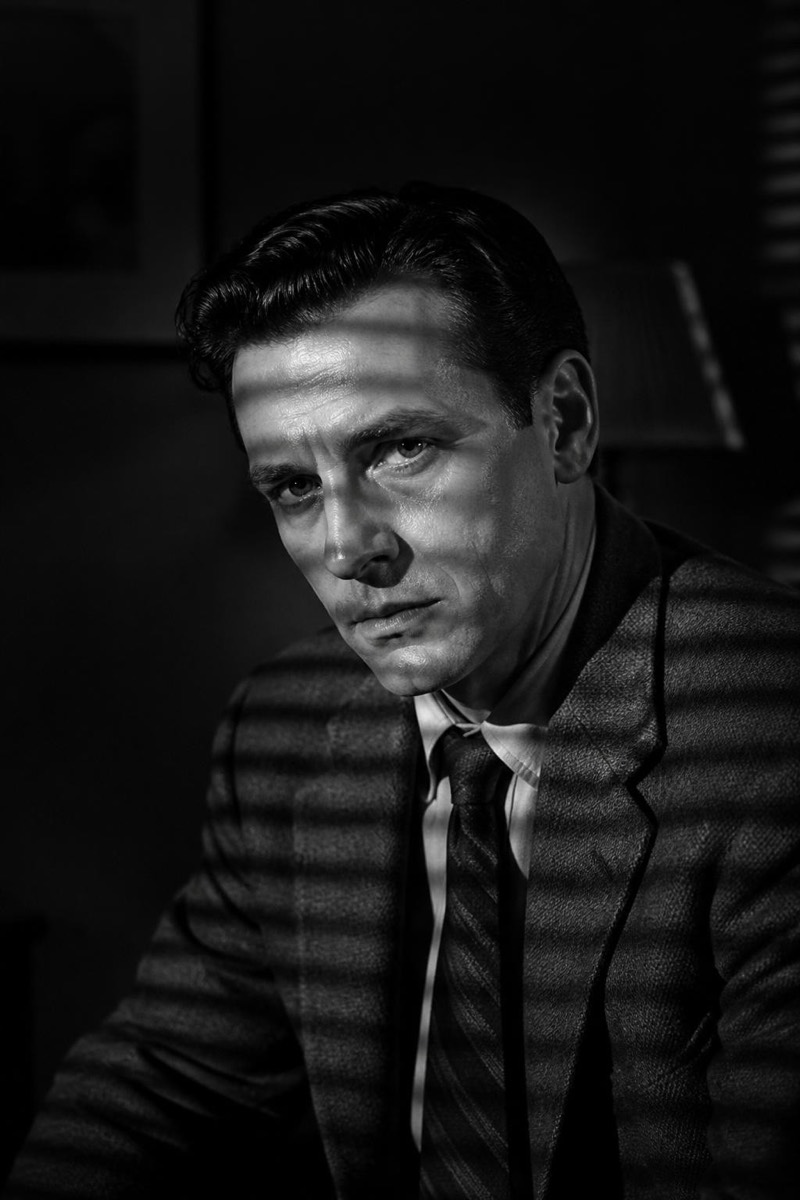
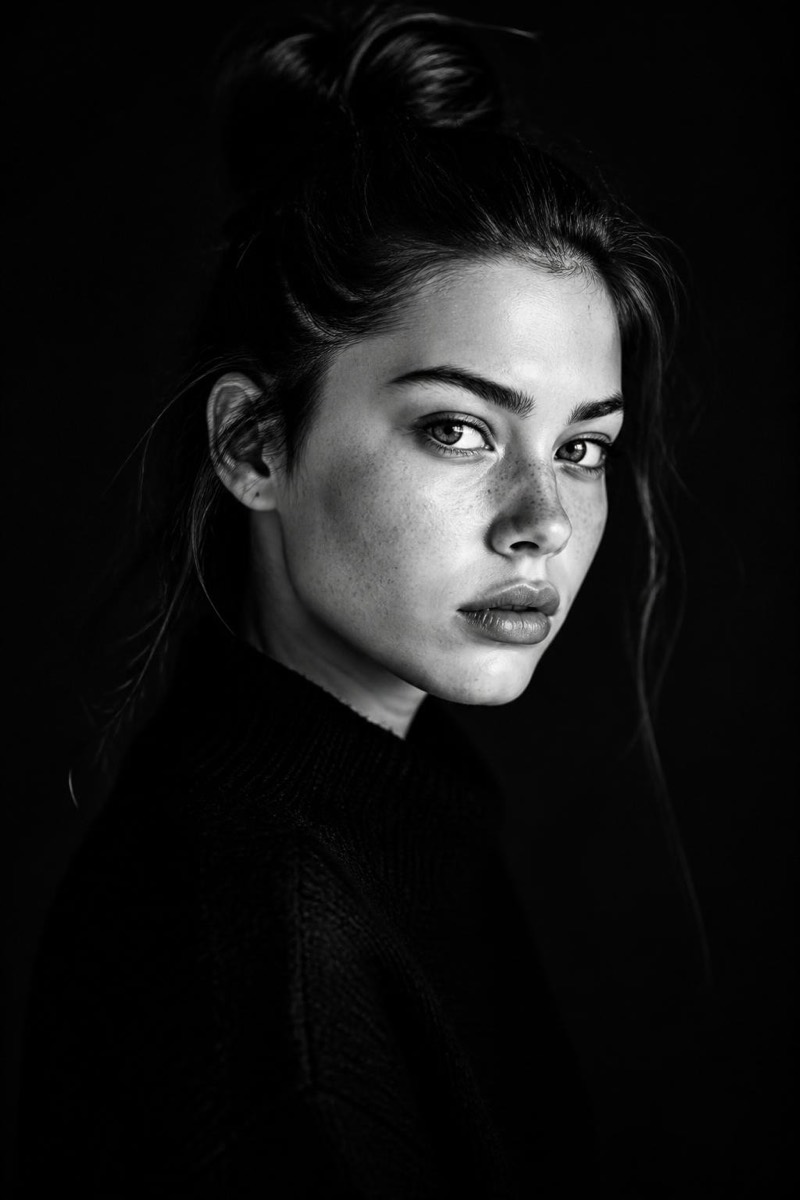
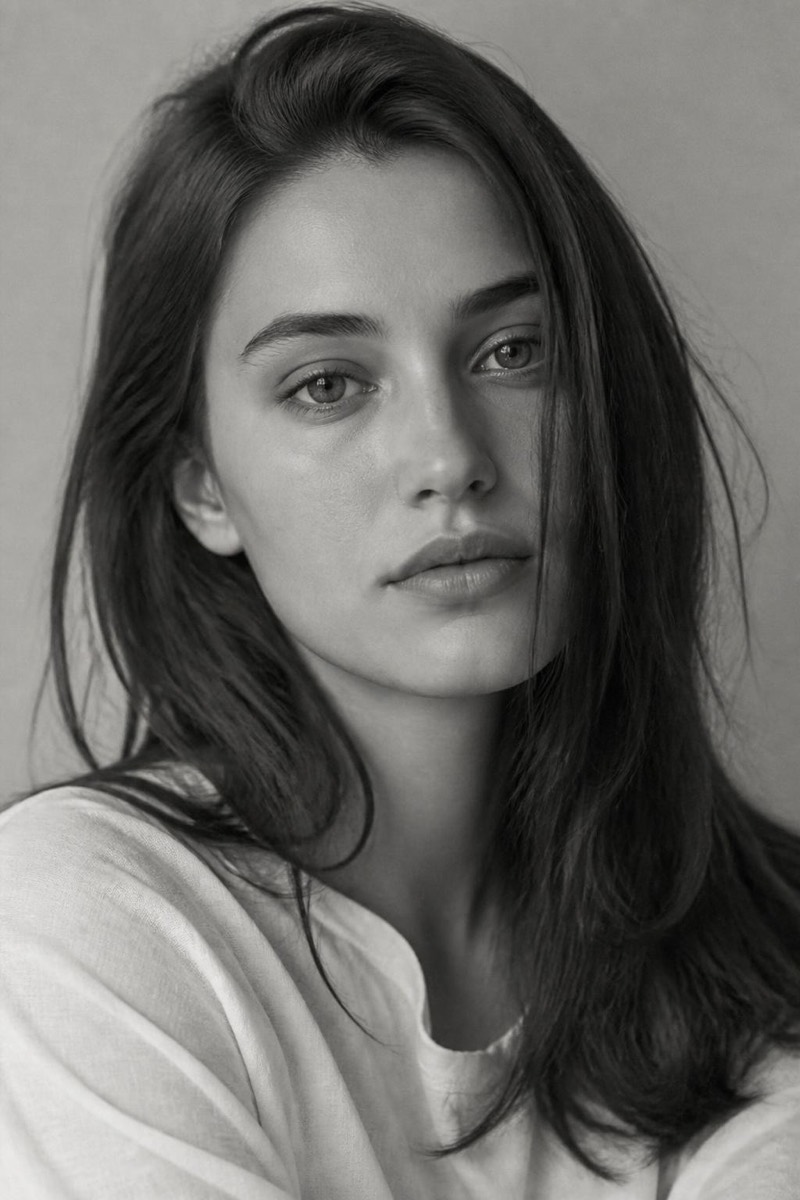
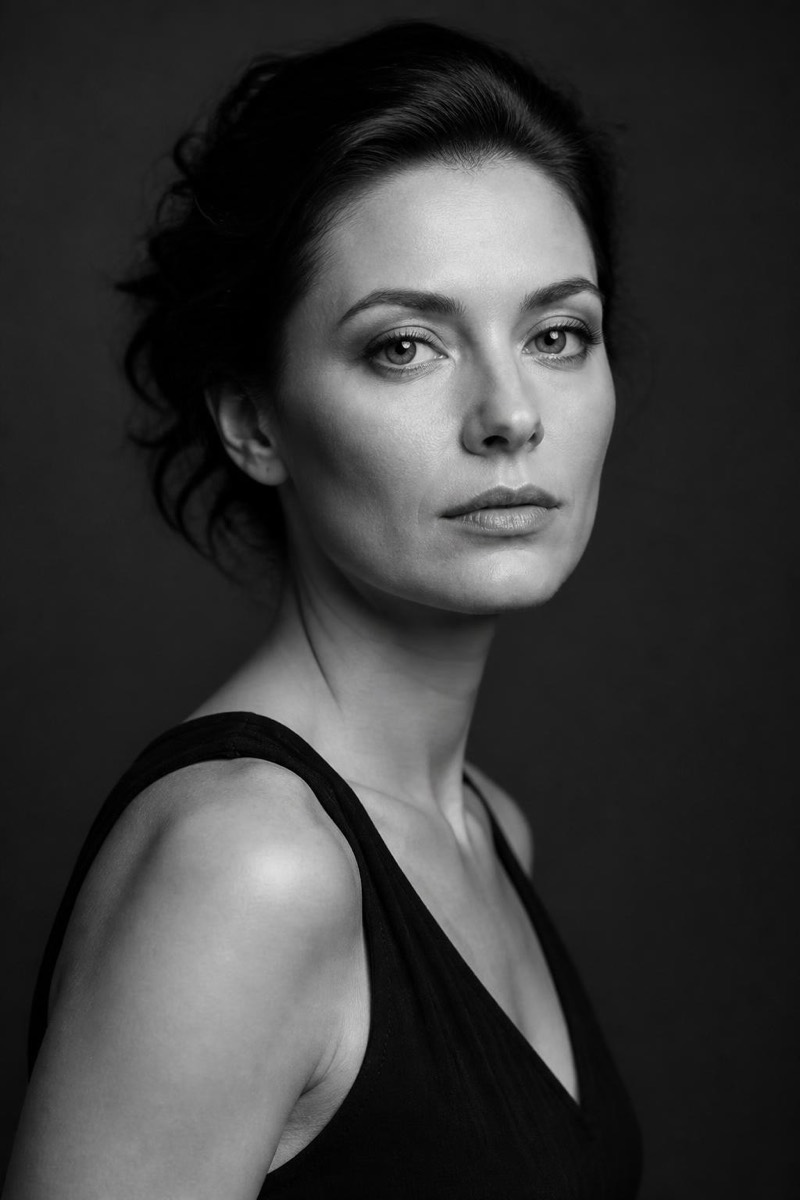
Classic — AI Black & White filter
Timeless studio mono.
Timeless studio monochrome: balanced tones, honest contrast, the black and white of mid-century portrait studios that photographed three generations of the same family. This filter converts your photo with that unhurried craft — nothing pushed, nothing stylized, just the full gray scale doing its patient work. It's the default answer to 'should this be black and white?' — the conversion that never dates because it never chased a trend.
How to use it
- 1.
Get Editable
Download Editable (free) from the App Store and open the Explore tab.
- 2.
Pick the Classic filter
Find Classic under Black & White and tap Try.
- 3.
Choose a photo
Pick a photo from your library — the edit runs automatically and is ready in seconds.
Tip: Works on everything; particularly kind to portraits of parents and grandparents.
More Black & White filters