Analog
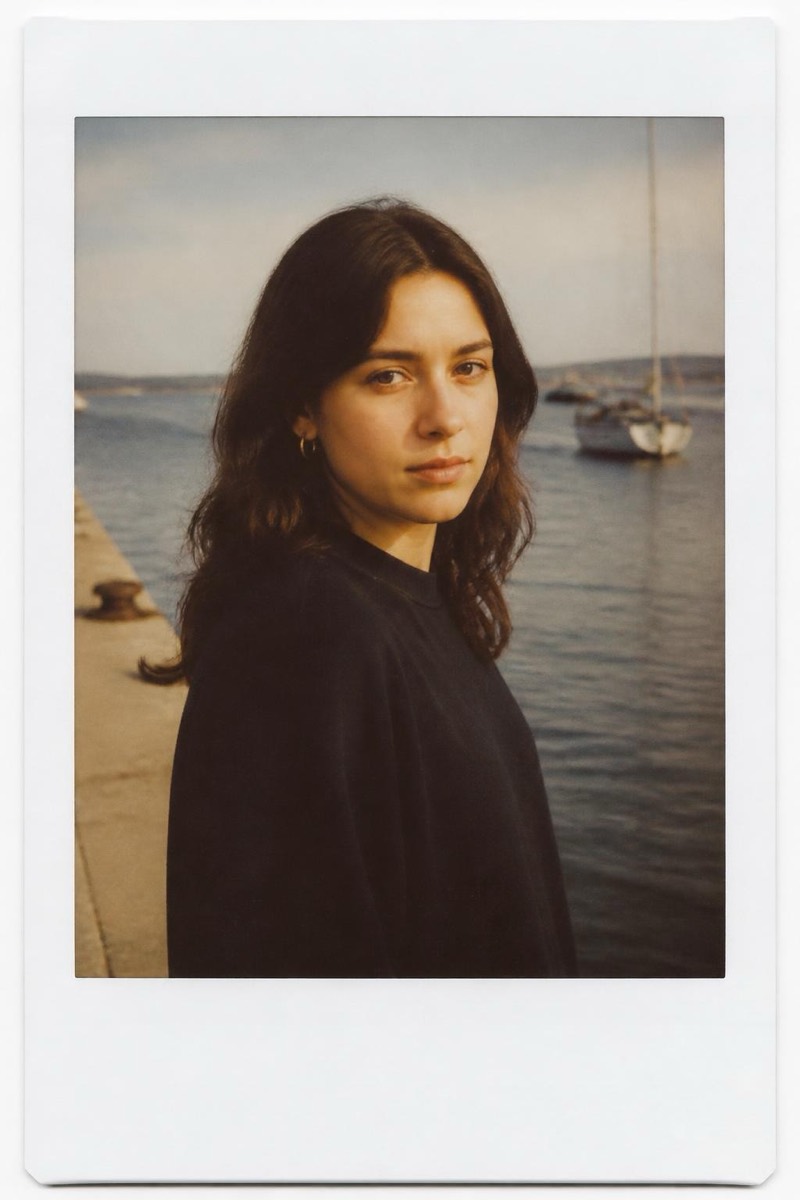
Instant Print — AI Analog Film filter
Soft instant-photo look.
The soft instant-photo look without the frame: milky blacks, pastel color response, the gentle exposure roulette of chemistry developing in your hand. This filter applies instant-film character directly to the full image — dreamlike softness, warm-cool color wobble, highlights that glow instead of clip. It reads as intimate and immediate, the visual language of photos taken at parties by someone everyone likes.
How to use it
- 1.
Get Editable
Download Editable (free) from the App Store and open the Explore tab.
- 2.
Pick the Instant Print filter
Find Instant Print under Analog and tap Try.
- 3.
Choose a photo
Pick a photo from your library — the edit runs automatically and is ready in seconds.
Tip: Indoor and flash photos inherit the party-photo warmth naturally.
More Analog filters