Analog
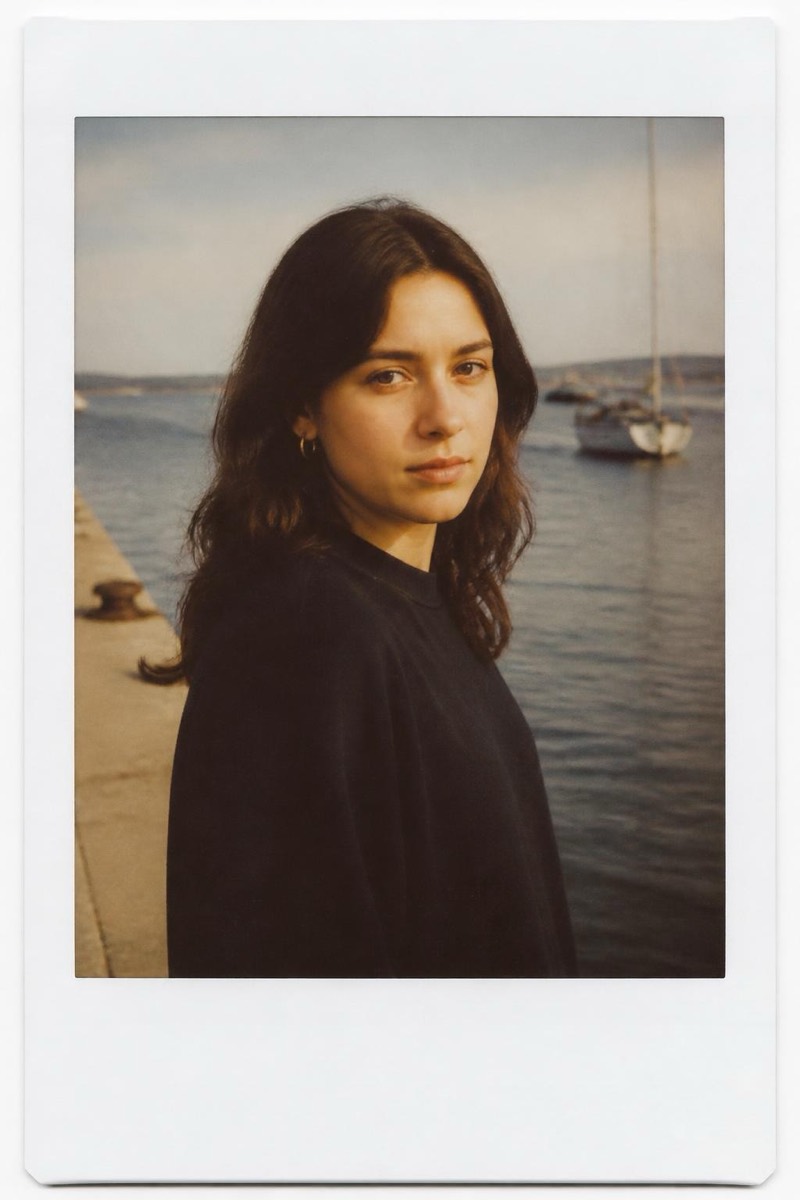
Faded Film — AI Analog Film filter
Washed-out faded film.
Washed-out faded film: blacks lifted to gray, colors retreating politely, the look of a print that spent a decade in indirect sunlight. This filter applies that gentle exhaustion to your photo — a fade that reads as time rather than error. It's the quietest analog look, beloved for moodboards and soft personal posts where vividness would feel like shouting.

How to use it
- 1.
Get Editable
Download Editable (free) from the App Store and open the Explore tab.
- 2.
Pick the Faded Film filter
Find Faded Film under Analog and tap Try.
- 3.
Choose a photo
Pick a photo from your library — the edit runs automatically and is ready in seconds.
Tip: Already-soft light suits the fade; harsh contrast fights it.
More Analog filters