Analog
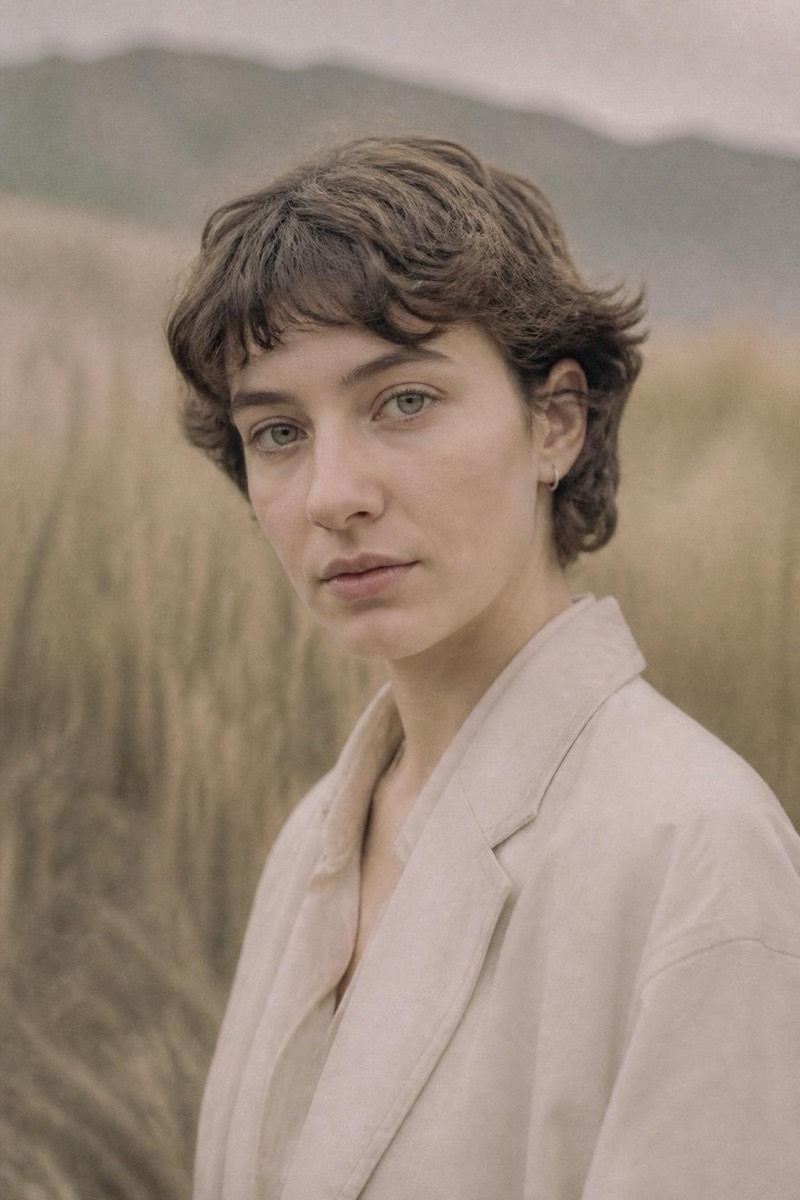
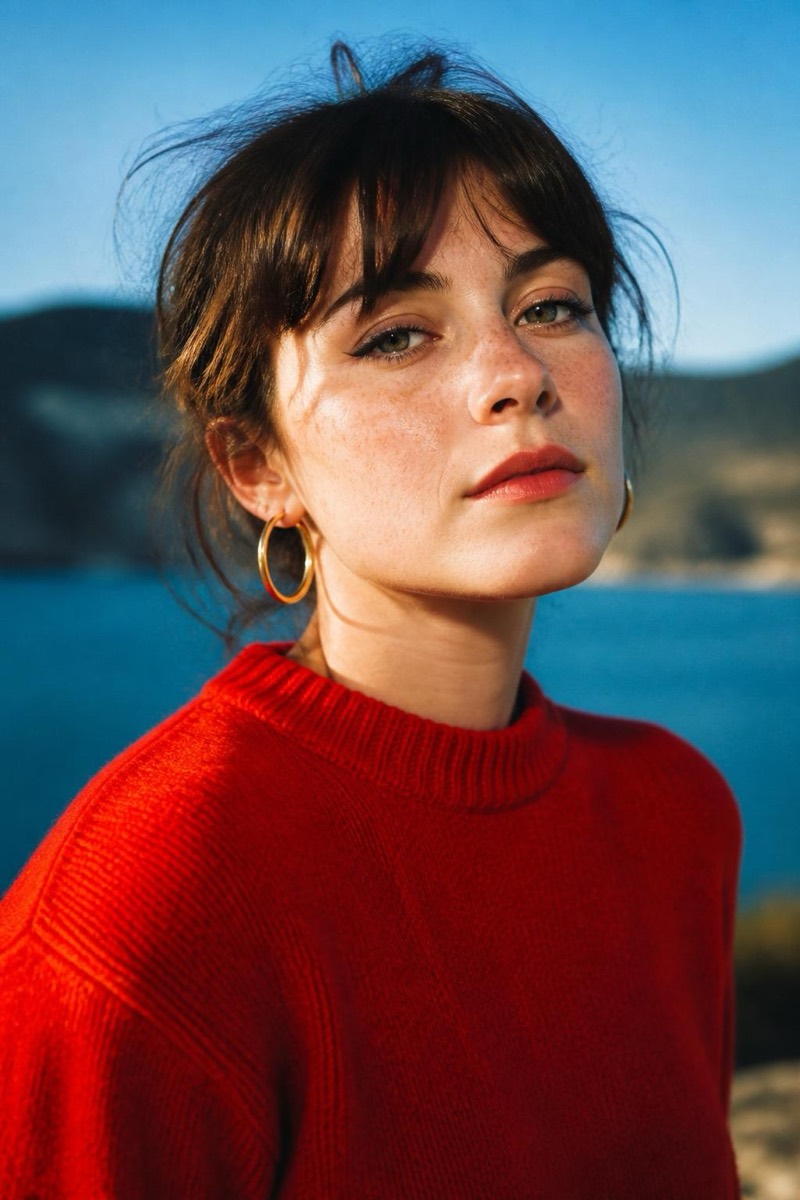
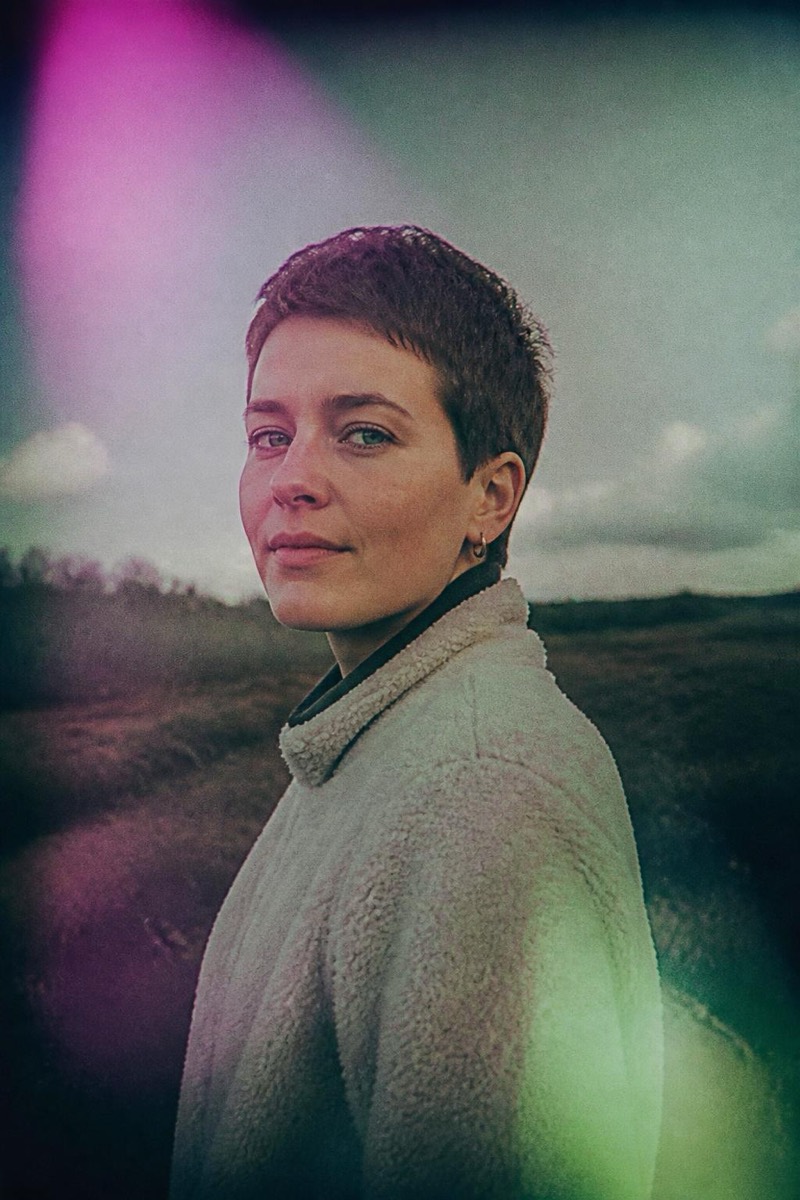
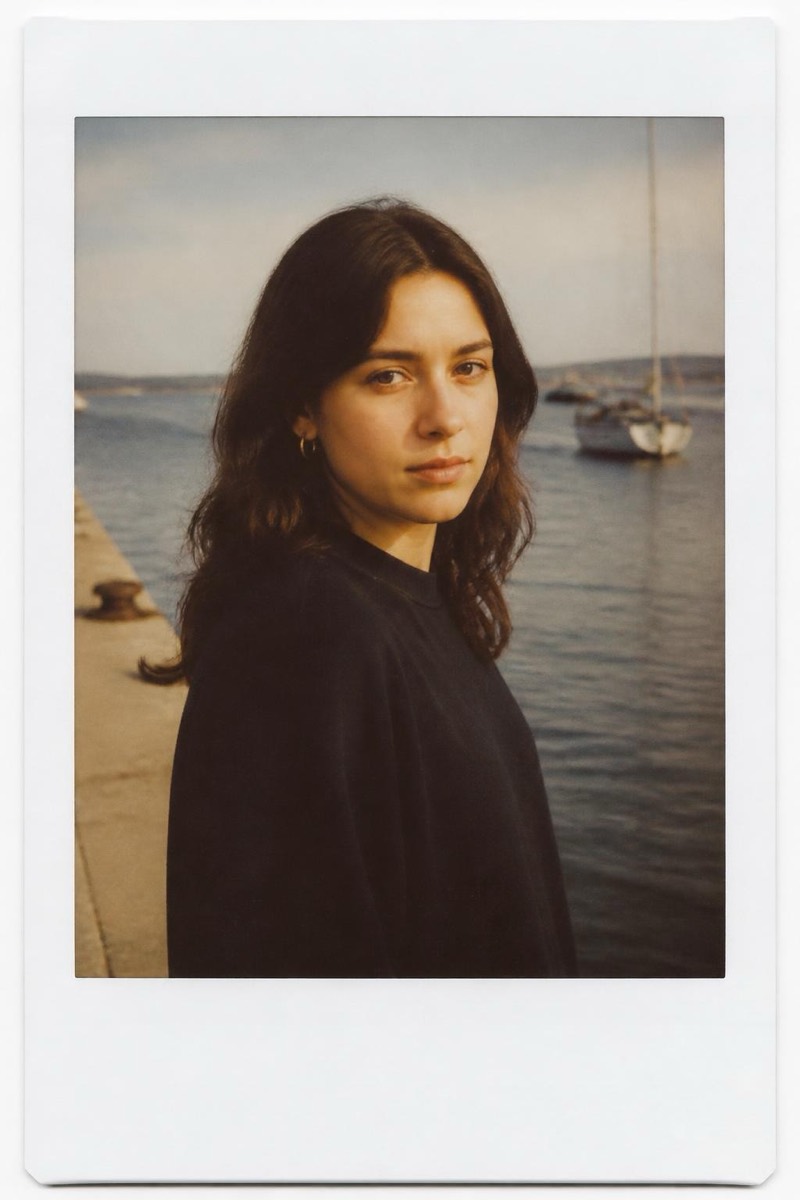
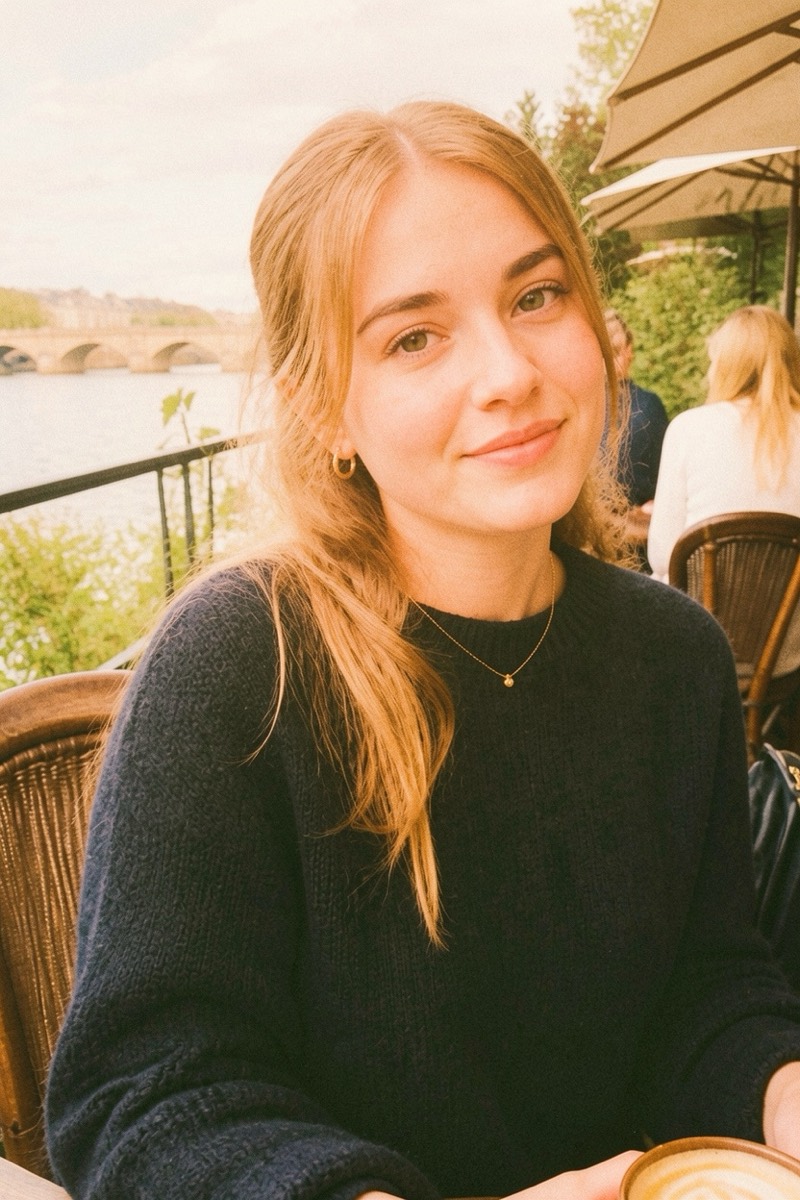
Pastel Film — AI Analog Film filter
Warm pastel skin tones with gentle grain.
The pastel professional film look: creamy skin tones, gentle grain, colors that lean warm without ever shouting — the stock wedding and portrait photographers built careers on. This filter grades your photo into that beloved palette: highlights airy, shadows soft, skin rendered like it's being complimented. It's the film emulation that flatters everyone, and the reason 'shot on film' became a compliment.
How to use it
- 1.
Get Editable
Download Editable (free) from the App Store and open the Explore tab.
- 2.
Pick the Pastel Film filter
Find Pastel Film under Analog and tap Try.
- 3.
Choose a photo
Pick a photo from your library — the edit runs automatically and is ready in seconds.
Tip: Natural light portraits are its home turf — daylight skin tones bloom under this grade.
More Analog filters