Analog
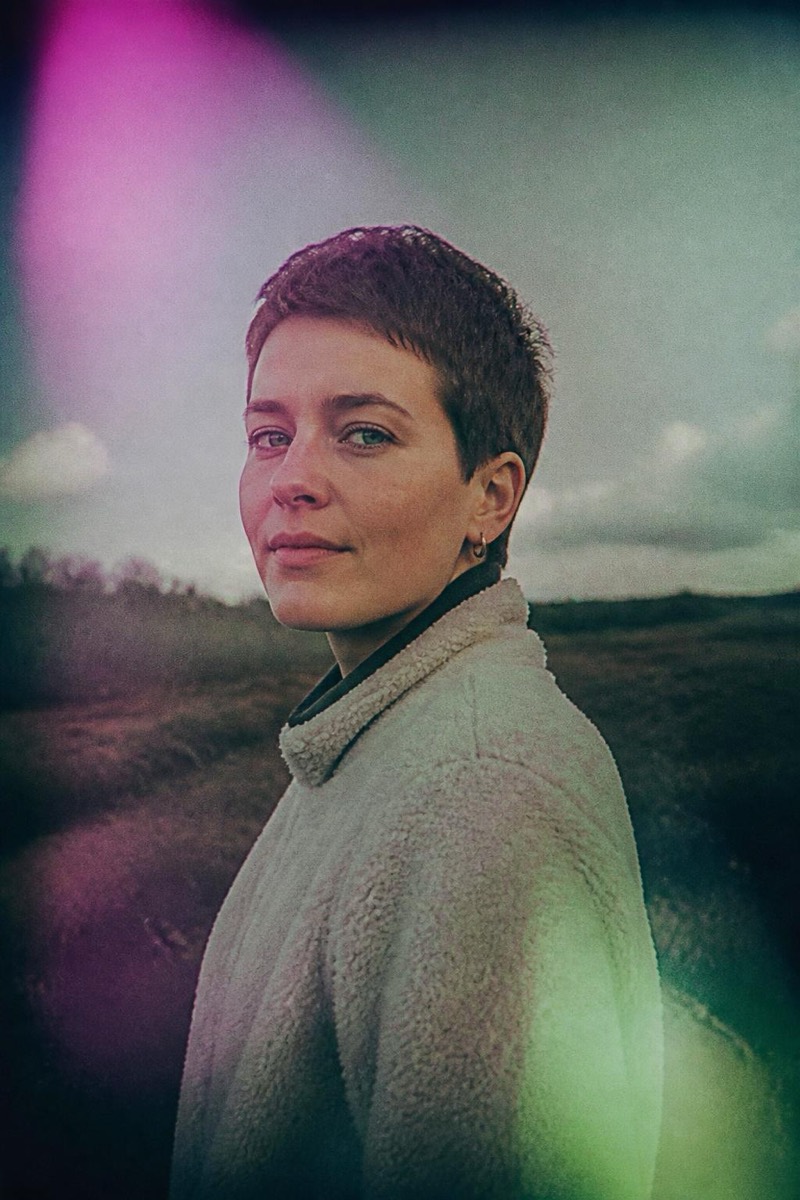
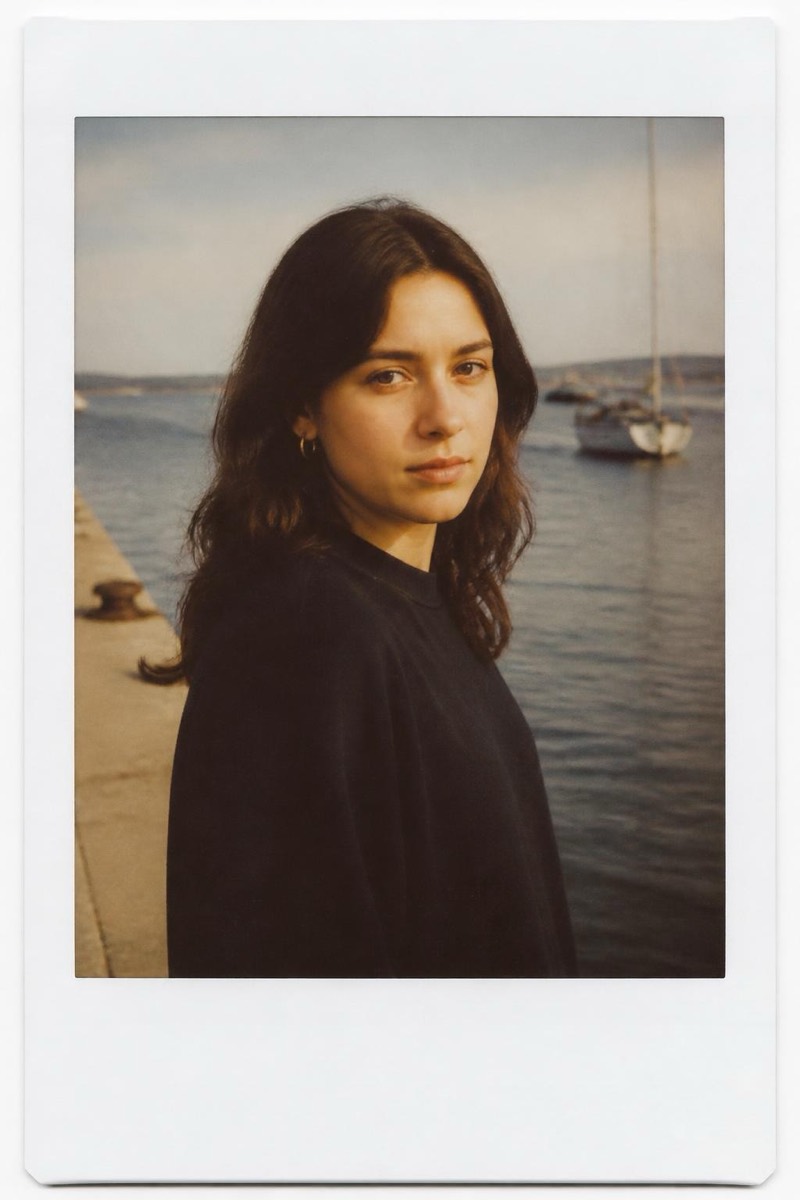
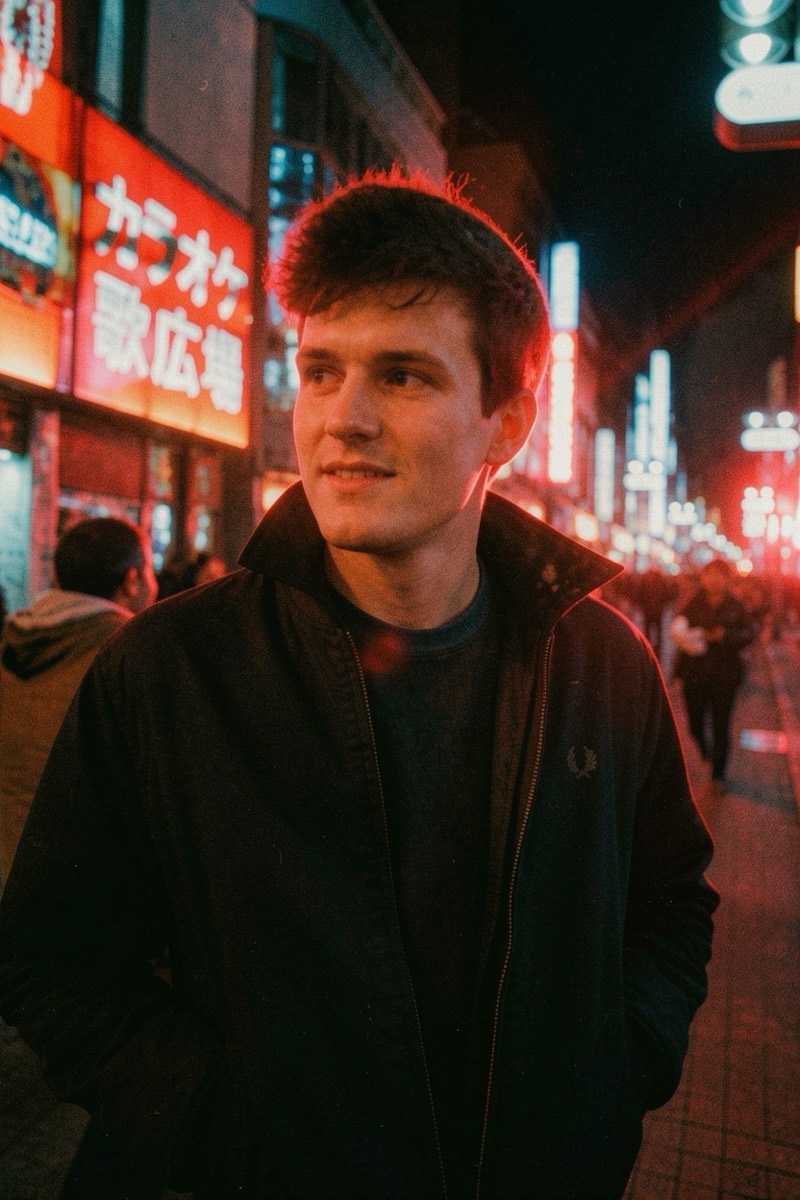
Neon Night — AI Analog Film filter
Tungsten night film with glowing red halation.
Tungsten night film with its signature red halation: streetlights and neon blooming soft crimson halos, shadows cool, the night rendered romantic and slightly radioactive. This filter recreates that cult film stock's chemistry on your photo — the glow around light sources that no digital sensor produces naturally. Night portraits become music-video frames; city streets become dreams about city streets.
How to use it
- 1.
Get Editable
Download Editable (free) from the App Store and open the Explore tab.
- 2.
Pick the Neon Night filter
Find Neon Night under Analog and tap Try.
- 3.
Choose a photo
Pick a photo from your library — the edit runs automatically and is ready in seconds.
Tip: Night photos with visible light sources ignite the halation — daytime shots have nothing to bloom.
More Analog filters