How to Retouch a Selfie So It Still Looks Like You
The line between a good retouch and a fake one is real. Here's what natural skin retouching actually changes, what to avoid, and how to clean up a selfie without erasing yourself.
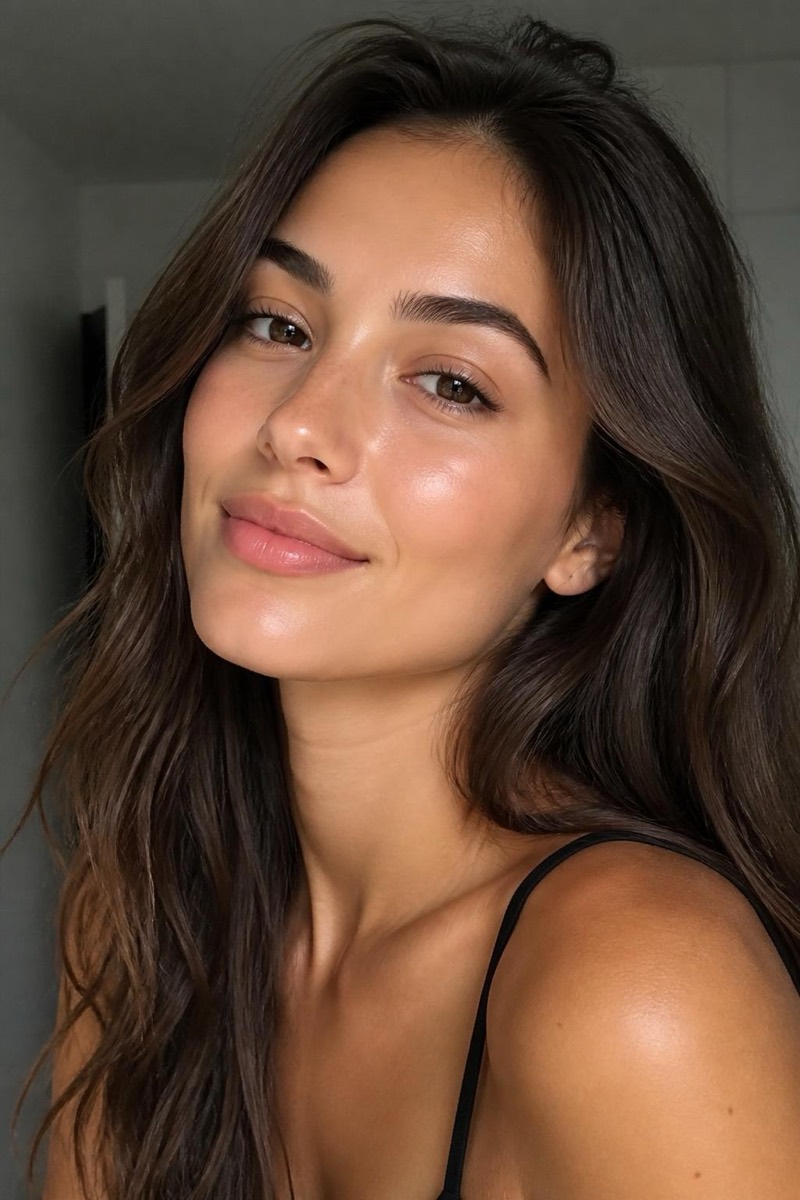
There’s a version of you that shows up on a good day: rested, even skin, soft light. And there’s the selfie you actually took, in the bathroom mirror, after a long week, under a ceiling light that finds every flaw. Both are you. Retouching, done right, just moves the photo toward the first one without inventing a stranger.
Done wrong, it does the opposite. We’ve all seen the airbrushed portrait where the skin looks like plastic and the eyes belong to someone else. The whole game is staying on the right side of that line.
What a natural retouch actually changes
The trick is that good retouching only removes the temporary stuff, the things that would be gone next week anyway:
- A blemish or breakout. Here today, gone in a few days. Fair to clear.
- Redness and blotchiness. Weather, tiredness, a bad night’s sleep. Not really “you.”
- Under-eye shadows. Lifted, not erased. You still look like you slept, just better.
- Oily shine and uneven tone. Evened out, so the light looks kinder than the ceiling bulb was.
What it should leave alone: your pores, fine lines, freckles, and the actual shape of your face. Those are the difference between “you on a good day” and “a different, smoother person.”
Why the built-in tools fall short
The Photos app has no real skin tools, and most one-tap “beauty” filters do the crude thing: they blur. Blur removes the blemish, but it also removes every pore around it, and your skin turns into a smooth mask. It’s fast and it’s obvious. The reason retouched photos look fake is almost always this single move: texture wiped out along with the flaw.
How AI retouching keeps it real
A good AI retoucher doesn’t blur, it reconstructs. It recognizes a blemish as a blemish and replaces just that patch with clean skin that still has texture, so the fix disappears into the face instead of flattening it. Because it understands what skin is, it can clear a spot while leaving the pores right next to it untouched.
To do it in Editable:
- Get the app (free to start) and open your selfie in the editor.
- For a full, gentle refresh, tap Glow: clearer skin, even tone, a healthy finish, texture kept.
- Just one spot bothering you? Use Remove blemishes to clear it and nothing else. For overall softness without the plastic look, Skin smooth is tuned to stop before it flattens.
If the photo itself is dark or harsh, brighten the lighting first, then retouch. Clean light makes the skin work almost invisible.
Setting honest expectations
- Tired, broken-out, bad-light selfie: excellent. This is exactly what natural retouching is for.
- Deep texture or scarring: good, and your call. You can soften it, but decide how much is still you.
- Reshaping features: different tool, different intent. If you want to slim or restructure, that’s editing your face, not retouching the day. Keep that a conscious choice, not an accident.
The one rule
Zoom in before you save. If you can still see pores and texture, you nailed it. If the skin has turned into a smooth surface, back it off a notch. Natural retouching isn’t about looking edited. It’s about looking like yourself on your best day, and letting everyone assume the light was just good.
Frequently asked
- How do I retouch skin without the plastic, over-smoothed look?
- The plastic look comes from blurring skin into a flat surface. A natural retouch keeps pores and texture, and only removes the temporary things: a blemish, redness, an under-eye shadow. If you can no longer tell it's skin, it went too far.
- Will a retouch change my actual features?
- It shouldn't. Clearing a spot or evening out tone is not the same as reshaping your nose or slimming your jaw. Good retouching fixes the day (tired, broken out, harsh light), not the person. Keep those separate.
- Can it fix bad lighting on my face too?
- Partly. Evening out skin tone and lifting under-eye shadows helps a lot with flat or harsh light. If the whole photo is badly lit, fix the lighting first, then retouch, so the skin work has something clean to build on.
- Is retouched skin obvious to other people?
- Only when it's overdone. A restrained retouch reads as 'good skin day' or 'nice light', not as editing. The tell is always the same: missing texture. Keep the texture and nobody clocks it.
Try it on your own photo
Editable is free to start — edits take seconds, no editing skills needed.
Get Editable on the App Store