Speed Trap
Gantry — AI Speed Camera filter
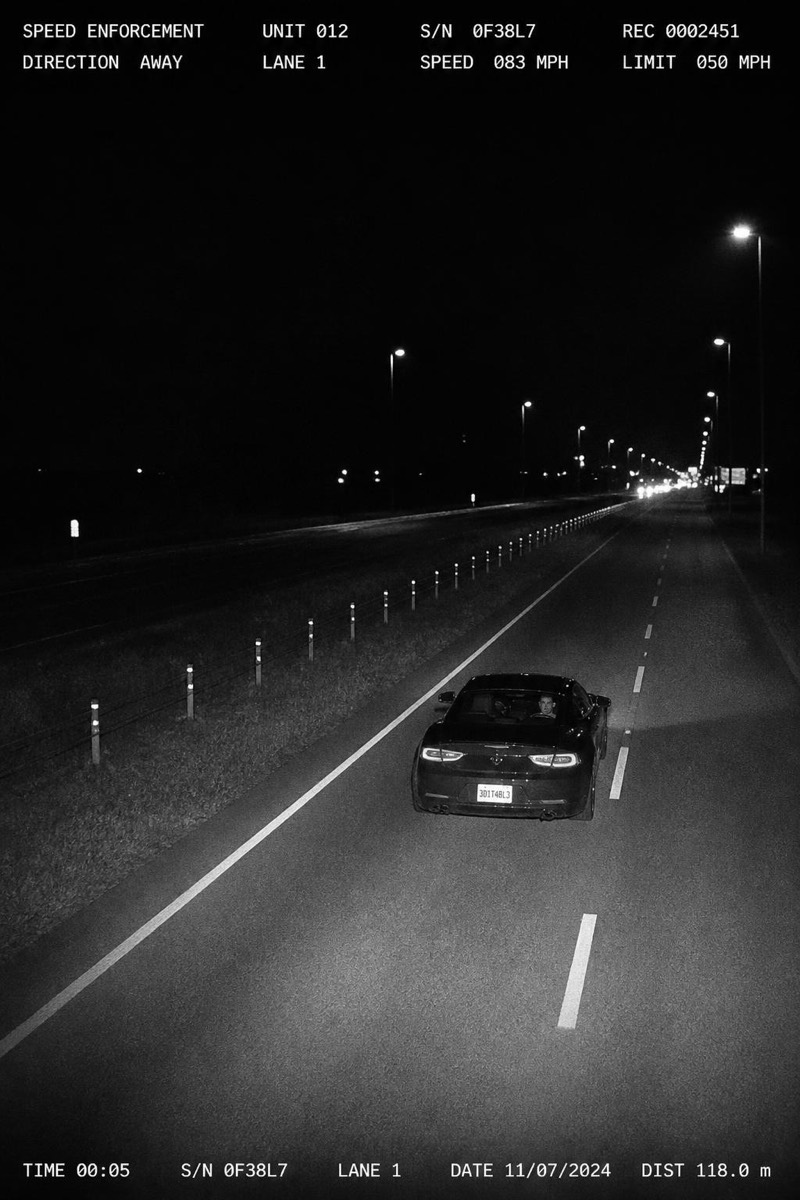
High overhead motorway gantry.
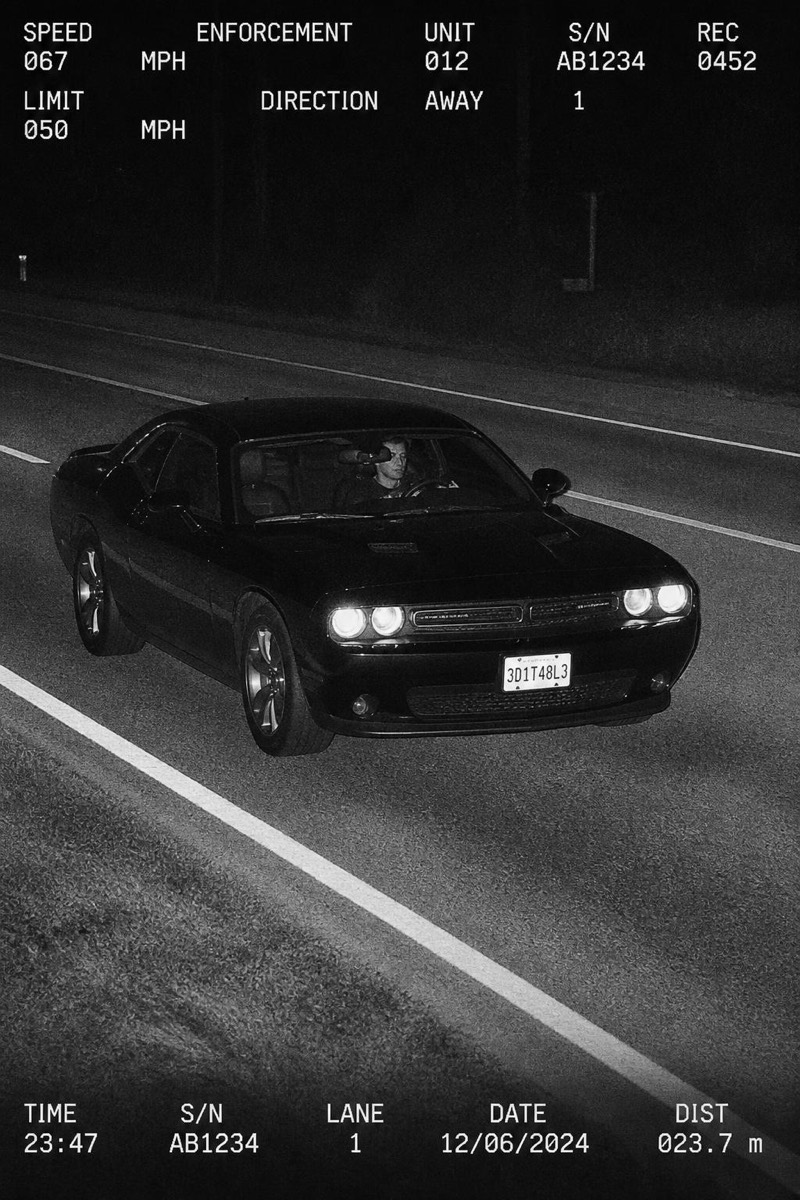
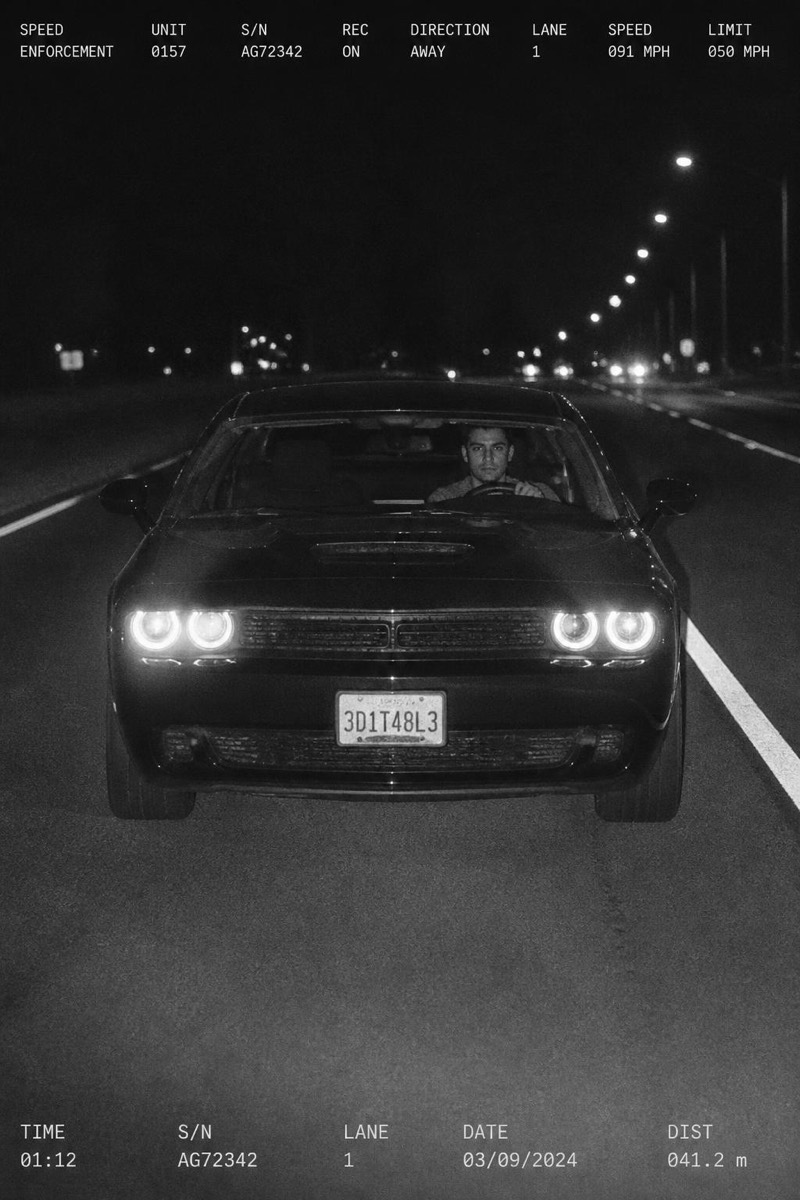
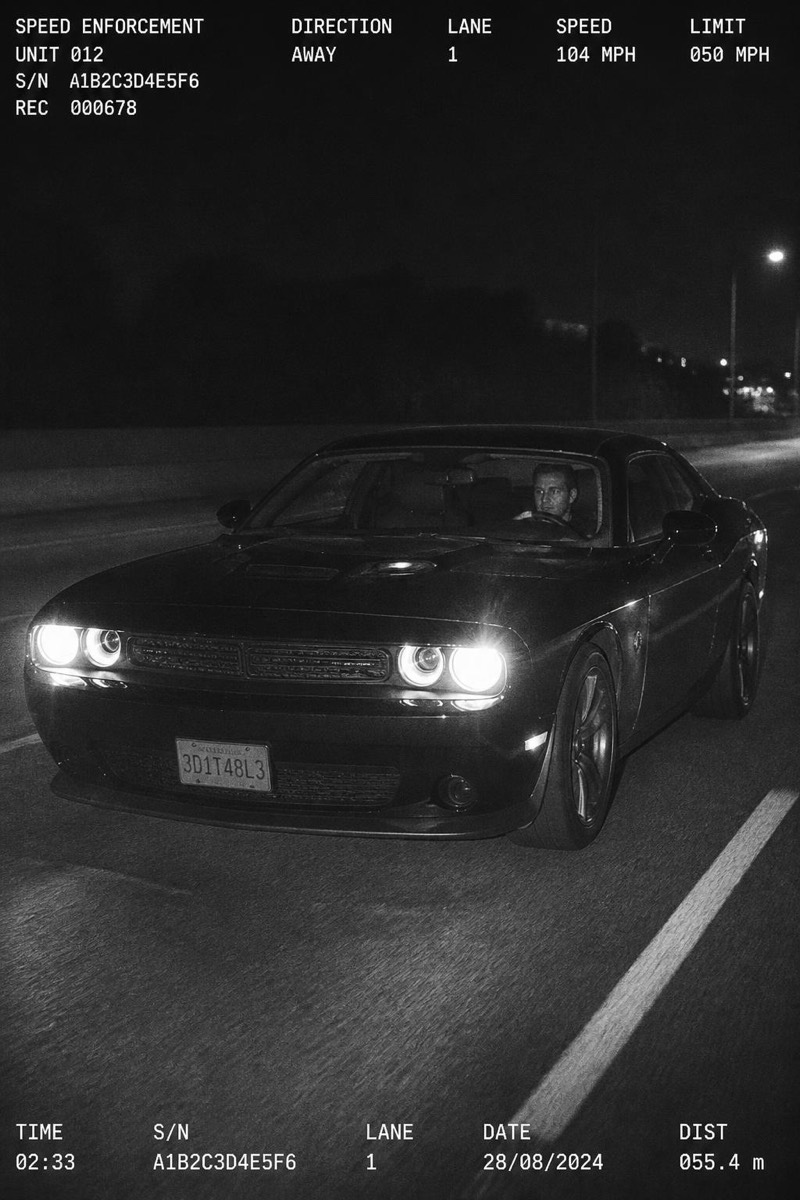
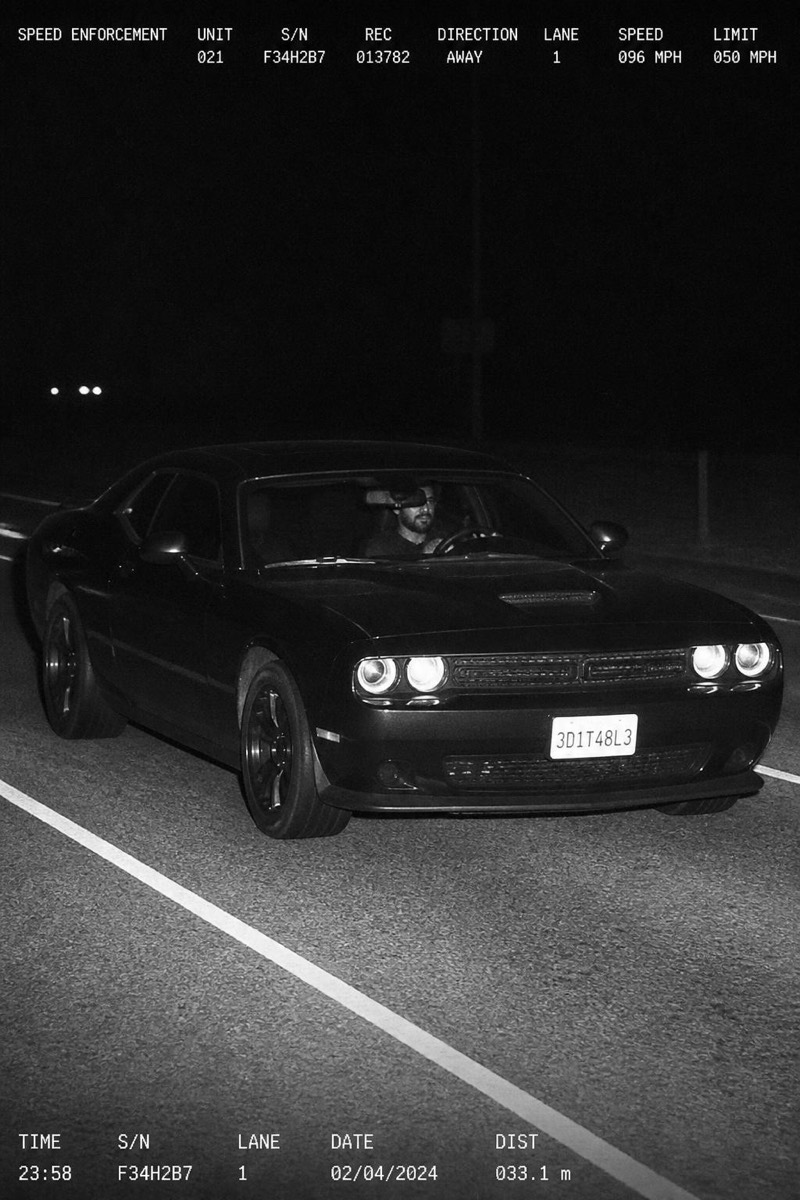
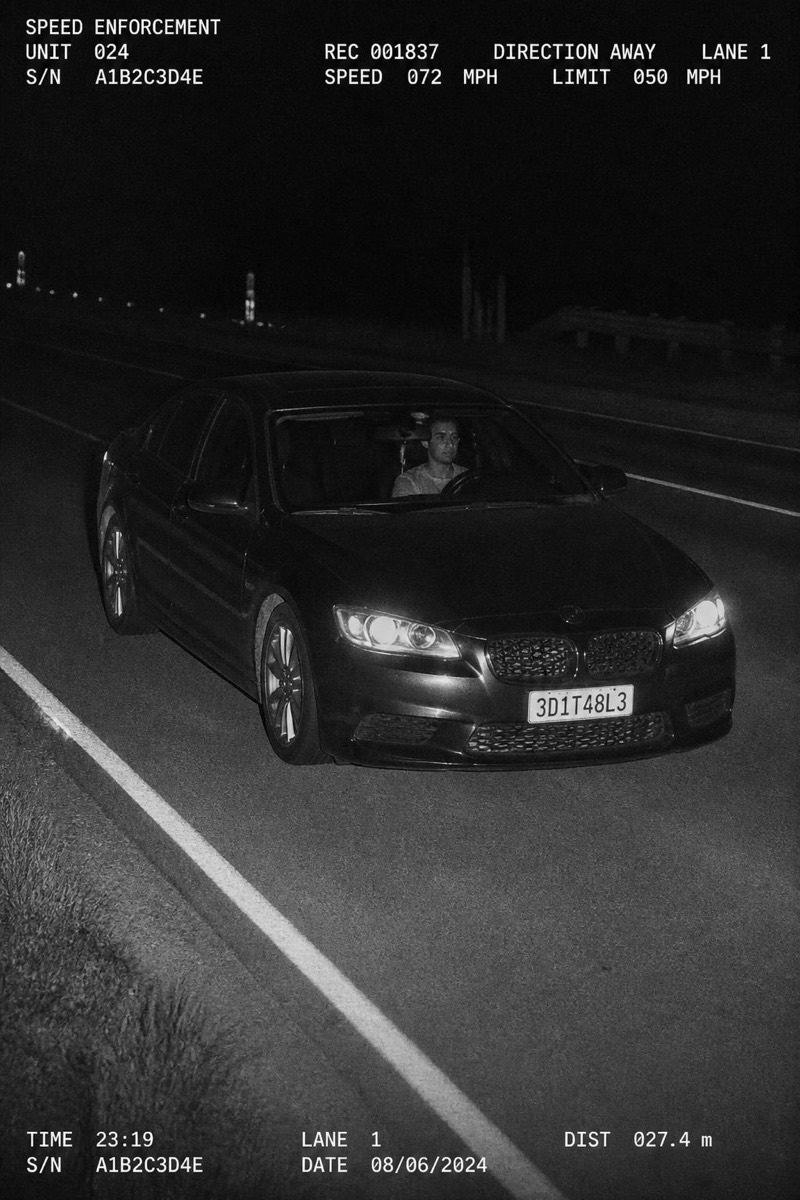
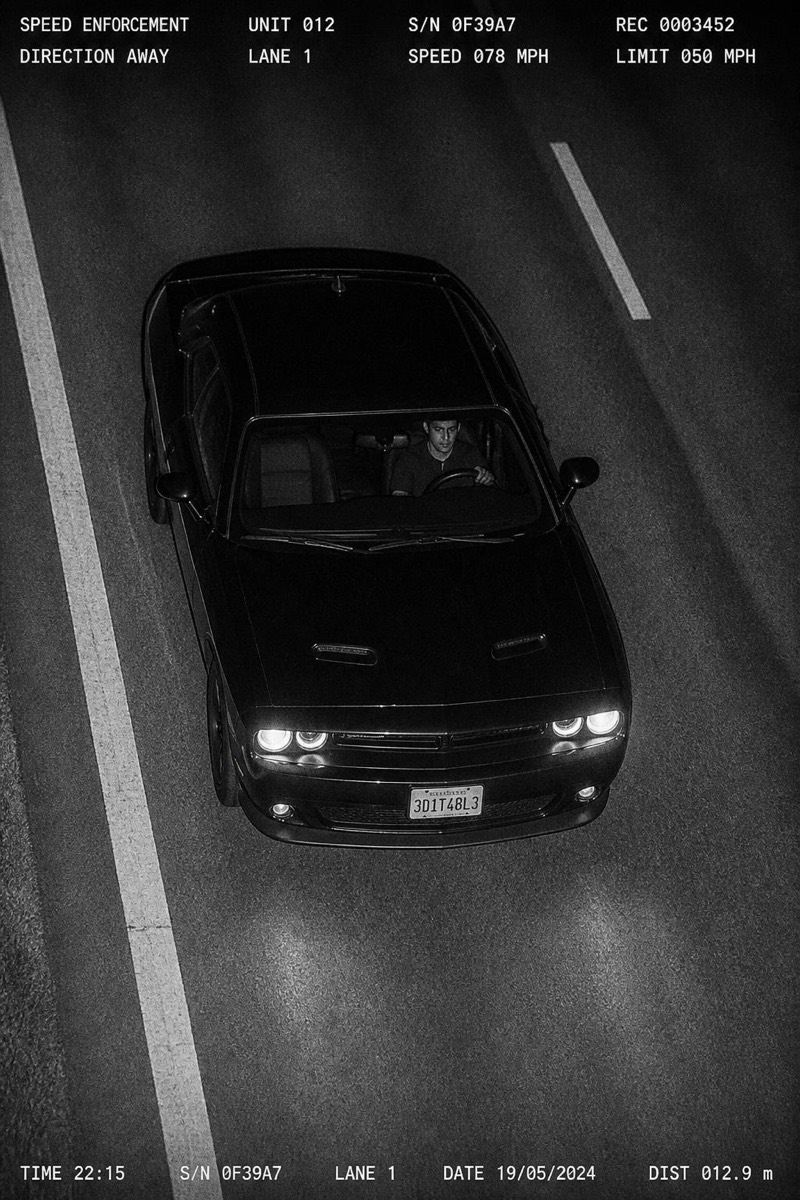
The overhead motorway gantry shot: high angle, lane markings sweeping below, your vehicle isolated in the enforcement frame like a specimen. Of all the speed-trap angles this one looks the most institutional — the kind of image that arrives folded in an envelope with a fine attached. The filter nails the details that sell it: the plate-zone framing, the motion-frozen crispness, the highway emptiness around a single guilty car.
How to use it
- 1.
Get Editable
Download Editable (free) from the App Store and open the Explore tab.
- 2.
Pick the Gantry filter
Find Gantry under Speed Trap and tap Try.
- 3.
Choose a photo
Pick a photo from your library — the edit runs automatically and is ready in seconds.
Tip: Great with car photos; if you're in the shot, the distant overhead angle keeps the focus on the vehicle.
More Speed Trap filters