Speed Trap
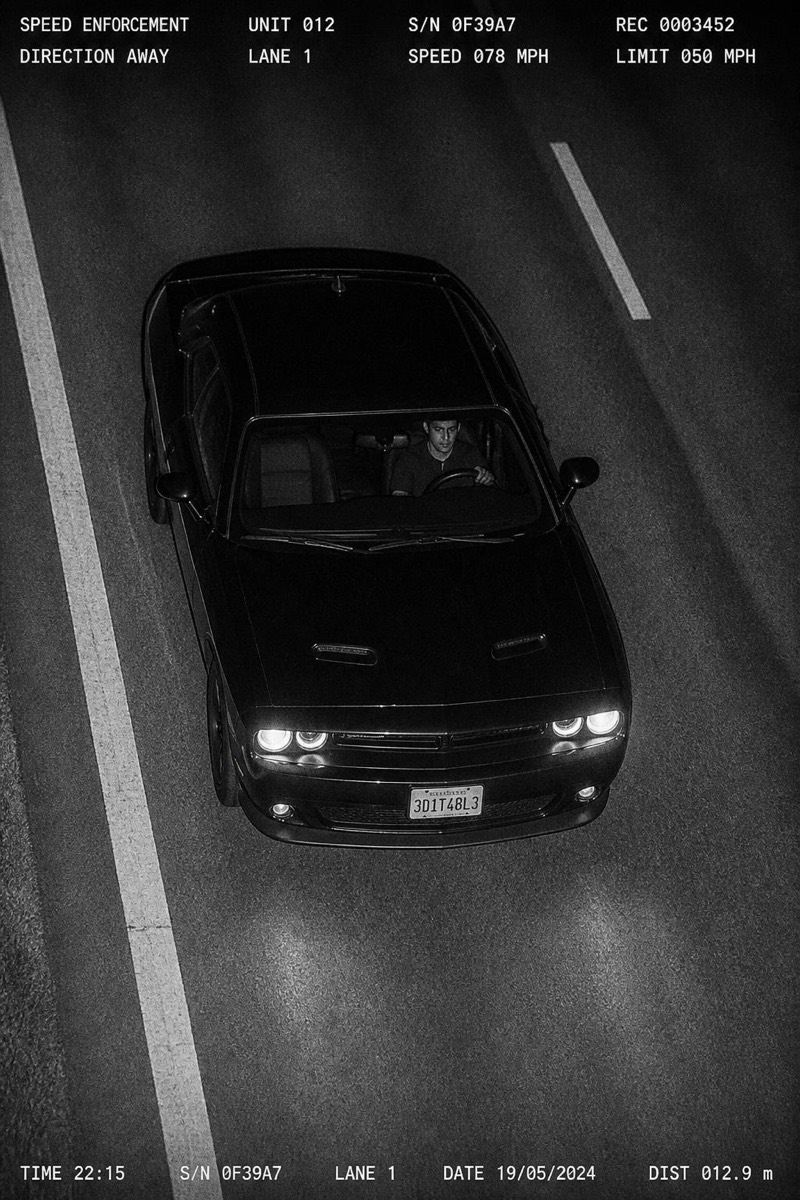
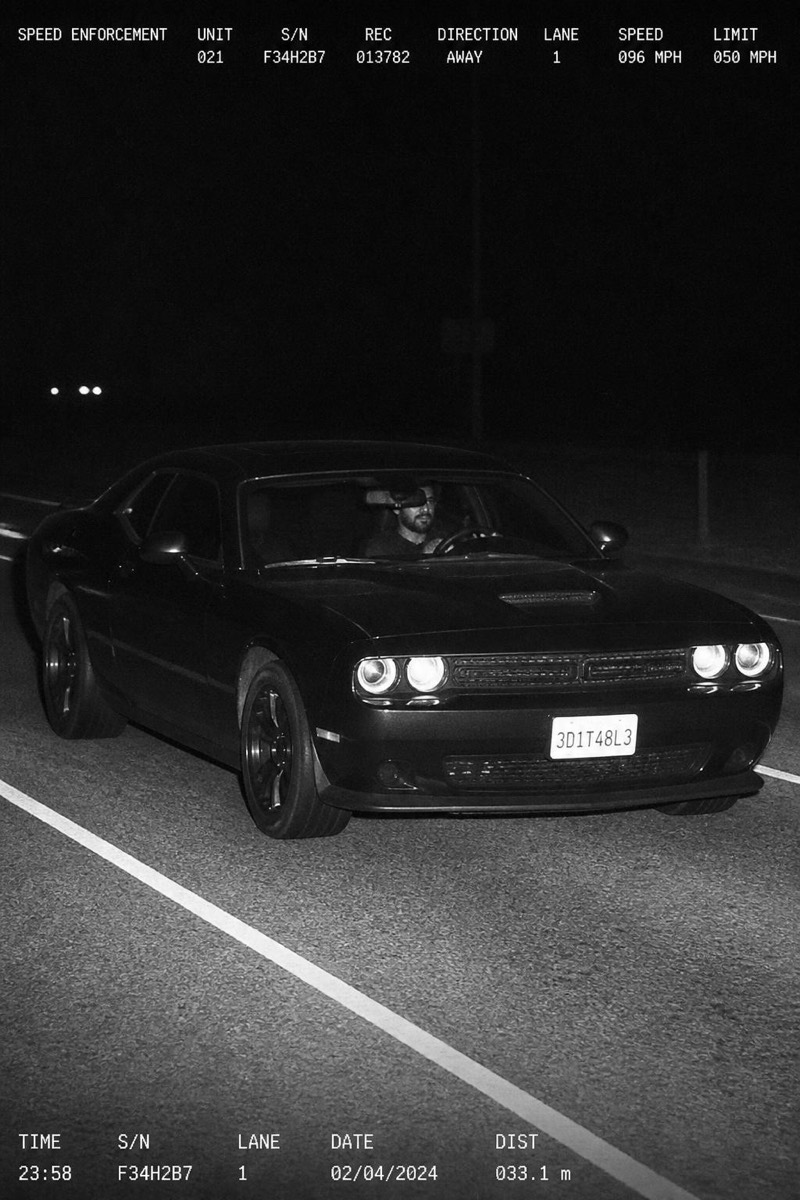
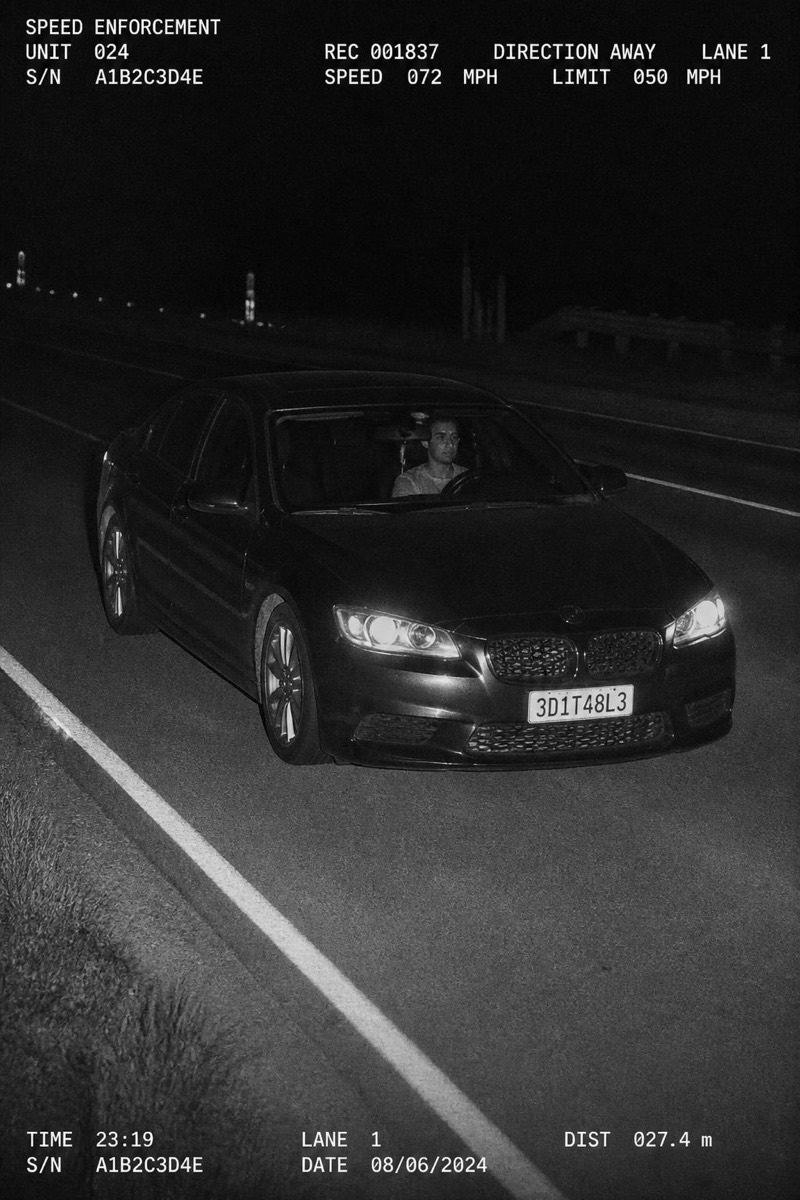
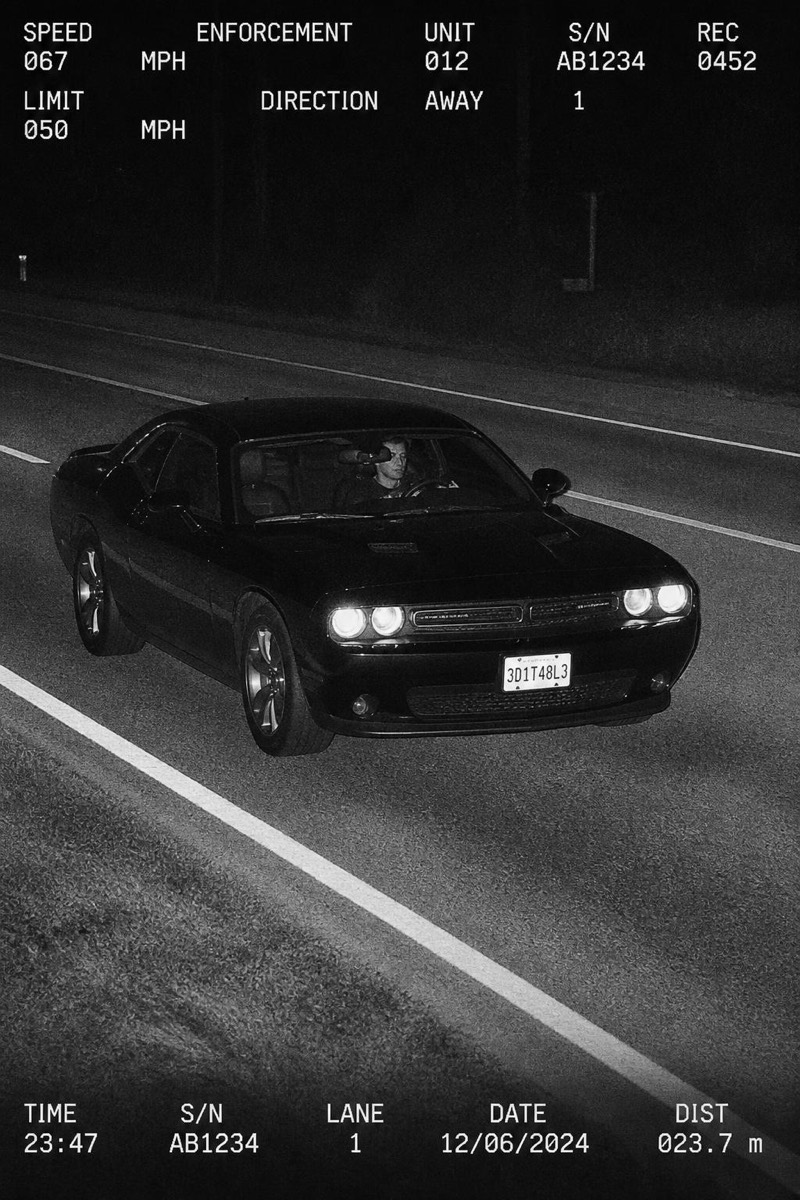
Elevated 3/4 — AI Speed Camera filter
Slightly elevated roadside angle.
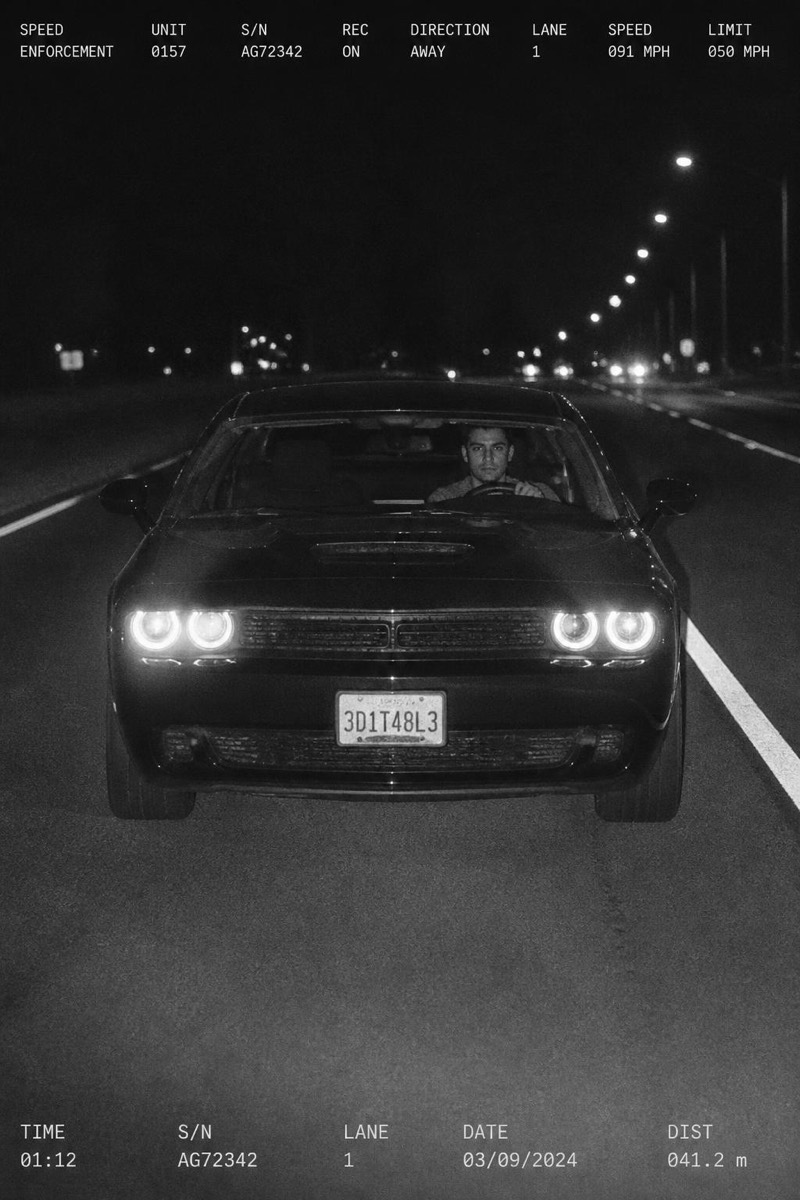
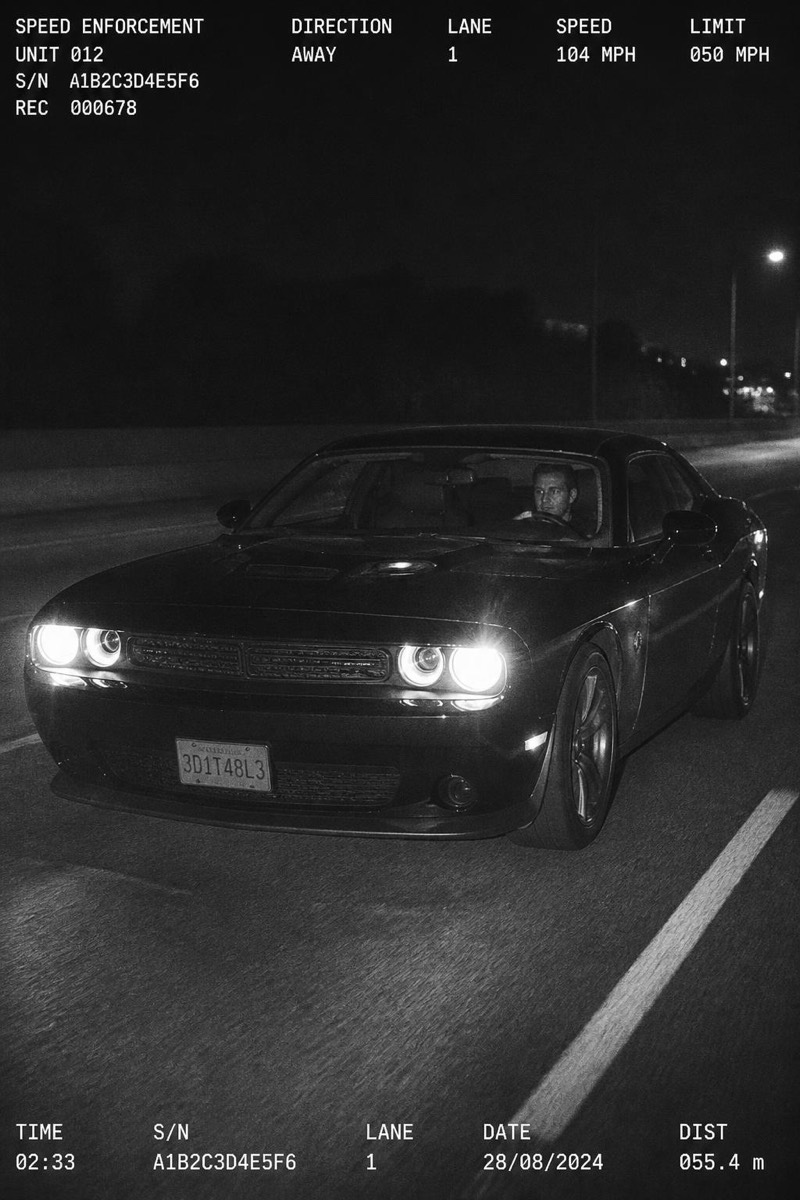
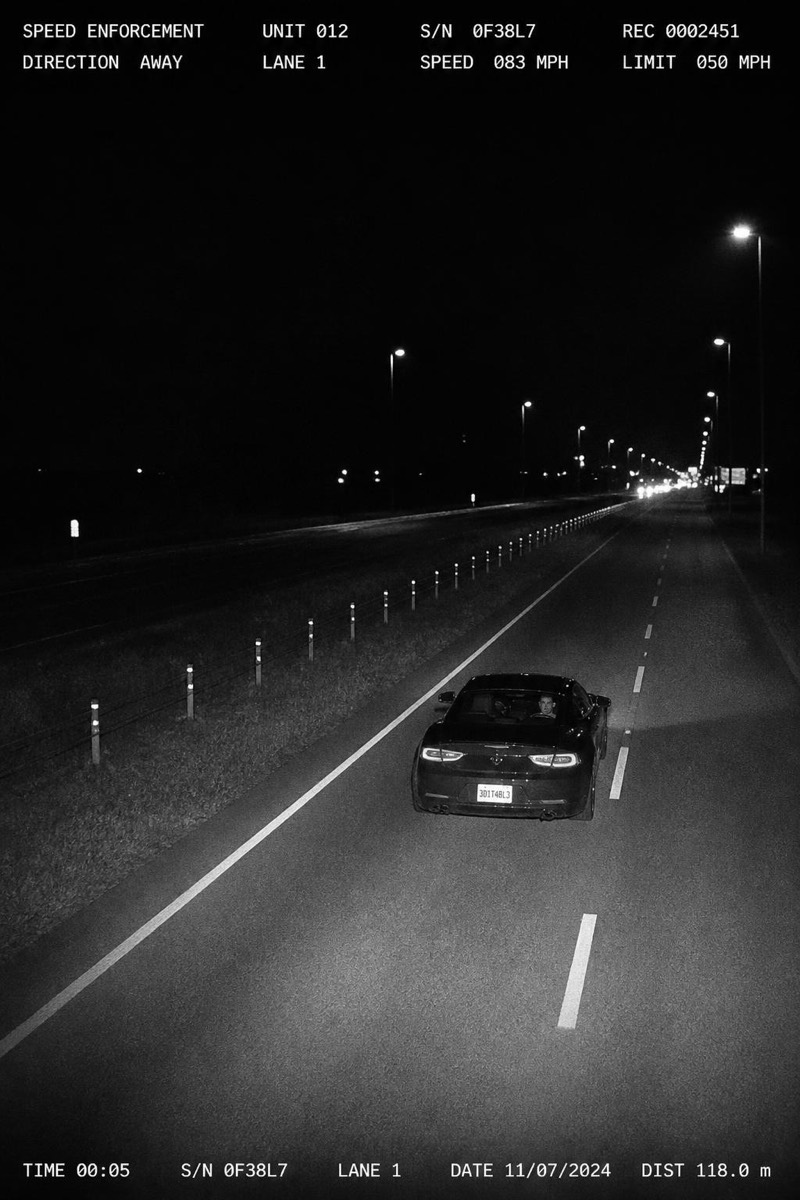
The classic enforcement-camera angle: slightly elevated, three-quarter view, your car pinned mid-motion by a roadside flash with a timestamp burned into the frame. This filter turns any car photo — or a photo of you, dropped behind the wheel of the scene — into official-looking speed-camera evidence. The genre works because the format is instantly recognizable and inherently funny: nobody poses for a speed camera, which is exactly what makes it the most candid-looking fake photo you can produce.
How to use it
- 1.
Get Editable
Download Editable (free) from the App Store and open the Explore tab.
- 2.
Pick the Elevated 3/4 filter
Find Elevated 3/4 under Speed Trap and tap Try.
- 3.
Choose a photo
Pick a photo from your library — the edit runs automatically and is ready in seconds.
Tip: It builds the whole scene; you just pick the angle. Elevated 3/4 is the most recognizable of the set.