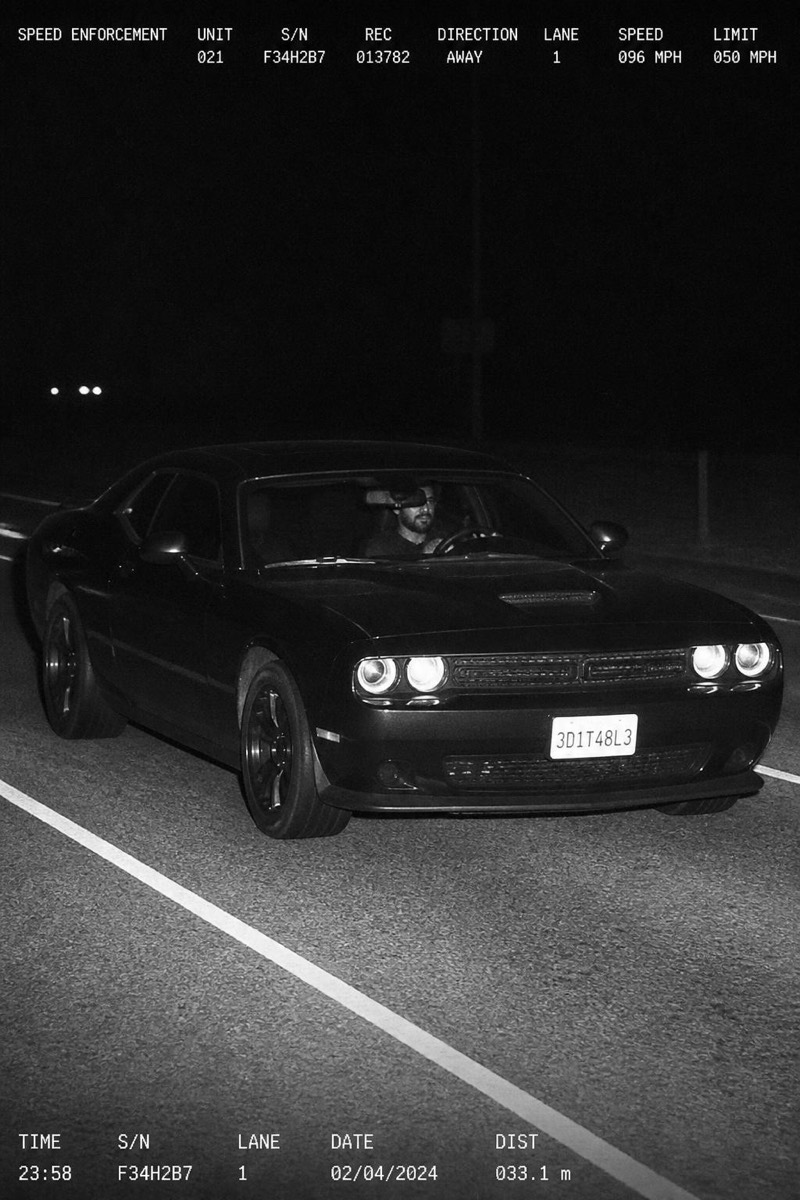
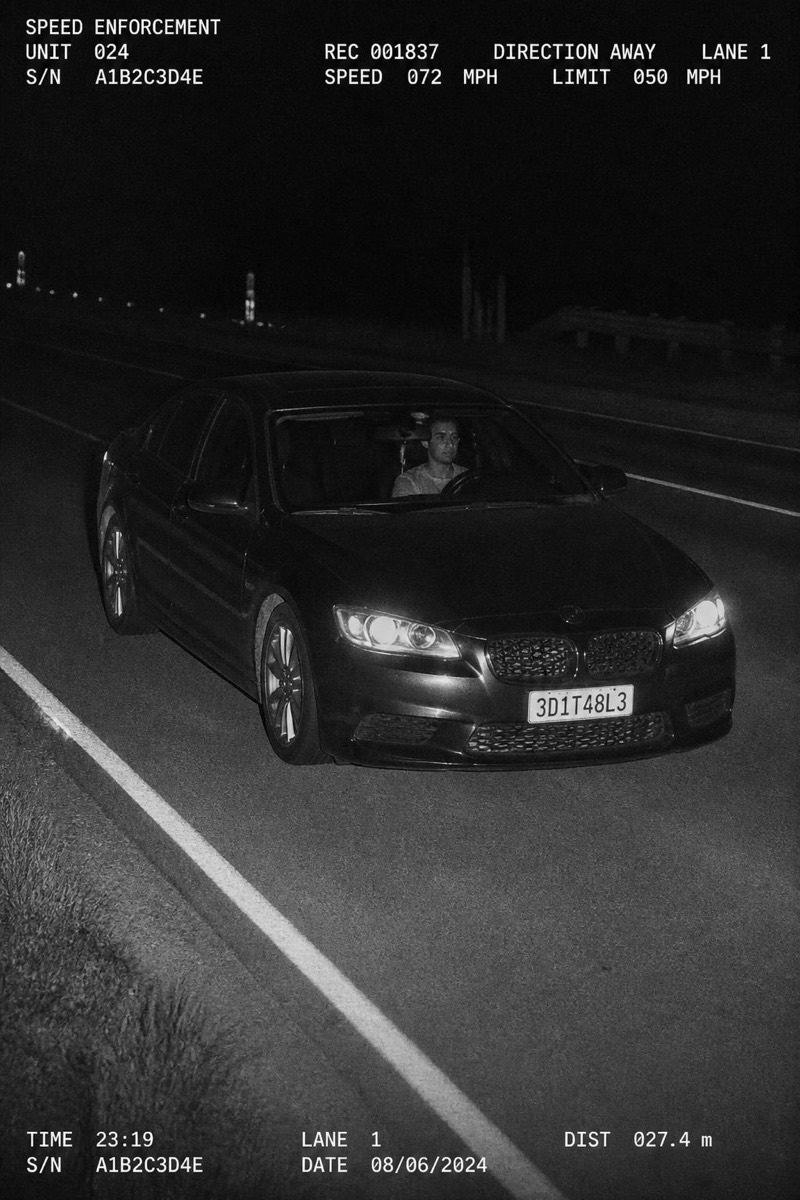
Speed Trap
Far Shot — AI Speed Camera filter
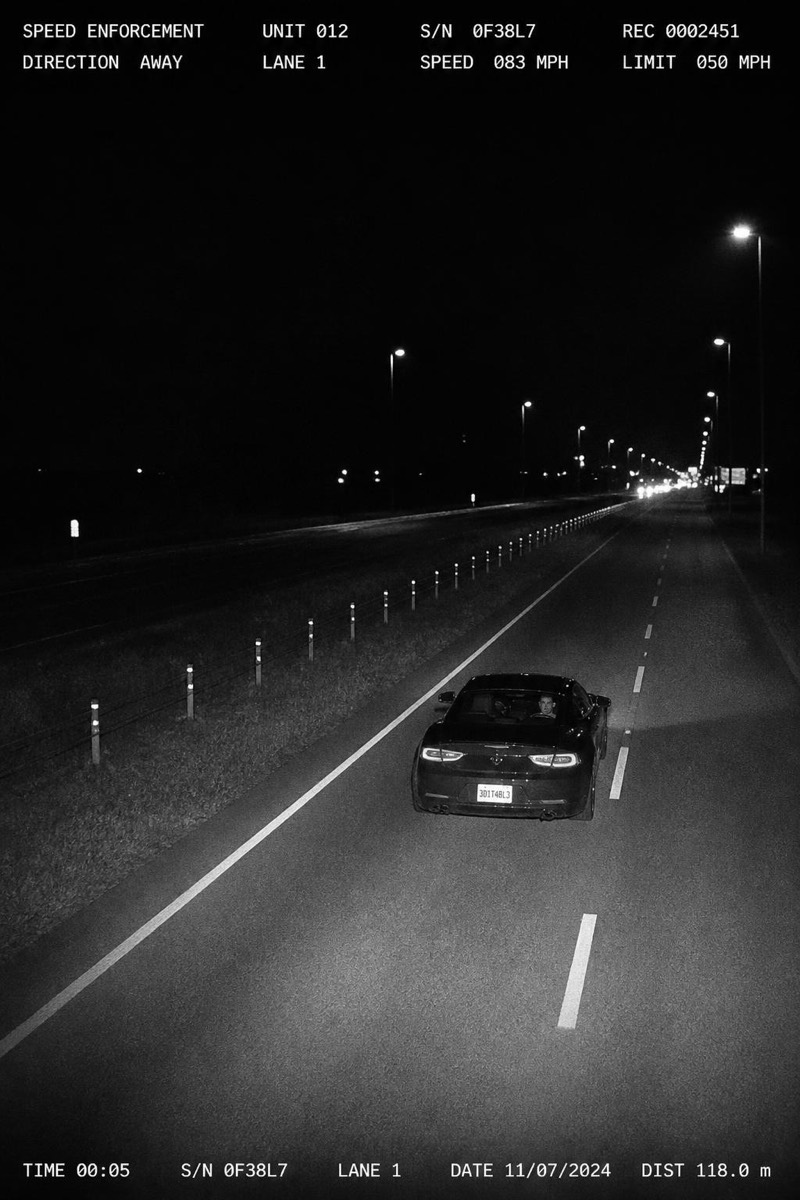
Wide distant highway shot.
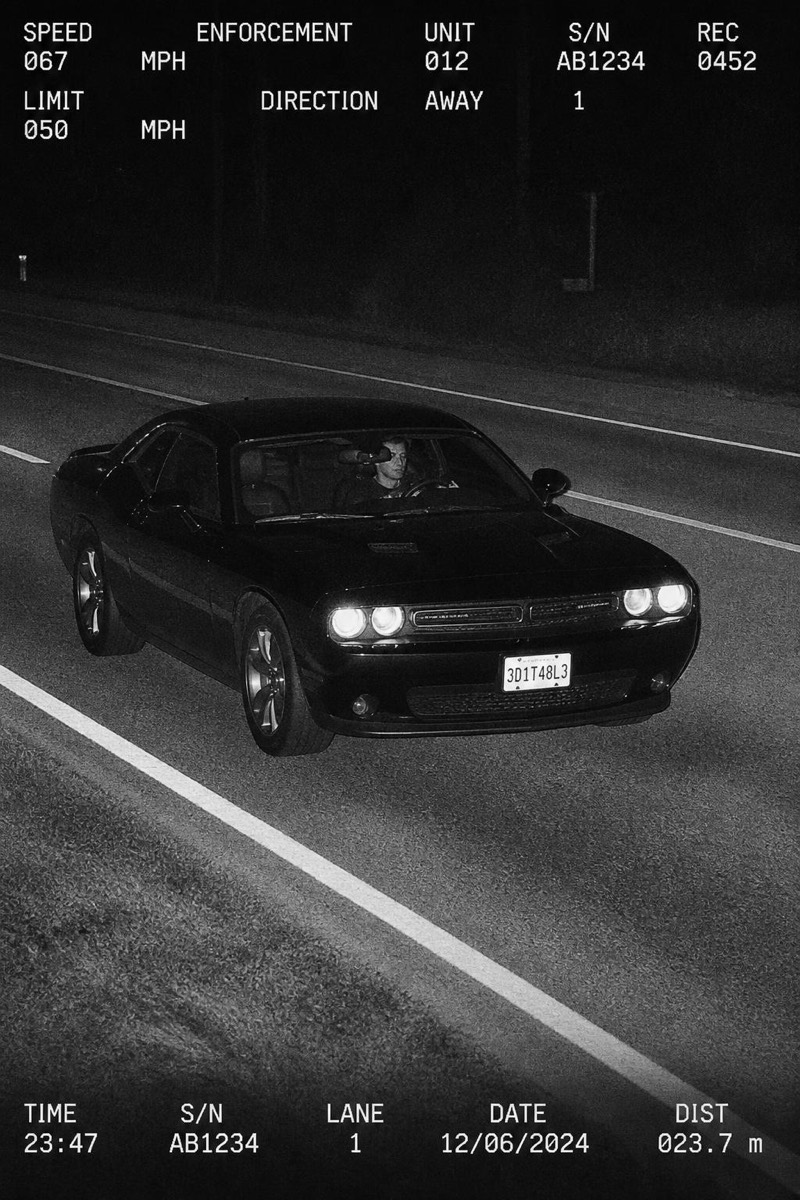
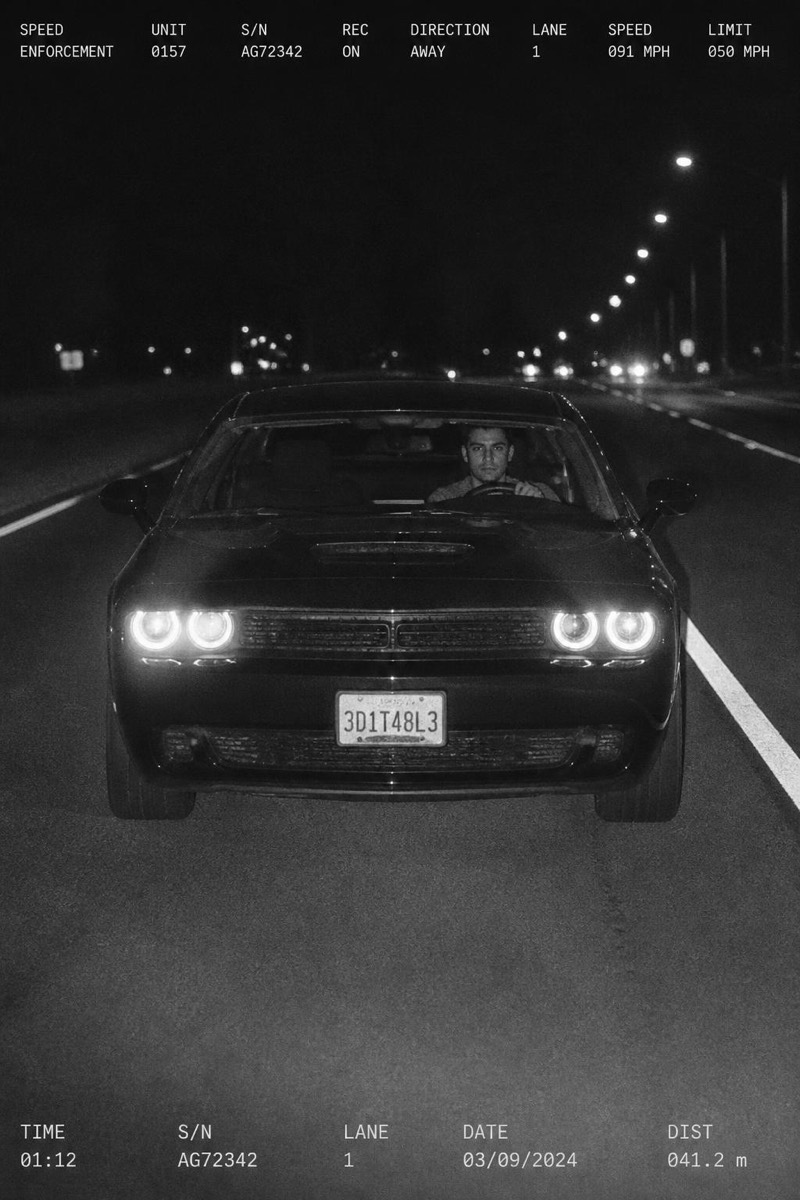
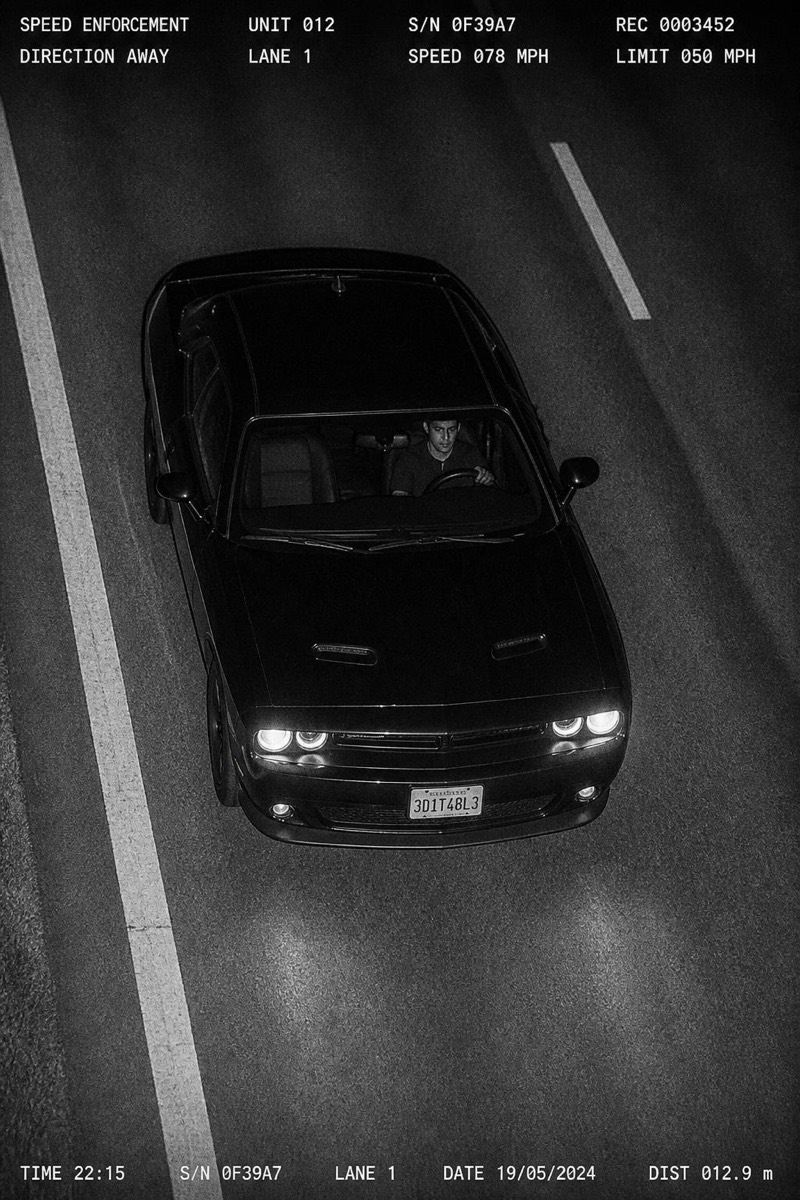
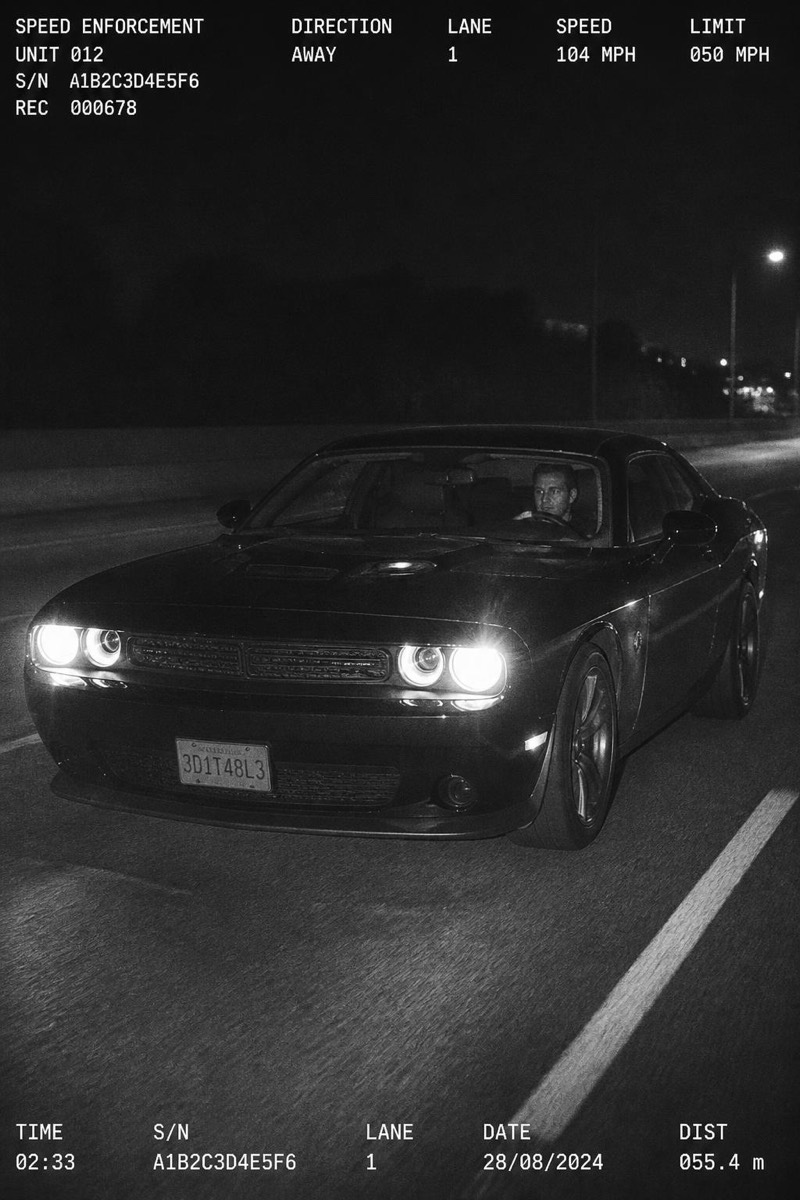
The wide distant highway frame: your car small against an empty stretch of road, caught by a camera that seems miles away. This variant trades the close-up drama for scale and loneliness — a single vehicle, a long road, a flash that found it anyway. It's the moodiest of the speed-trap set, halfway between traffic enforcement and an album cover about leaving town.
How to use it
- 1.
Get Editable
Download Editable (free) from the App Store and open the Explore tab.
- 2.
Pick the Far Shot filter
Find Far Shot under Speed Trap and tap Try.
- 3.
Choose a photo
Pick a photo from your library — the edit runs automatically and is ready in seconds.
Tip: Choose this one for atmosphere over comedy — it's the cinematic wide shot of the genre.
More Speed Trap filters