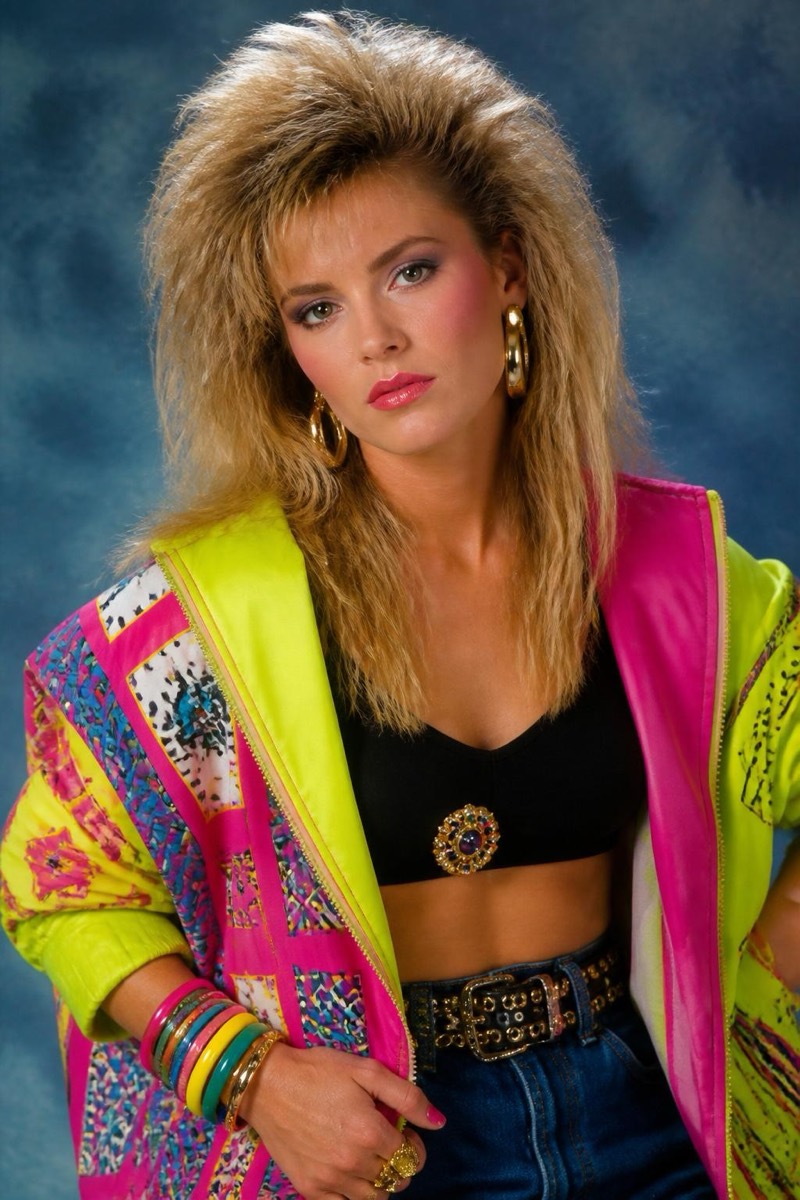
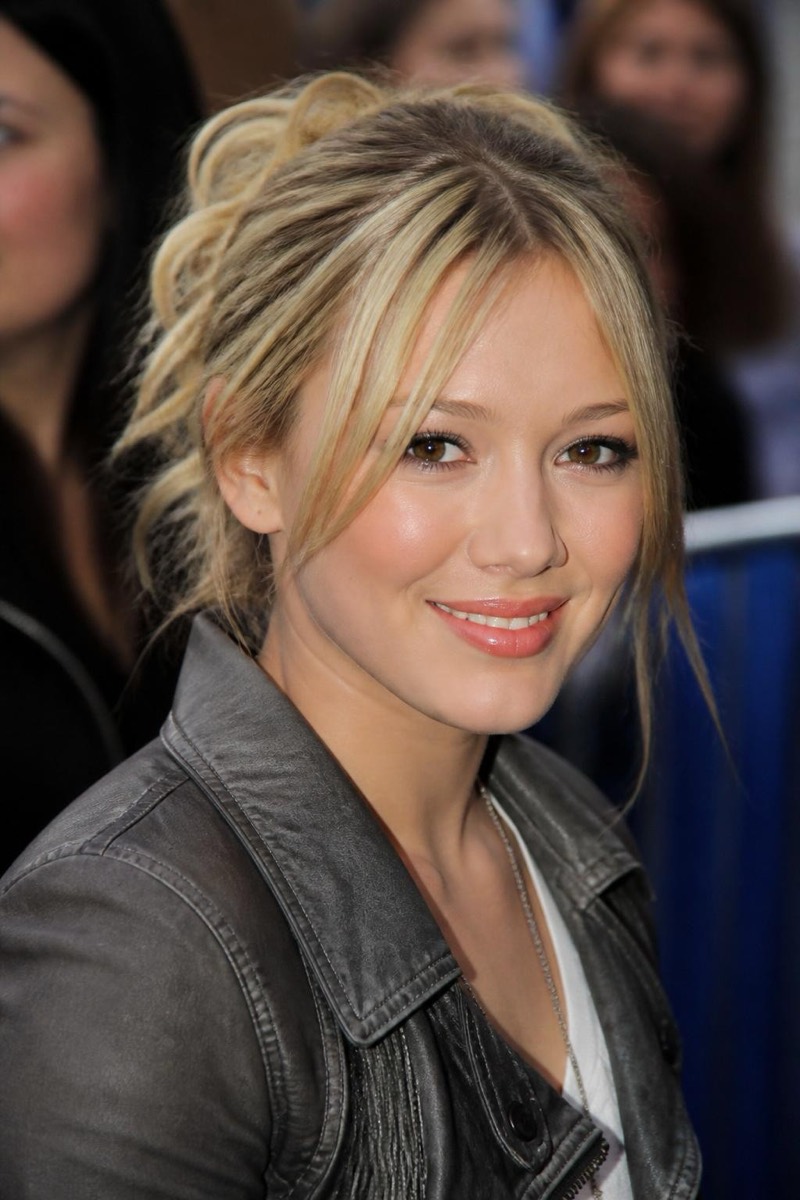
Decades
1990s — AI Decades filter
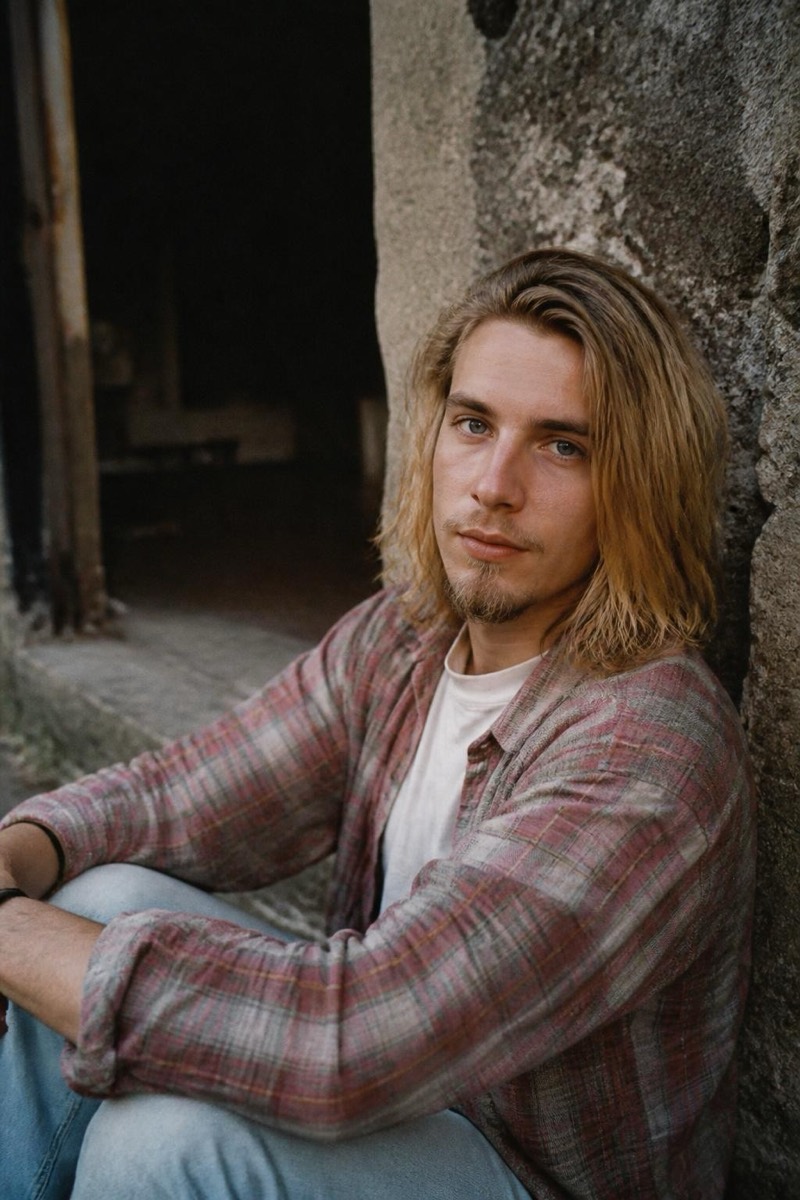
90s grunge vibe.
The 90s filter is a full production: grunge-era styling, film-camera color, the flat flash and casual chaos of photos from before photos were curated. Hair, wardrobe and photo texture all commit to the decade while your face stays yours — the result reads as a found photo from a shoebox, not a costume. It's the throwback filter with the widest appeal, because everyone either remembers the 90s or wishes they did.
How to use it
- 1.
Get Editable
Download Editable (free) from the App Store and open the Explore tab.
- 2.
Pick the 1990s filter
Find 1990s under Decades and tap Try.
- 3.
Choose a photo
Pick a photo from your library — the edit runs automatically and is ready in seconds.
Tip: Casual poses sell the era — the 90s did not do LinkedIn smiles.