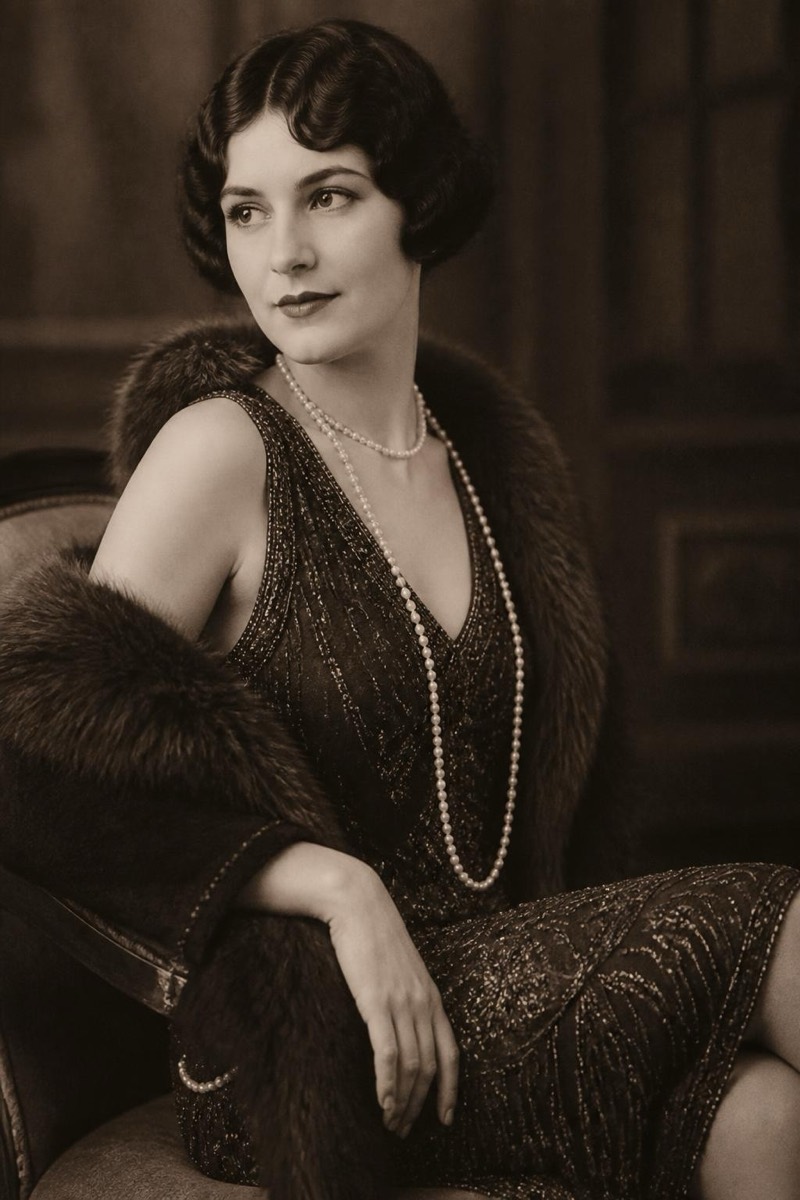
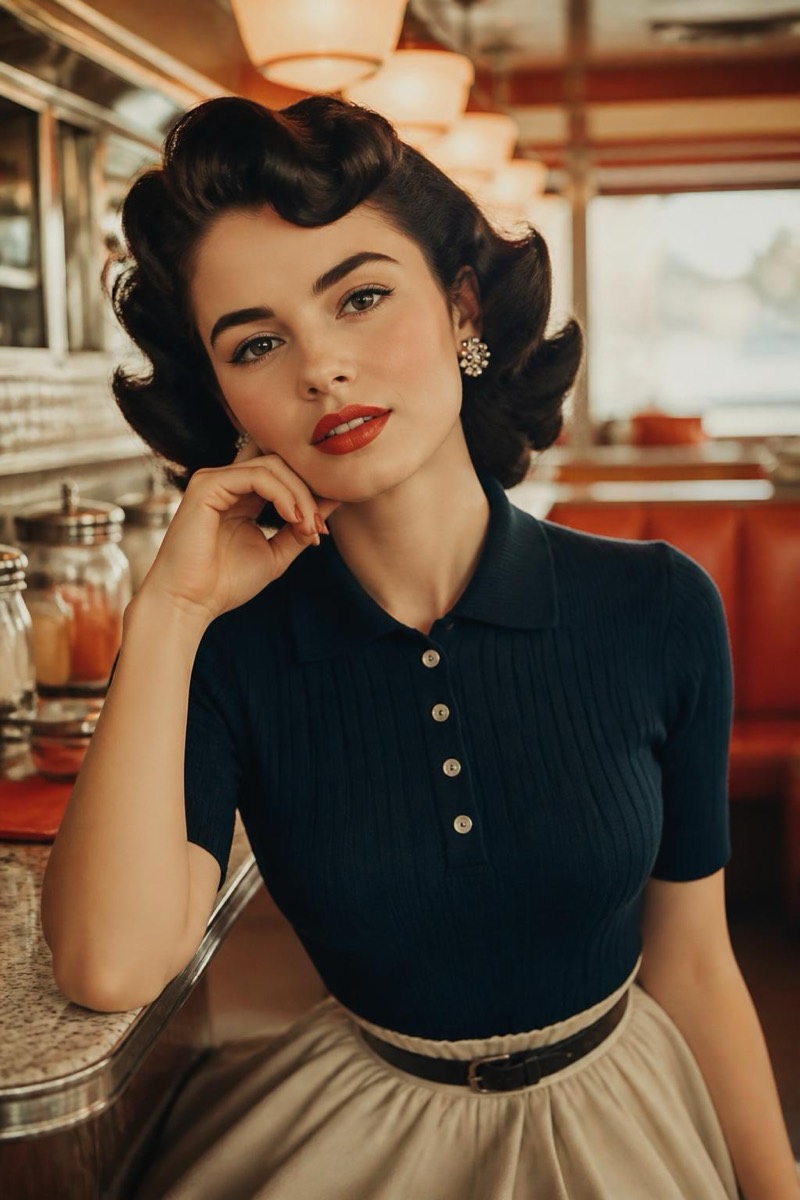
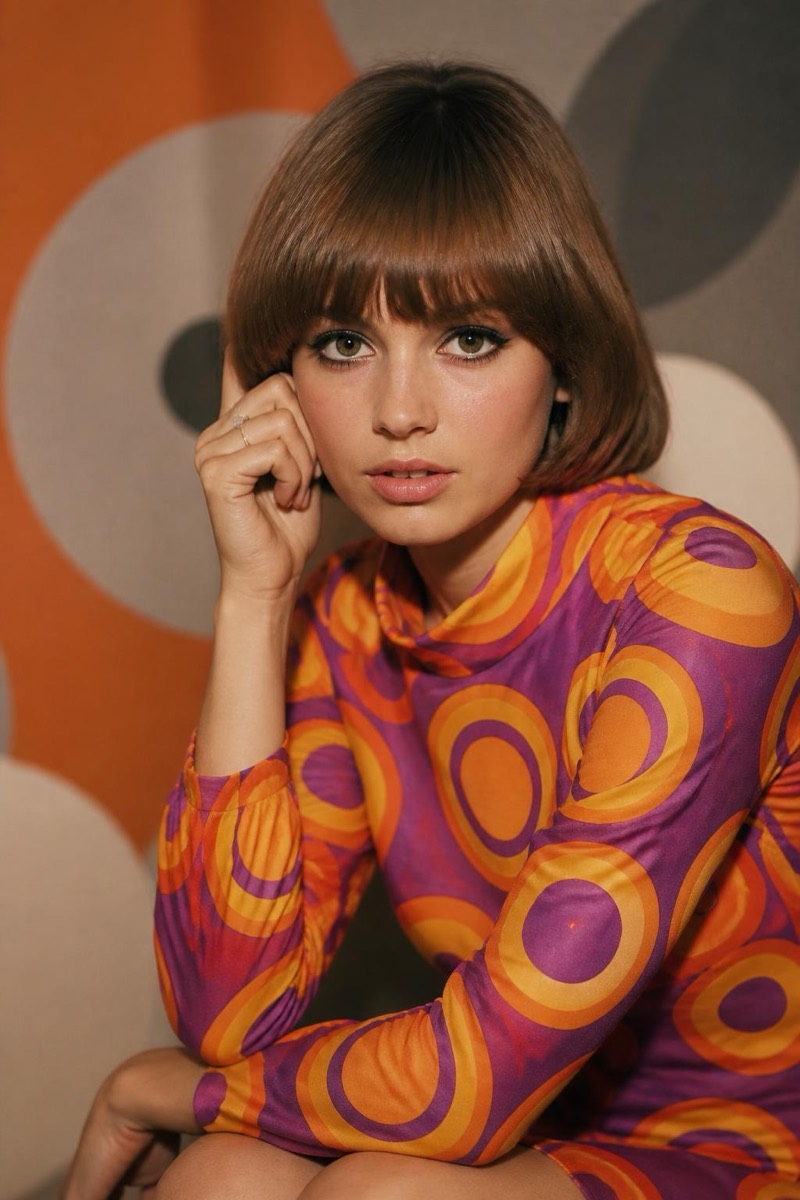
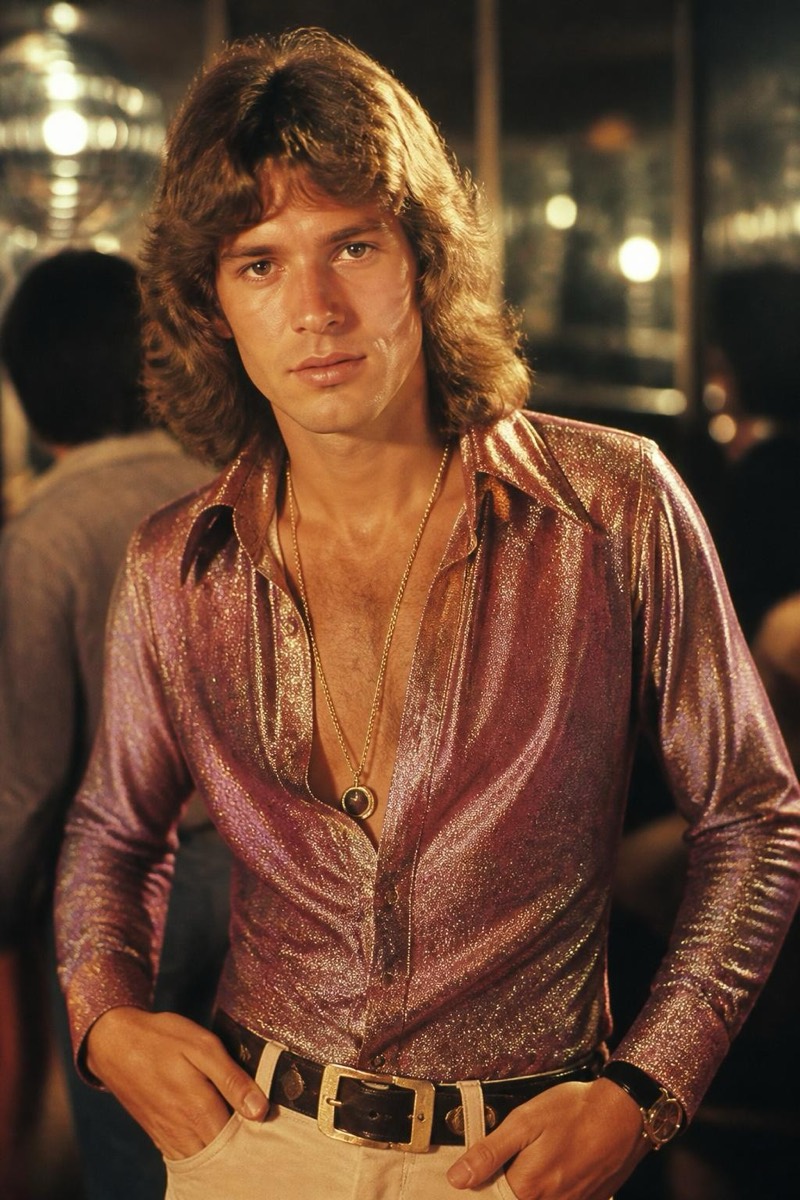
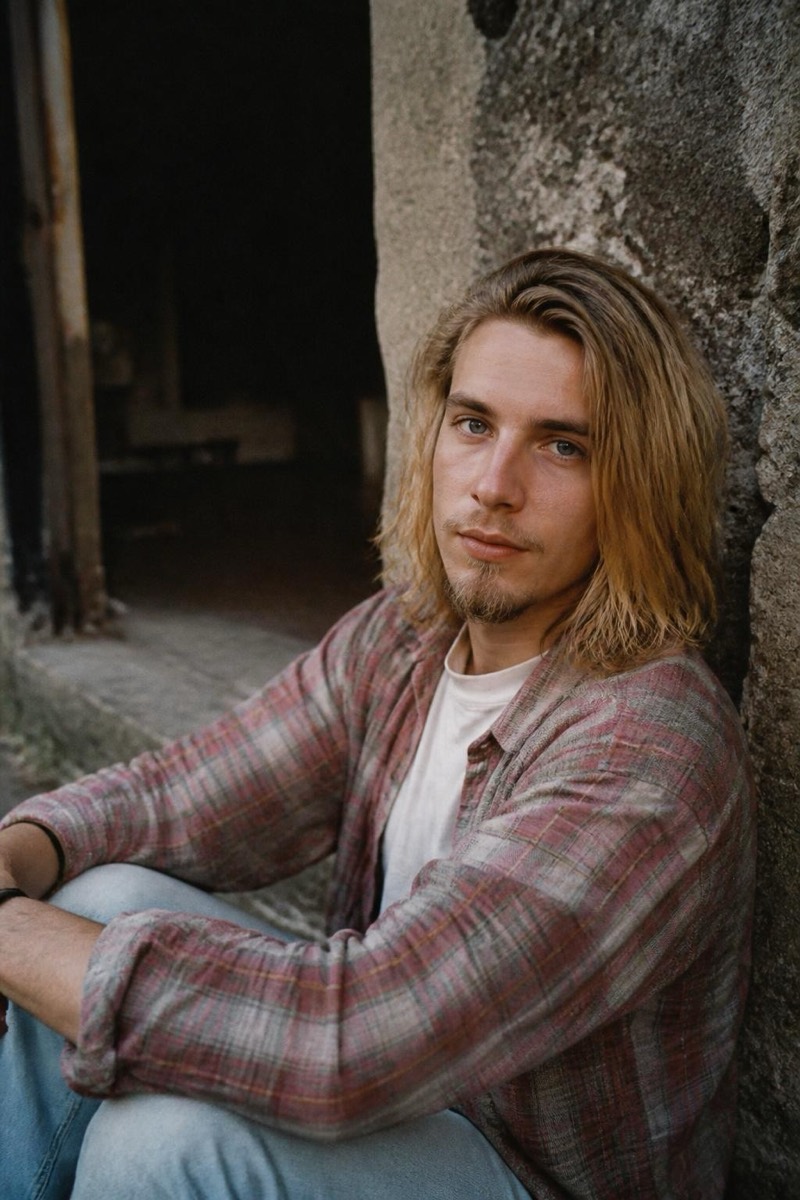
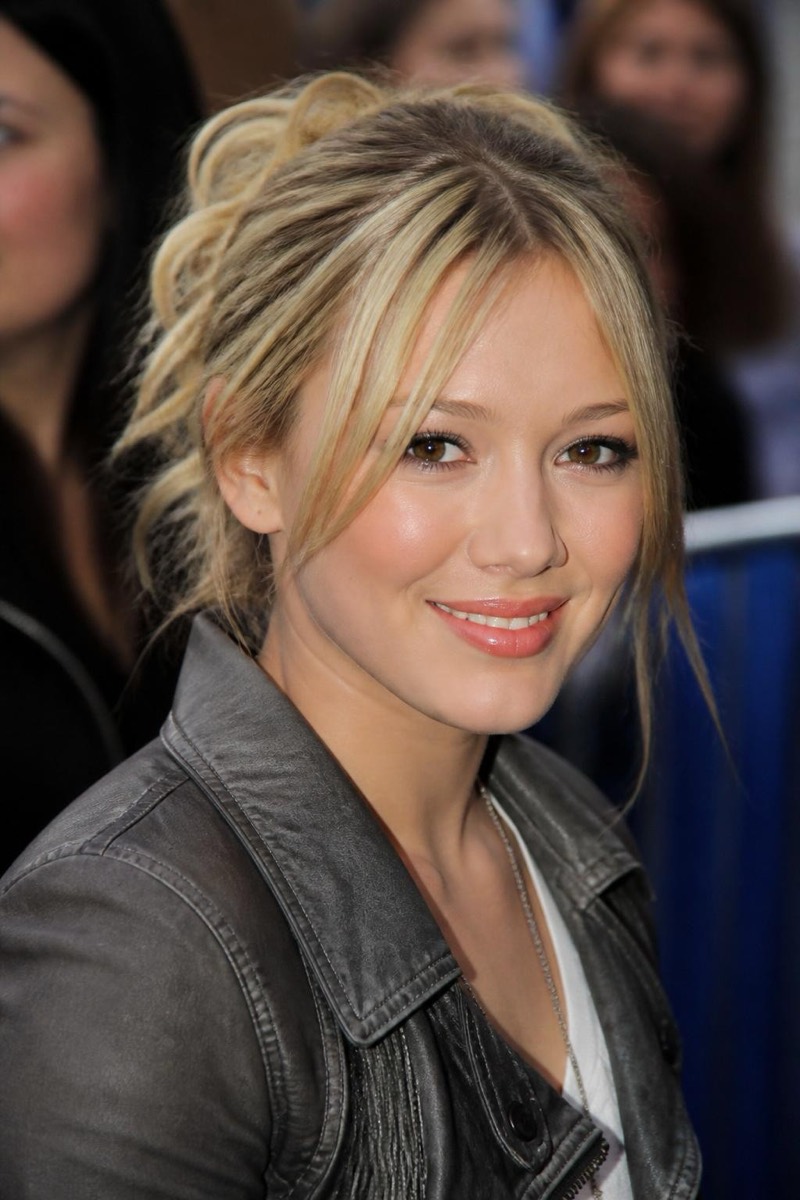
Decades
1980s — AI Decades filter
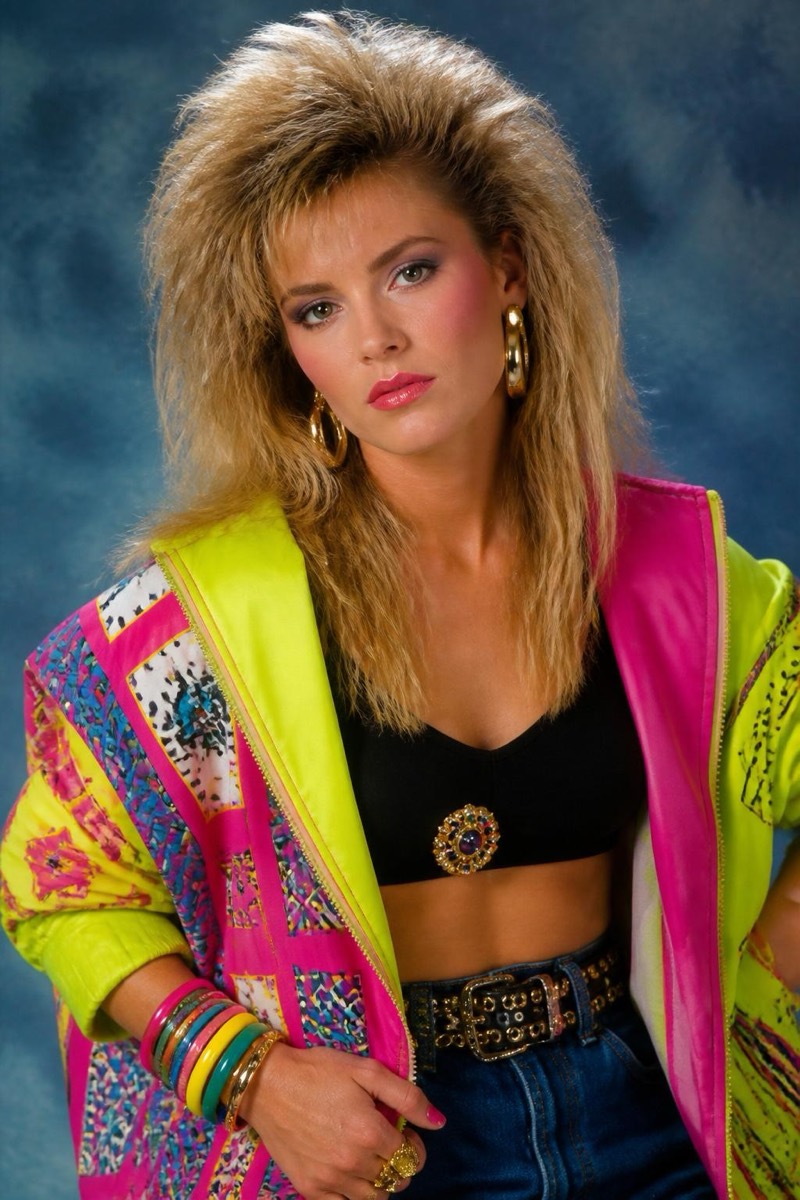
Bold 80s neon.
Neon, volume, and confidence — the 80s filter restyles your photo with the decade's full commitment: bold colors, bigger hair, studio-portrait lighting with that unmistakable synth-era glow. The photo grain and color chemistry match period film stock, so the result looks like it was shot then, not themed now. It's a guaranteed reaction in family group chats, especially from people who actually lived it and own the reference photos to prove it.
How to use it
- 1.
Get Editable
Download Editable (free) from the App Store and open the Explore tab.
- 2.
Pick the 1980s filter
Find 1980s under Decades and tap Try.
- 3.
Choose a photo
Pick a photo from your library — the edit runs automatically and is ready in seconds.
Tip: Lean into it — a confident pose gives the decade the energy it demands.