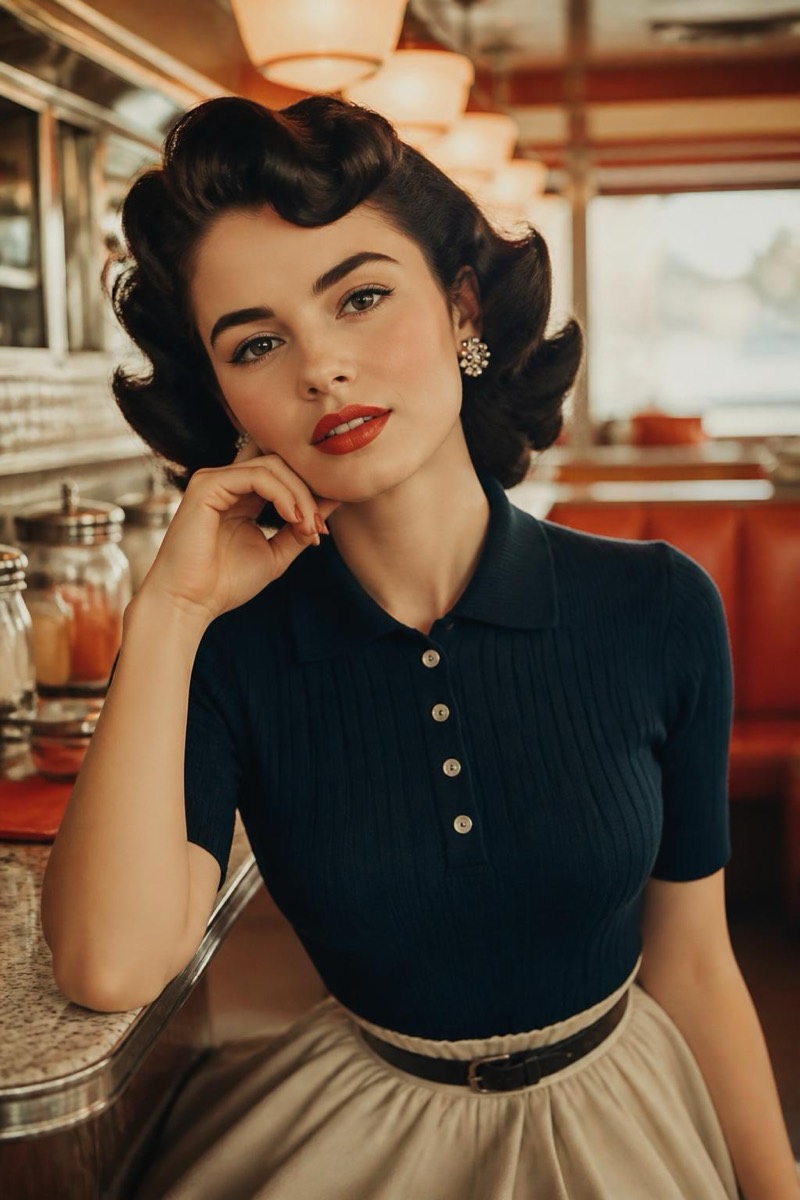
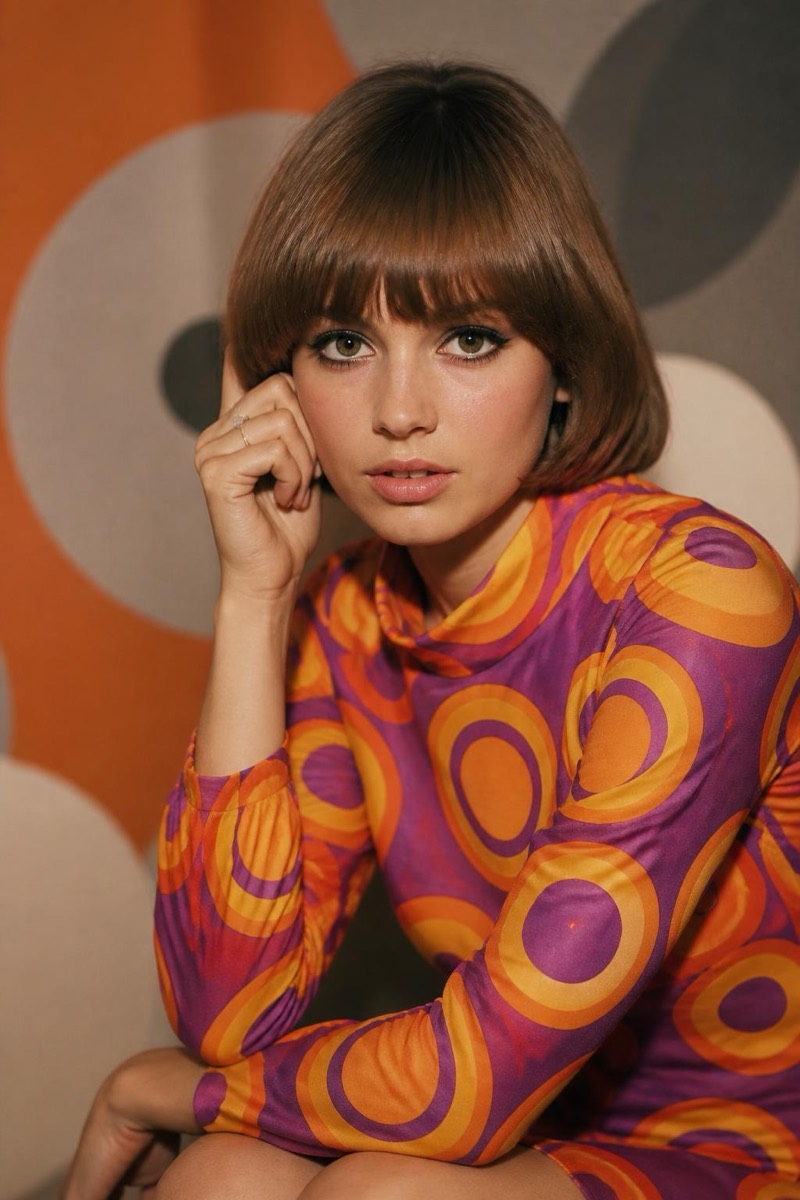
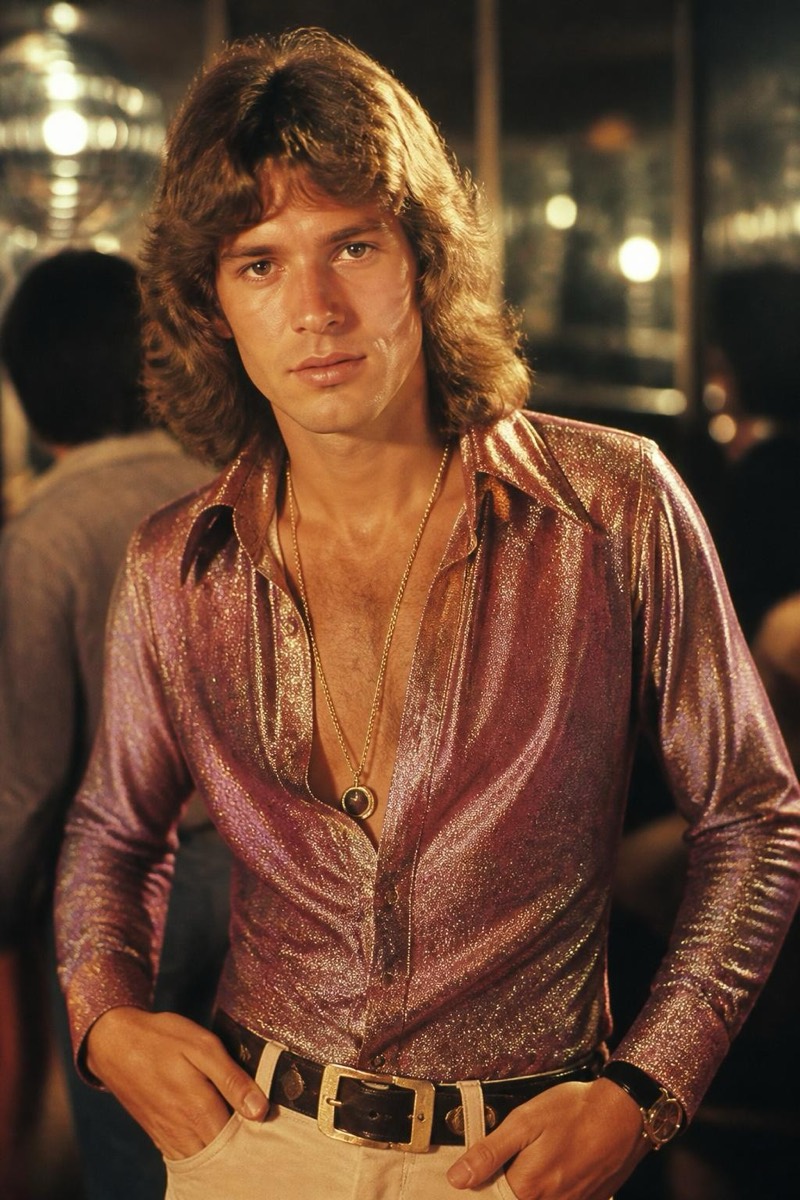
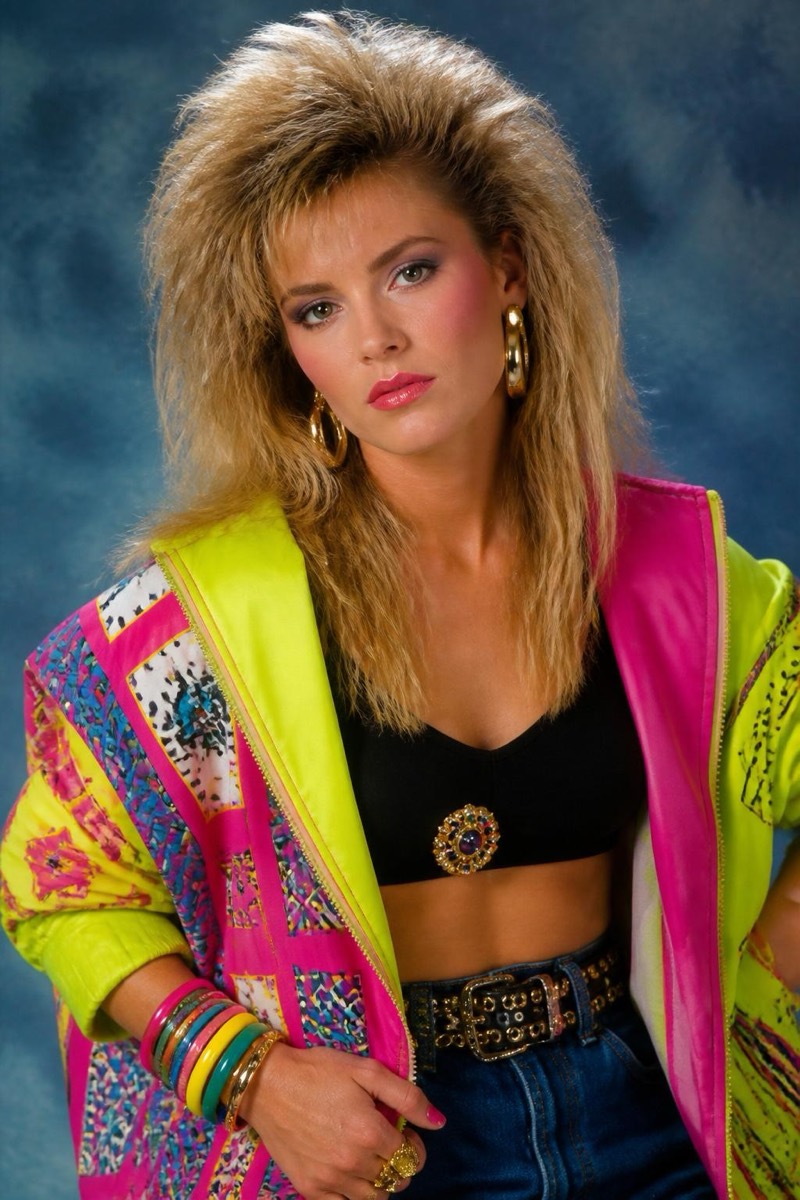
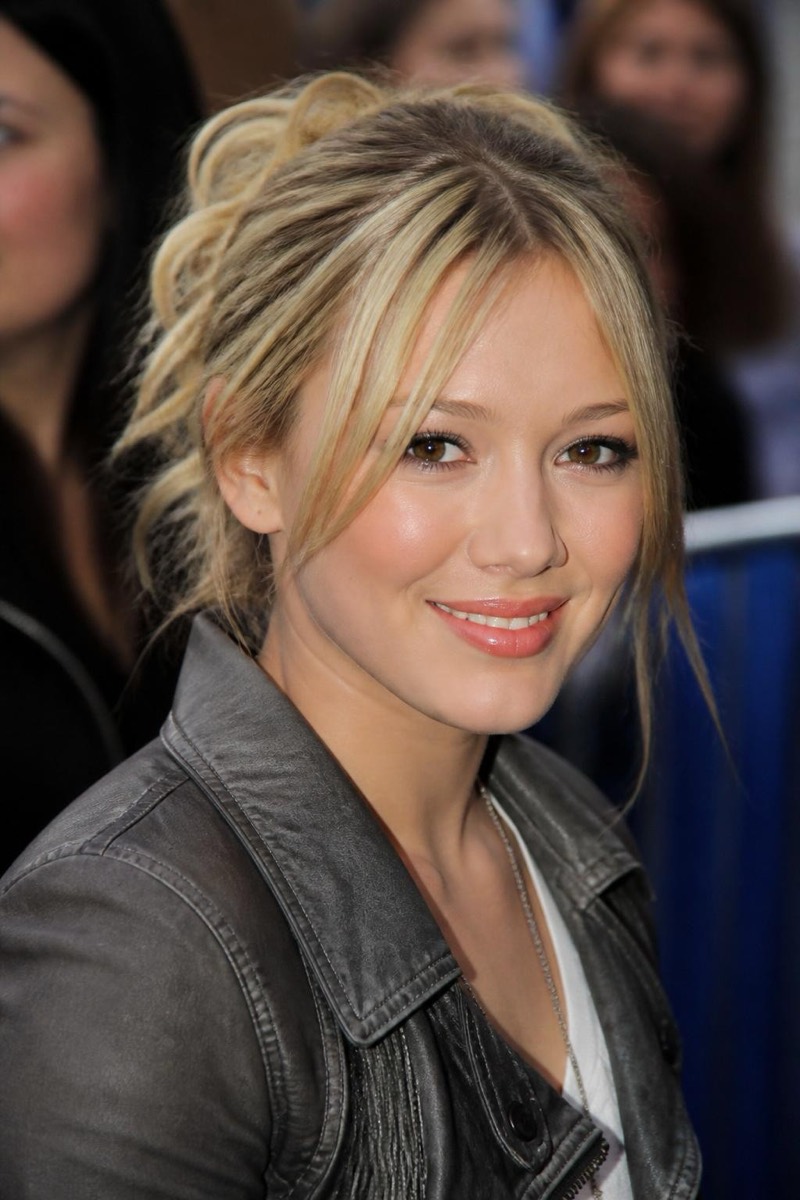
Decades
1920s — AI Decades filter
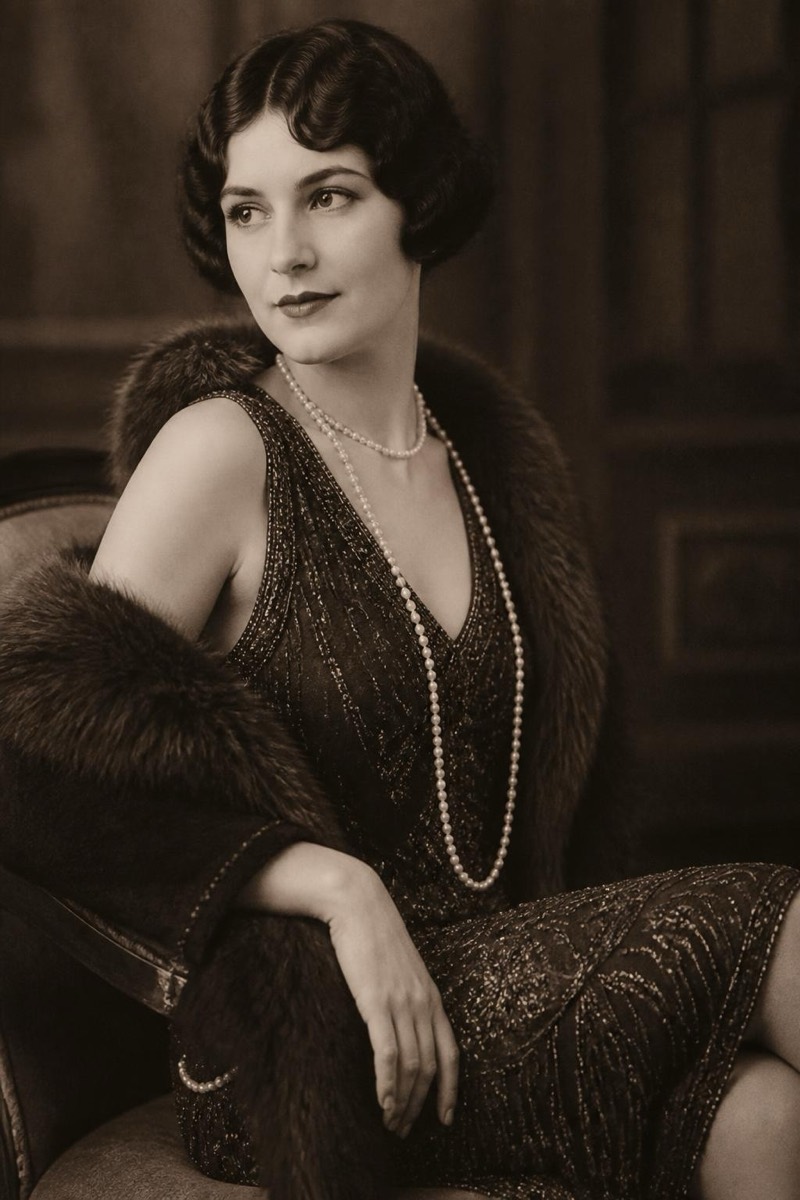
Roaring Twenties Gatsby look.
The Roaring Twenties: finger waves, pearls, sharp tailoring, champagne-lit glamour — the Gatsby decade rendered on your face. This filter restyles hair, wardrobe and photographic character to the era: soft monochrome or hand-tint tones, portrait-studio lighting, Art Deco implied at the edges. Of all the decades this one is the most costume-party requested and the most transformative; the century between shows.
How to use it
- 1.
Get Editable
Download Editable (free) from the App Store and open the Explore tab.
- 2.
Pick the 1920s filter
Find 1920s under Decades and tap Try.
- 3.
Choose a photo
Pick a photo from your library — the edit runs automatically and is ready in seconds.
Tip: Elegant, composed poses suit the era — the 1920s did glamour, not candids.