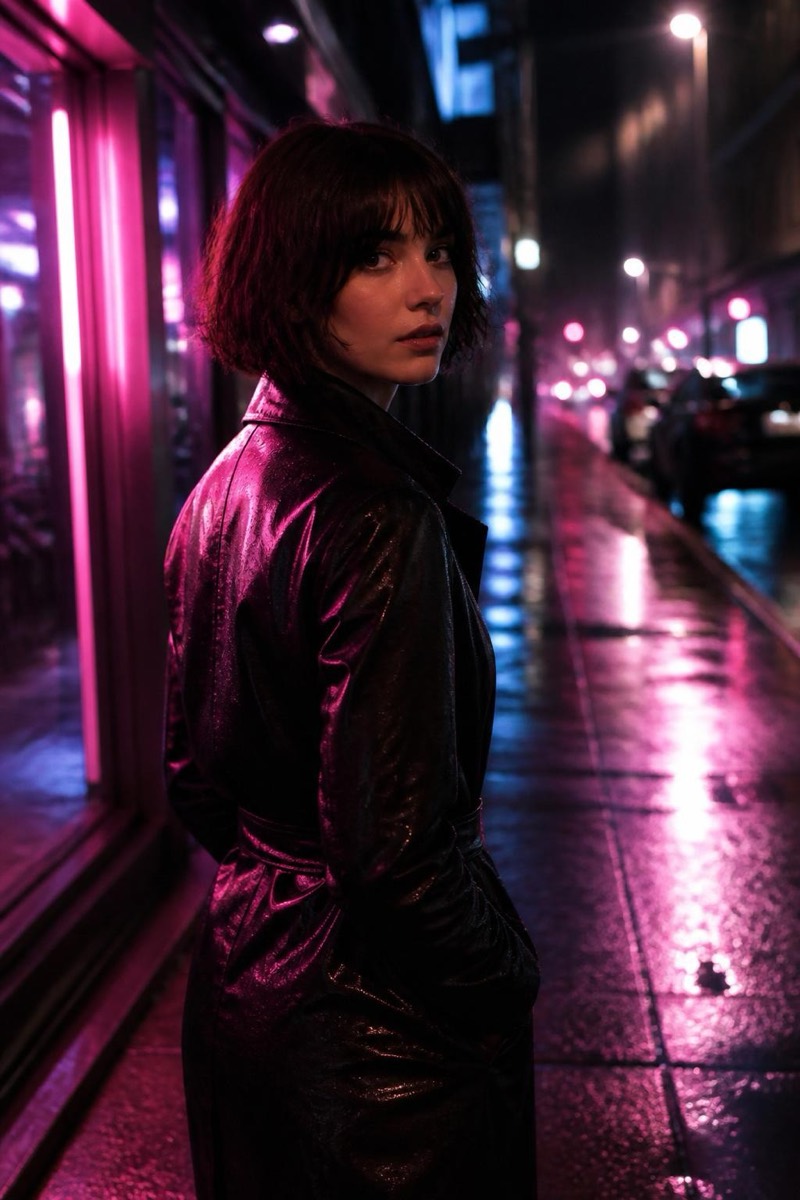
Cinematic
Teal & Orange — AI Cinematic filter
Hollywood teal-and-orange colour grade.
Teal and orange is the color grade of modern blockbusters: shadows pushed toward deep teal, skin toward warm orange, the two locked in the complementary tension that makes every frame feel expensive. This filter applies the full grade — S-curve contrast, filmic density in the blacks, that unmistakable 'movie poster' chromatic split. It's the entry point of the cinematic set because it's the look most people mean when they say a photo looks like a film still.

How to use it
- 1.
Get Editable
Download Editable (free) from the App Store and open the Explore tab.
- 2.
Pick the Teal & Orange filter
Find Teal & Orange under Cinematic and tap Try.
- 3.
Choose a photo
Pick a photo from your library — the edit runs automatically and is ready in seconds.
Tip: Photos with both skin and environment in frame show the grade's split personality best.