Cinematic
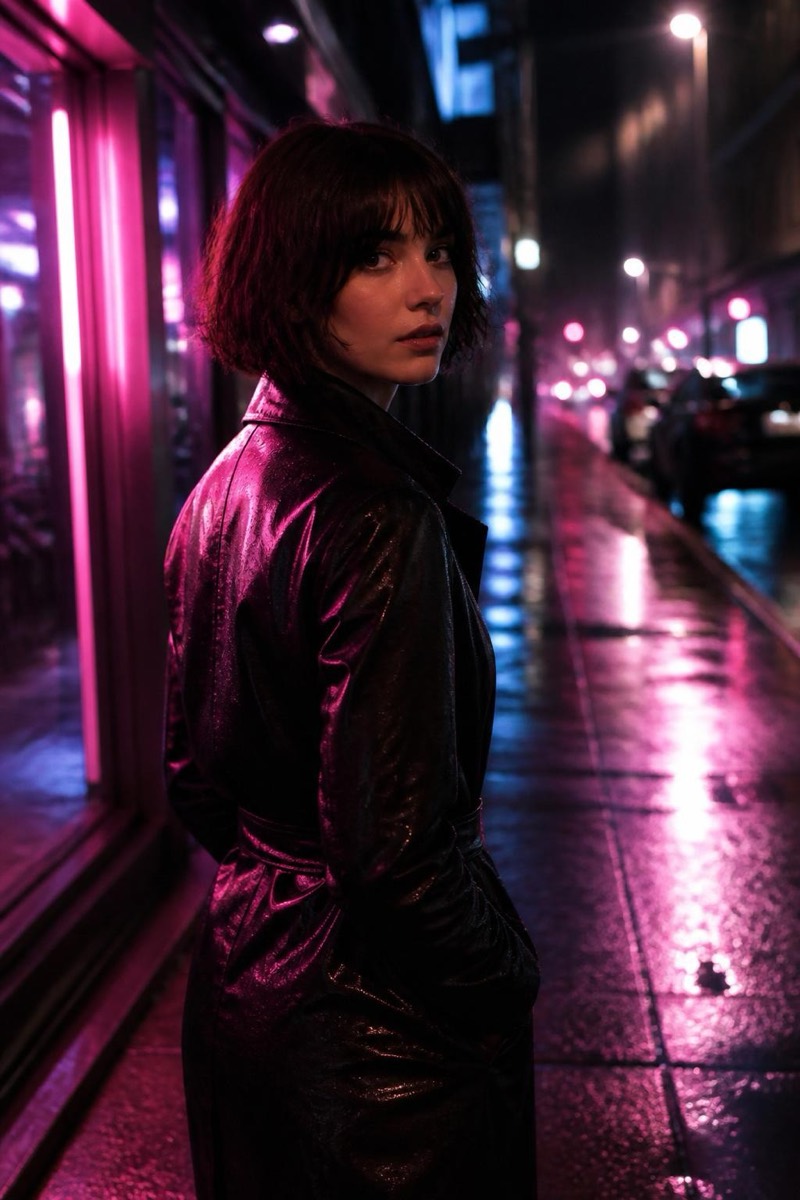
Moody — AI Cinematic filter
Desaturated, tense, high-contrast thriller grade.
The thriller grade: desaturated color, tightened contrast, a cold tension in the mid-tones that makes even a coffee shop feel surveilled. This filter treats your photo like the poster of a film where someone is being followed — muted palette, heavy atmosphere, no warmth wasted. Portraits come out looking like character reveals. Use it when the mood is intensity, secrets, or a Monday.

How to use it
- 1.
Get Editable
Download Editable (free) from the App Store and open the Explore tab.
- 2.
Pick the Moody filter
Find Moody under Cinematic and tap Try.
- 3.
Choose a photo
Pick a photo from your library — the edit runs automatically and is ready in seconds.
Tip: Serious expressions and urban settings feed the genre — the grade makes everything a plot point.
More Cinematic filters