Cinematic
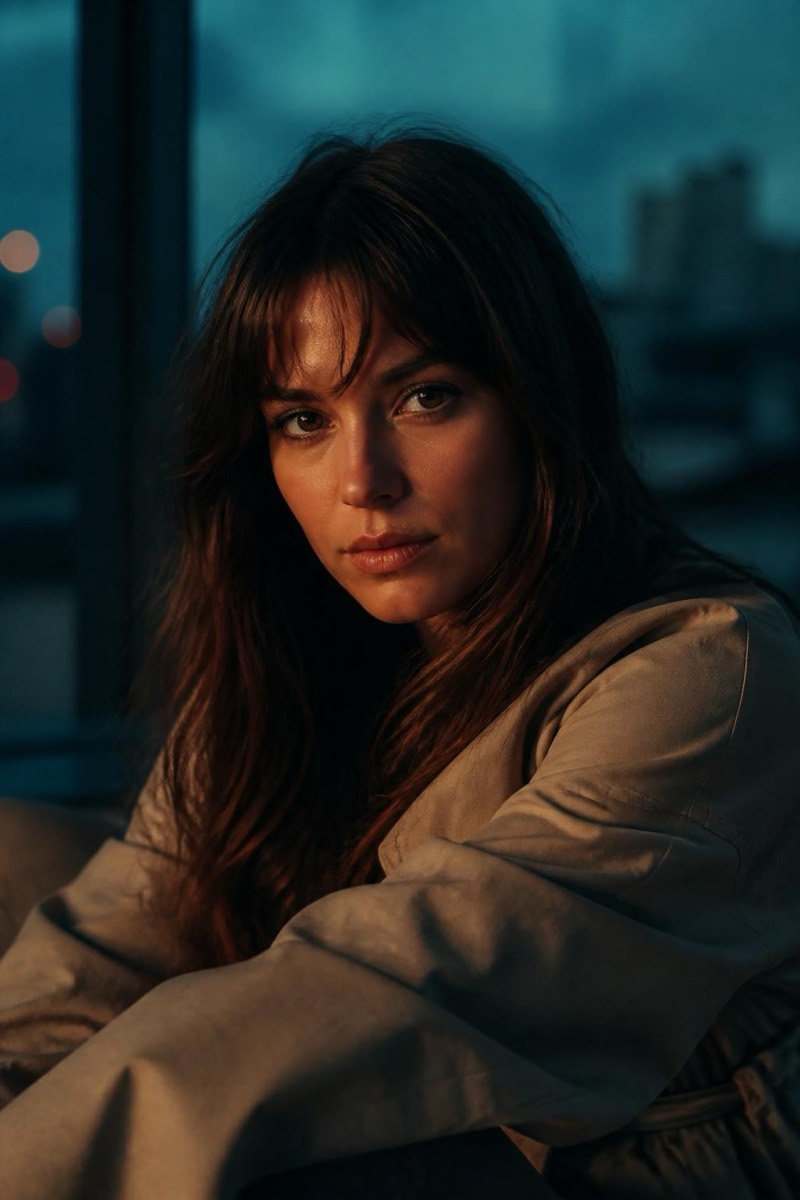
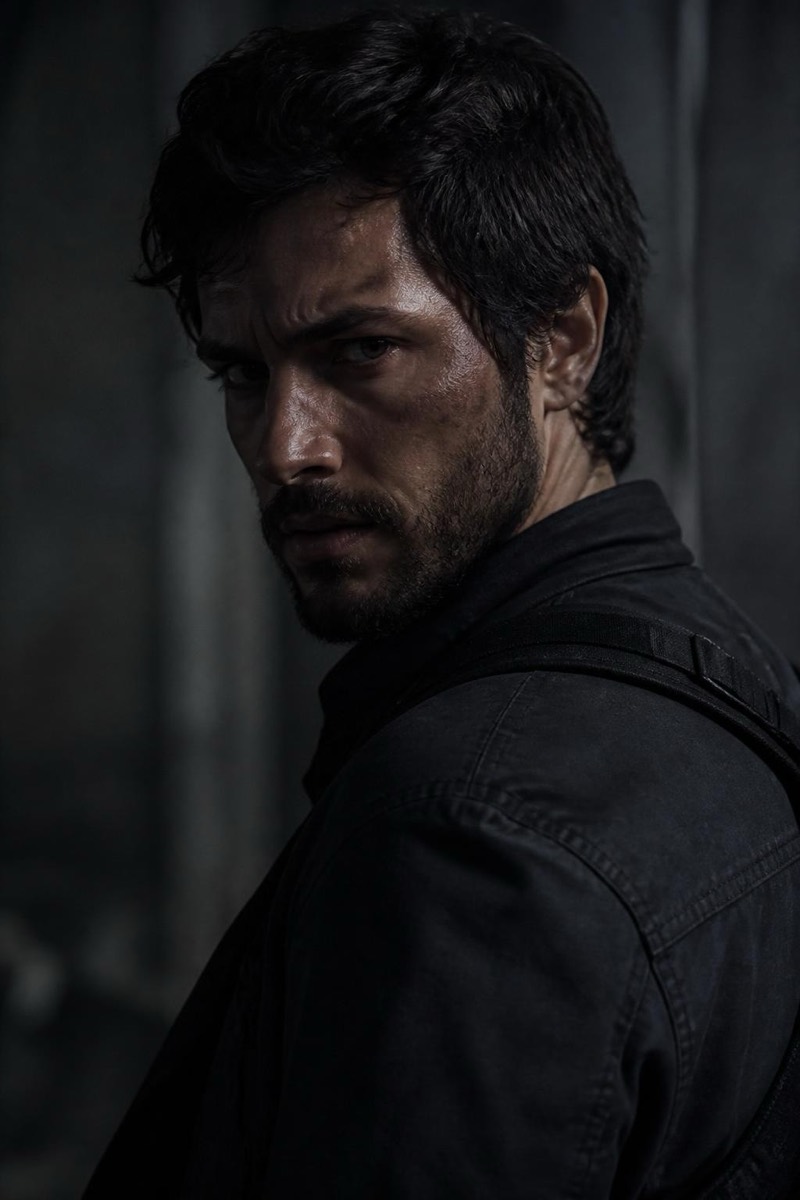
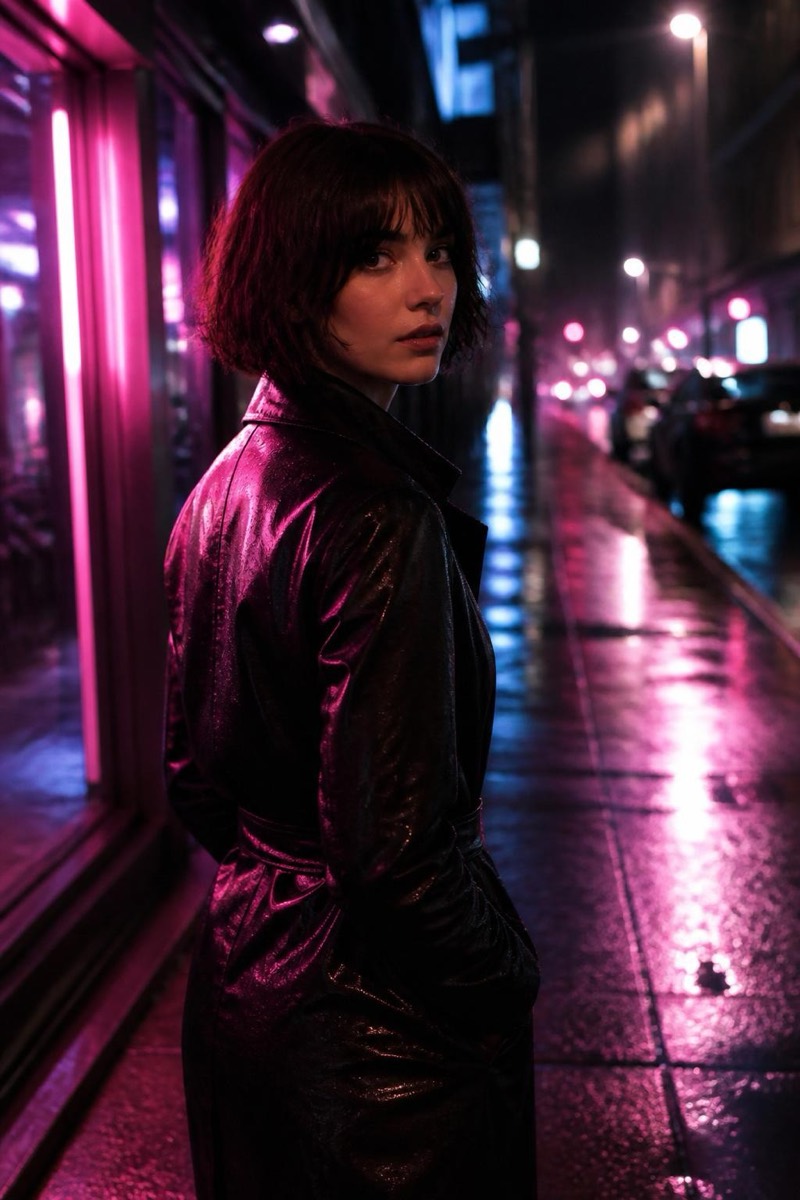
Neon Noir — AI Cinematic filter
Neon-lit night with deep noir contrast.
Neon noir: the rain-slicked, neon-lit night grade of films where cities never sleep and nobody's motives are clean. This filter merges deep noir shadow work with saturated neon color — magenta and cyan burning through darkness, contrast carved hard. It's the most atmospheric grade in the set, converting any night photo into a still from the moody detective show of your choice.
How to use it
- 1.
Get Editable
Download Editable (free) from the App Store and open the Explore tab.
- 2.
Pick the Neon Noir filter
Find Neon Noir under Cinematic and tap Try.
- 3.
Choose a photo
Pick a photo from your library — the edit runs automatically and is ready in seconds.
Tip: Night shots with any artificial light source ignite the effect — daytime photos will be moved to night's mood.
More Cinematic filters