Bokeh
Swirly Bokeh — AI Bokeh & Depth filter
Vintage swirly Petzval look.
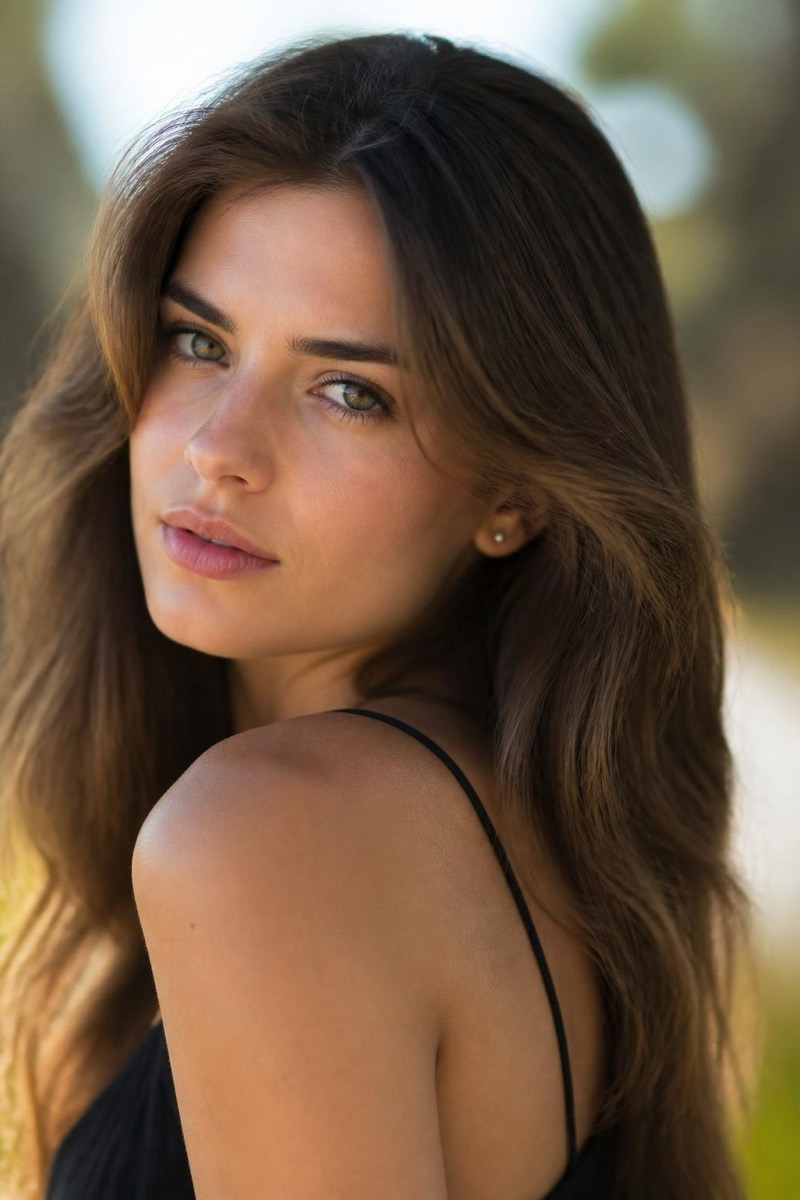
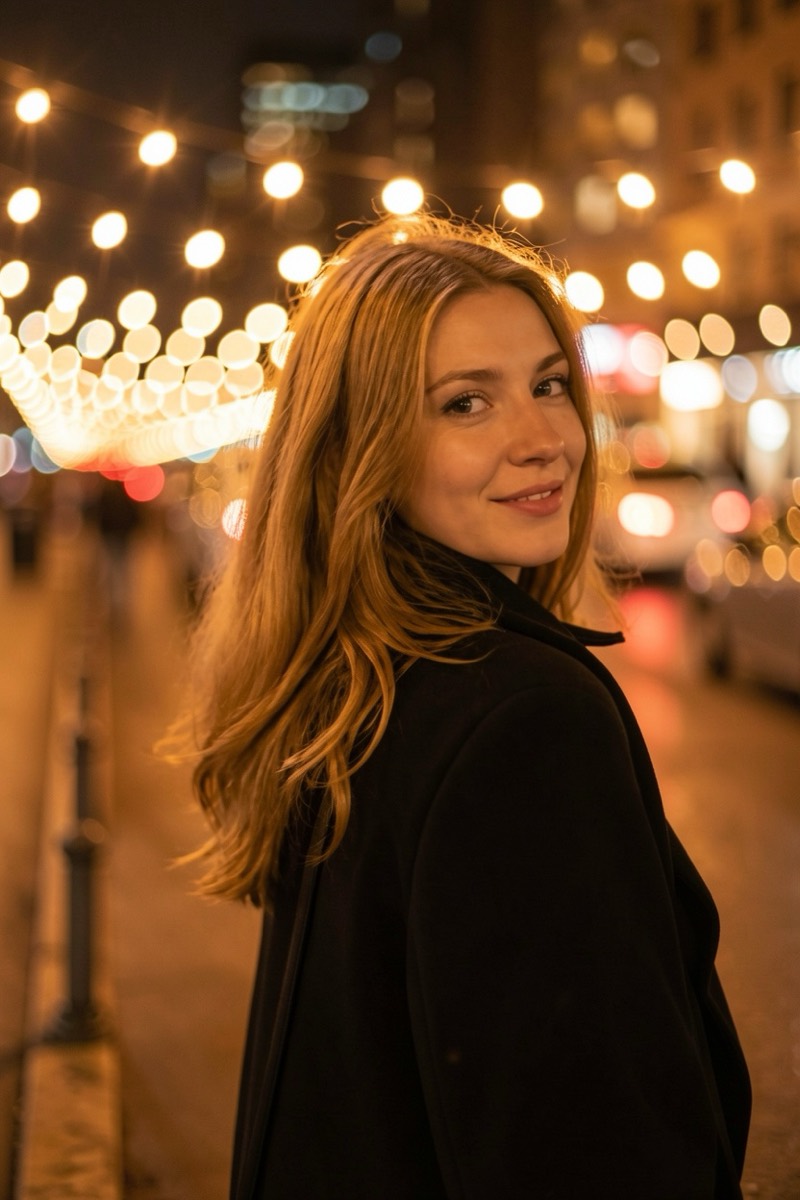
The swirly bokeh of a century-old Petzval lens: background blur that rotates around the subject like water circling a drain. Photographers hunt vintage brass lenses at auctions for this exact optical flaw. This filter recreates the swirl — sharp center, spinning periphery — and with it the dreamlike, slightly haunted quality that made those lenses legendary. The most distinctive bokeh in the set; nobody scrolls past a swirl without slowing down.

How to use it
- 1.
Get Editable
Download Editable (free) from the App Store and open the Explore tab.
- 2.
Pick the Swirly Bokeh filter
Find Swirly Bokeh under Bokeh and tap Try.
- 3.
Choose a photo
Pick a photo from your library — the edit runs automatically and is ready in seconds.
Tip: Foliage and textured backgrounds swirl most visibly — flat walls have nothing to spin.
More Bokeh filters