Bokeh
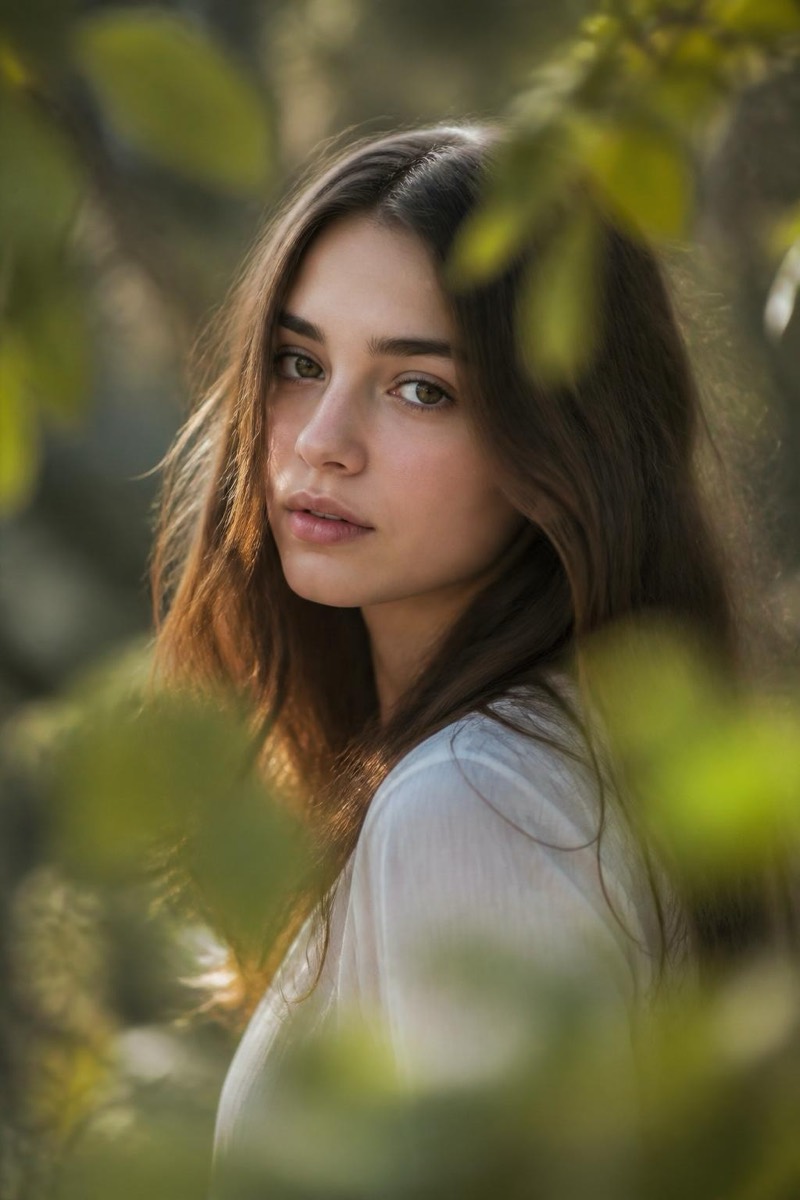
Foreground Blur — AI Bokeh & Depth filter
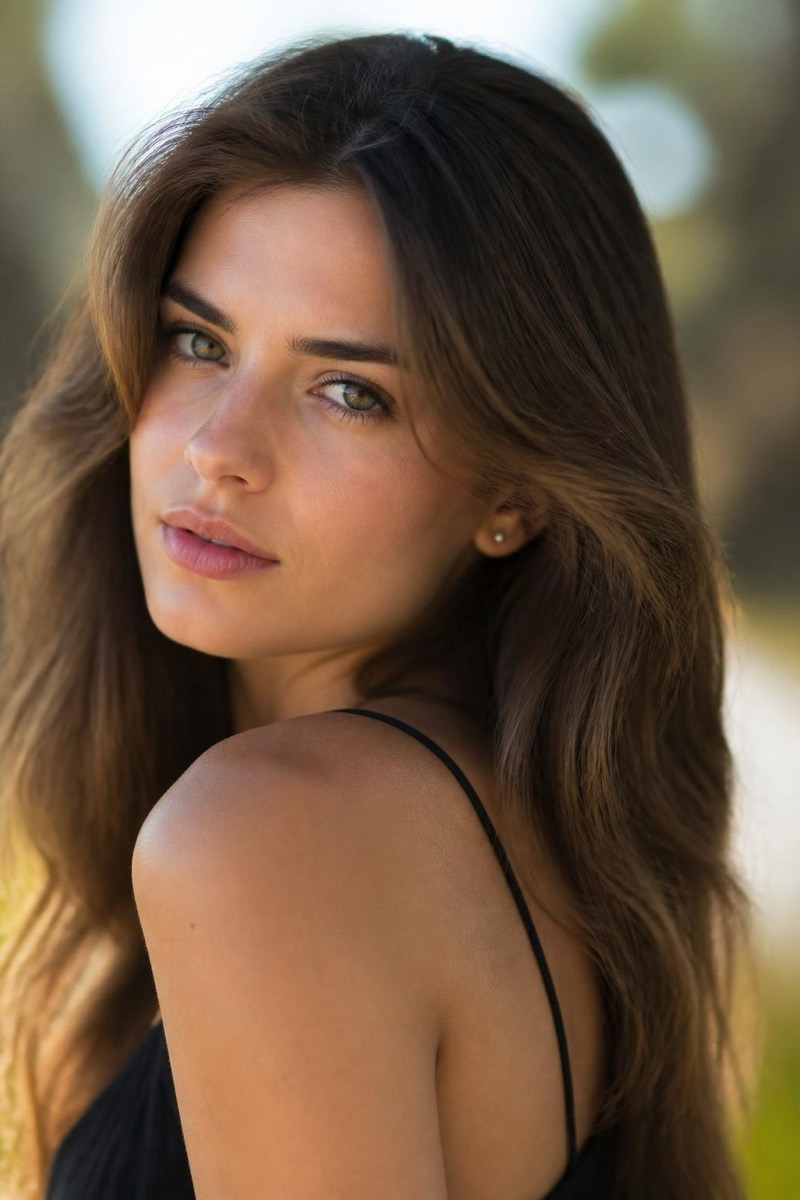
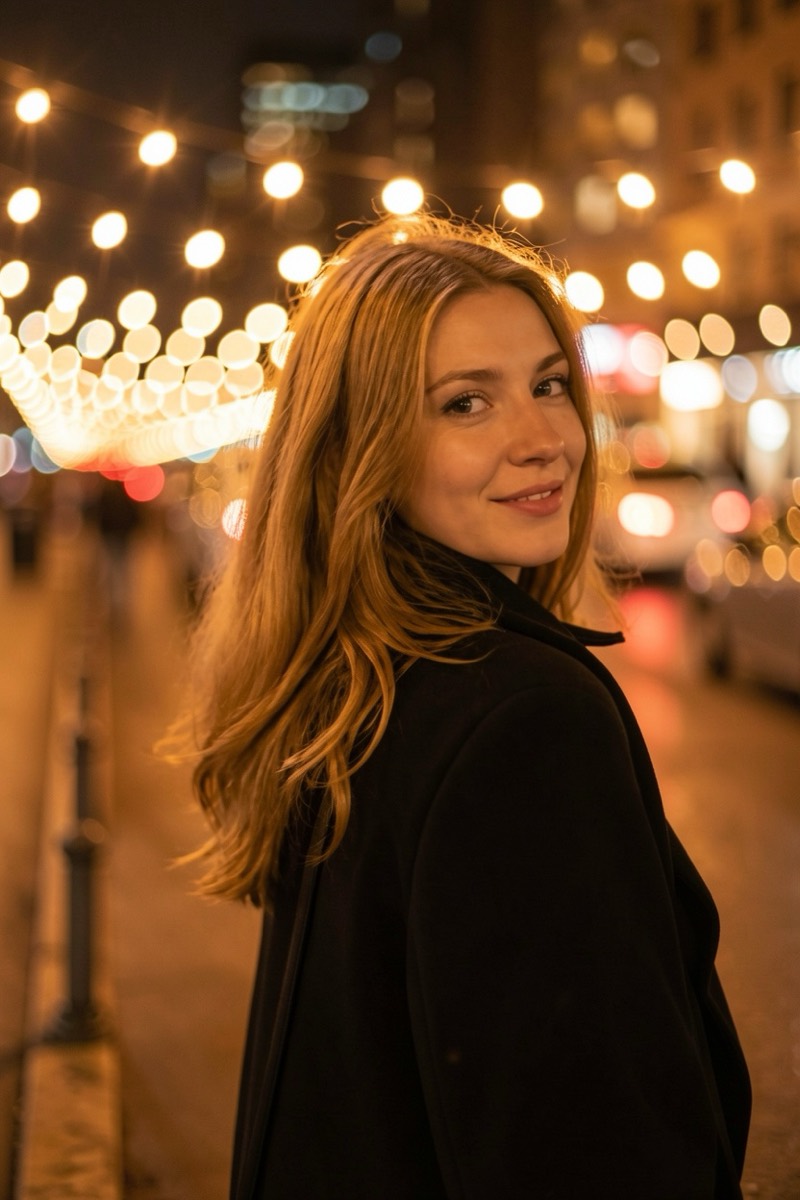
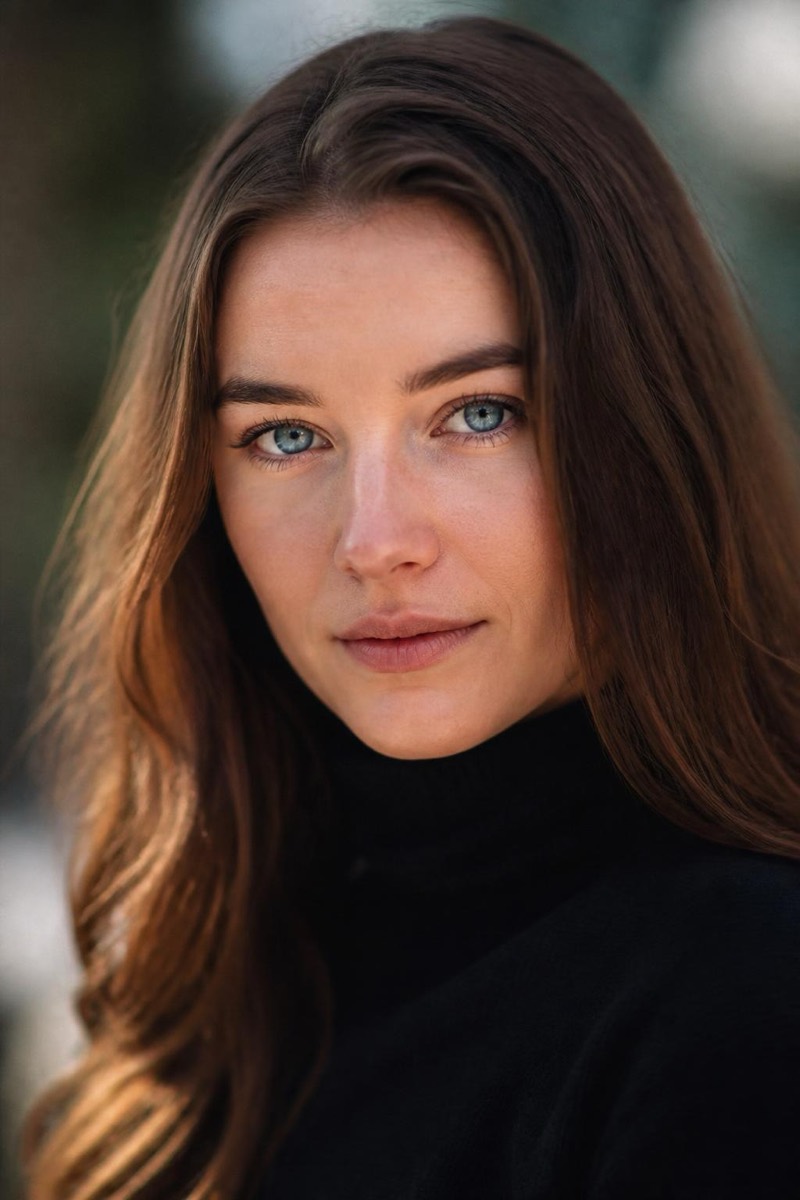
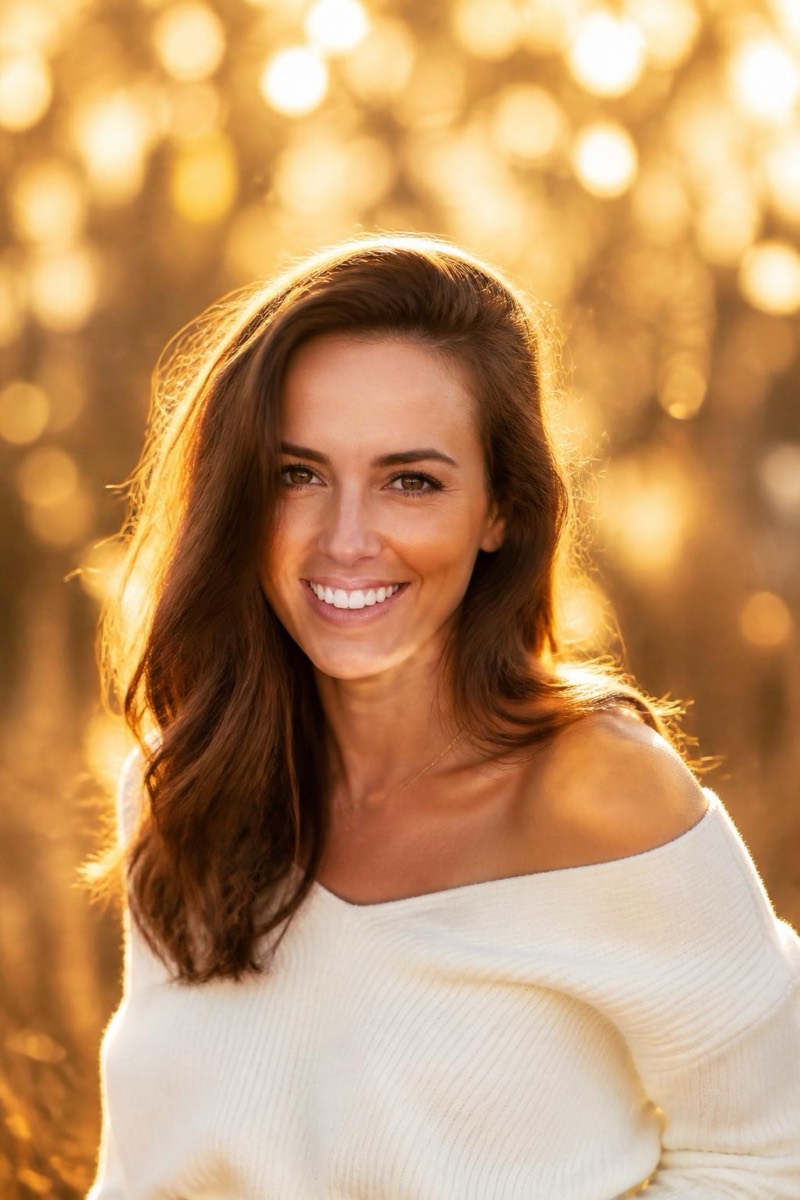
Dreamy foreground haze.
Professional portraitists shoot through things — leaves, fabric, fairy lights — to put a dreamy blur between the camera and the subject. This filter adds that foreground haze layer: soft out-of-focus color washing the frame's edges while the subject stays sharp in the gap. It's compositional depth in one tap, and it makes photos feel candid and cinematic at once, like the viewer is glimpsing the moment through something.
How to use it
- 1.
Get Editable
Download Editable (free) from the App Store and open the Explore tab.
- 2.
Pick the Foreground Blur filter
Find Foreground Blur under Bokeh and tap Try.
- 3.
Choose a photo
Pick a photo from your library — the edit runs automatically and is ready in seconds.
Tip: Works beautifully on portraits that feel too plain — the foreground layer adds instant intimacy.
More Bokeh filters