Bokeh
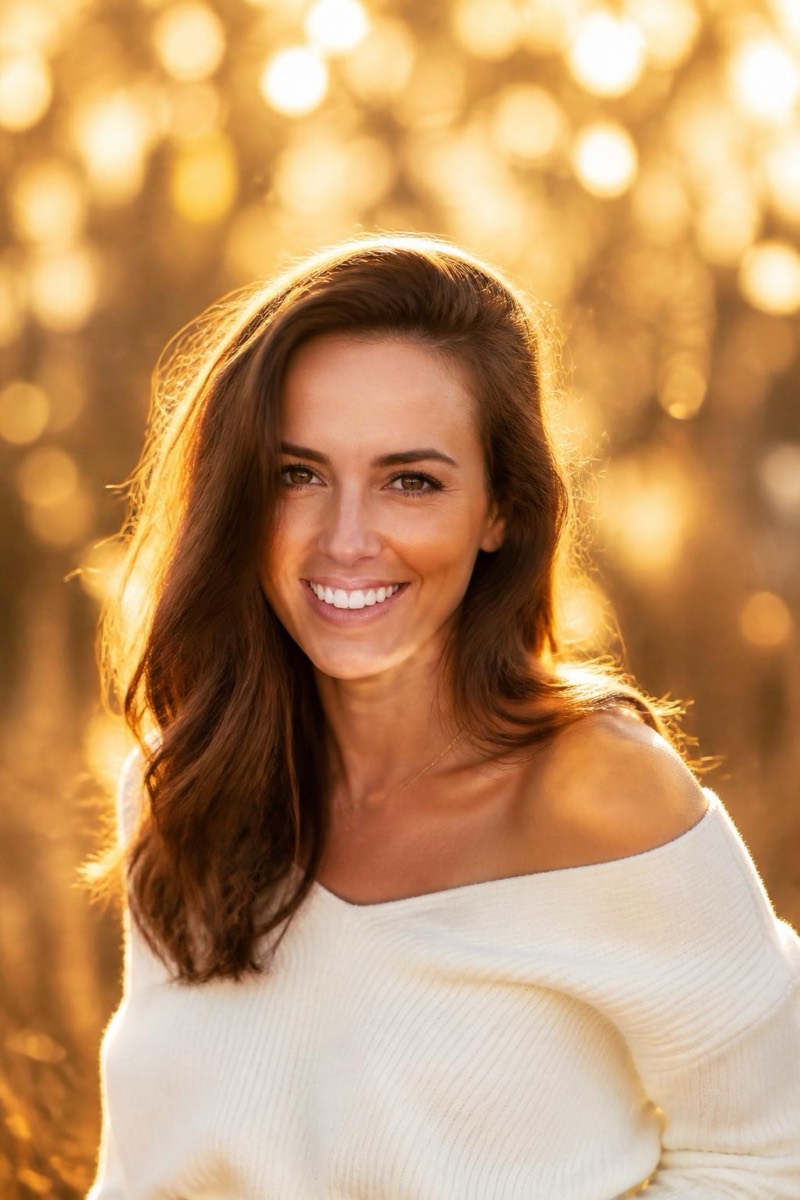
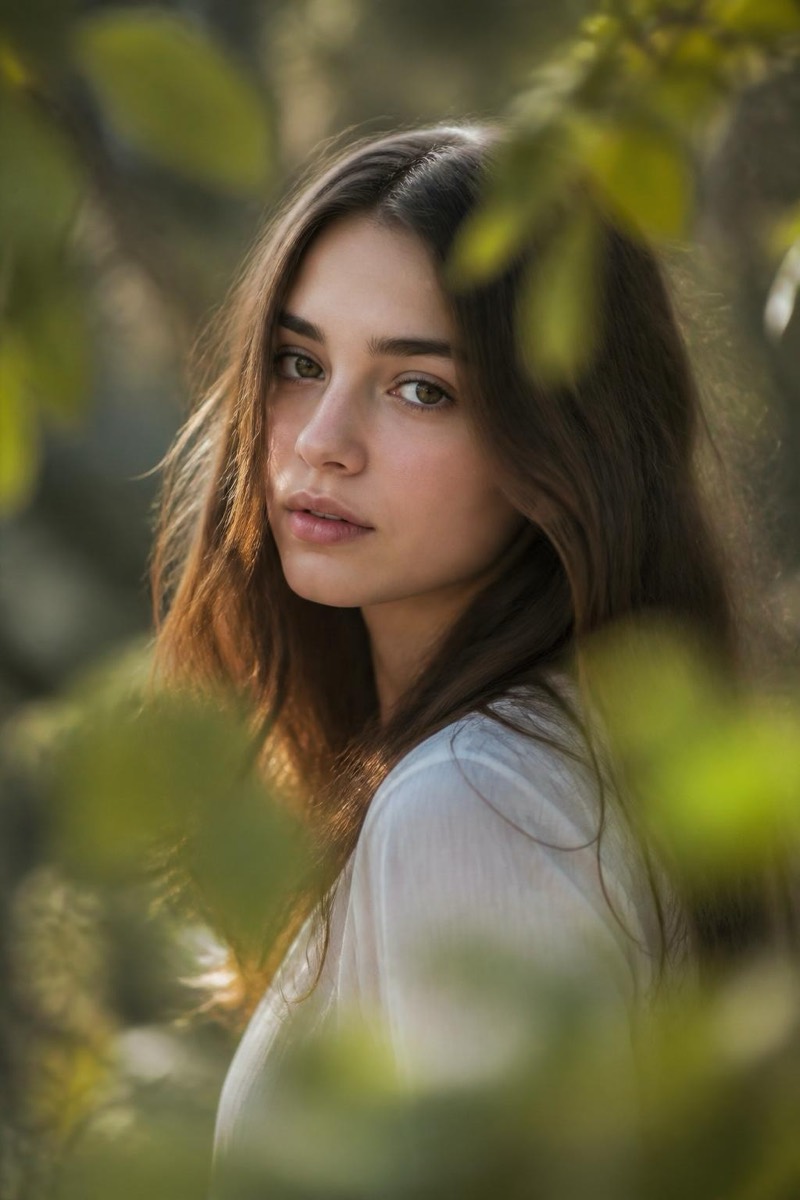
Night Bokeh — AI Bokeh & Depth filter
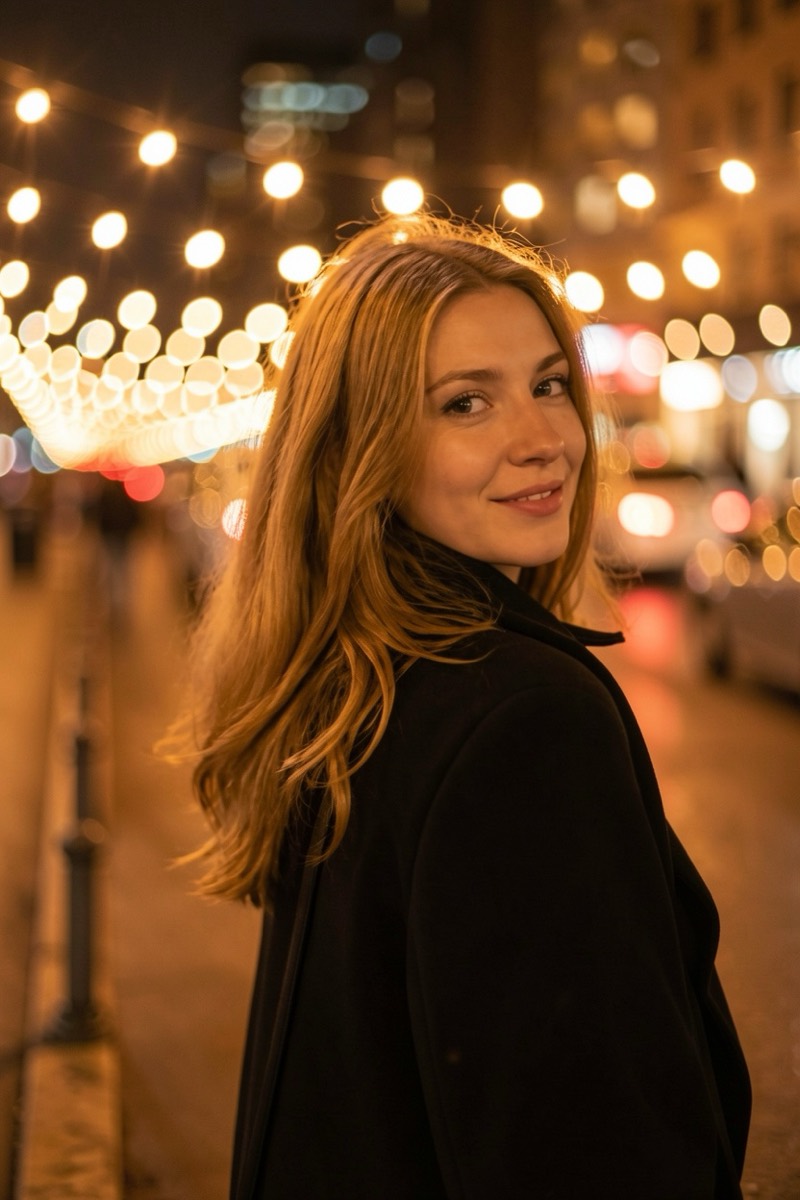
Glowing circular bokeh from city lights at night.
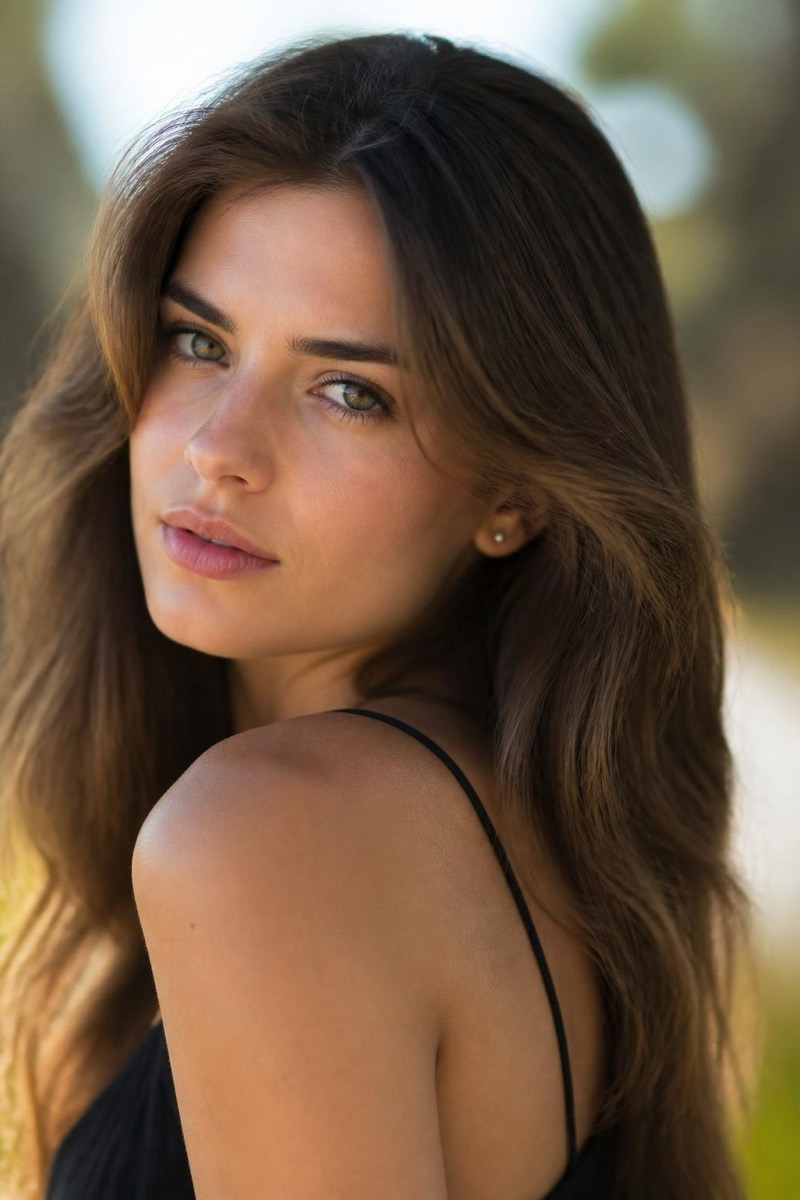
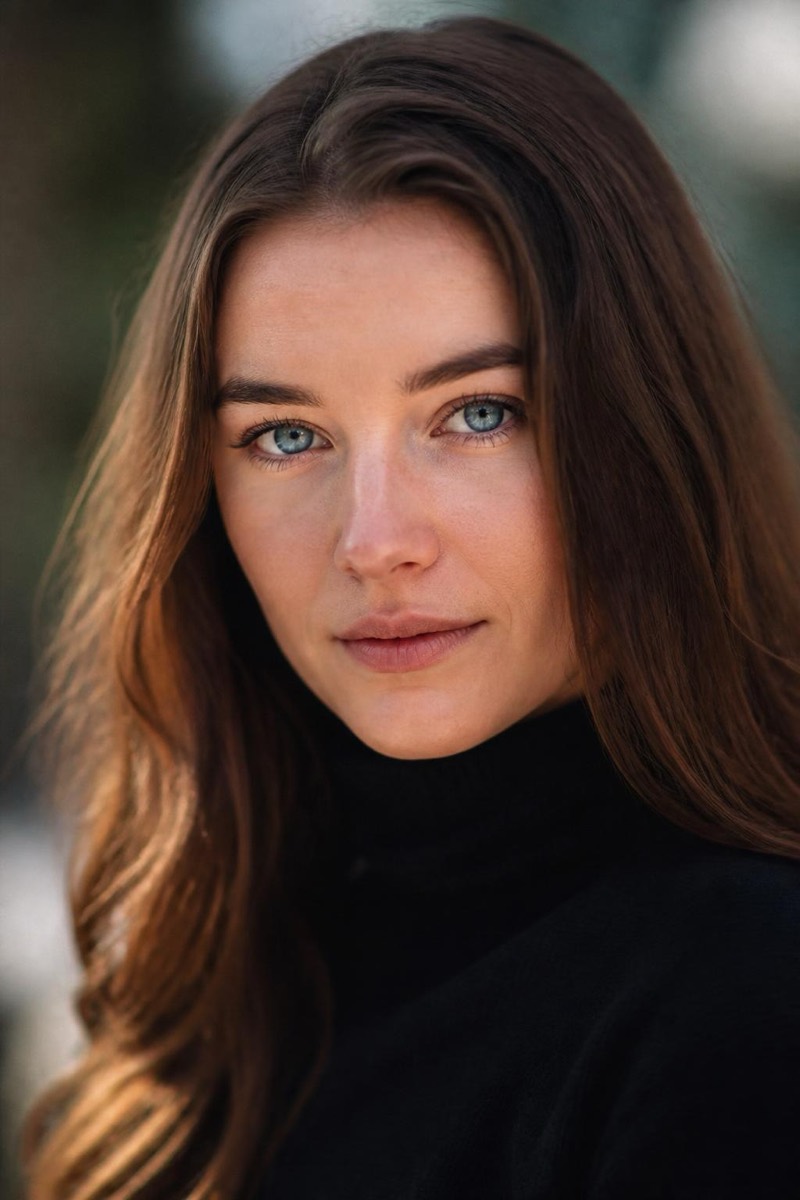
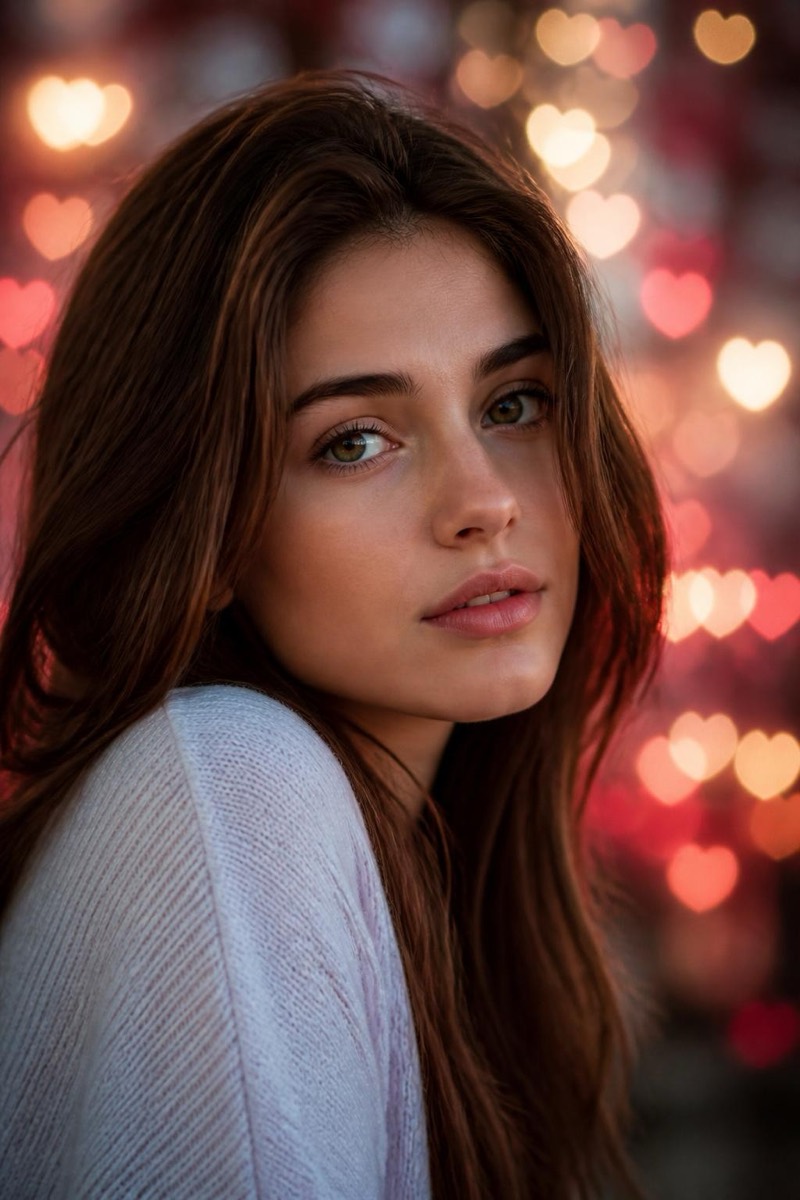
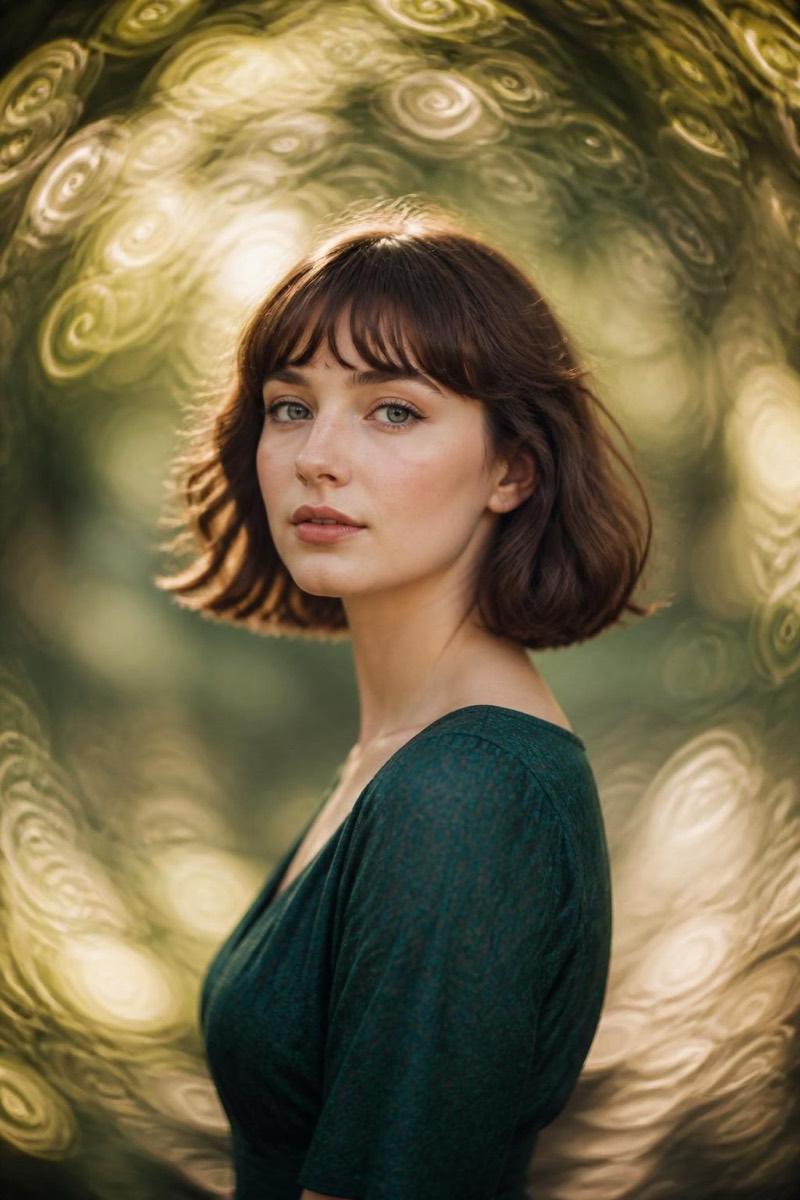
City lights at night, defocused into glowing circles — the most romantic background photography can produce. This filter renders your photo against that classic night-bokeh field: traffic, signs and windows blooming into soft orbs of color while you stay sharp. It's the look of every night-portrait tutorial thumbnail, achieved without a fast lens, a tripod, or standing in traffic. Winter city trips and evening dates finally get the photo they promised.
How to use it
- 1.
Get Editable
Download Editable (free) from the App Store and open the Explore tab.
- 2.
Pick the Night Bokeh filter
Find Night Bokeh under Bokeh and tap Try.
- 3.
Choose a photo
Pick a photo from your library — the edit runs automatically and is ready in seconds.
Tip: Portraits from the chest up work best — the bokeh field wants to fill the frame around a close subject.
More Bokeh filters