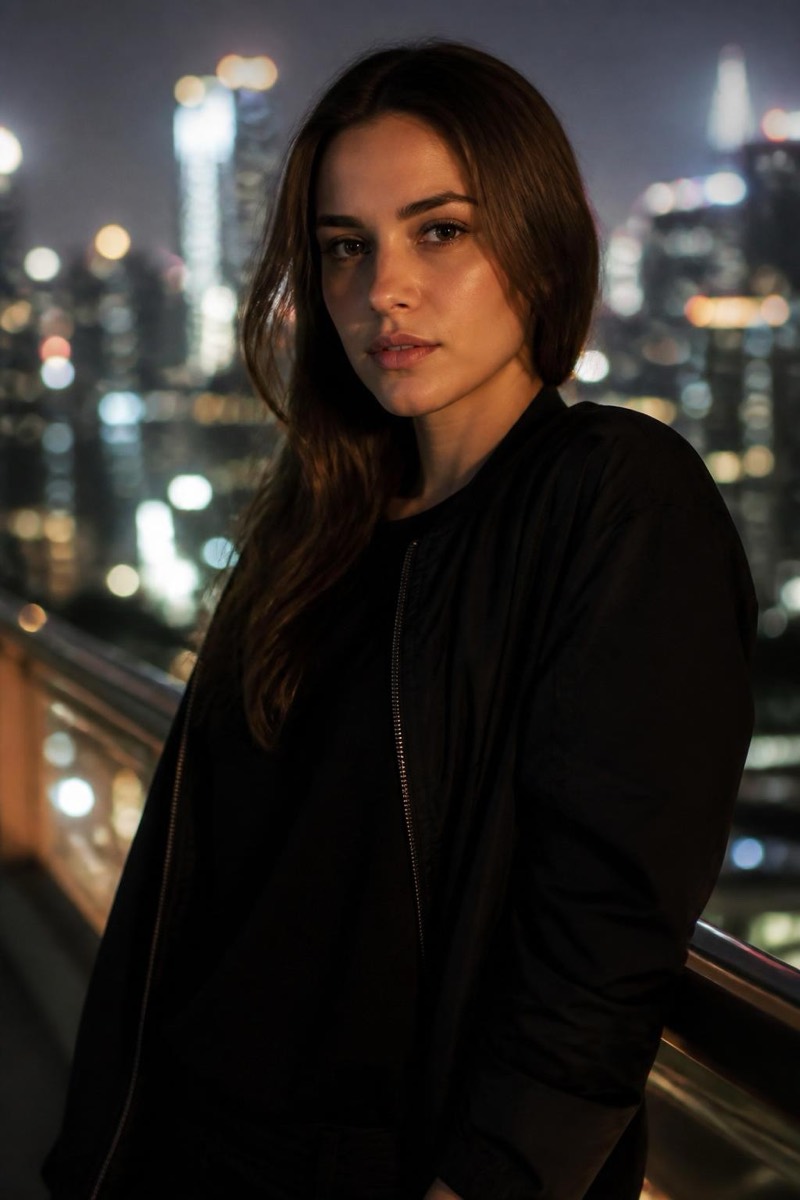
Background
Studio Grey — AI Background filter
Clean grey studio backdrop.
The neutral grey studio backdrop: photography's most professional non-statement. Grey flatters every skin tone and product color, adds no mood of its own, and signals 'this photo was taken on purpose'. This filter cuts your subject cleanly and places it against that seamless grey with matched lighting — the look of corporate portraits, catalog pages and portfolio work. When white feels clinical and a real background feels busy, grey is the answer professionals default to.

How to use it
- 1.
Get Editable
Download Editable (free) from the App Store and open the Explore tab.
- 2.
Pick the Studio Grey filter
Find Studio Grey under Background and tap Try.
- 3.
Choose a photo
Pick a photo from your library — the edit runs automatically and is ready in seconds.
Tip: Works for portraits and products alike — the most versatile backdrop in the set.
More Background filters