Background
Office — AI Background filter
Modern office behind you.
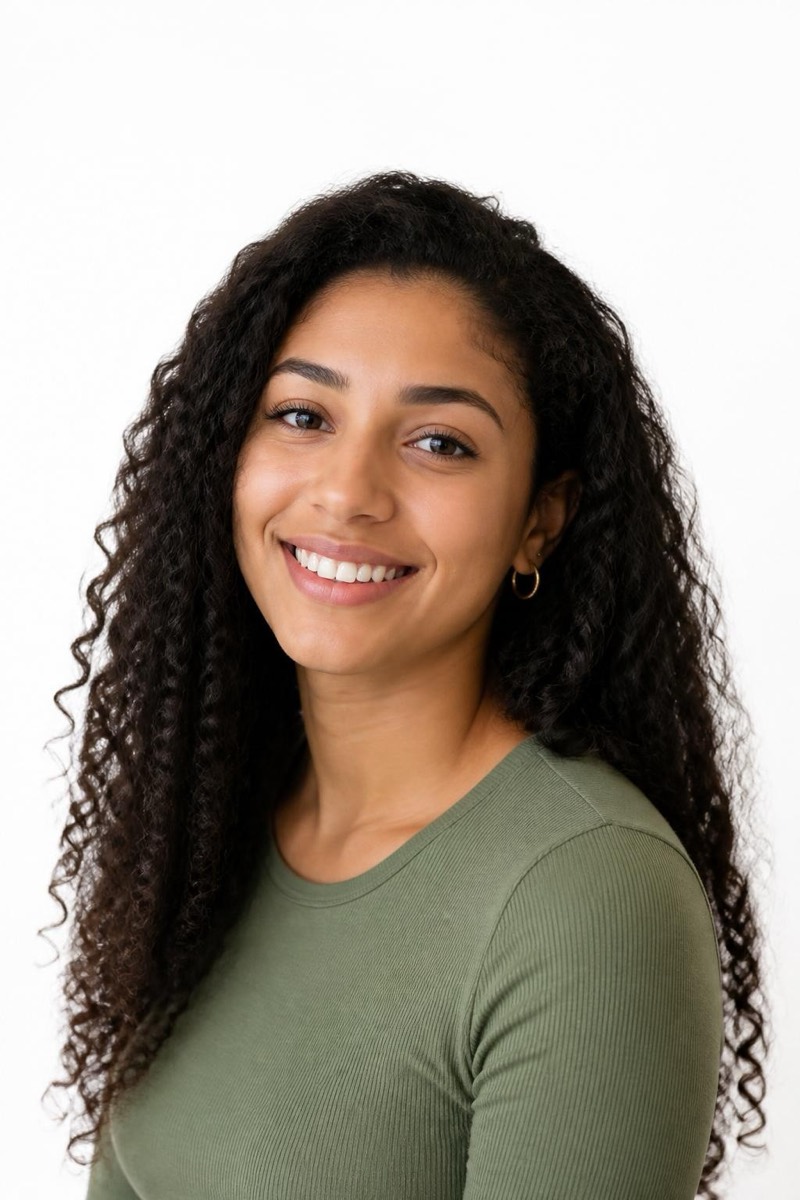
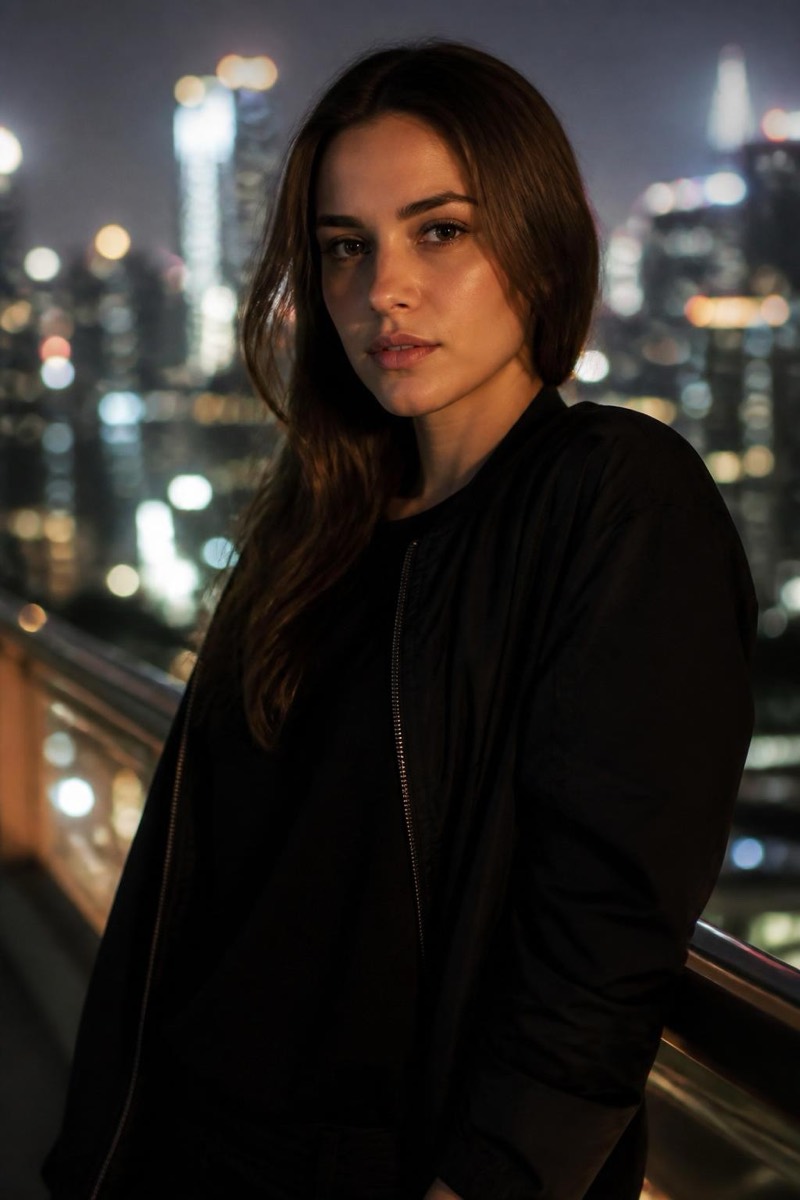
The video-call era made 'a professional photo of me in an office' a real need for people who don't work in offices. This filter places you in a modern workspace — soft-focus desks, glass, daylight — with corporate-grade believability. Your posture, clothing and lighting are preserved; only the geography changes. Combined with the Business category's attire filters, a bathroom-mirror selfie becomes a company-website portrait. It's the fastest fix for LinkedIn profiles, speaker bios, and email signatures that currently feature a cropped vacation photo.

How to use it
- 1.
Get Editable
Download Editable (free) from the App Store and open the Explore tab.
- 2.
Pick the Office filter
Find Office under Background and tap Try.
- 3.
Choose a photo
Pick a photo from your library — the edit runs automatically and is ready in seconds.
Tip: Face the light source when you shoot — window light from the front makes the office backdrop's implied lighting match effortlessly.
More Background filters