Background
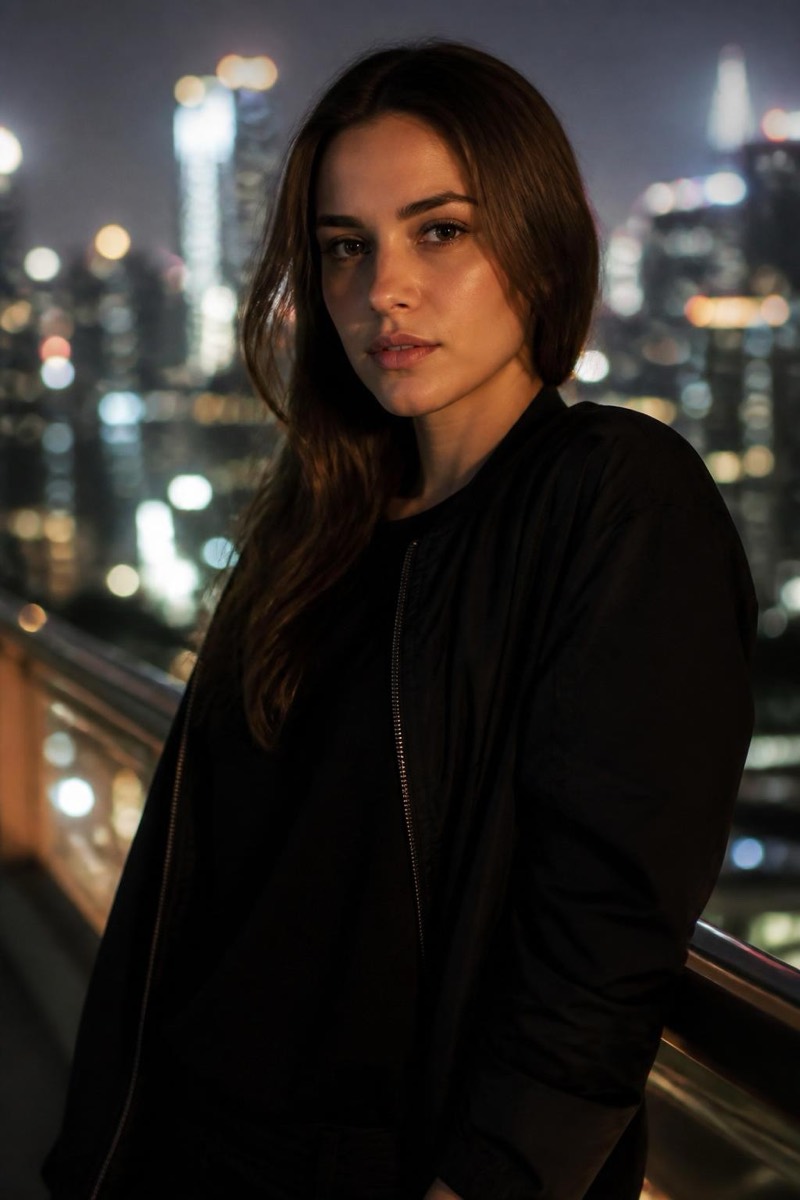
City Lights — AI Background filter
Night city bokeh.
Night city bokeh behind you: glowing windows and street lights defocused into warm orbs, urban energy without urban clutter. This filter places your subject against that classic metropolitan backdrop with matched edge lighting — the look of night portraits shot with a fast lens downtown. It transforms flat indoor photos into evening-out photos, and it pairs naturally with the neon and candlelight looks for a full night-time grade.
How to use it
- 1.
Get Editable
Download Editable (free) from the App Store and open the Explore tab.
- 2.
Pick the City Lights filter
Find City Lights under Background and tap Try.
- 3.
Choose a photo
Pick a photo from your library — the edit runs automatically and is ready in seconds.
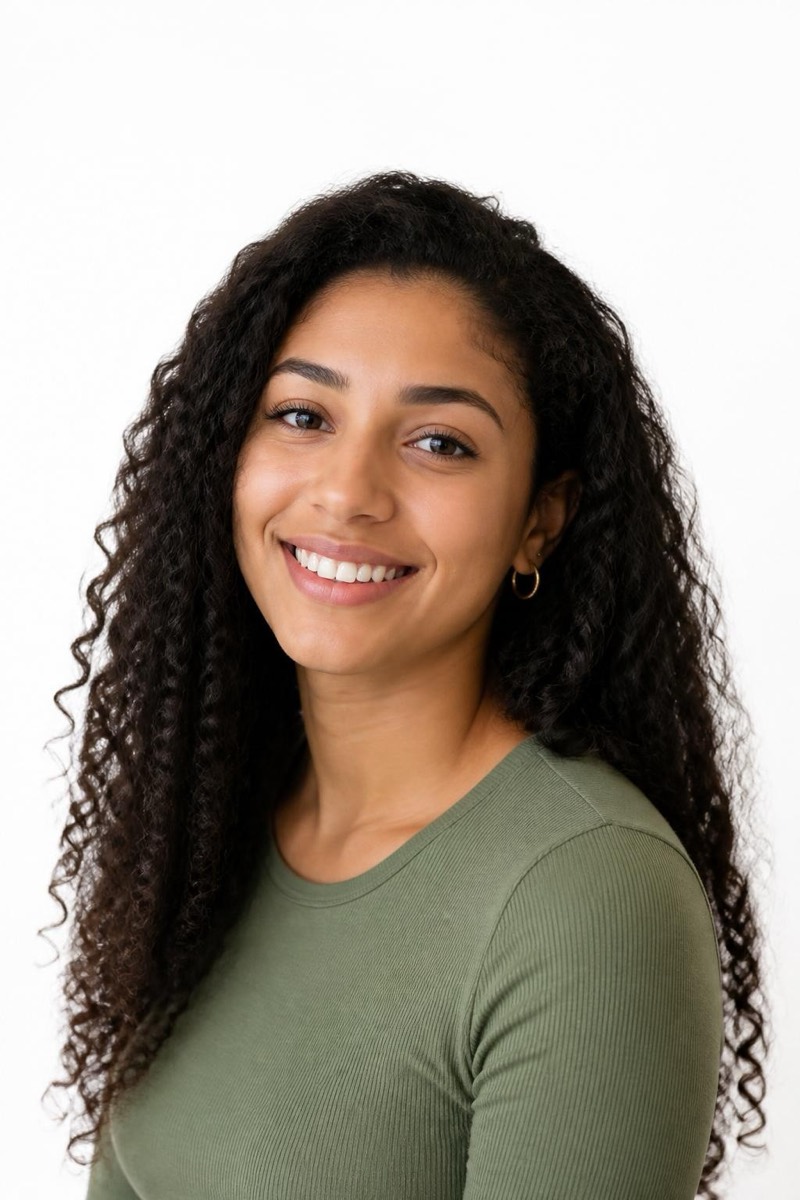
Tip: Evening or dim source photos merge with the night city most naturally.
More Background filters