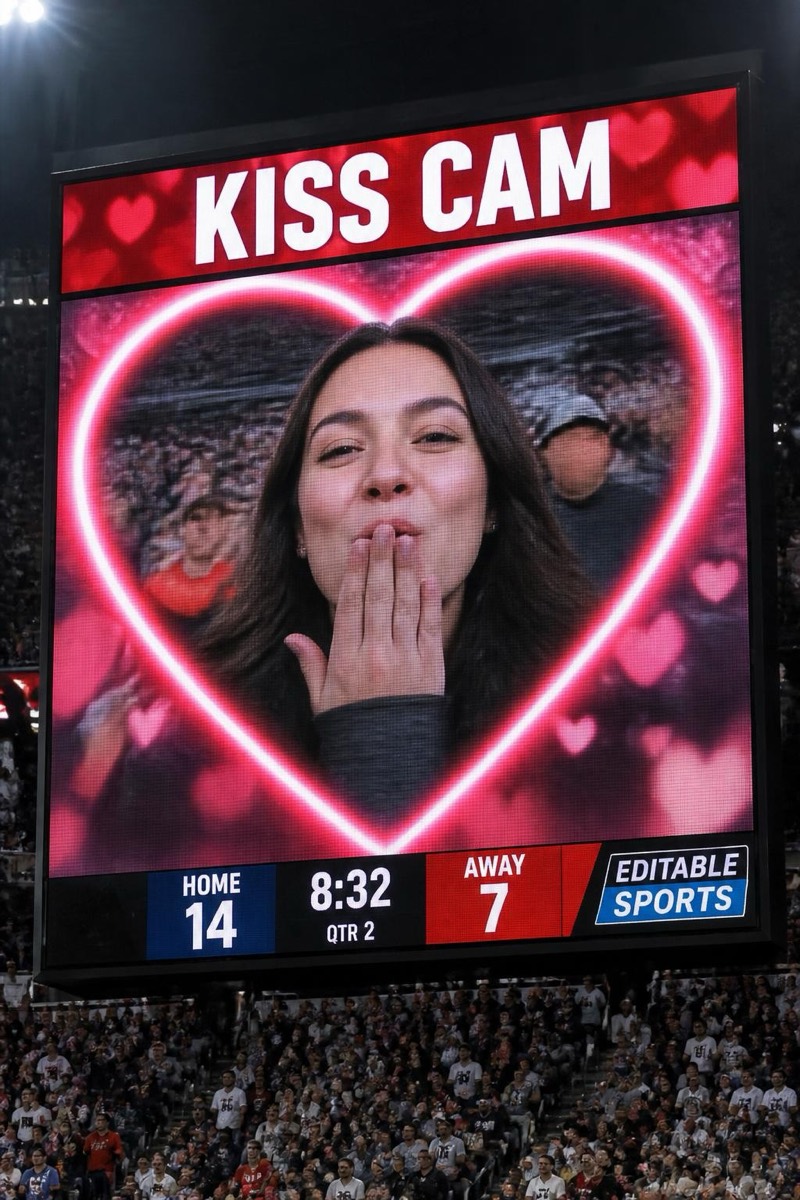
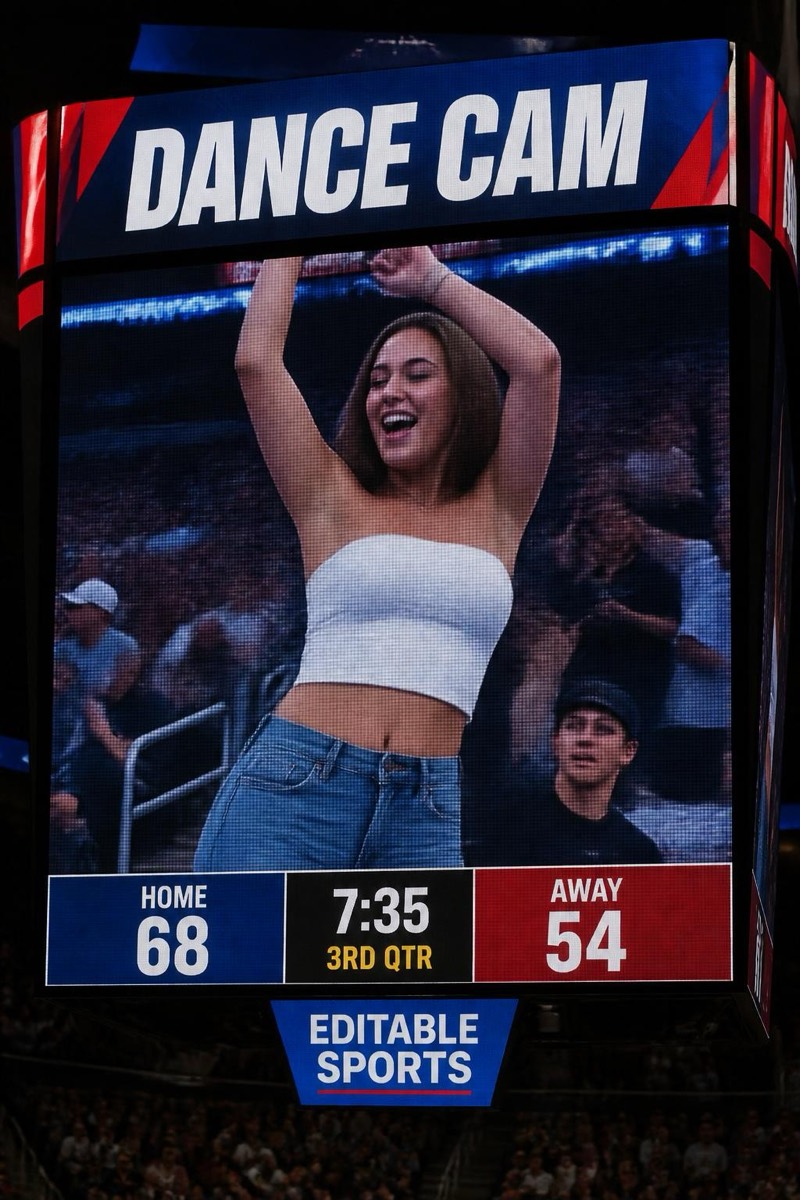
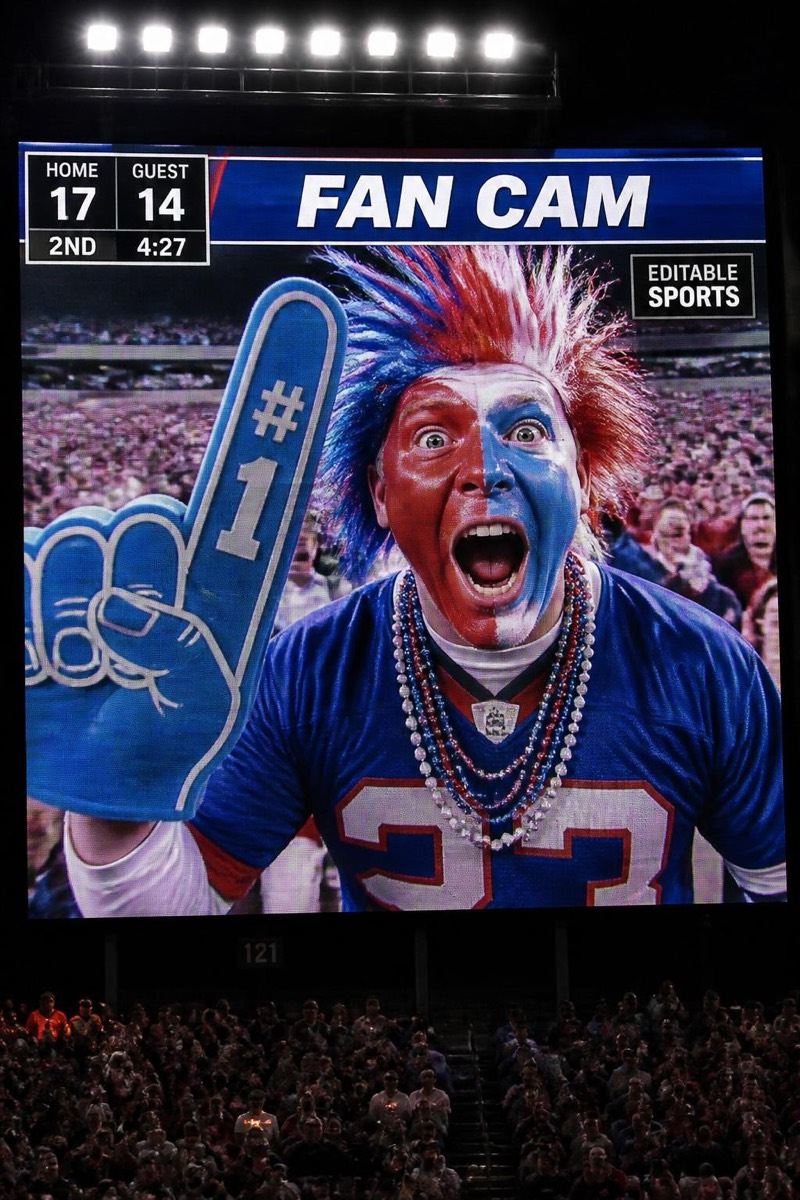
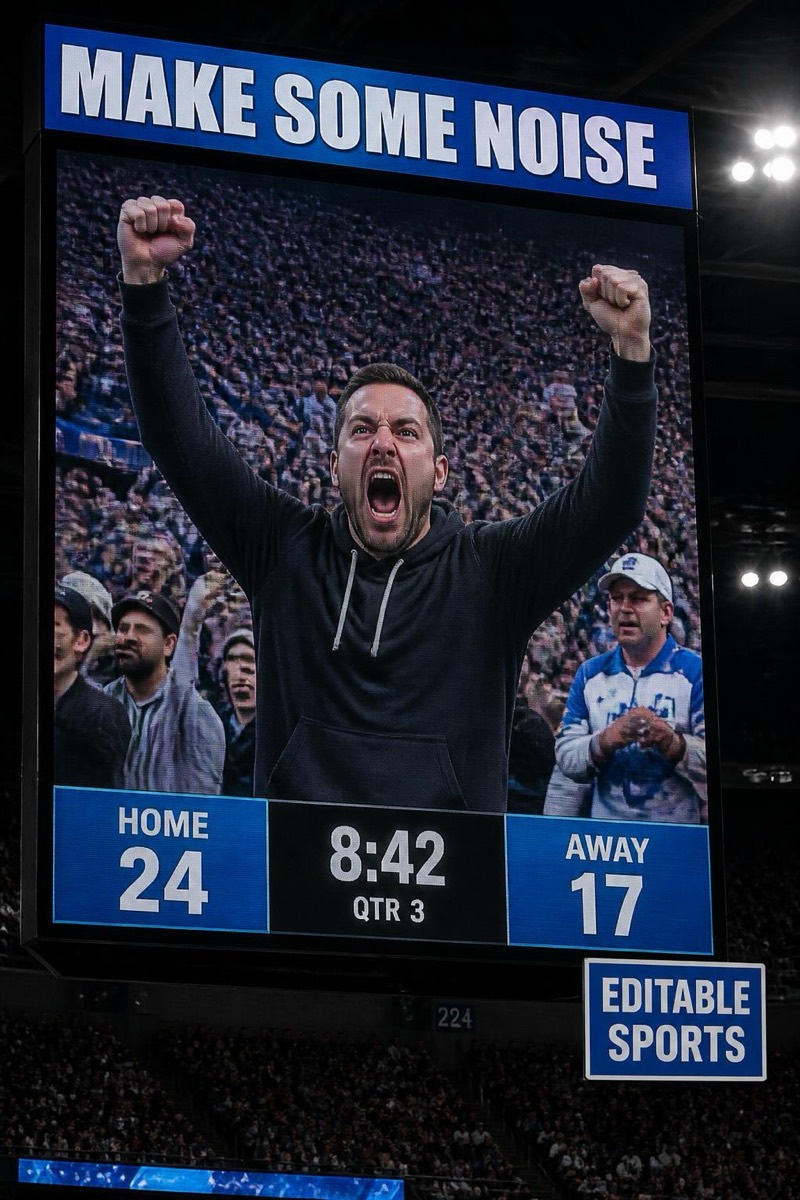
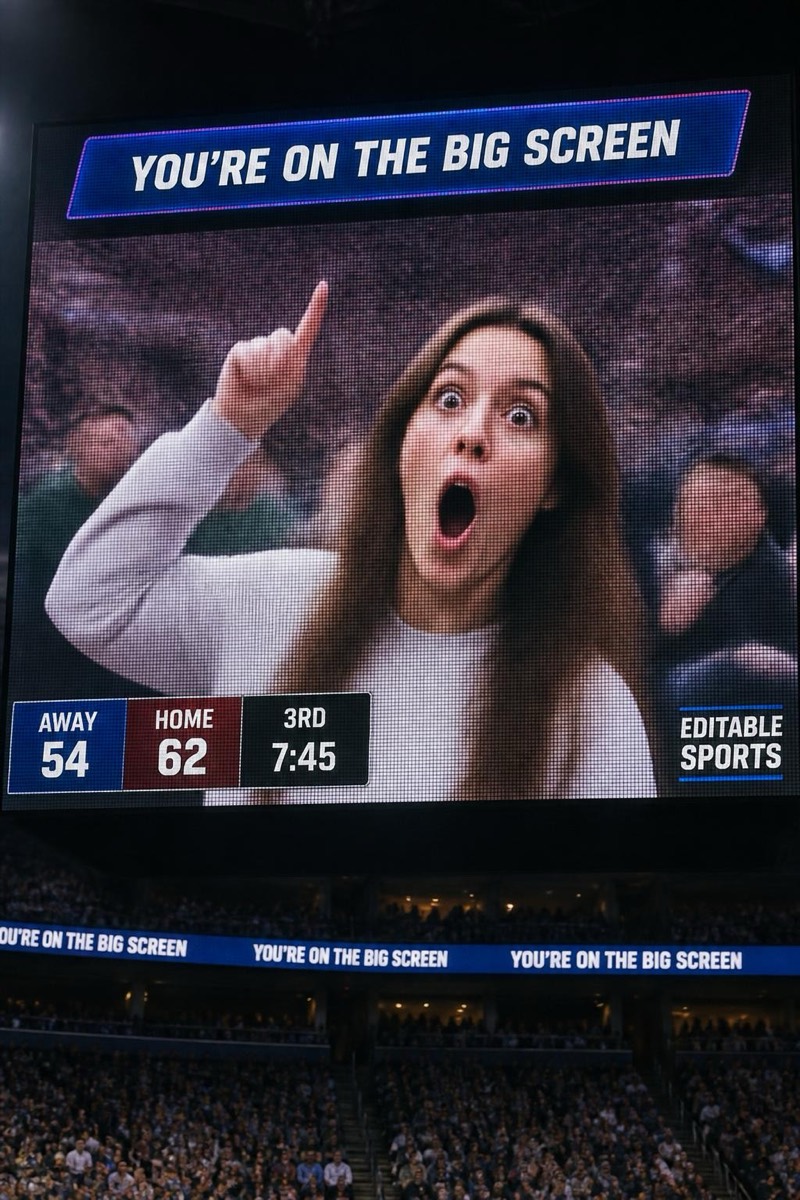
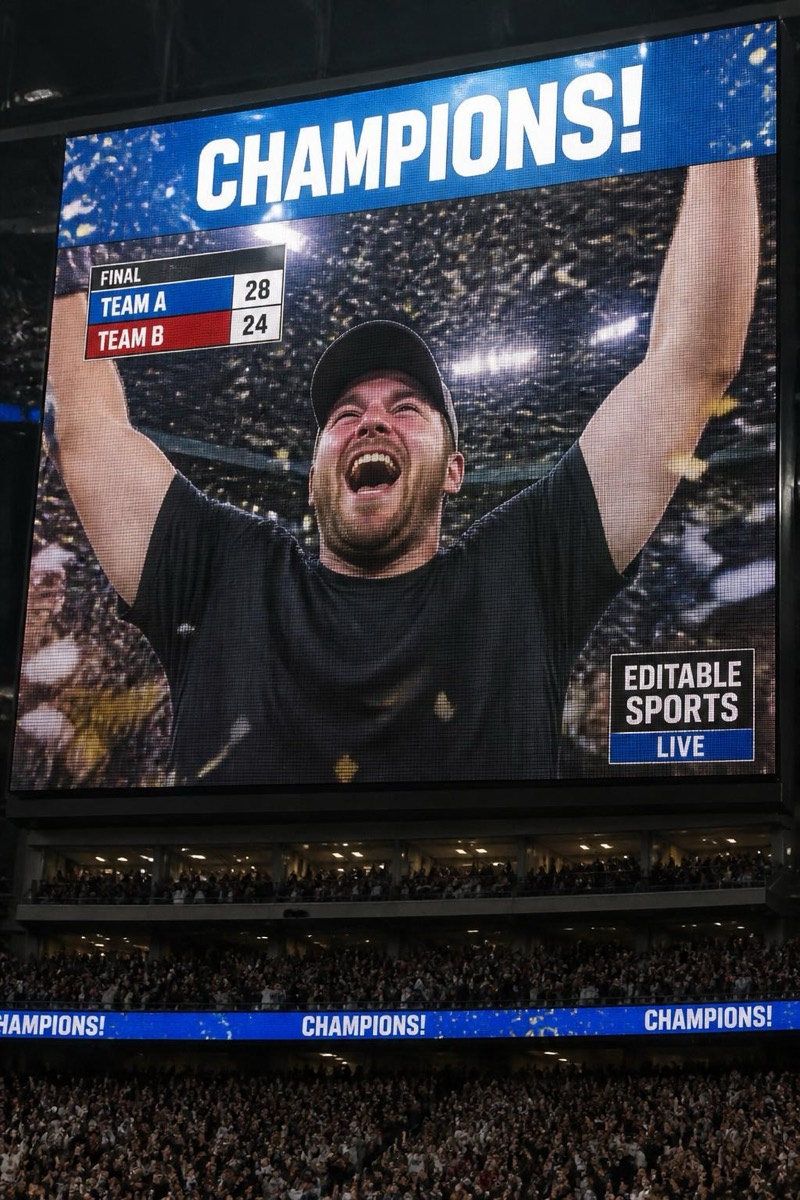
Stadium Cam
Proposal Cam — AI Stadium Cam filter
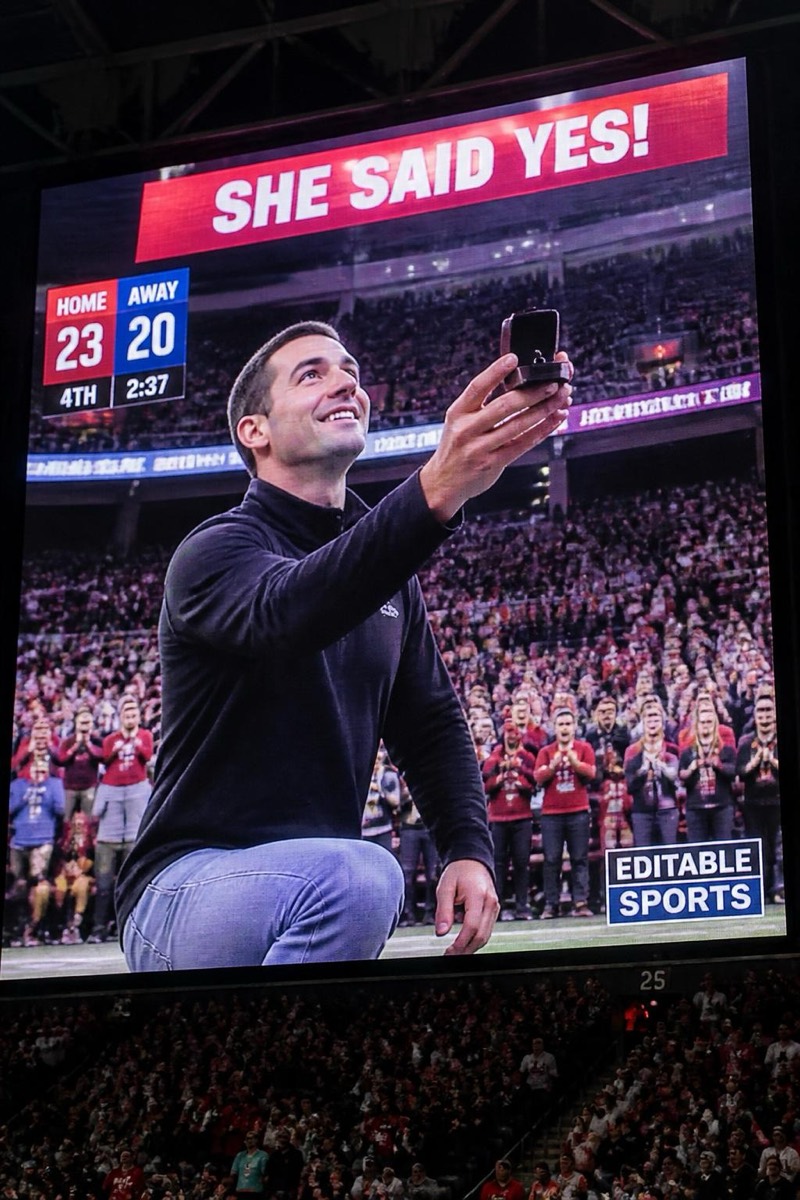
Down on one knee.
Down on one knee, on the jumbotron, in front of a stadium that has abruptly stopped caring about the score. The proposal-cam filter stages the highest-stakes public gesture in sports entertainment: the kneel, the ring, the partner's hands-over-mouth, the broadcast graphic that makes it municipal record. Use it for the actual announcement or as the world's most elaborate bit — both deployments have excellent success rates.
How to use it
- 1.
Get Editable
Download Editable (free) from the App Store and open the Explore tab.
- 2.
Pick the Proposal Cam filter
Find Proposal Cam under Stadium Cam and tap Try.
- 3.
Choose a photo
Pick a photo from your library — the edit runs automatically and is ready in seconds.
Tip: A kneeling source photo makes it seamless; standing photos get creatively repositioned.
More Stadium Cam filters