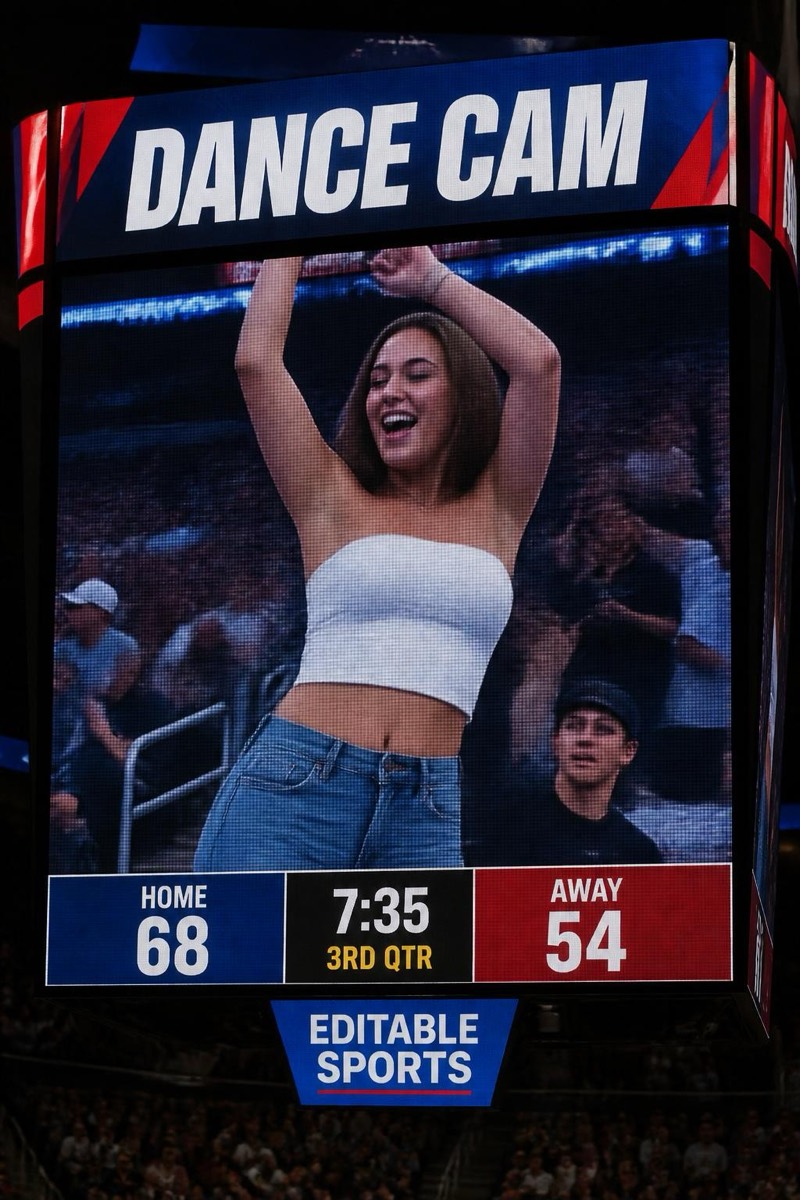
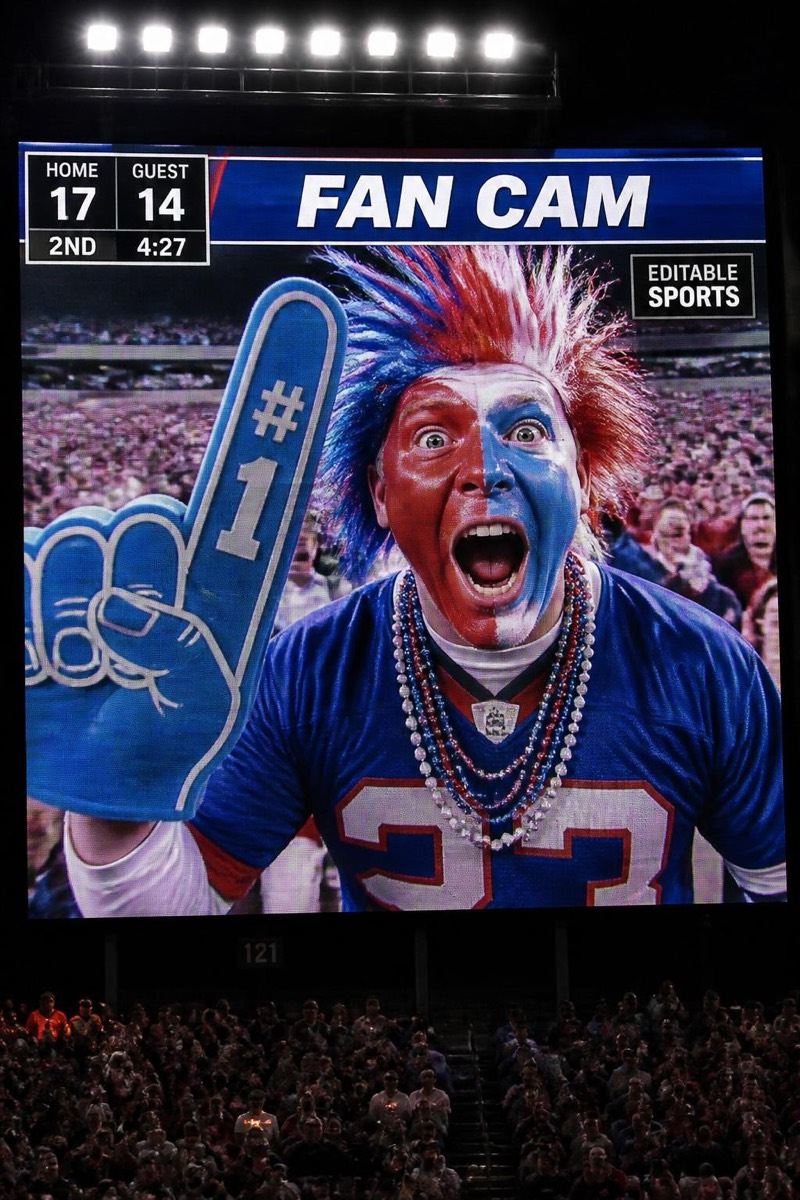
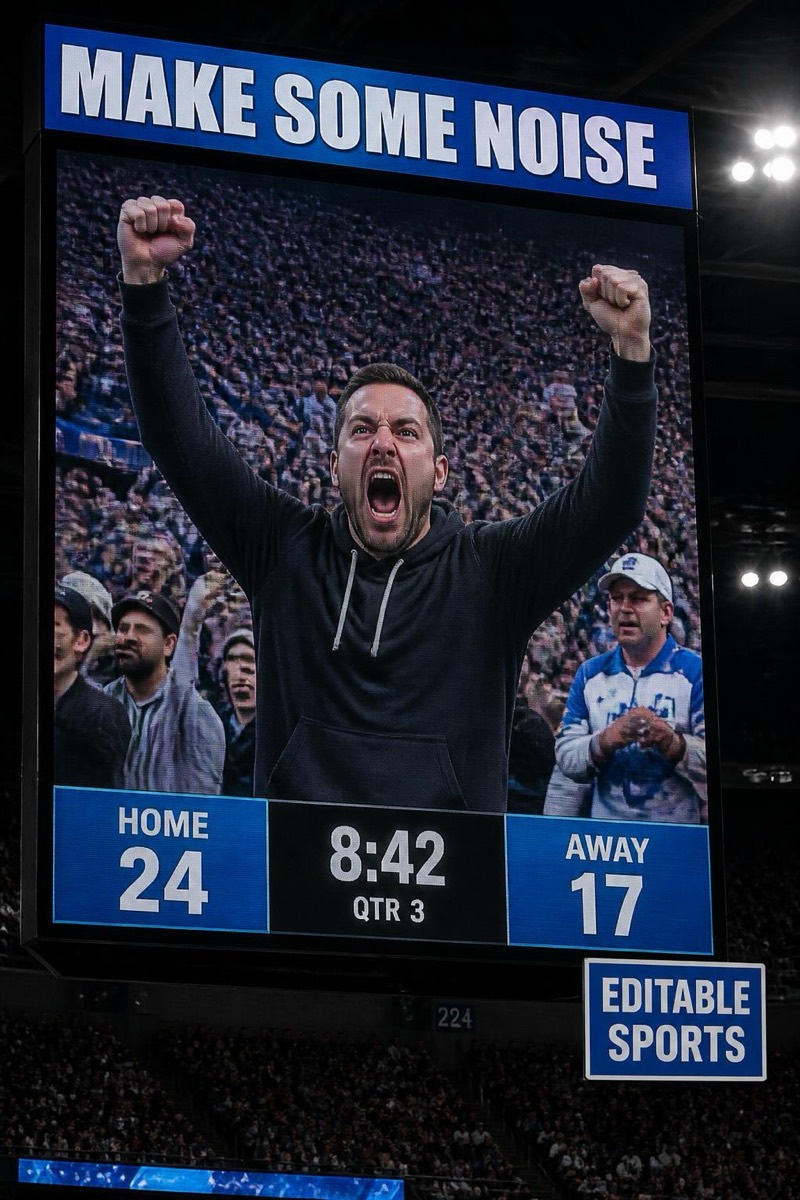
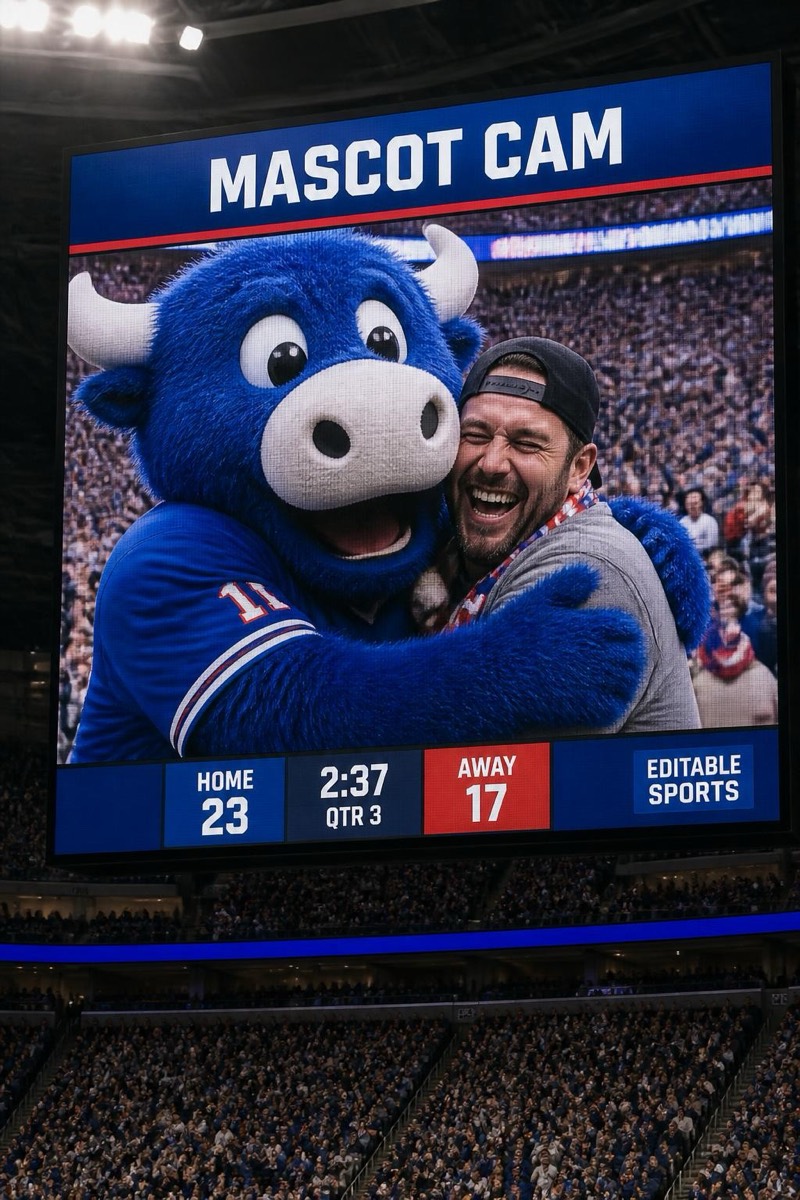
Stadium Cam
Big Screen — AI Stadium Cam filter
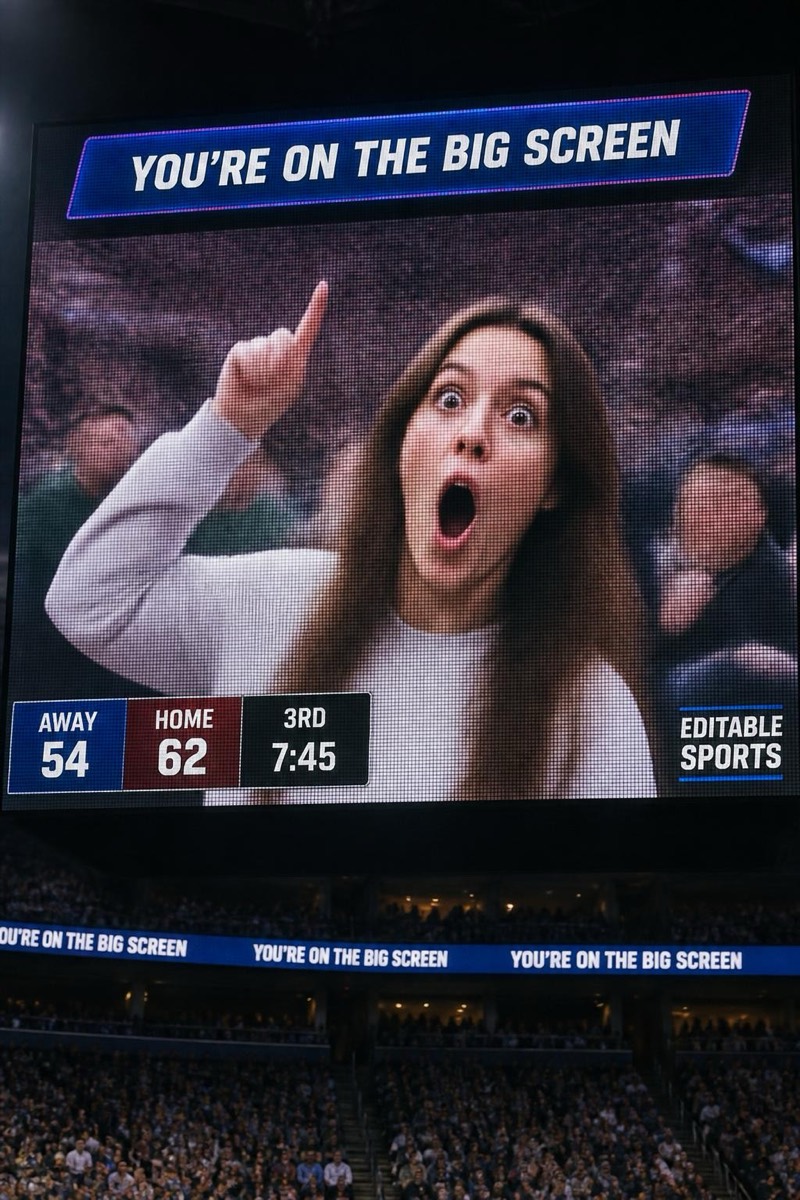
Pointing at the screen in shock.
The moment you realize you're on the big screen: pointing up at yourself, shocked, creating an infinite loop the whole stadium enjoys. This filter captures that exact feedback frame — you on the jumbotron, pointing at the jumbotron, expression caught between delight and system error. It's the most meta entry in the stadium set and the most universally relatable: nobody has ever been on the big screen and played it cool.
How to use it
- 1.
Get Editable
Download Editable (free) from the App Store and open the Explore tab.
- 2.
Pick the Big Screen filter
Find Big Screen under Stadium Cam and tap Try.
- 3.
Choose a photo
Pick a photo from your library — the edit runs automatically and is ready in seconds.
Tip: Point upward and drop your jaw in the source photo — the filter builds the screen you're reacting to.
More Stadium Cam filters