Makeup
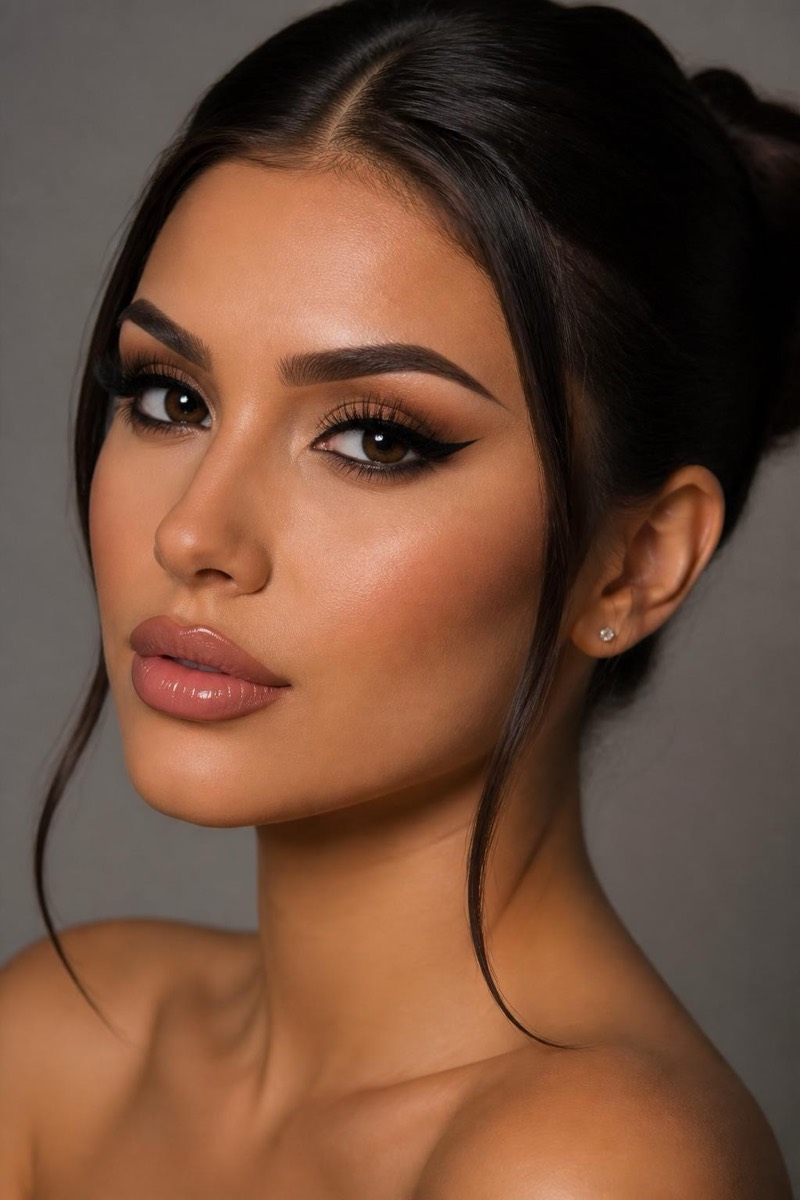
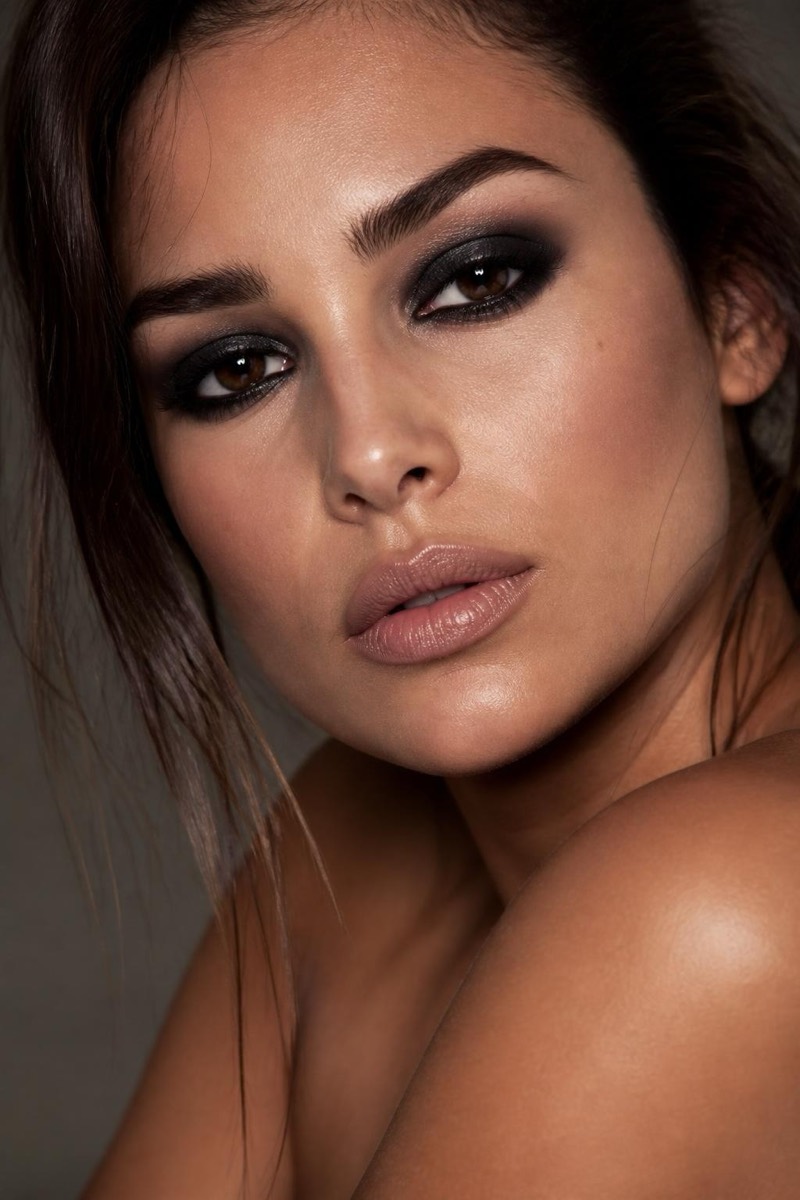
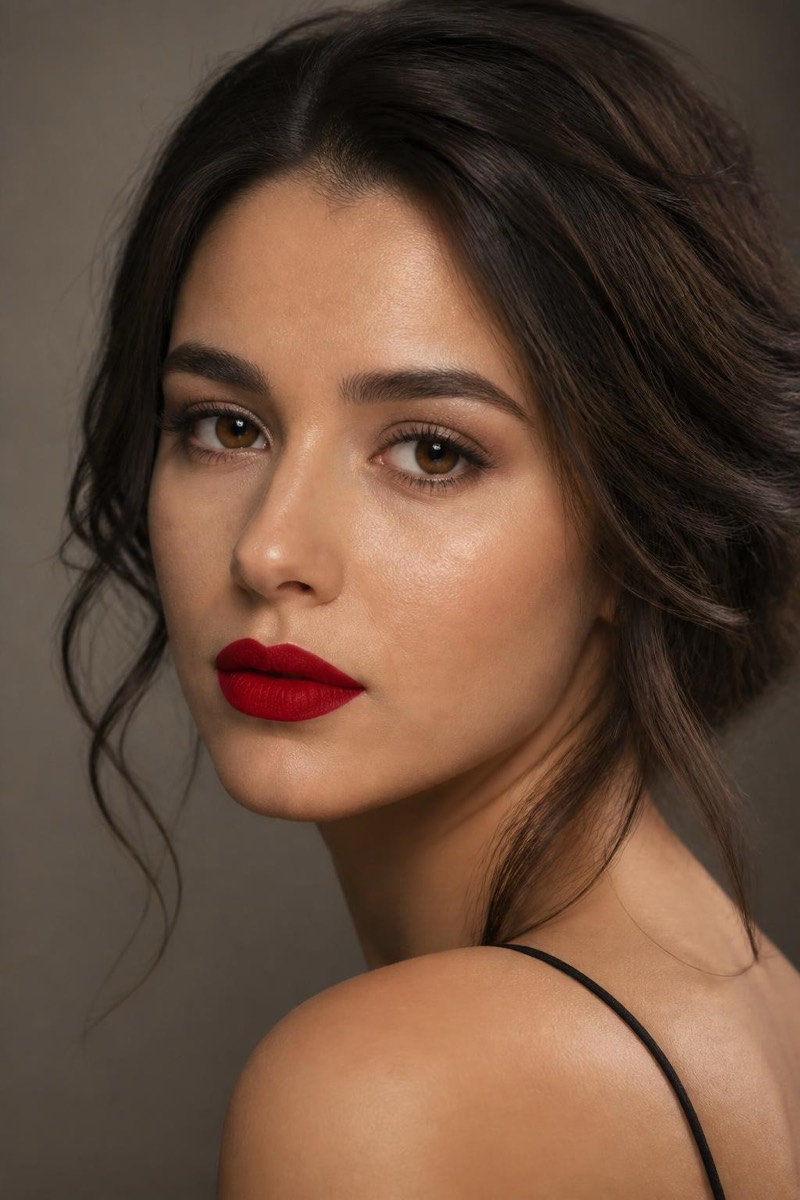
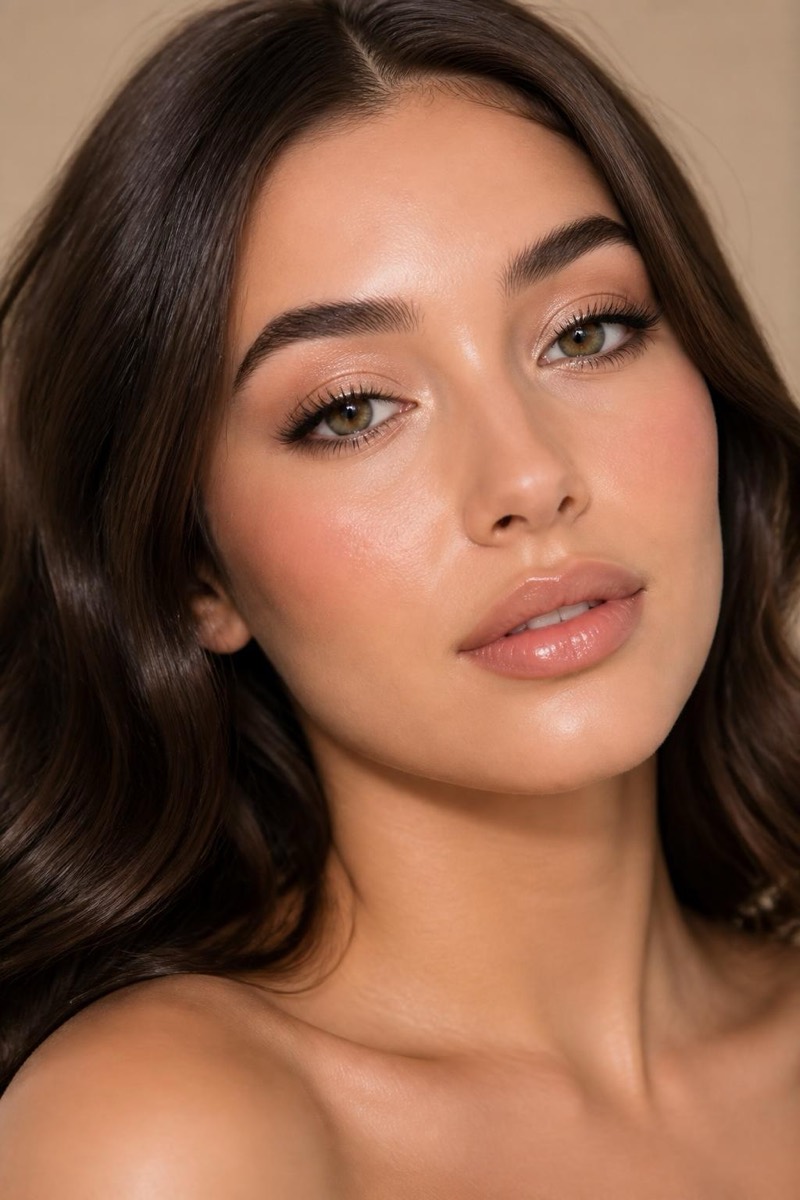
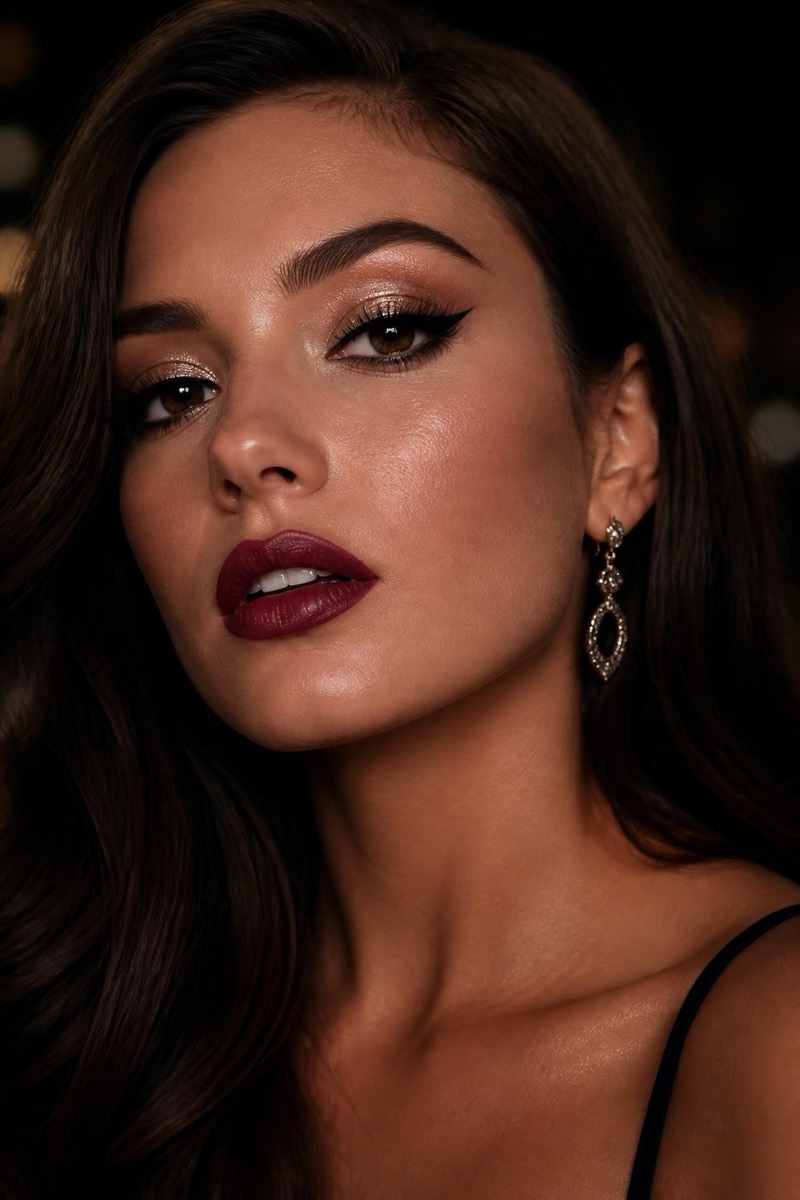
Night Out — AI Makeup filter
Shimmer eye, winged liner, berry lip.
The night-out look: shimmer on the lids, winged liner sharp enough to have opinions, a berry lip that survives dim lighting. This filter applies the full going-out application — the one that takes ninety minutes when you have twenty. It's calibrated for flash photos and low light, where subtler makeup vanishes; this look is designed to arrive in every picture taken after 9 PM.
How to use it
- 1.
Get Editable
Download Editable (free) from the App Store and open the Explore tab.
- 2.
Pick the Night Out filter
Find Night Out under Makeup and tap Try.
- 3.
Choose a photo
Pick a photo from your library — the edit runs automatically and is ready in seconds.
Tip: Indoor or evening source photos show the look in its natural habitat.
More Makeup filters