Makeup
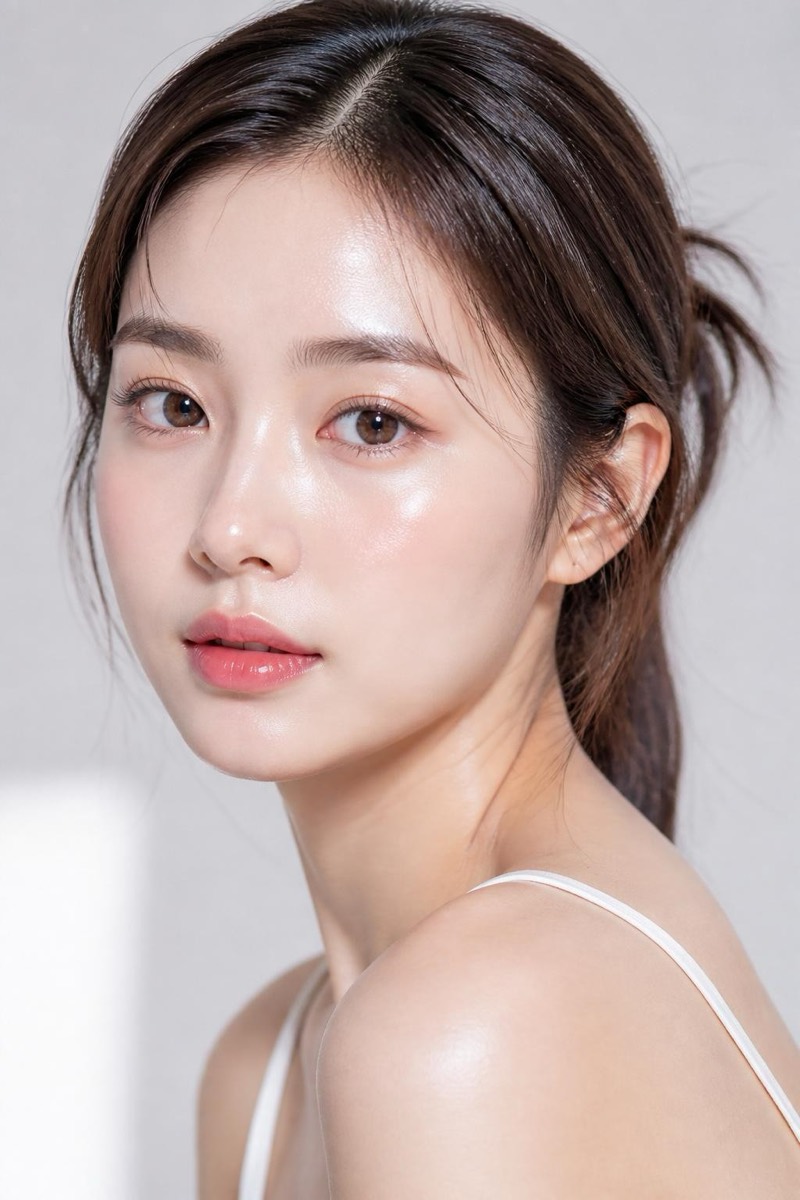
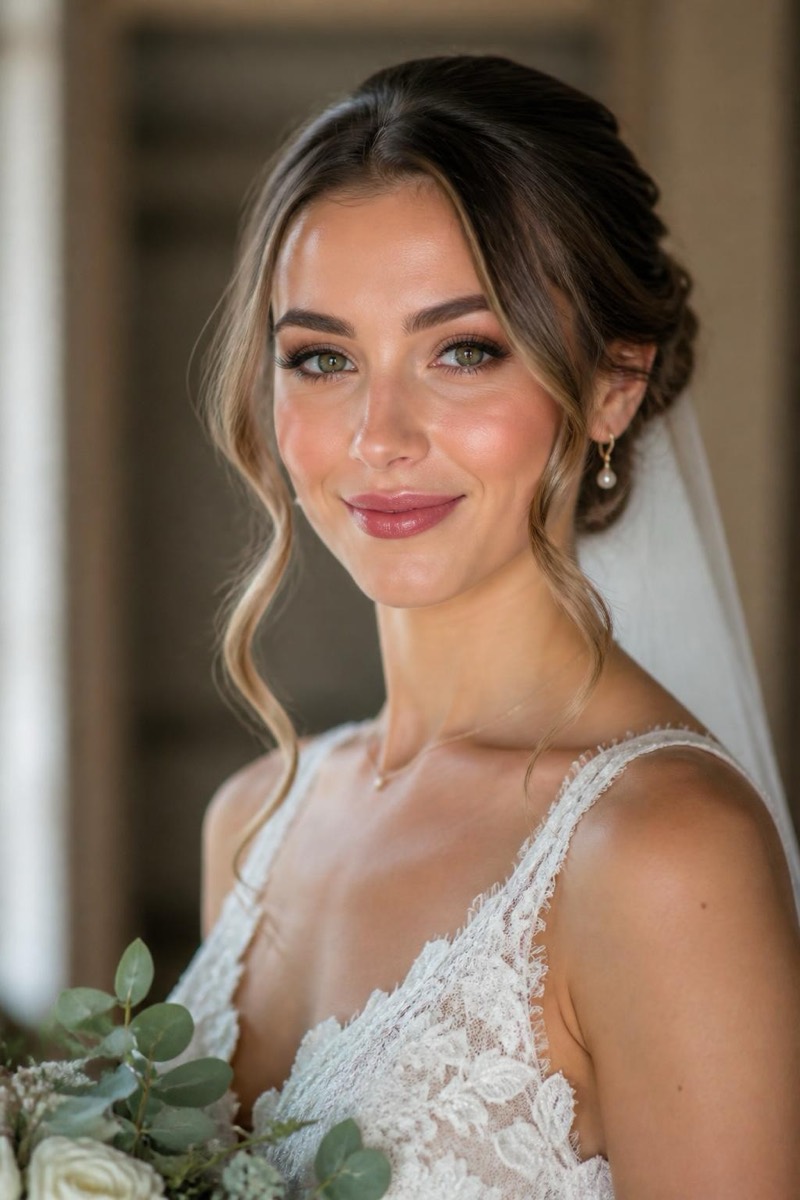
Add subtle natural makeup — AI Makeup filter
Polished everyday look
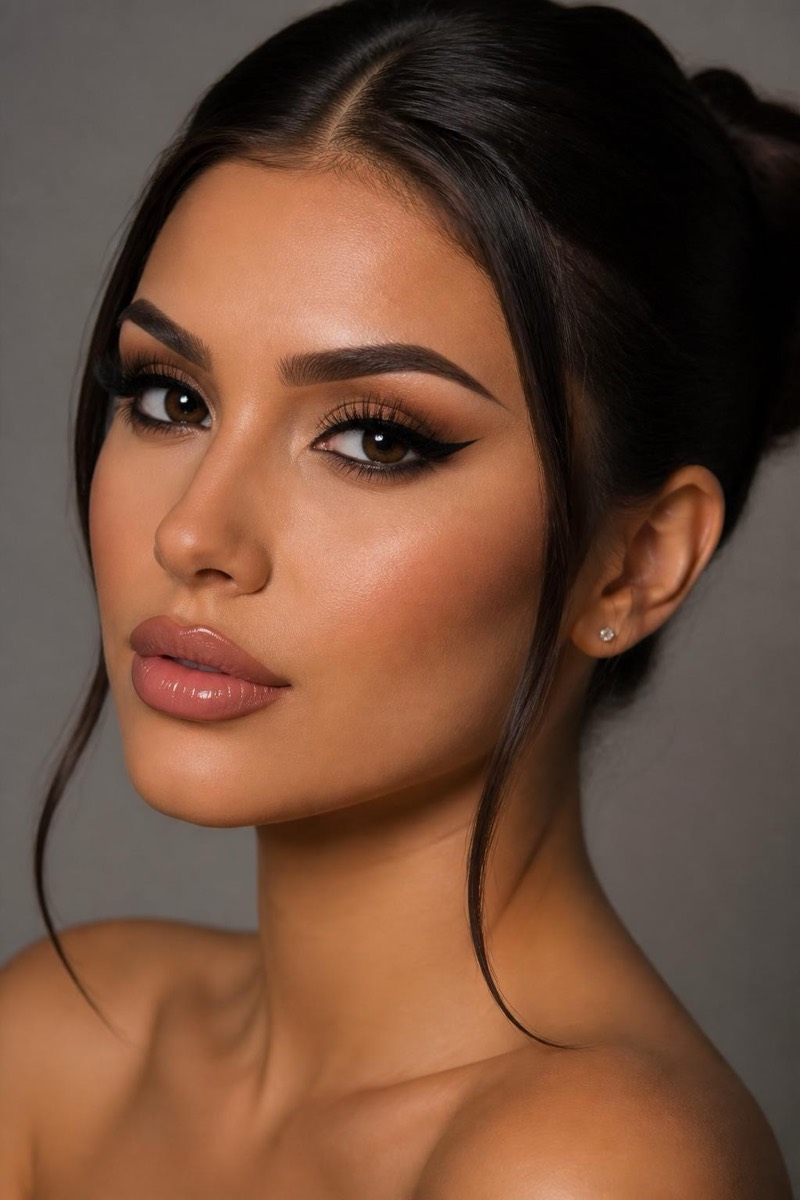
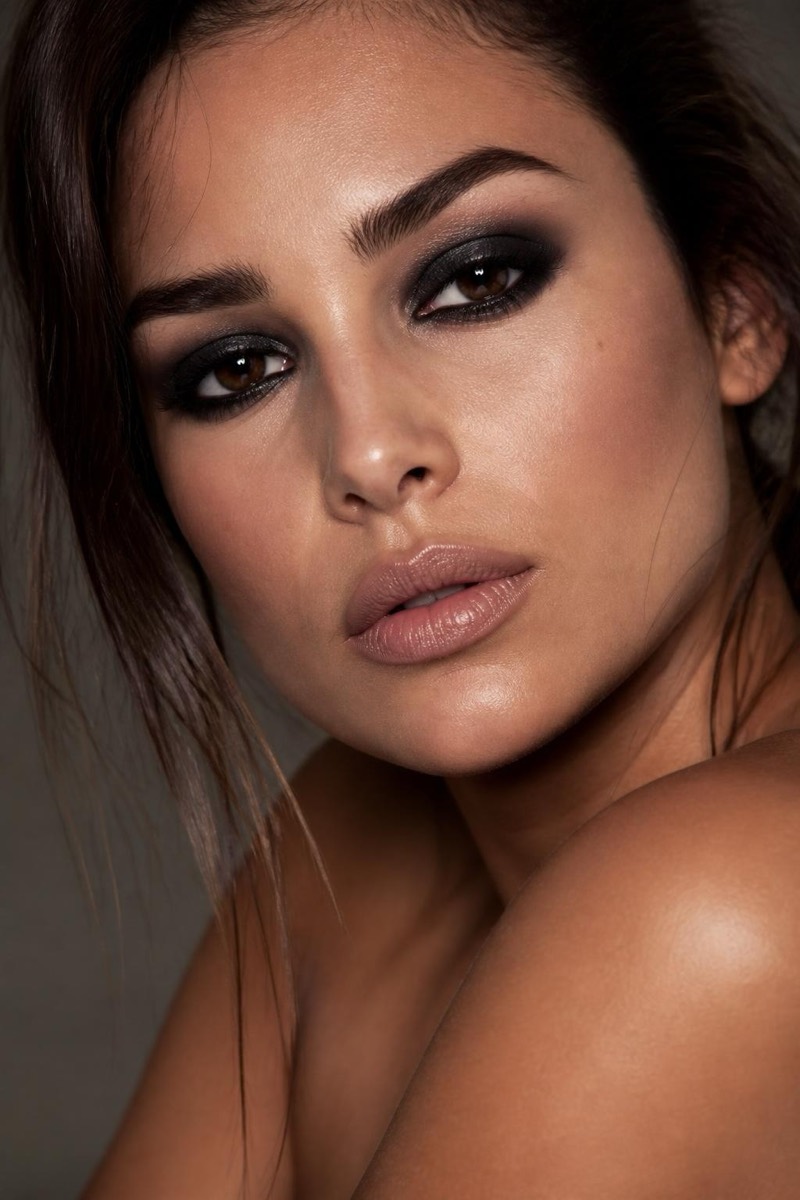
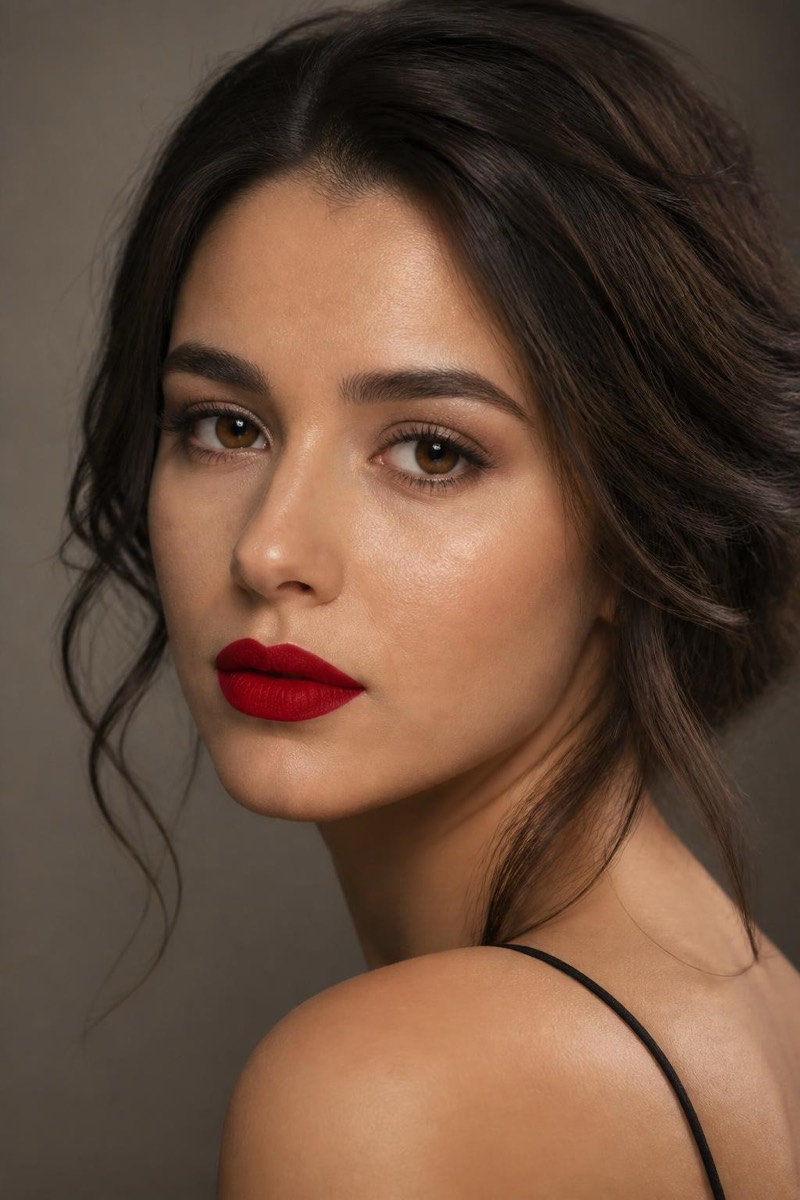
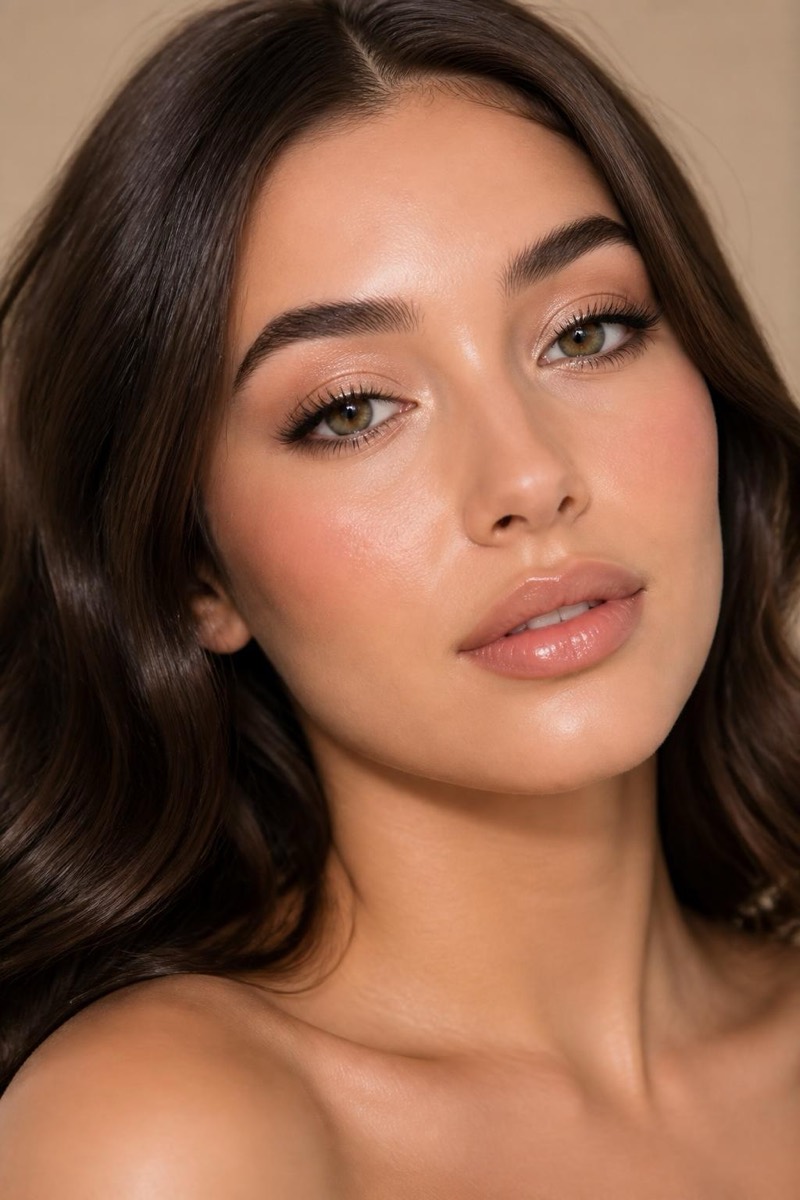
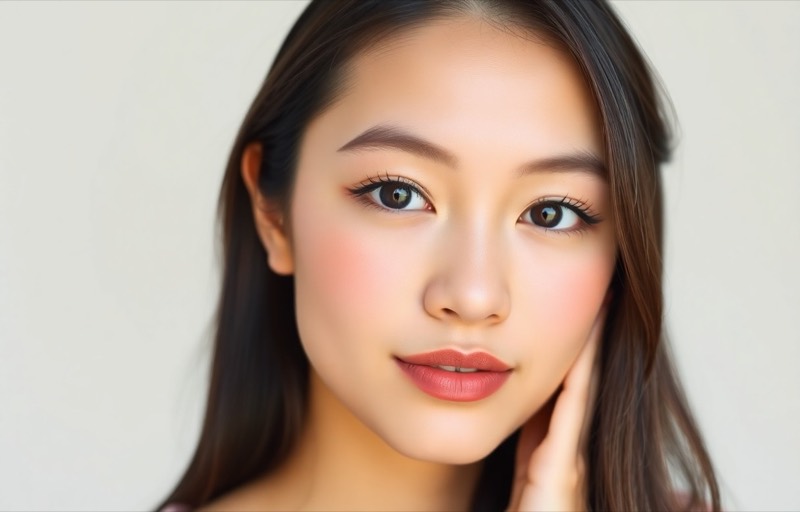
The everyday answer: subtle, natural makeup that reads as 'polished' rather than 'made up'. This filter applies the no-makeup-makeup standard — evened skin, softly defined brows and lashes, a whisper of warmth on lips and cheeks. It's the difference between rolling out of bed and having had a morning, applied retroactively to any photo. The most practically useful entry in the makeup category and the safest default.
How to use it
- 1.
Get Editable
Download Editable (free) from the App Store and open the Explore tab.
- 2.
Pick the Add subtle natural makeup filter
Find Add subtle natural makeup under Makeup and tap Try.
- 3.
Choose a photo
Pick a photo from your library — the edit runs automatically and is ready in seconds.
Tip: Works on everyone and everything — when other makeup looks feel like too much, this is the one.
More Makeup filters