Fisheye
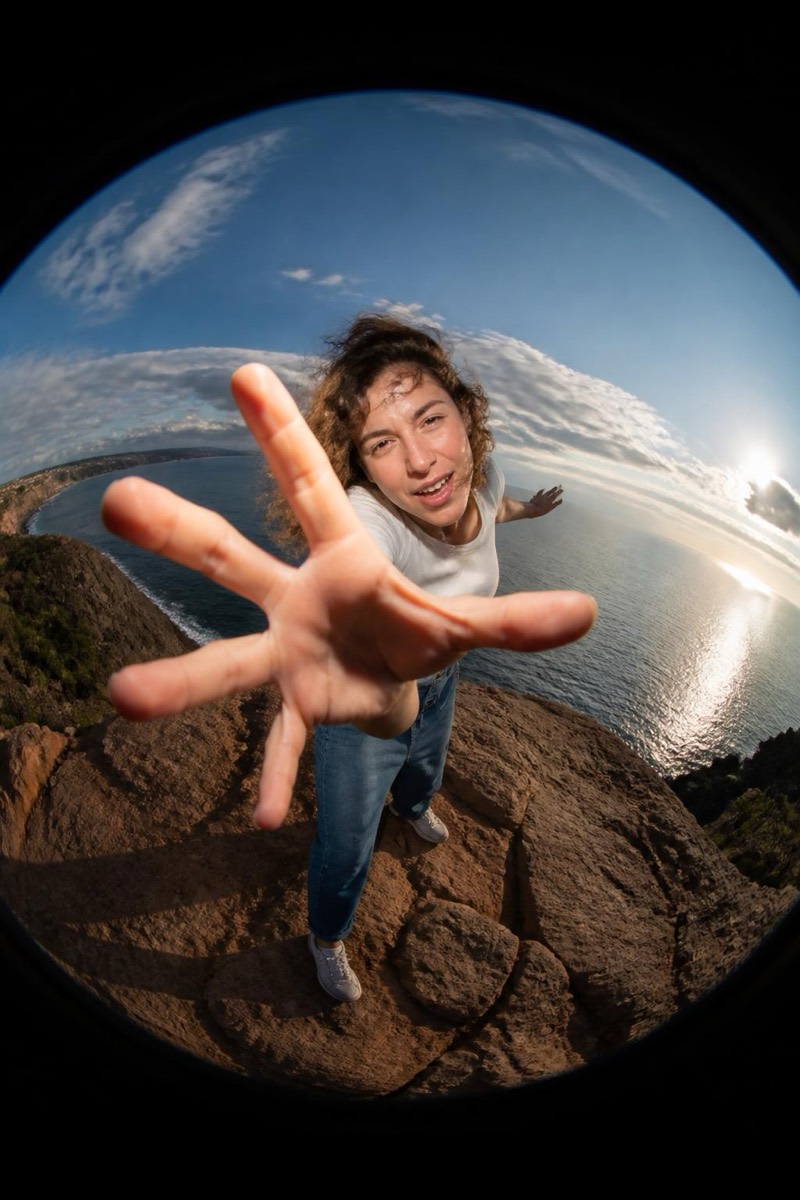
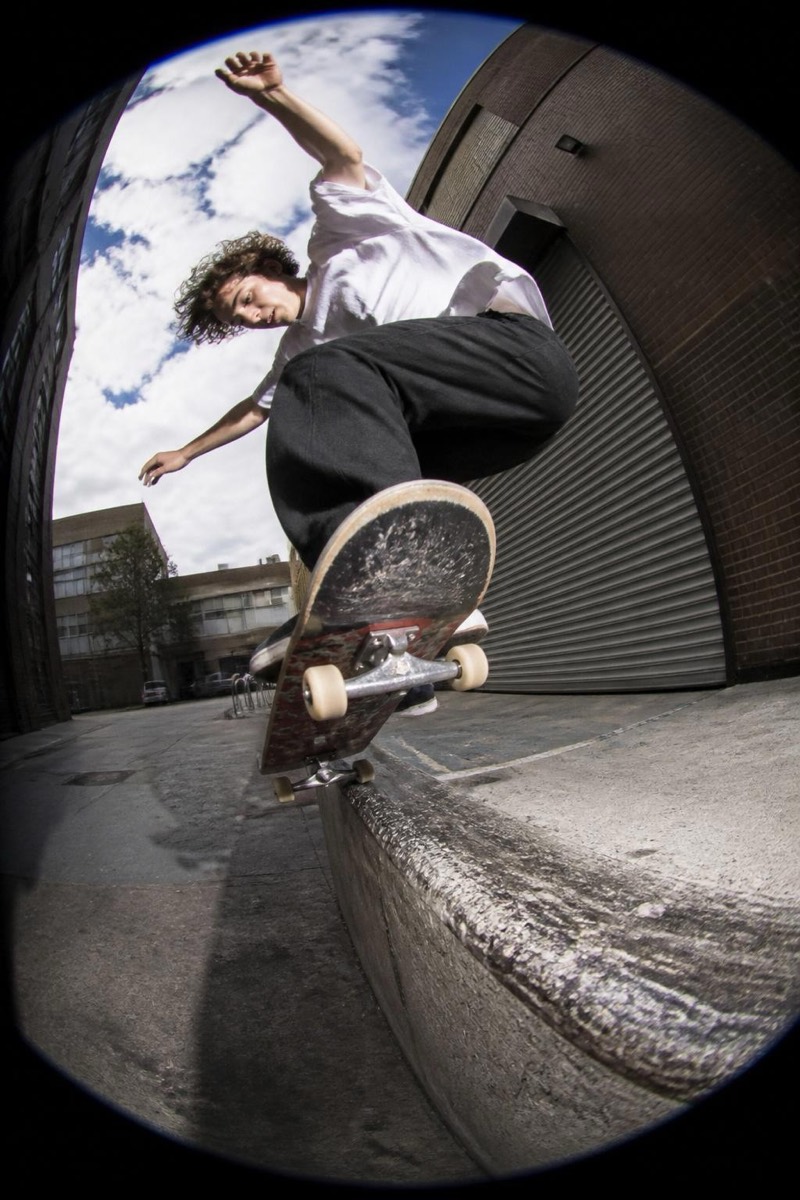
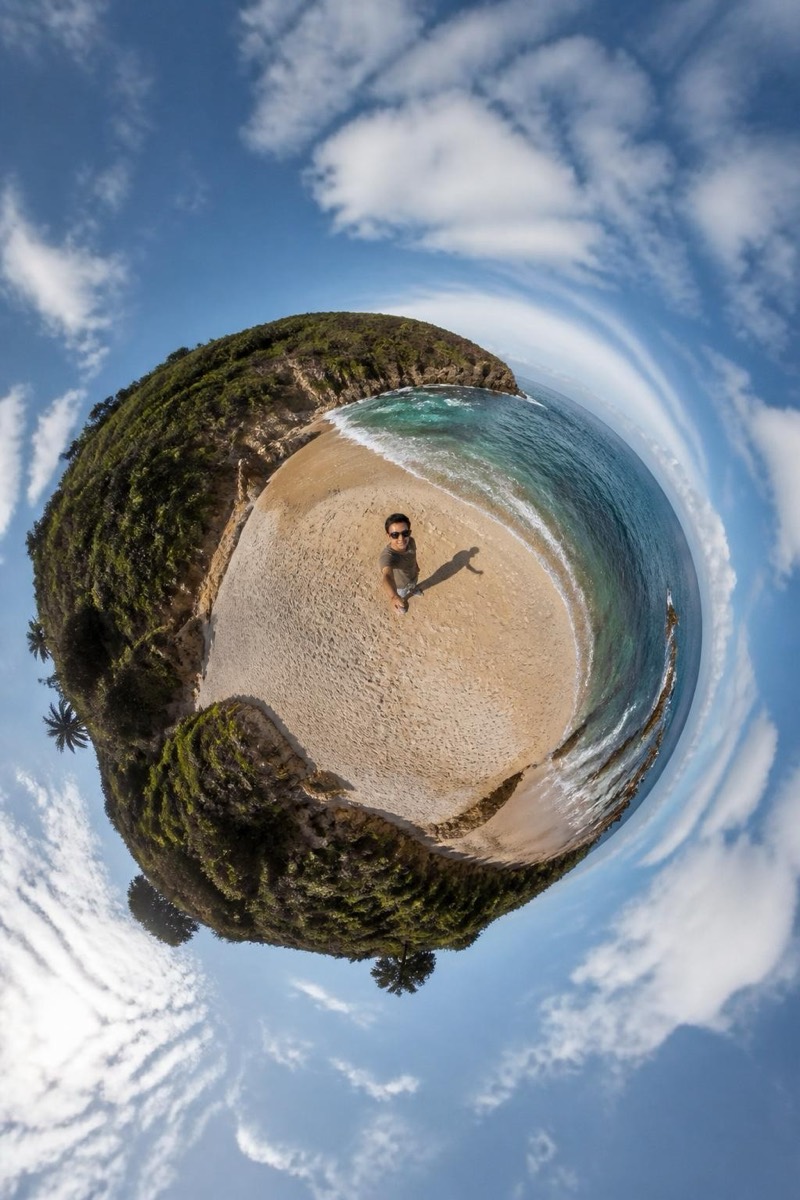
Ultra-Wide — AI Fisheye filter
Sweeping ultra-wide angle.
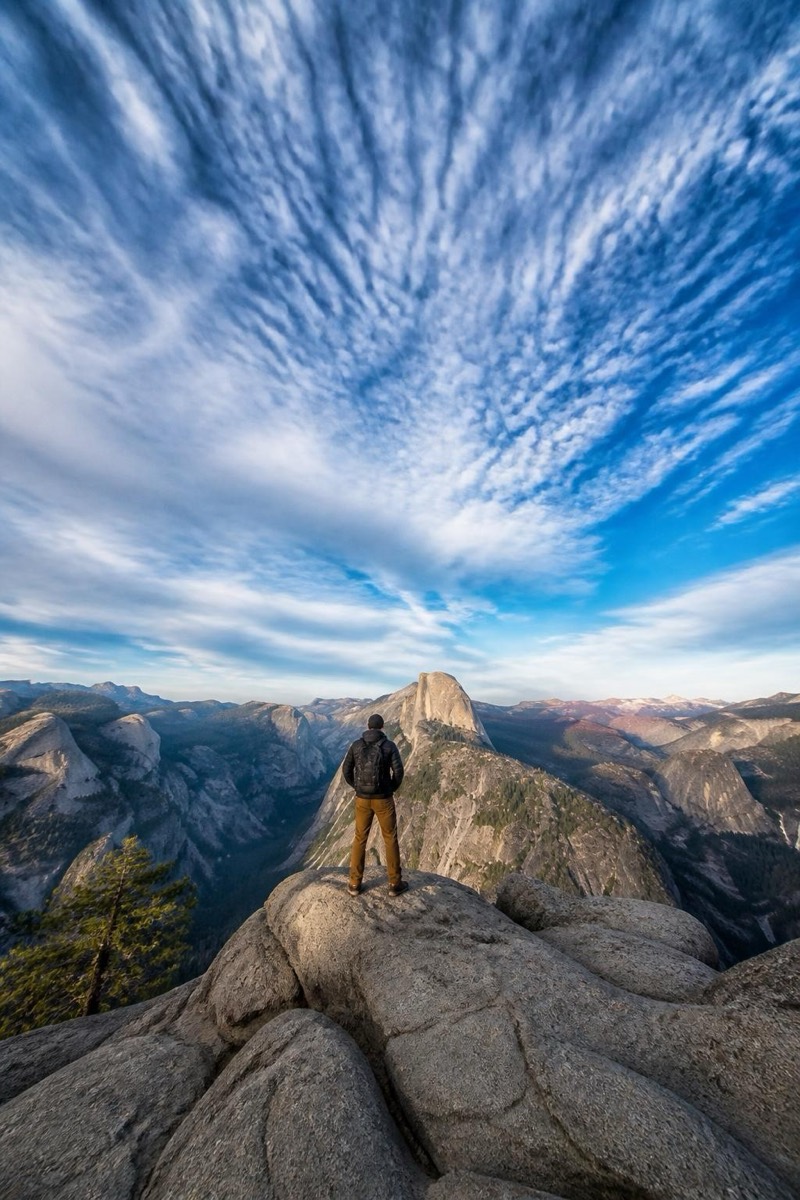
Sweeping ultra-wide: the architectural end of wide-angle — dramatic perspective, stretched foregrounds, ceilings and skies pulled into frame, but lines kept dignified rather than fully fisheyed. This filter applies that grand, immersive geometry to your photo: rooms grow, landscapes open, subjects gain context on all sides. It's the look of real-estate flagship shots and travel covers, minus the lens that costs a rent payment.
How to use it
- 1.
Get Editable
Download Editable (free) from the App Store and open the Explore tab.
- 2.
Pick the Ultra-Wide filter
Find Ultra-Wide under Fisheye and tap Try.
- 3.
Choose a photo
Pick a photo from your library — the edit runs automatically and is ready in seconds.
Tip: Environments are the point — use photos where the surroundings deserve the extra frame.
More Fisheye filters