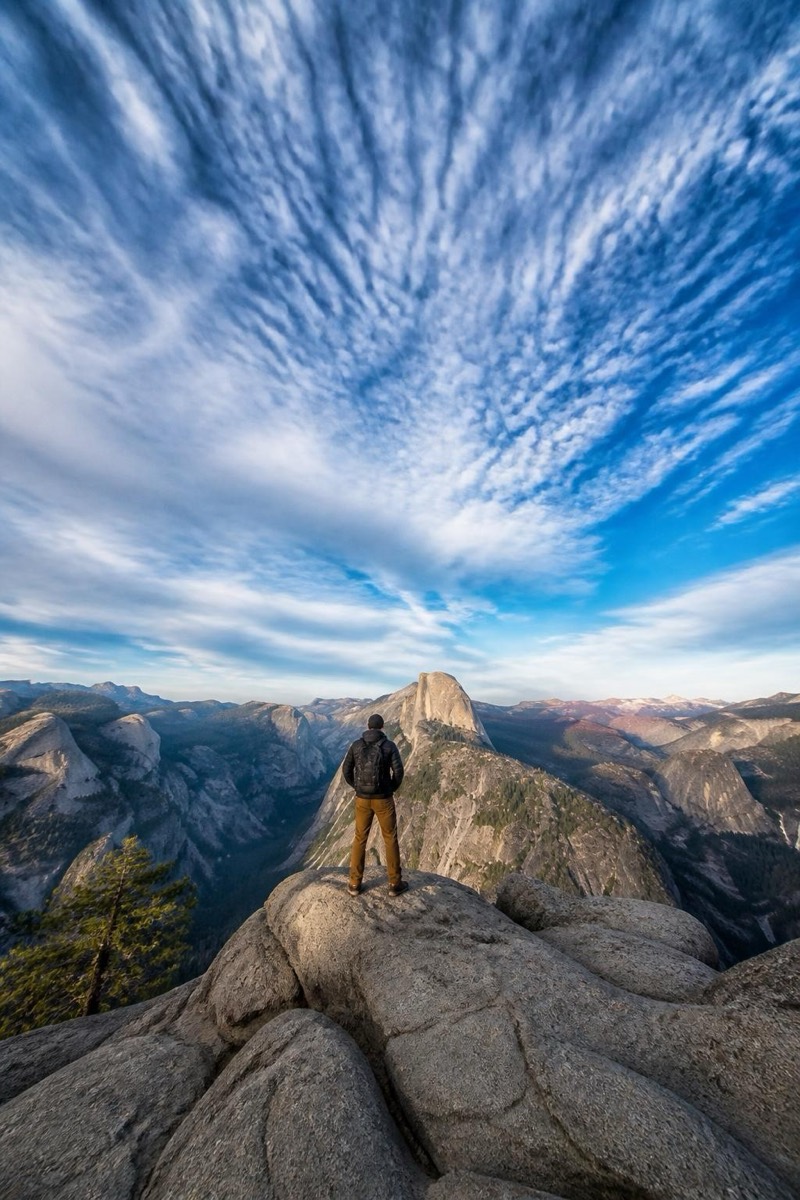
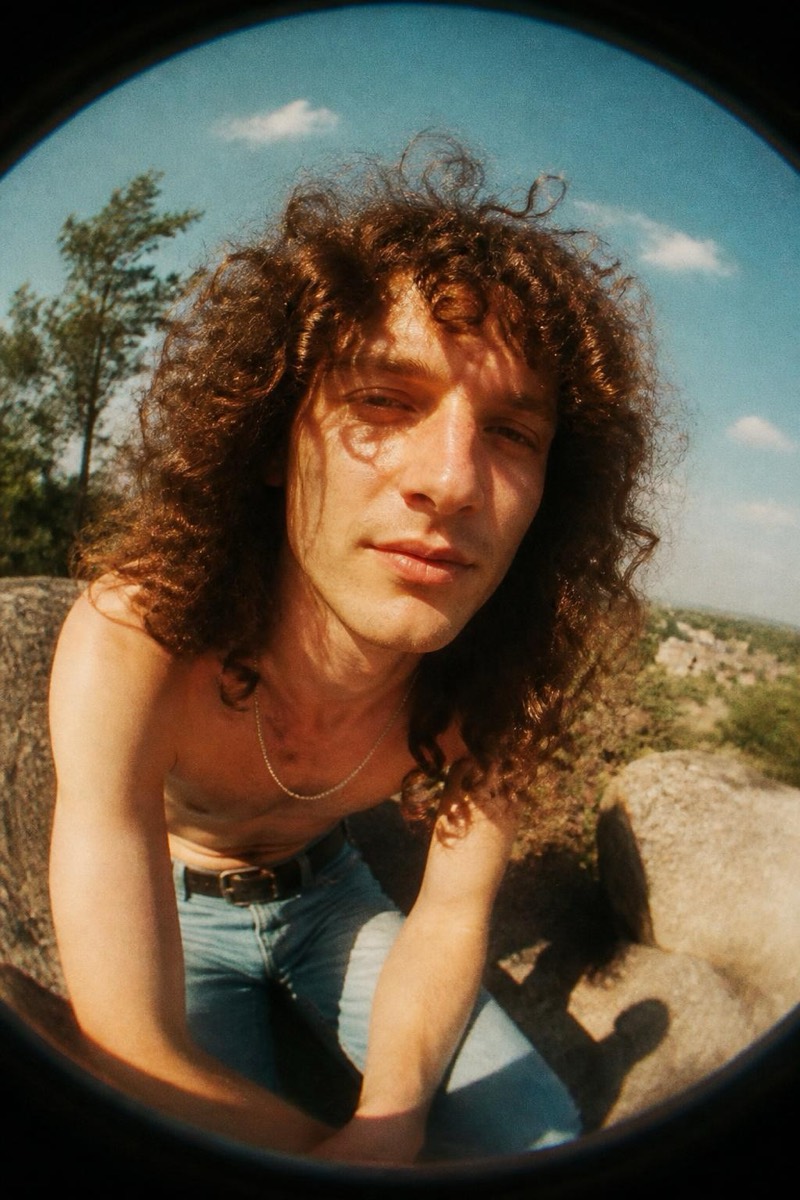
Fisheye
Peephole — AI Fisheye filter
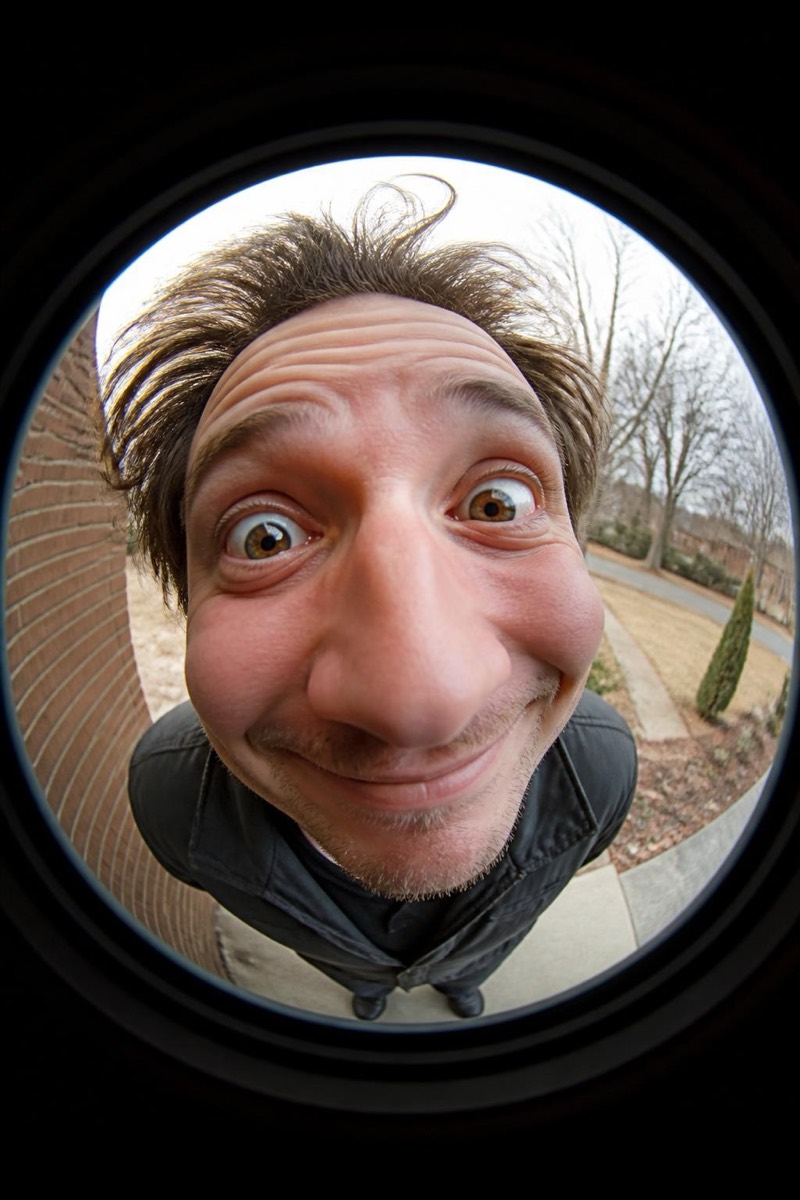
Door-peephole fisheye.
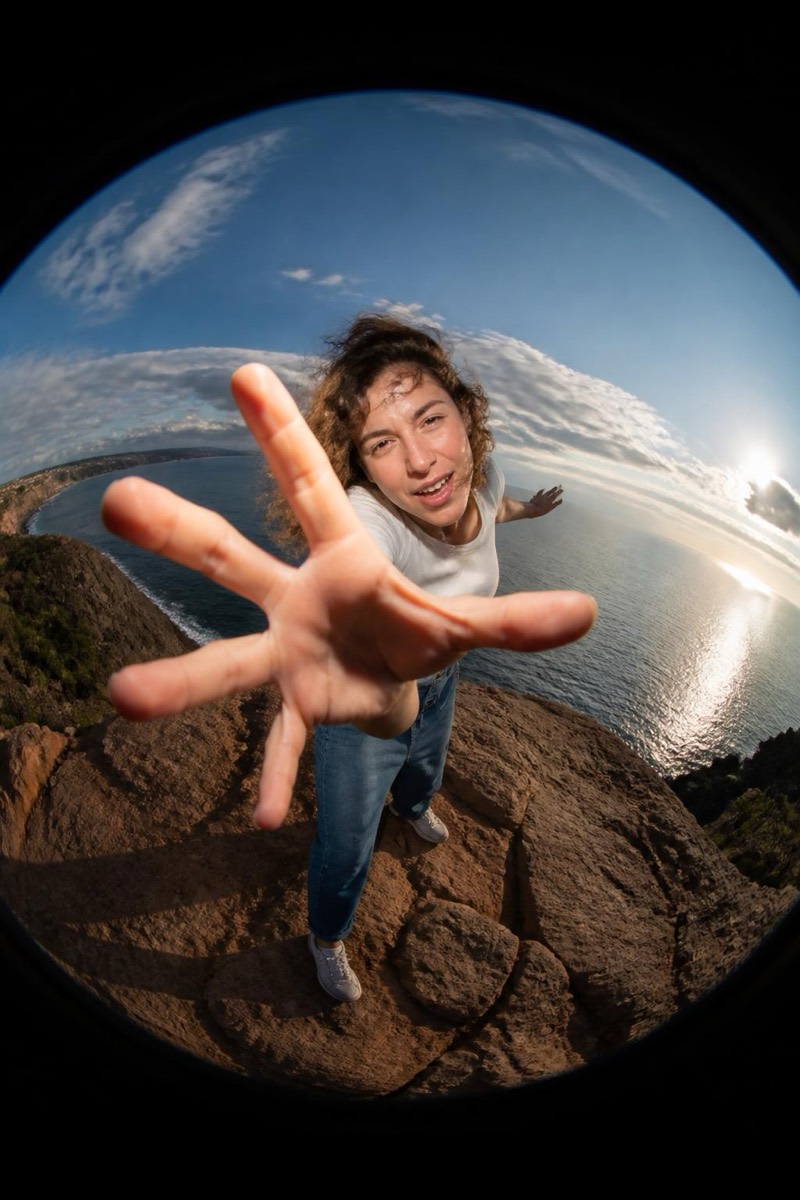
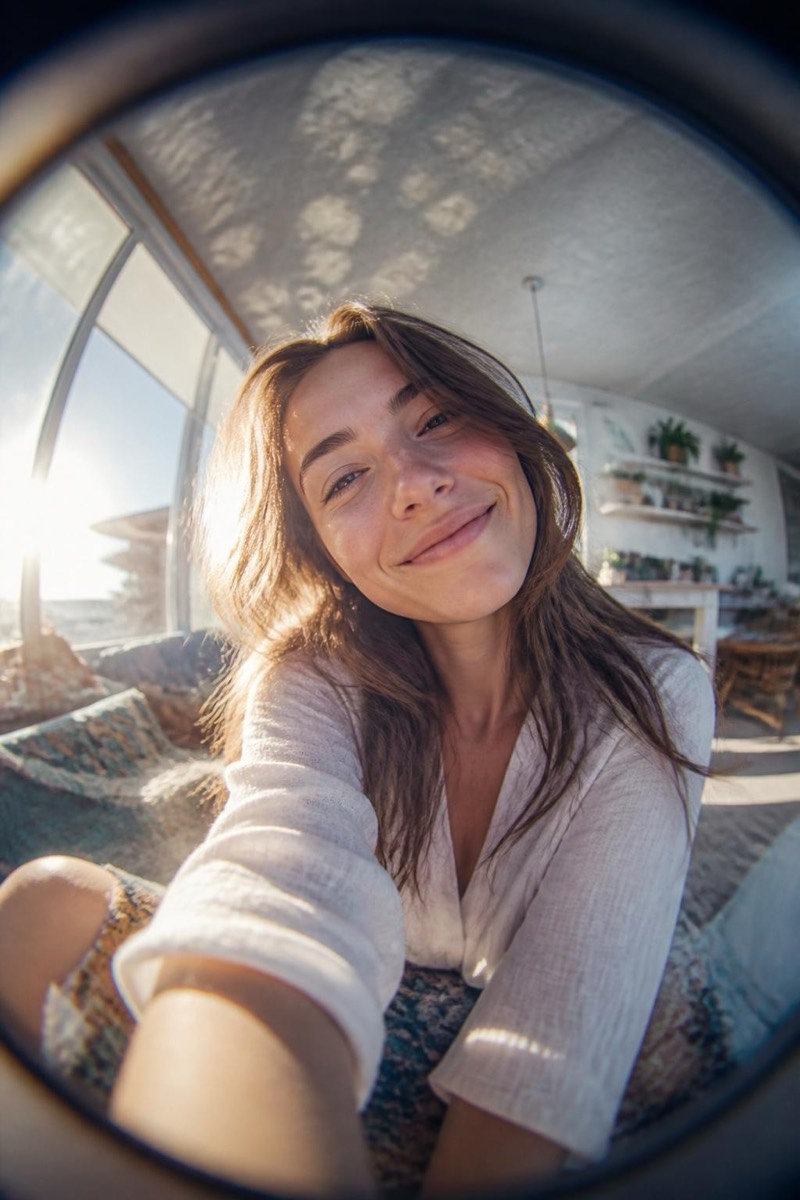
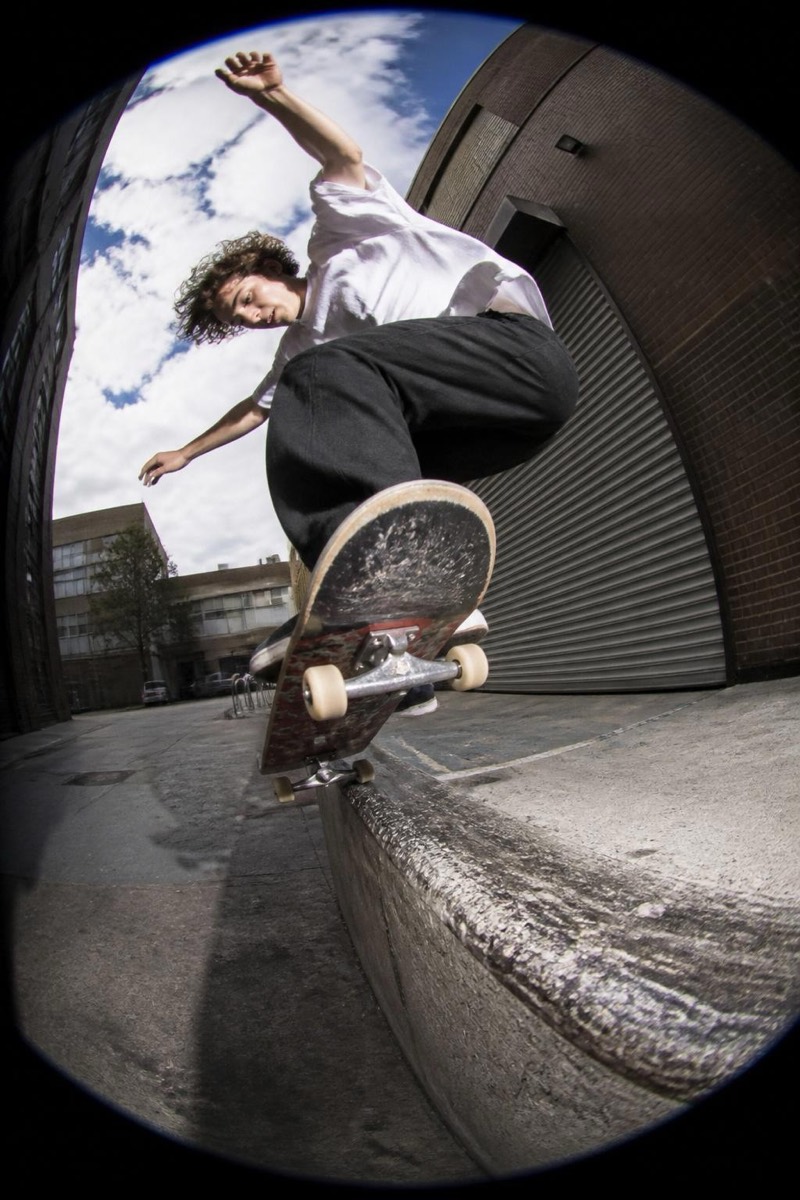
The door peephole view: circular frame, heavy distortion, hallway compressed into a suspicious little bubble — the world's most paranoid lens, played for comedy. This filter renders your photo as seen through that brass viewer: rounded, vignetted, unmistakably 'who is it?'. It's a format gag with perfect delivery, ideal for arrival announcements, visitor jokes and pet photos of exceptional judgment.
How to use it
- 1.
Get Editable
Download Editable (free) from the App Store and open the Explore tab.
- 2.
Pick the Peephole filter
Find Peephole under Fisheye and tap Try.
- 3.
Choose a photo
Pick a photo from your library — the edit runs automatically and is ready in seconds.
Tip: Face close to camera, slightly distorted expression — you're the unexpected visitor.
More Fisheye filters